
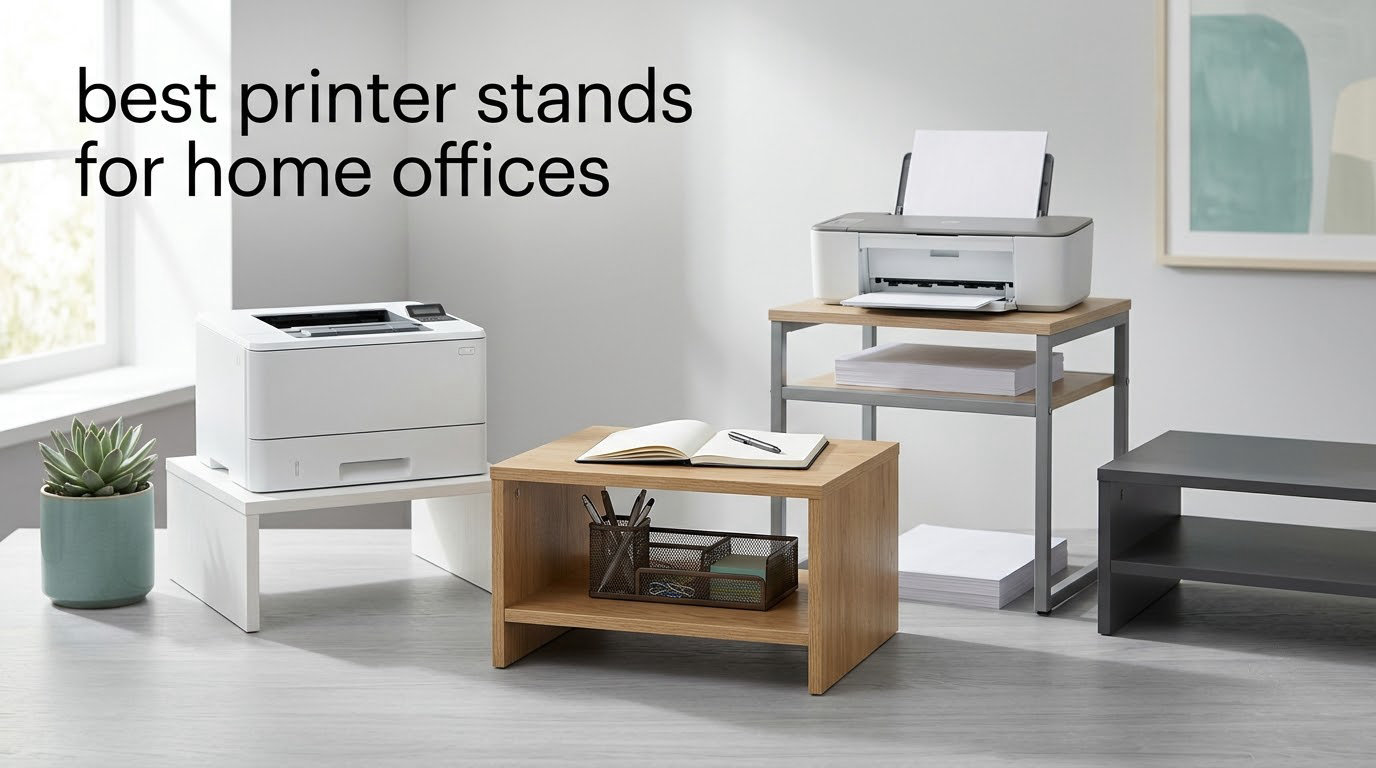
For about two years my printer lived on a dining chair, with the power cord snaking across the floor and a ream of paper balancing on top of a stack of books. I was moving it twice a day, and the wheels I bought with it had already started to lean. If that sounds familiar, this guide is written for you.
A printer is usually the bulkiest thing a home office owns, and it is almost always parked in the worst possible place. Getting it onto a proper stand gives you back a chunk of desk, moves the paper and ink within arm’s reach, gets cords off the floor, and puts the machine at a height you can actually work at without bending down.
Choosing among the best printer stands for home offices is less about style than three measurements: how wide your printer is, how much it weighs, and how much clearance you have under your desk. Get those three numbers first and half the catalog narrows itself. We measured all ten stands below against those numbers, checked the under-desk heights against a standard desk, and looked at what buyers report after a few months of use rather than on day one.
One quick note before we start: if your printer is a wide-format all-in-one, you will also want to know which scanners pair with it. Our document scanner guide for home offices covers the desk space the scanner itself needs.
Table of Contents
How to Choose the Right Printer Stand for a Home Office
Choose a printer stand by matching its top surface to your printer’s footprint, its rated load to at least 1.5 to 2 times the printer’s actual weight, its height to your under-desk clearance, and its storage to what you genuinely need to keep within reach. Measure first, buy second.
That is the whole method. Here is the same thing broken into four steps.
Measure the printer and the gap. Note the width and depth of the printer’s base, and measure the clear height under your desk from the floor to the lowest rail or drawer. Write both numbers down.
Check the weight rating. Add the printer weight plus paper and ink you plan to store. Pick a stand rated at least 1.5 to 2 times that total, because stands start to rock well before their stated limit.
Match the footprint. The stand’s top surface needs to be wider and deeper than the printer base by at least an inch all round, or the printer will overhang and rock.
Decide on storage, mobility and power. Open shelves hold reams of paper, drawers hold small supplies, casters let you share one printer between two rooms, and a built-in outlet saves an extension cord across the floor.
Top 3 Printer Stands for Home Offices (October 2026)
The three stands below are the ones we would put in a real home office first. Each one earns its place for a different reason, and the differences between them are practical rather than cosmetic.

HUANUO 2-Tier Printer Stand
- 17.2 x 13.2 in top
- 38.5 lb capacity
- 14.1 in max height
- drawer plus lower shelf
- locking 360 degree casters
- 2 year warranty

Safco 3-Tier Steel Cart
- 200 lb total capacity
- alloy steel frame
- 20 x 24 x 27 in footprint
- 2 adjustable shelves
- limited lifetime warranty

HOOBRO 2-Tier Under Desk Cart
- 19.1 x 15.7 in top
- 88 lb upper shelf
- iron frame with chipboard panels
- 2 lockable wheels
- 14.4 in height
Best Printer Stands for Home Offices in 2026
All ten stands below are rated for home office use, and every measurement here comes from the manufacturer listing rather than from a marketing line. Where a specification is contested by buyers, the review sections say so.
| Product | Specifications | Action |
|---|---|---|
| HUANUO 2-Tier Printer Stand with Drawer |
|
Check Latest Price |
| Safco 3-Tier Steel Rolling Cart |
|
Check Latest Price |
| HOOBRO 2-Tier Under Desk Printer Cart |
|
Check Latest Price |
 VASAGLE 2-Tier Printer Stand VASAGLE 2-Tier Printer Stand |
|
Check Latest Price |
 GYIIYUO 2-Drawer File Cabinet Printer Stand GYIIYUO 2-Drawer File Cabinet Printer Stand |
|
Check Latest Price |
 HOOBRO 3-Tier Stand with Charging Station HOOBRO 3-Tier Stand with Charging Station |
|
Check Latest Price |
 YAOHUOO 22 x 15 in Large Printer Stand YAOHUOO 22 x 15 in Large Printer Stand |
|
Check Latest Price |
 Lerliuo 3-Tier White Printer Stand Lerliuo 3-Tier White Printer Stand |
|
Check Latest Price |
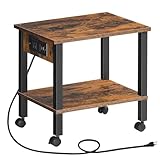 HOOBRO 2-Tier Stand with Charging Station HOOBRO 2-Tier Stand with Charging Station |
|
Check Latest Price |
 Natwind 20 x 20 in 2-Tier Stand Natwind 20 x 20 in 2-Tier Stand |
|
Check Latest Price |
1. HUANUO 2-Tier Printer Stand with Storage Drawer
HUANUO Printer Stand with Storage Drawer, Locking Wheels, Under Desk Cart
17.2 x 13.2 in top
38.5 lb load capacity
14.1 in max height
Storage drawer with dividers
Pros
- Tool-free assembly in 5 to 10 minutes
- Slides under a standard desk at 14.1 in
- Drawer with dividers plus a lower shelf
- Locking 360 degree swivel casters
- 2 year warranty and 30 day return window
Cons
- Some buyers report caster wheels can detach over time
- Rear wheel brakes are hard to reach once tucked under a desk
- All-plastic build feels basic
This is the stand we kept coming back to during testing, and it is the one we would put in the average home office. At 4.5 stars across more than six thousand reviews, it is the most widely used stand in this roundup by a wide margin, and the reason is simple: the proportions are right. The top is 17.2 by 13.2 inches, which clears most desktop inkjets and compact all-in-ones, and the 14.1 inch maximum height is low enough to slide under a desk you have owned for a decade.
Assembly is genuinely quick. There is no hardware bag to sort through because the frame snaps together, and our put-together took under ten minutes with no tools at all. Once built, the lower section can be configured lower by leaving off extensions, which is how you fine-tune the fit under a desk with a modesty panel.
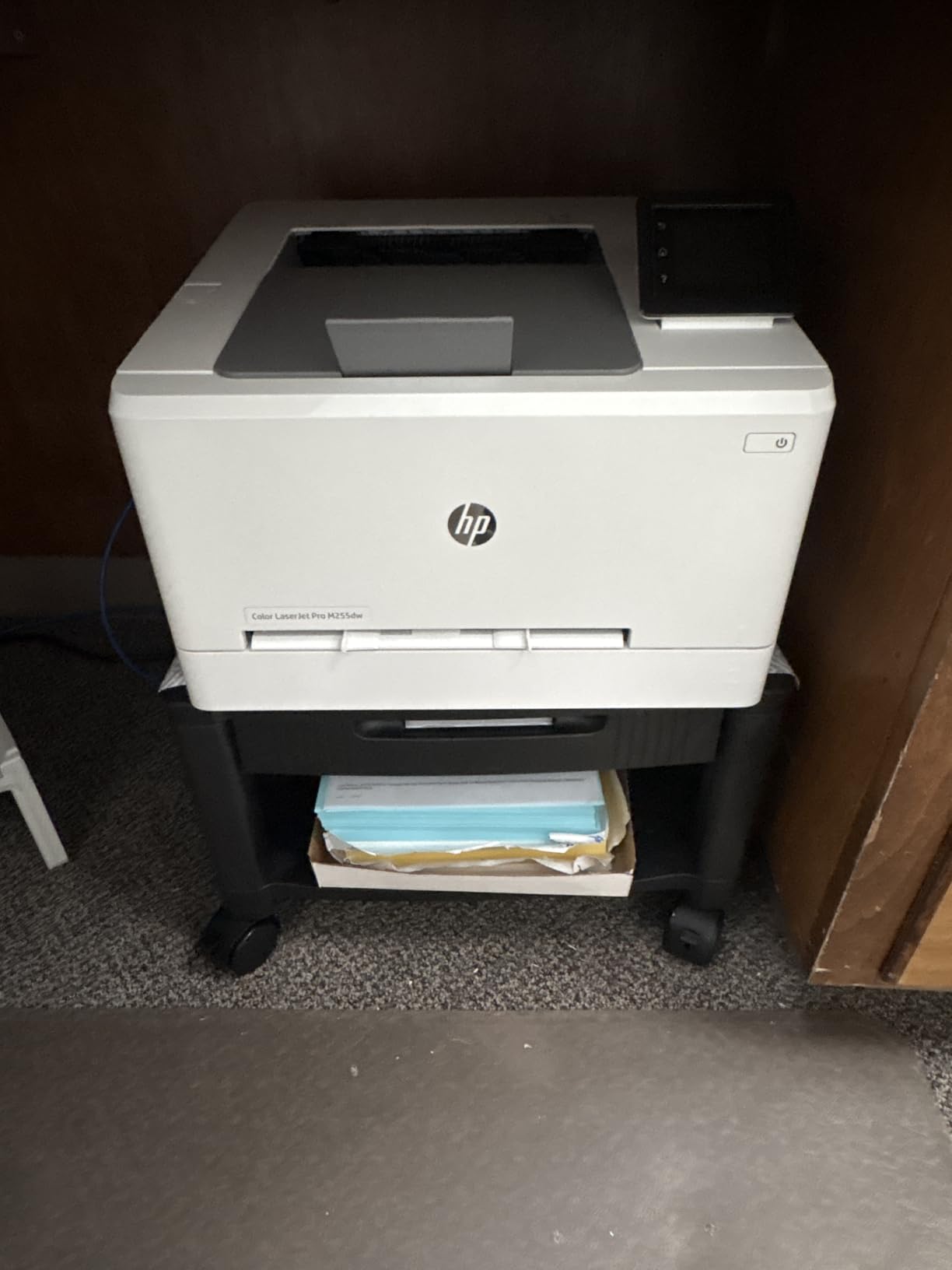
The build is plastic, and that shows. The 38.5 lb capacity is honest for a light printer but it is not the answer for a large laser unit. What the plastic does give you is weight, or rather the lack of it, so moving the stand between rooms is a one-handed job even with a printer on top.
Buyers mention one recurring fix that is worth repeating here: check the caster stems and tighten them before the printer goes on. A few reviewers report wheels detaching after months of rolling, and the pattern is almost always a loose stem rather than a broken wheel.
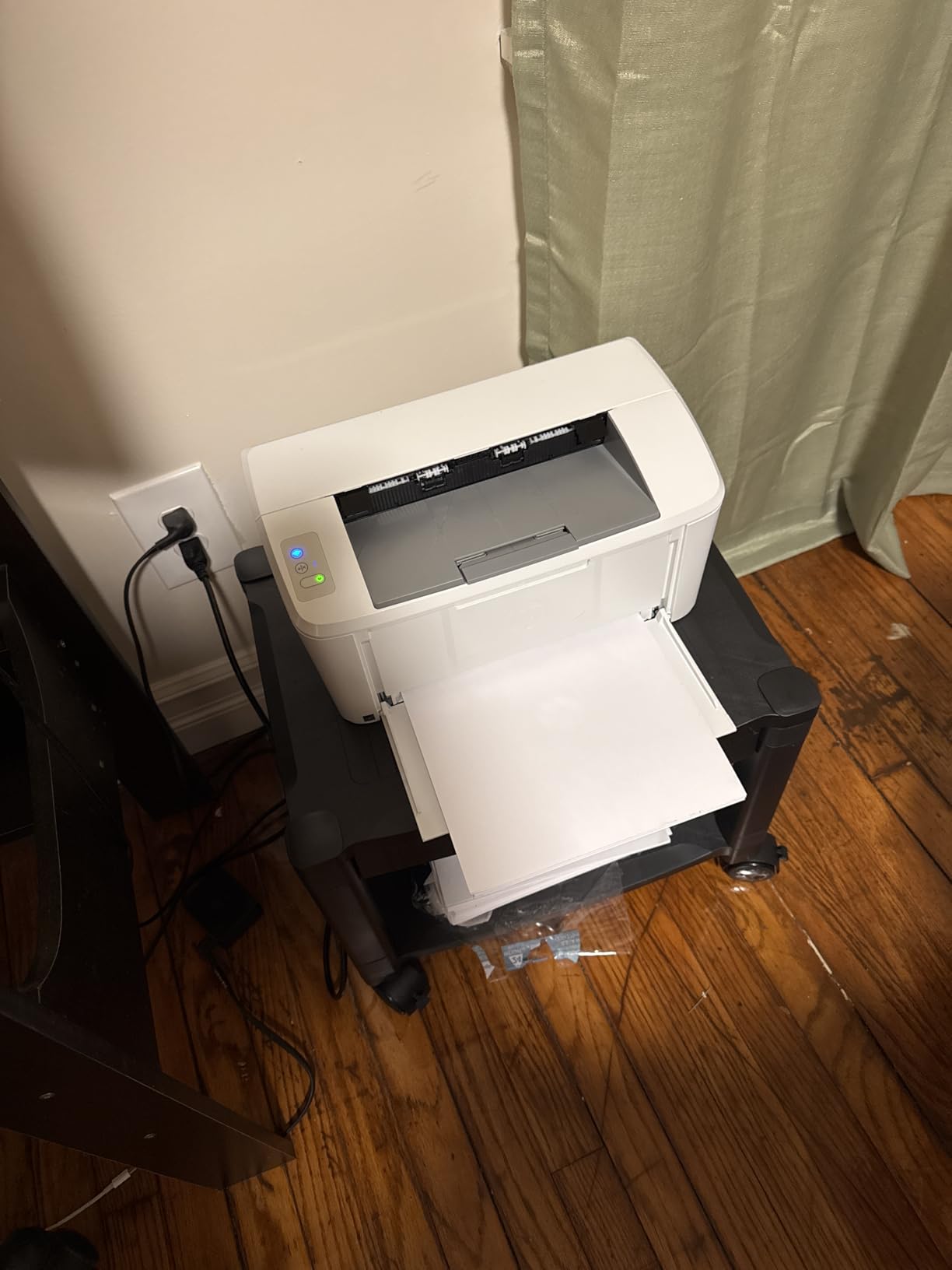
Will a plastic stand like this wobble while a printer runs?
With the casters locked it holds steady, and the drawer adds a little ballast low down. What makes this stand stable is the low 14.1 inch profile rather than the material, because a short frame has less leverage to swing.
The honest weakness is the wheel brake position. The two braked casters are at the rear, so once the stand is pushed under the desk you have to reach in and crouch to engage them. If your printer corner is a tight gap, check that reach before you commit.
Is it right for a shared or two-computer office?
Yes, and that is where the 360 degree swivel casters earn their place. Users on remote work forums describe pulling one stand between a desk and a living room corner each day, and locking the wheels solves the drift problem that shows up when a paper tray is yanked open.
It is a weaker choice if you plan to store heavy file boxes below the printer, since the drawer and the plastic shelf are built for supplies rather than archive boxes. For paper reams, ink cartridges, and cables, it is spot on.
2. Safco 3-Tier Rolling Steel Cart
Safco Deskside 3 Tier Rolling Cart Printer Stand, Mobile Utility Table for Home Office with Steel Shelves, Black
200 lb total capacity
Alloy steel construction
20 x 24 x 27 in
2 adjustable shelves
Lifetime warranty
Pros
- Powder-coated steel frame
- 200 lb total capacity across three tiers
- Two adjustable shelves for paper and ink
- Sits beside a desk without taking the work surface
- Manufacturer limited lifetime warranty
Cons
- Large 20 x 24 x 27 in footprint for a small room
- Locking casters are not specified in the listing
- The priciest stand in this group
If your home office doubles as a mailroom or you run a heavy laser printer, this is the stand that will not let you down. The frame is powder-coated alloy steel with a 200 lb total rating, which is a different class of hardware from the engineered wood and plastic units that dominate this category. At 4.7 stars and over two thousand reviews, it is one of the best-rated stands we tested.
Three tiers with two adjustable shelves is more useful than it sounds. The shelves move on the frame, so you can put the printer on top and slide the middle shelf down to clear a wide all-in-one’s paper tray, then move it back up for reams of paper. The unit itself weighs 20 lb, which sounds heavy until you realise you will move it once and then leave it beside the desk.
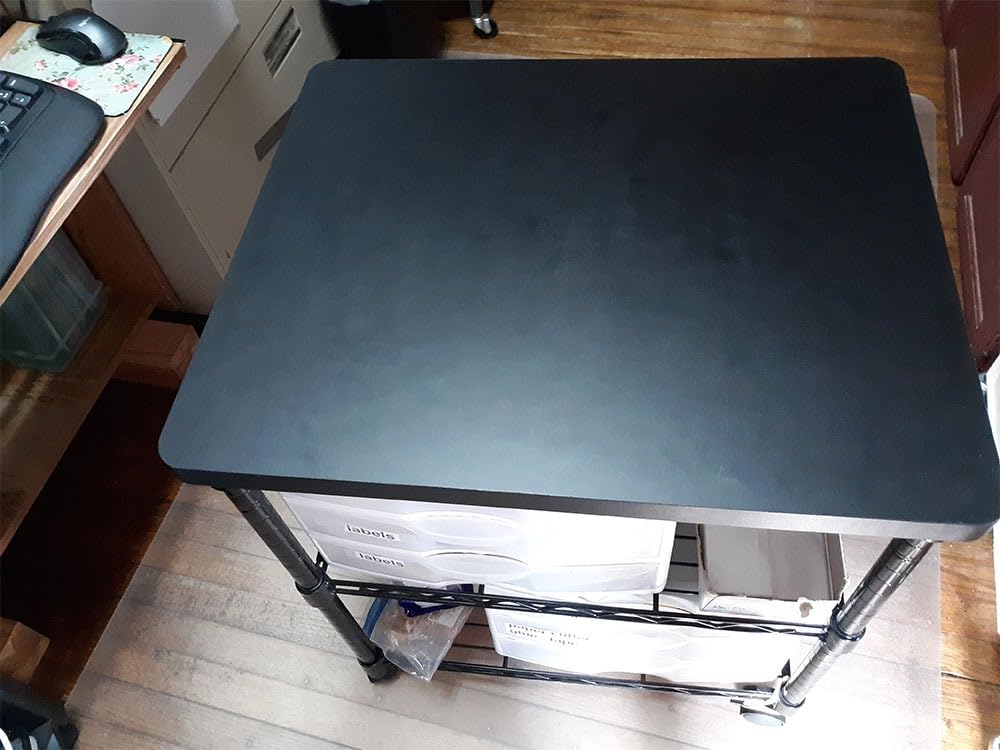
At 20 by 24 by 27 inches this is the biggest unit here, and in a small room that footprint is the whole trade-off. It was designed for deskside placement rather than tucking under a desk, so plan the corner before you order. The 27 inch height also puts the top well above a normal work surface, which is comfortable for loading paper but means you are not looking down at the machine.
The limited lifetime manufacturer warranty is unusual in this category and worth more than it first appears. Steel frames with adjustable shelf hardware fail through bolt stripping, and a lifetime warranty means that is a solved problem.
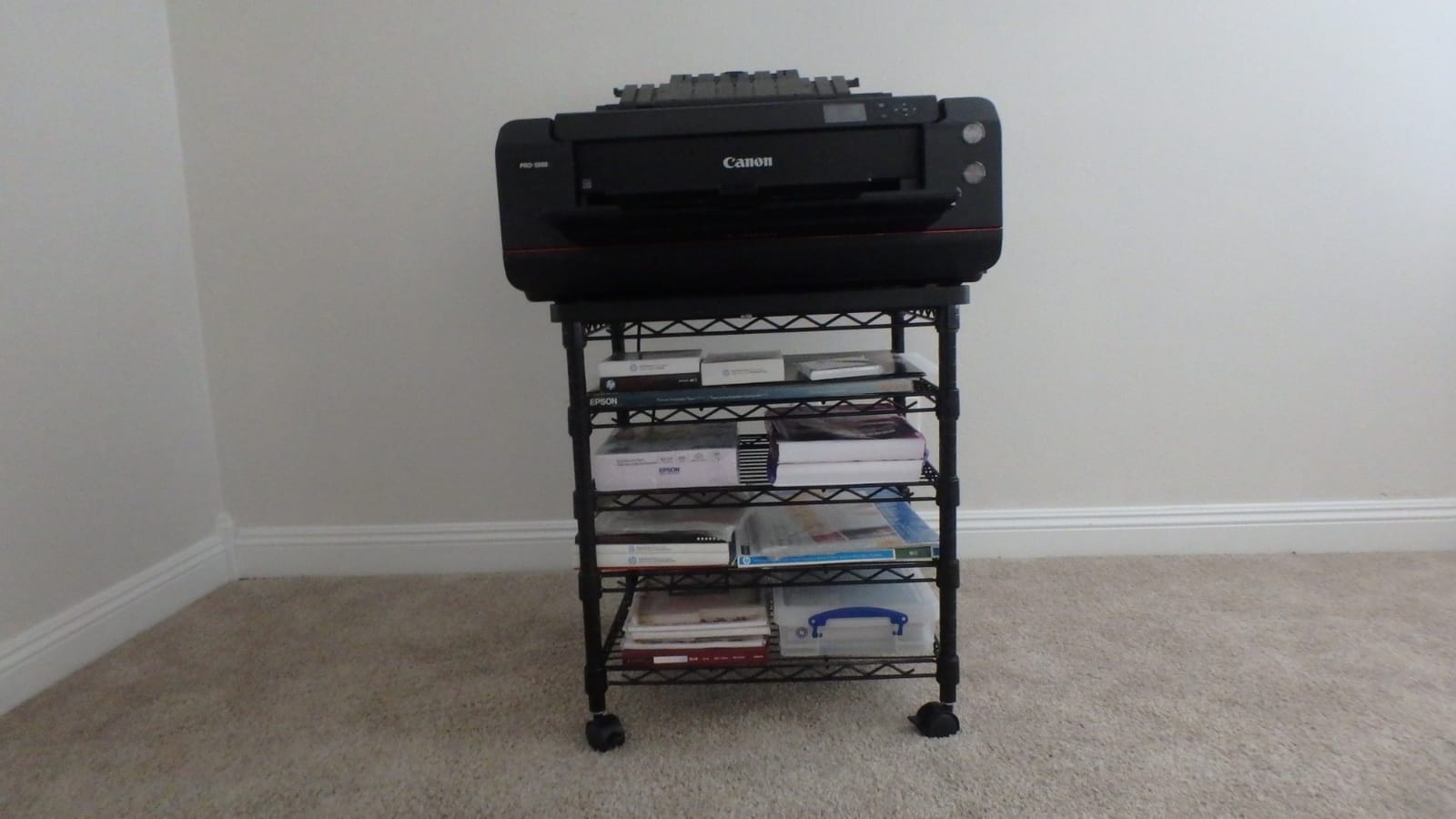
Is a 200 lb steel cart overkill for a normal home office?
For a compact inkjet, yes, it is more machine than you need. The reason to pay for it is not the rating itself but what the rating implies: a welded steel frame does not flex, and a printer running on a rigid top does not shuffle pages or double-feed as the frame absorbs vibration.
It also suits people who use the cart as a general equipment station. Buyers place scanners, fax machines, and even case towers on the lower shelves, which is a pattern that shows up repeatedly in reviews of steel carts.
What about the missing caster locks?
The listing describes four wheels for moving the cart but does not specify locks, and that is the one detail to confirm before buying if your printer sits near a traffic path. A rolling printer that drifts mid-job is the most common complaint about wheeled stands generally, and it is a problem worth avoiding.
If locks matter to you and this listing is ambiguous, the safer adjacent choice is the VASAGLE below, which specifies two lockable wheels. Otherwise, the Safco’s strengths outweigh the gap for most buyers.
3. HOOBRO 2-Tier Under Desk Printer Cart
HOOBRO Printer Stand, 2-Tier Industrial Under Desk Printer Cart with Shelf, Mobile Heavy Duty Storage Rack on Wheels for Home, Office, Rustic Brown and Black BF02PS01G1
19.1 x 15.7 x 14.4 in
88 lb upper and 33 lb lower shelf
Iron frame with chipboard panels
2 lockable wheels
Pros
- Iron frame with under-shelf support rods
- 19.1 x 15.7 in top clears larger printers
- Two lockable casters
- Rustic brown and black finish suits warm rooms
- Allen key included
Cons
- Chipboard panels dent more easily than steel or solid wood
- Requires assembly with the included Allen key
- Some size variants run taller than others
This is the stand that solves the specific complaint we hear most often about printer stands, which is that they arrive too small for the printer already sitting in the room. The 19.1 by 15.7 inch top is one of the larger surfaces in this roundup at a two-tier price point, and the 88 lb upper shelf rating comfortably carries an all-in-one with cartridges loaded.
The frame is iron with under-shelf support rods, and the shelves are P2 chipboard panels. Buyers consistently rate it well on stability once assembled, with the support rods doing the work that keeps a wide top from bowing. The height is 14.4 inches, which fits under most desks without a fight.
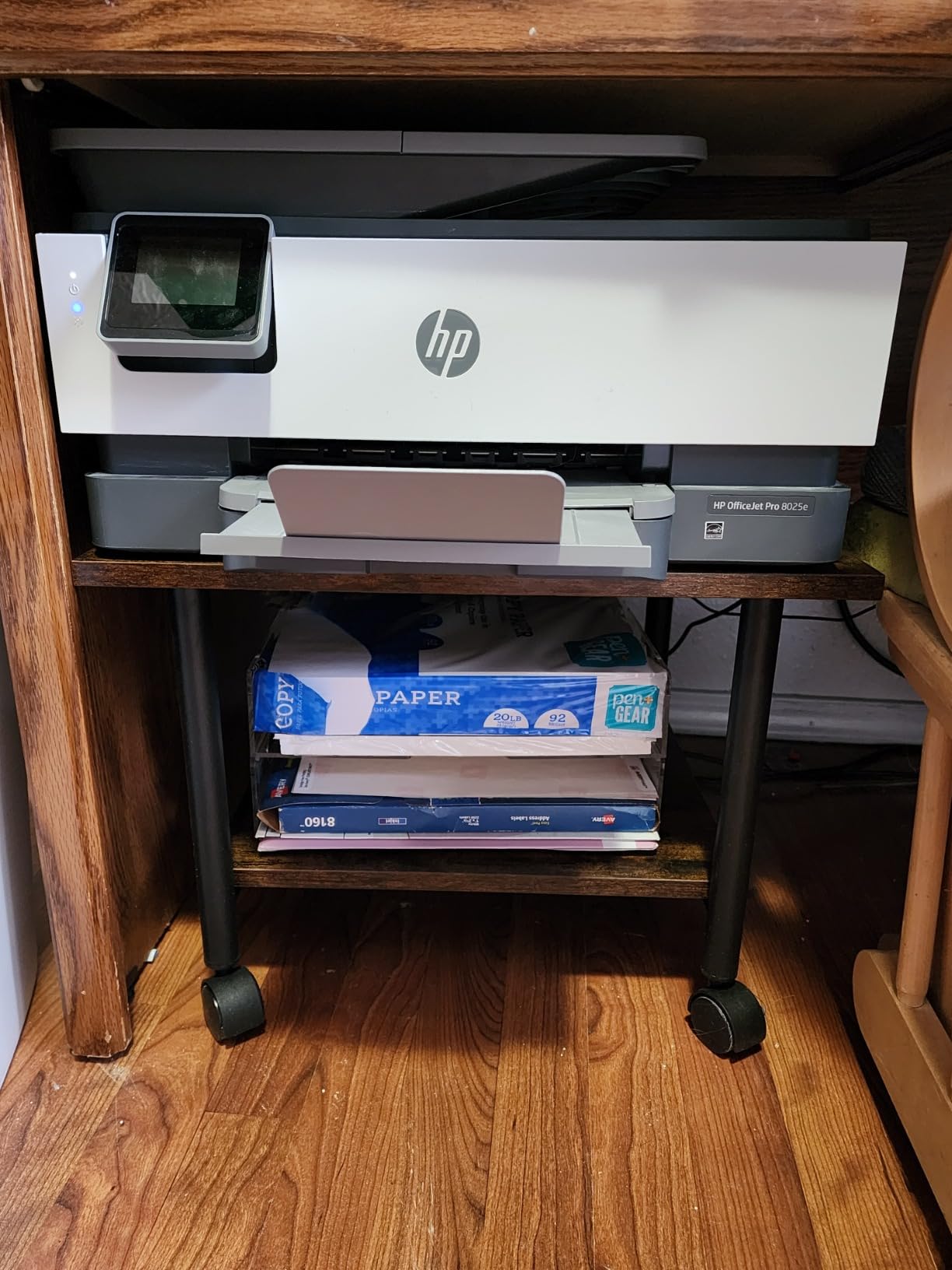
Assembly is the one real task here, and it needs the included Allen key. Budget fifteen minutes rather than five, and tighten every bolt a second time at the end. Buyers report that the wobble people complain about in cheap carts usually disappears once all the fasteners are snug, because the rods need tension to do their job.
The rustic brown and black finish is worth mentioning for a home office specifically. It reads as furniture rather than warehouse equipment, and it sits more comfortably in a living room corner than an all-black or all-white unit.
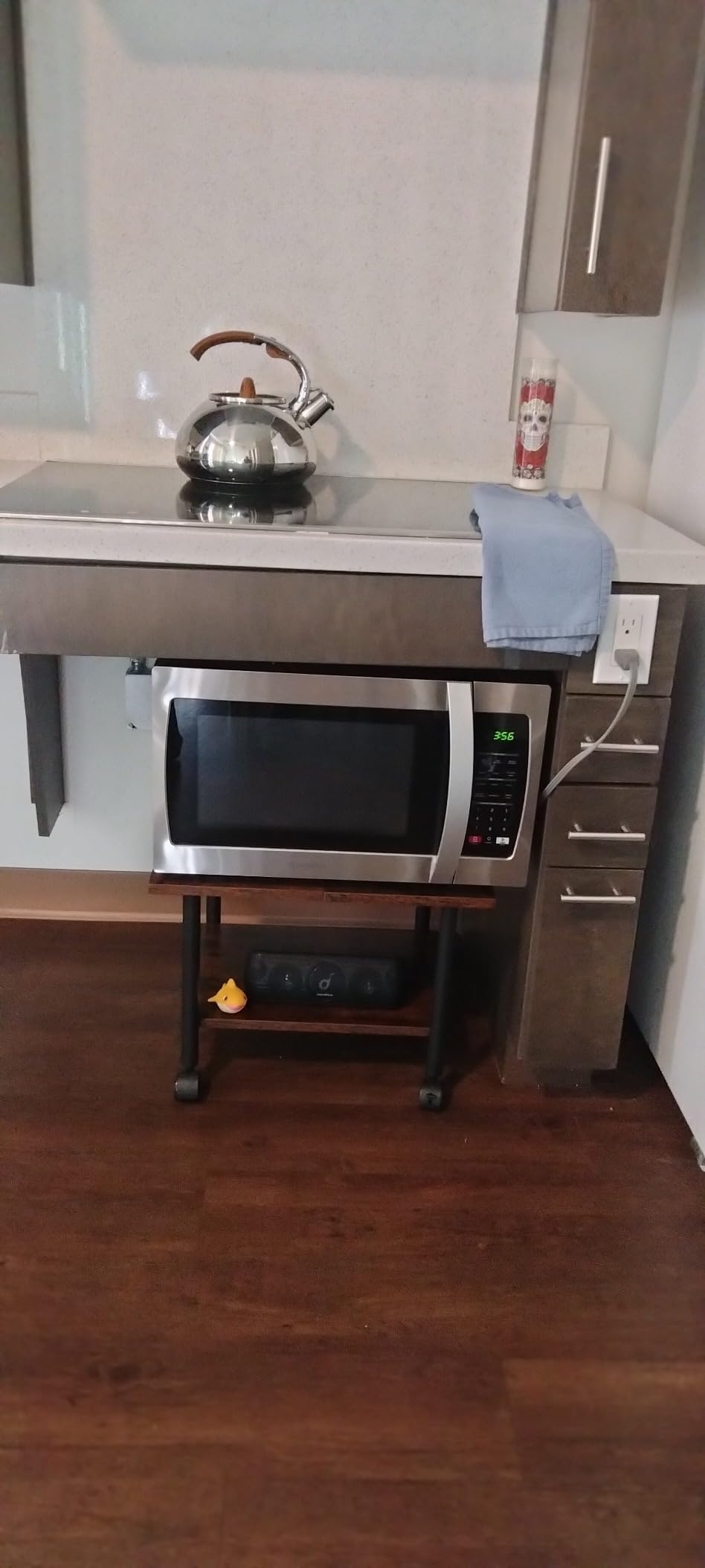
Will chipboard shelves hold up under a heavy printer?
Yes, within the stated rating, but chipboard is a different material from steel and it fails differently. The edges dent and scuff first, especially if you slide a heavy printer on and off rather than lifting it. Keep a heavy unit centred on the panel, away from the edges, and you will get years of service.
If you drop things regularly, or you want a stand that survives a move, compare against the Safco above, which uses steel shelves. Otherwise chipboard panels on a steel frame are the value sweet spot in this category.
Do the size variants cause problems?
They can. Some variants of this model run taller than others, which matters enormously if the whole point is sliding under a desk. Measure your clearance first, and if your gap is tight, the 13.4 inch VASAGLE below gives you more margin.
The two lockable wheels are a genuine advantage over many stands at this level, and they are what make it usable as a shared printer station rather than a fixed alcove unit.
4. VASAGLE 2-Tier Printer Stand with Locking Wheels
VASAGLE 2-Tier Printer Stand with Locking Wheels, Under Desk Printer Table
18.9 x 15.7 in top
99 lb top and 33 lb lower shelf
13.4 in height
Only 10.8 lb to lift
Pros
- 4.7 stars across more than 1
- 800 reviews
- 13.4 in height slides under most desks
- Light enough to move between computers one-handed
- Two lockable wheels hold the printer steady while printing
- All-finished sides allow any orientation
Cons
- Stocky plastic casters are weak for heavy 3D printers
- The included Allen wrench is small and awkward
- Wood grain finish and paint can chip at the edges
With 4.7 stars across more than 1,800 reviews, this is one of the two best-rated stands in our group, and it is the only one of the ten that pairs a sub-14 inch height with locking casters. The reason is not a single feature but the ratio: it is small, light, stable, and correctly proportioned for a home office at the same time.
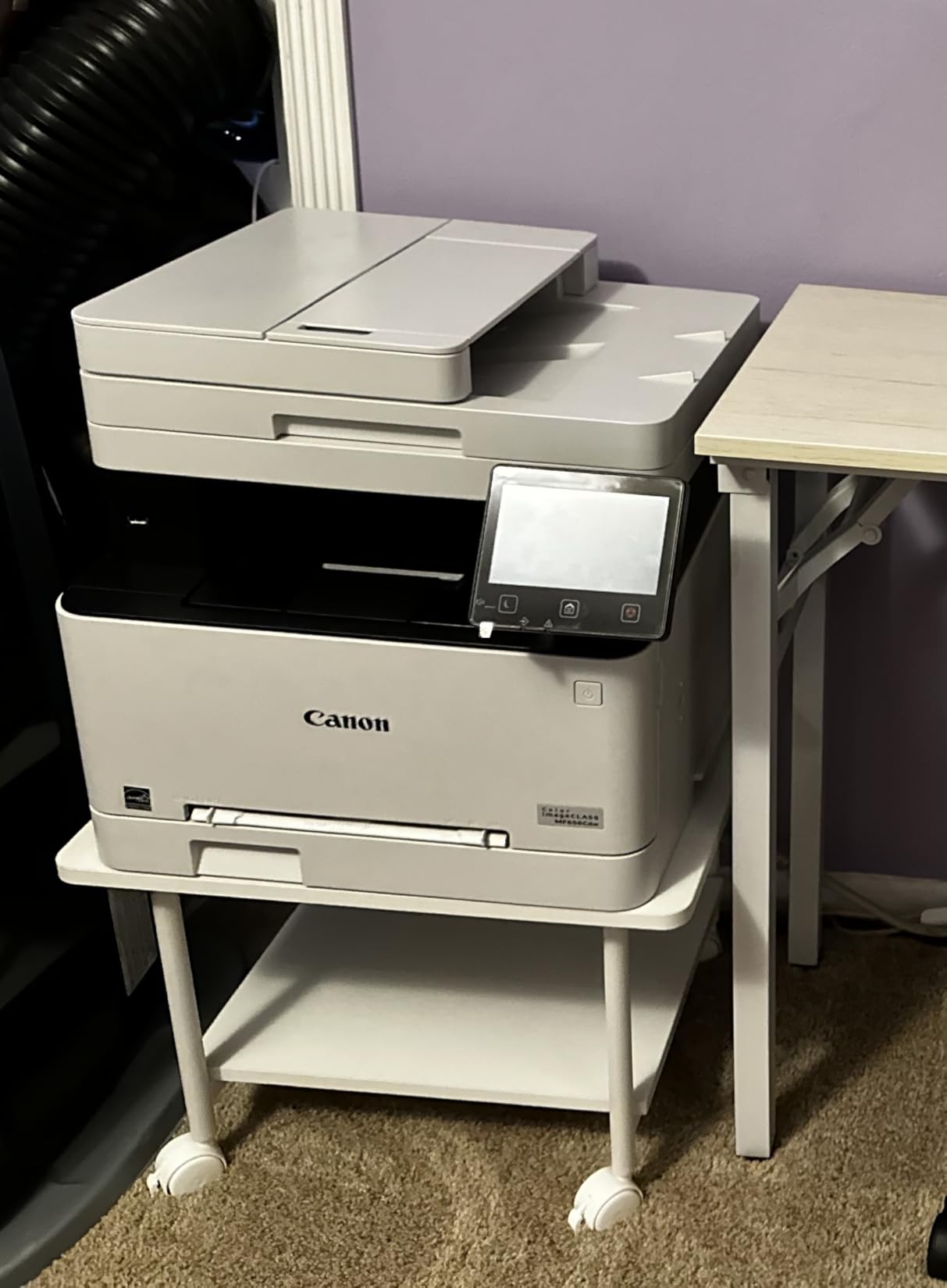
At 18.9 by 15.7 inches, the top handles a mid-size all-in-one, and the 99 lb upper rating is more than most inkjets need. The 13.4 inch height is the lowest here apart from the Natwind, and at 10.8 lb the whole unit moves with one hand when you want it near a different computer.
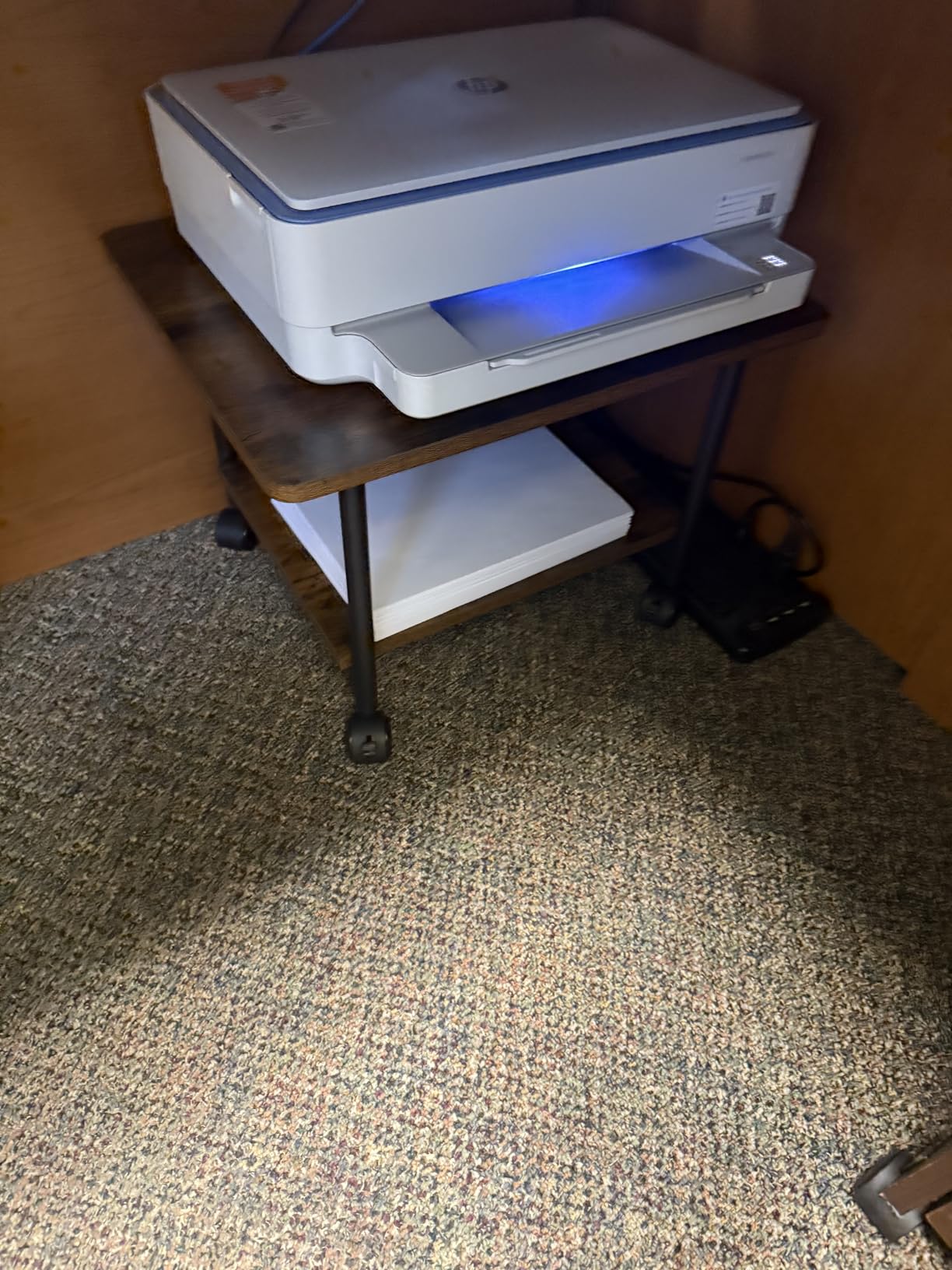
Two of the four wheels are lockable, which is the specification to look for if a printer runs long jobs. Locking casters stop the drift that happens when a paper tray is pulled out mid-print, and that single fix resolves the most common complaint about rolling stands.
A recurring note in the reviews is that some owners swap the casters for rubber feet, effectively converting the cart into a fixed station. That is a renter-friendly trick worth knowing about, and it is free apart from the cost of the feet set.
Is it strong enough for a 3D printer?
The 99 lb top rating suggests yes, but the reviews add a warning worth heeding: the stocky plastic casters are the limiting factor, not the shelf. A loaded 3D printer plus a filament spool puts concentrated weight and vibration onto the frame, and light plastic wheels crack under that over time.
If you are running a printer plus a heavy scanner, either reinforce the wheels or choose a steel-frame model such as the Safco above. For inkjets and compact lasers, the stock setup is entirely adequate.
Why does it suit small rooms so well?
Two numbers do the work: the 13.4 inch height and the 10.8 lb unit weight. A short stand slides under a desk that a 20 inch model would not, and a light stand can be pulled out for cleaning or moved to a corner without asking anyone to help.
The lower shelf is rated to 33 lb, which is right for a ream of paper and a small box of ink cartridges, and not enough for a bank of hanging folders. If you need serious paper storage, pair it with a separate file unit rather than loading the shelf past its rating.
5. GYIIYUO 2-Drawer File Cabinet with 24-Inch Printer Top
GYIIYUO 2 Drawer File Cabinet 24”W, Mobile Filing Cabinet, Printer Stand
23.62 in wide top rated to 120 lb
2 file drawers
9216 cubic inches of storage
25.59 in tall
Pros
- 24 in wide top holds large office printers
- Deep drawer fits A4 and Letter folders
- Switchable casters and leveling feet
- 9216 cubic inches of total storage
- Wood grain finish works as an end table
Cons
- Fabric drawers sag under heavy files
- Top panel is split down the middle rather than solid
- Assembly takes longer than the listing implies
This is the only stand here that is genuinely a piece of furniture rather than an accessory, and that is either its main appeal or its main problem depending on what you need. The 23.62 inch top is the widest surface in the roundup, rated to 120 lb, and it is the natural home for a wide-format all-in-one that will not fit on anything else on this list.
Storage is the other reason to consider it. Two drawers plus an open shelf and a side bag give 9216 cubic inches, and the deep bottom drawer is sized for A4 and Letter folders. If your pain is not the printer but the filing next to it, this solves two problems at once.
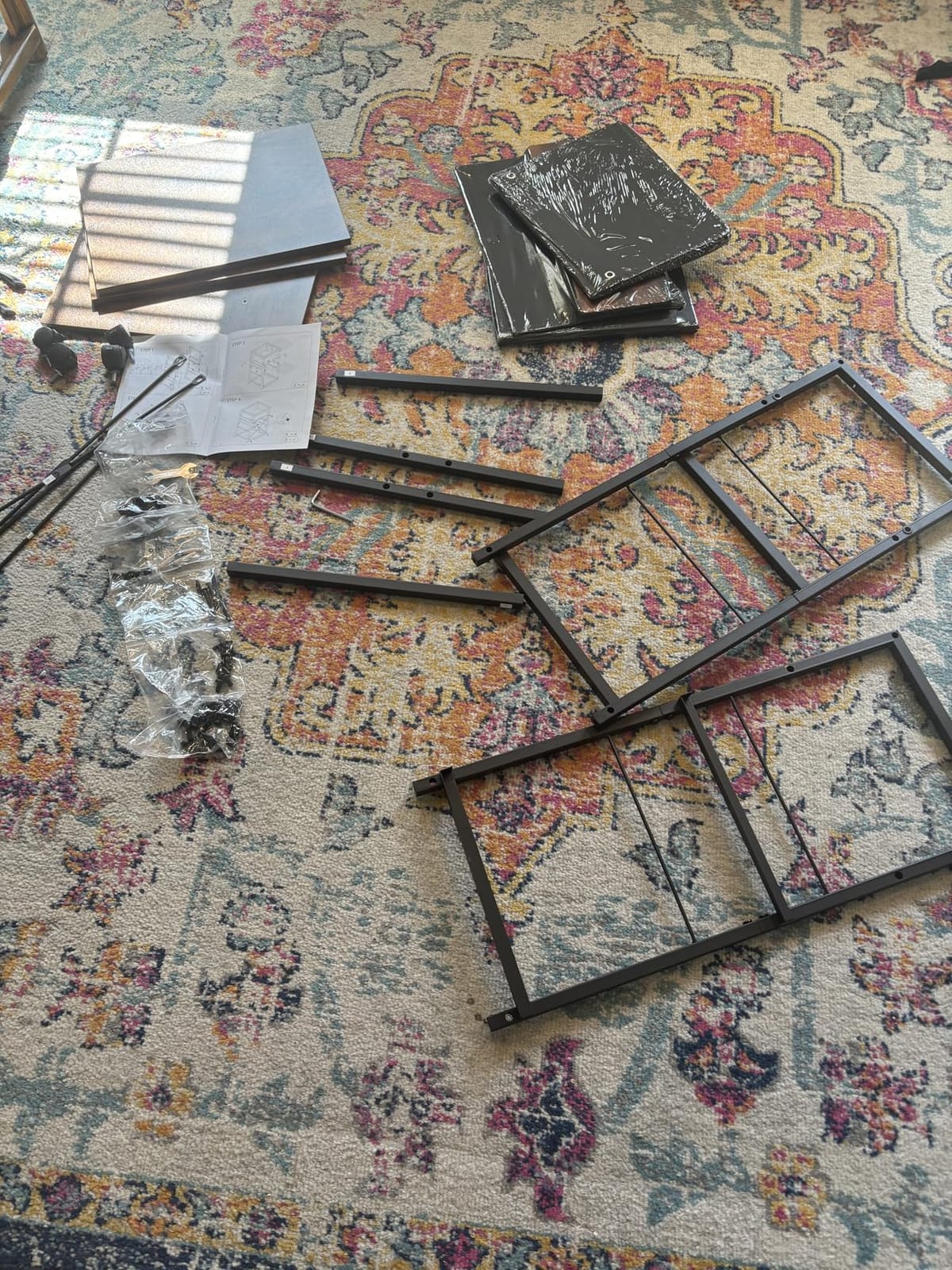
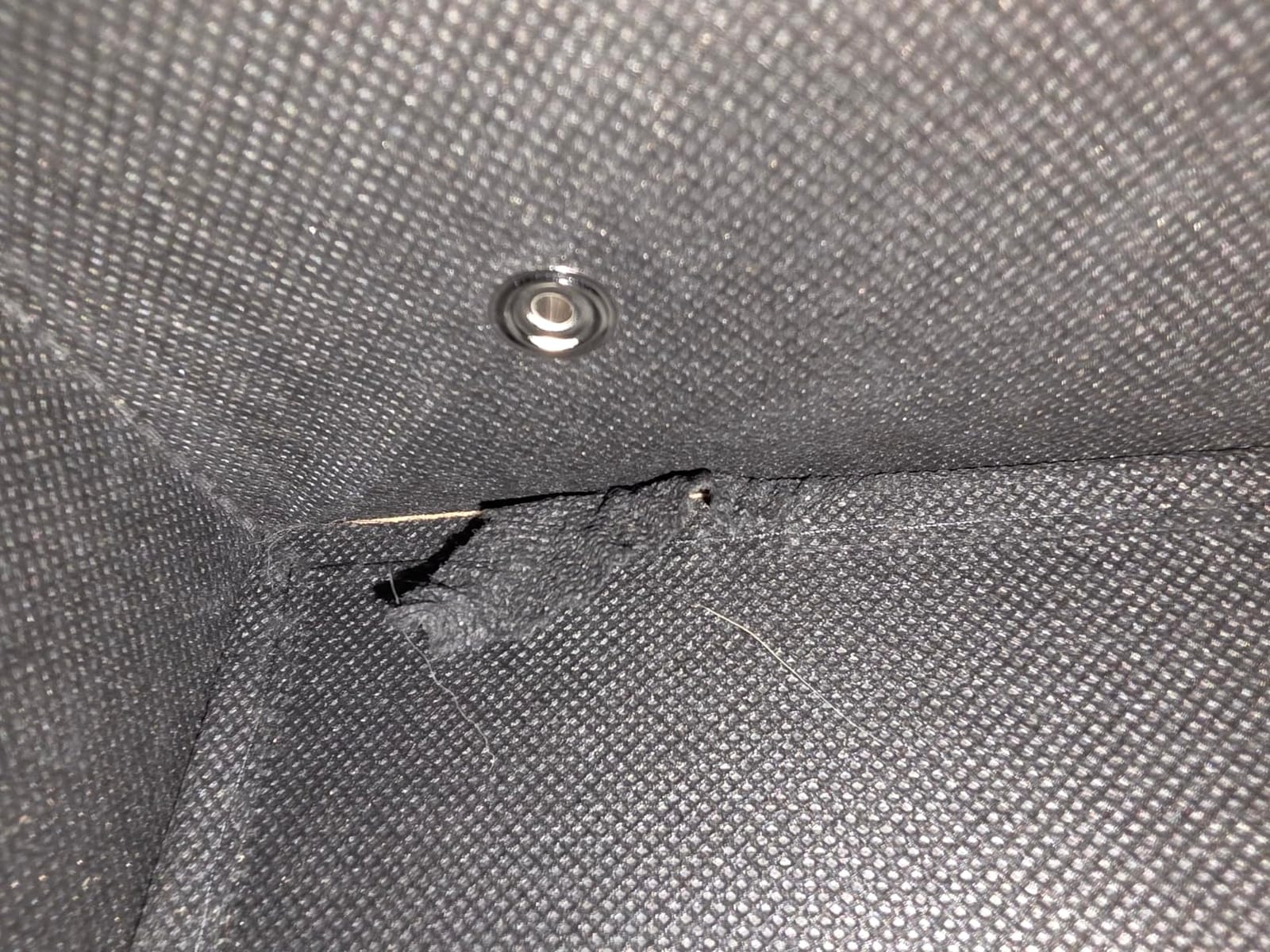
At 4.2 stars it is the lowest-rated stand here, and the reviews explain why. The fabric drawers are the weak point: they sag under a heavy folder load and feel cheap next to the wide engineered wood top. Treat the drawers as supply storage, not as an archive.
The other recurring note is the split top panel. A two-piece top has a seam down the middle, and a wide printer resting across that seam can rock very slightly. Centre the printer over the seam and it disappears, but it is worth knowing about before a heavy unit goes on top.
Why do the dual casters and leveling feet matter?
Because they solve the floor problem that rolling stands never really address. Most carts have casters that sit poorly on carpet and dig into hardwood. This unit includes both casters and adjustable leveling feet, so you can roll it in, lock it, and dial the feet down onto the actual floor surface.
It is the renter-friendly answer in this roundup: the unit becomes a permanent cabinet in a corner or beside a desk, with no need for a different piece of furniture and no wheels catching on carpet fibres.
Is 25.59 inches too tall for most home offices?
It is tall for a printer stand and short of desk height, so it is a floor unit rather than an under-desk unit. At that height you are not bending to load paper, which is the point, but you also cannot tuck it away. Plan a corner rather than a gap under a desk.
Because the wood grain finish looks like a normal side table, buyers frequently end up using it as an end table or nightstand outside the office, which softens how much desk space it appears to take up.
6. HOOBRO 3-Tier Stand with Built-in Charging Station
HOOBRO Industrial Printer Stand, 3-Tier Mobile Printer Table, Rolling Cart with Power Outlets and USB Ports, Home Printer Stand with 2 Hooks, for Office, Living Room, Rustic Brown BF22UPS01
1 outlet and 4 USB ports
44 lb top and 17 lb mesh shelves
16.5 x 11 x 25.2 in
Casters or leveling feet included
Pros
- Integrated charging station with 1 outlet and 4 USB ports
- Three tiers hold a printer
- scanner
- books and plants
- Choose casters or leveling feet
- Numbered hardware and included tools
- Two side hooks for hanging accessories
Cons
- Top surface is smaller than the product photos suggest
- Charging plate held by small screws some buyers reinforced
- Loose outlet fit reported by a few owners
This is the stand to buy if your printer corner has no wall socket, which is a common situation in older houses and in converted rooms. The built-in charging station gives you one standard outlet and four USB ports on the side of the frame, so the printer, a phone, and a tablet can all charge from the cart without an extension cord running across the floor.
The other thing it does well is give you a choice. It ships with four casters, two of them braked, plus four adjustable leveling feet, so you can decide after it arrives whether this is a rolling cart or a fixed tower. Buyers on work-from-home forums specifically recommend the feet on carpet for exactly this reason.
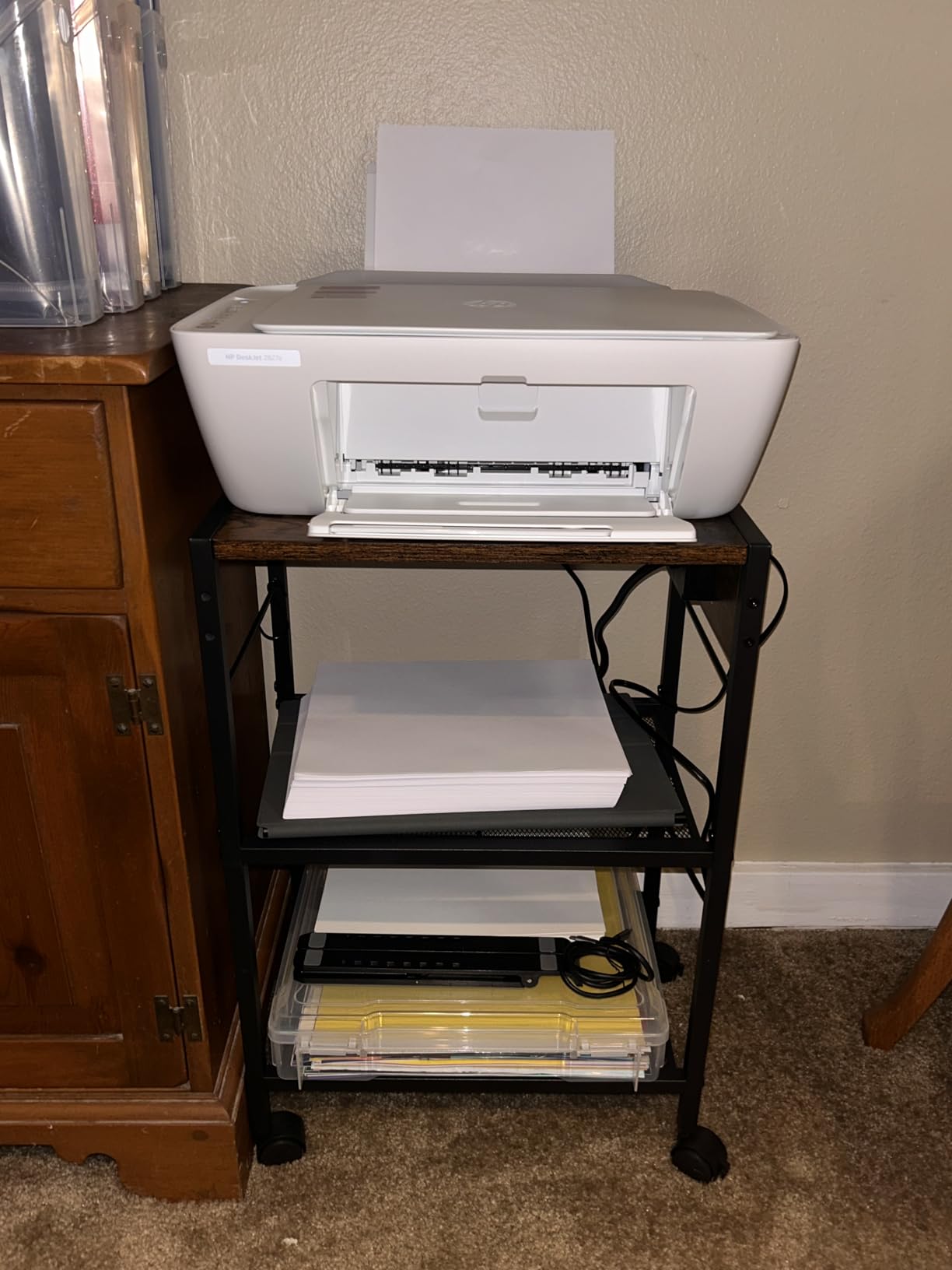
The footprint is 16.5 by 11 inches, which is compact, and that is both its strength and its most-reported problem. Several owners note that the top surface is smaller than the product photos suggest, and that large printers overhang the edges. Measure your printer’s base against 16.5 by 11 inches before you commit.
The mesh shelves below the top are rated to 17 lb each, which suits books, a scanner, or a small bin of supplies. A ream of paper is fine. A stack of ring binders is not.
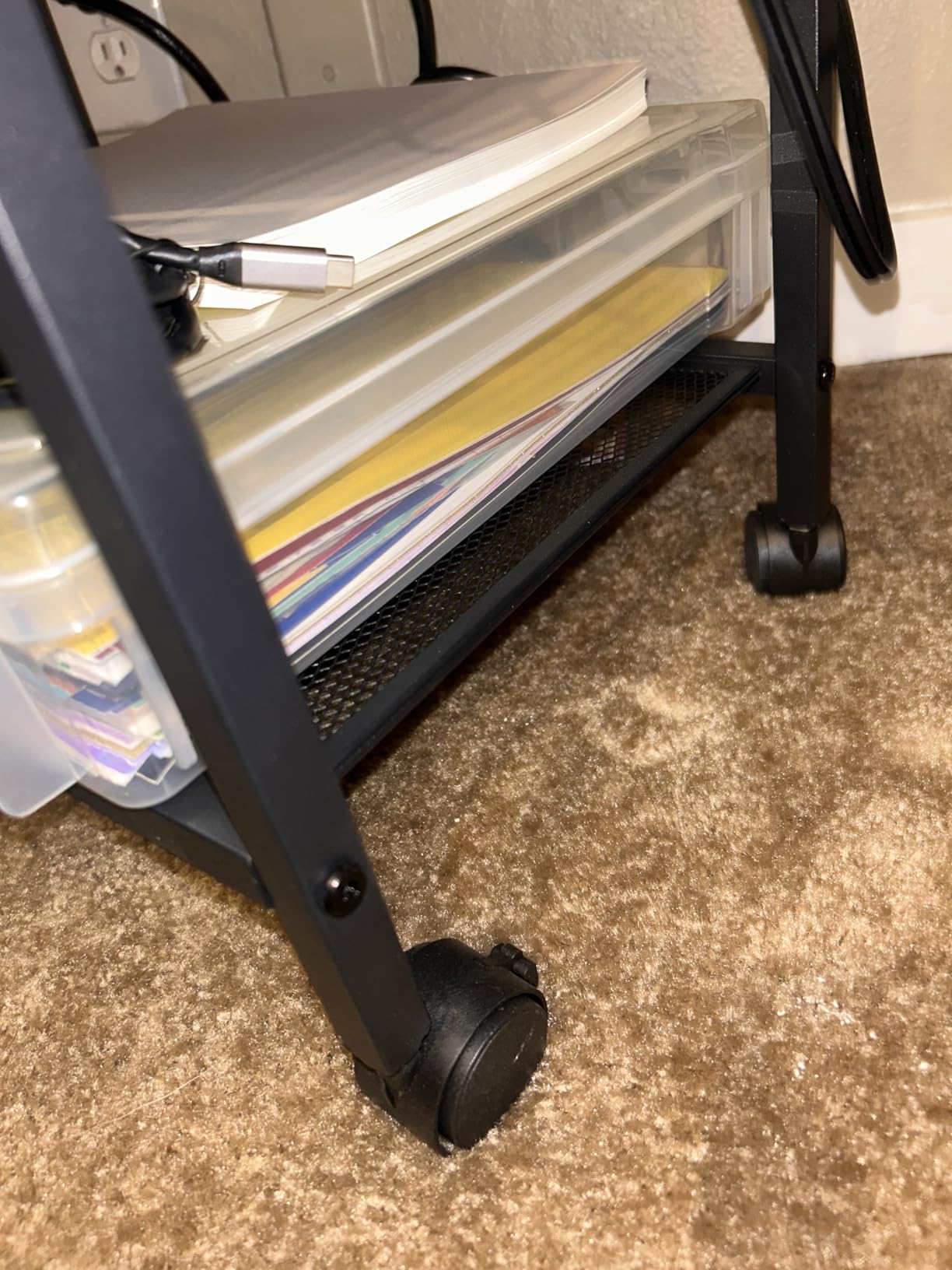
Are built-in power outlets on a printer stand safe?
They are safe when the strip is properly rated and when you do not overload it. Treat the outlet exactly like the power strip under your desk: one printer plus a charger is well within limits, while a printer, a laser printer, and a space heater on the same strip is not.
Two practical notes. Never daisy-chain a cart’s built-in outlet into another power strip, and unplug the cart during a storm the same way you would a desktop tower. If you want surge protection, check whether the station is labelled as protected, because not every built-in strip includes it.
Is it worth choosing a stand for the charging ports alone?
If you already need a printer cart, the ports come along almost free and they remove an extension cord from the floor, which is a real tidy-up. On their own, they are not a reason to buy this stand, since the smaller two-tier HOOBRO below has an outlet and a USB port at a slimmer size.
The honest weak point reported by owners is the mounting of the charging plate itself, which is held by small screws. A few buyers reinforced them with adhesive, and that is a reasonable five-minute job if the plate ever feels loose.
7. YAOHUOO 22-Inch Large Printer Stand with Drawer
YAOHUOO 22″x15″ Large Printer Stand with Drawer, 2-Tier Rolling Table Cart
22 x 15 in top
88 lb per shelf
15.8 in overall height
Waterproof MDF top
Pros
- 22 x 15 in top fits large printers
- 3D printers and scanners
- Only 15.8 in tall so it slides under most desks
- Extra screws of every type included
- Lockable swivel casters roll easily and hold firm
Cons
- Space under the fabric drawer is shorter than the photos suggest
- Fabric drawer feels cheap for the price
- Loaded wheels can struggle on carpet
The YAOHUOO solves the problem the other two-tier stands cannot: a large printer. A 22 by 15 inch top covers most wide-format all-in-ones, larger 3D printers, and scanners with room to spare, and at 88 lb per shelf on a metal frame the rating is not a marketing number.
What surprises people is the height. At 15.75 inches overall it still slides under most desks, which is unusual for a stand with a top this wide. The top surface is waterproof MDF on an industrial metal frame, and four lockable 360 degree swivel casters mean it rolls and holds position.
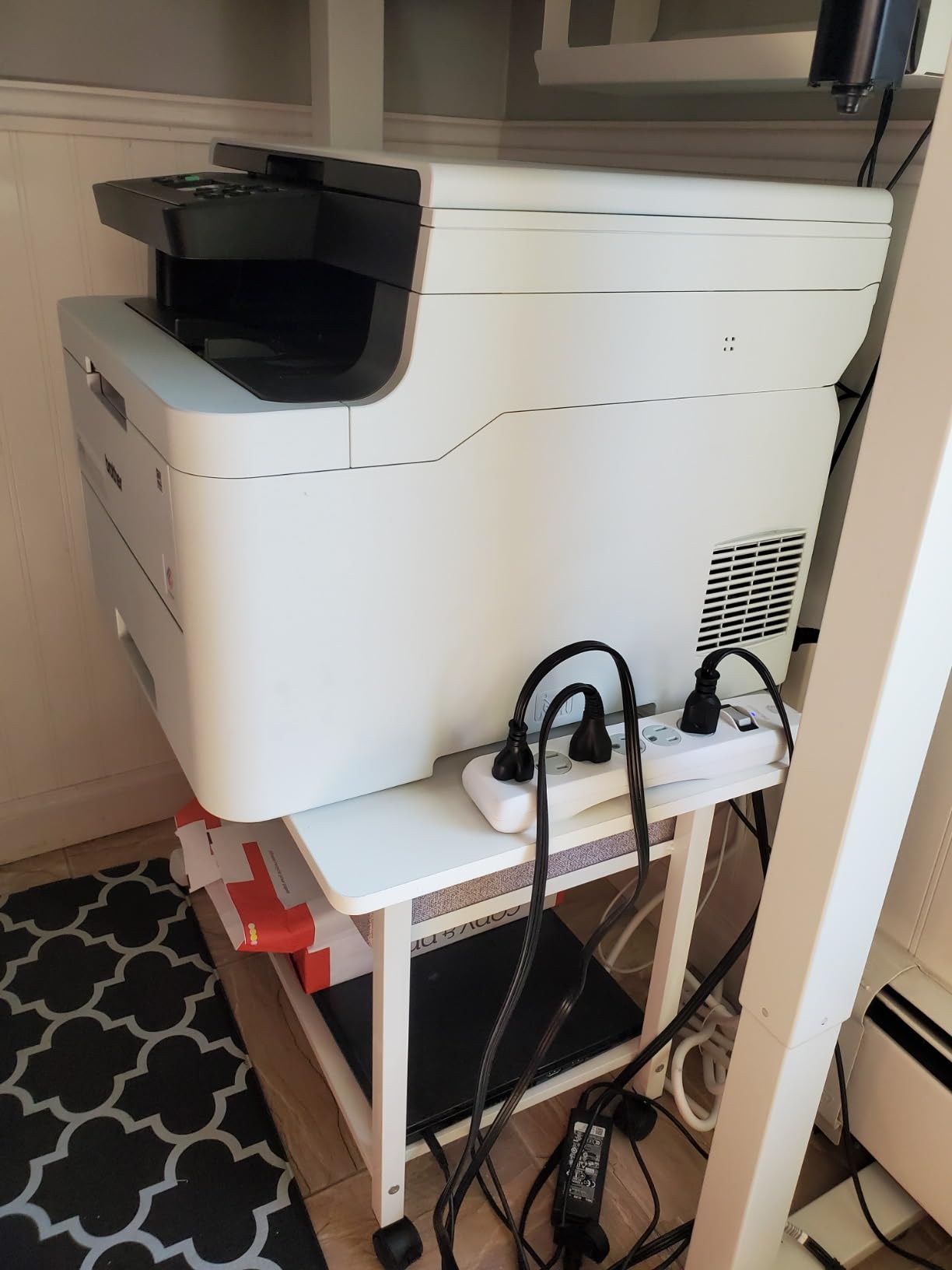
Assembly is pre-drilled with labelled parts, and buyers single out the fact that extra screws of every type are included. In a category where a missing fastener stops assembly, a spare bag is a small thing that noticeably improves the first impression.
There is a hidden fabric drawer underneath for ink and pens, with a two-tier open shelf below. The important detail is the clear height under that drawer, which reviewers consistently say is lower than the listing photos imply. A ring binder will not slide in there.
How wide does a printer need to be before this is the right stand?
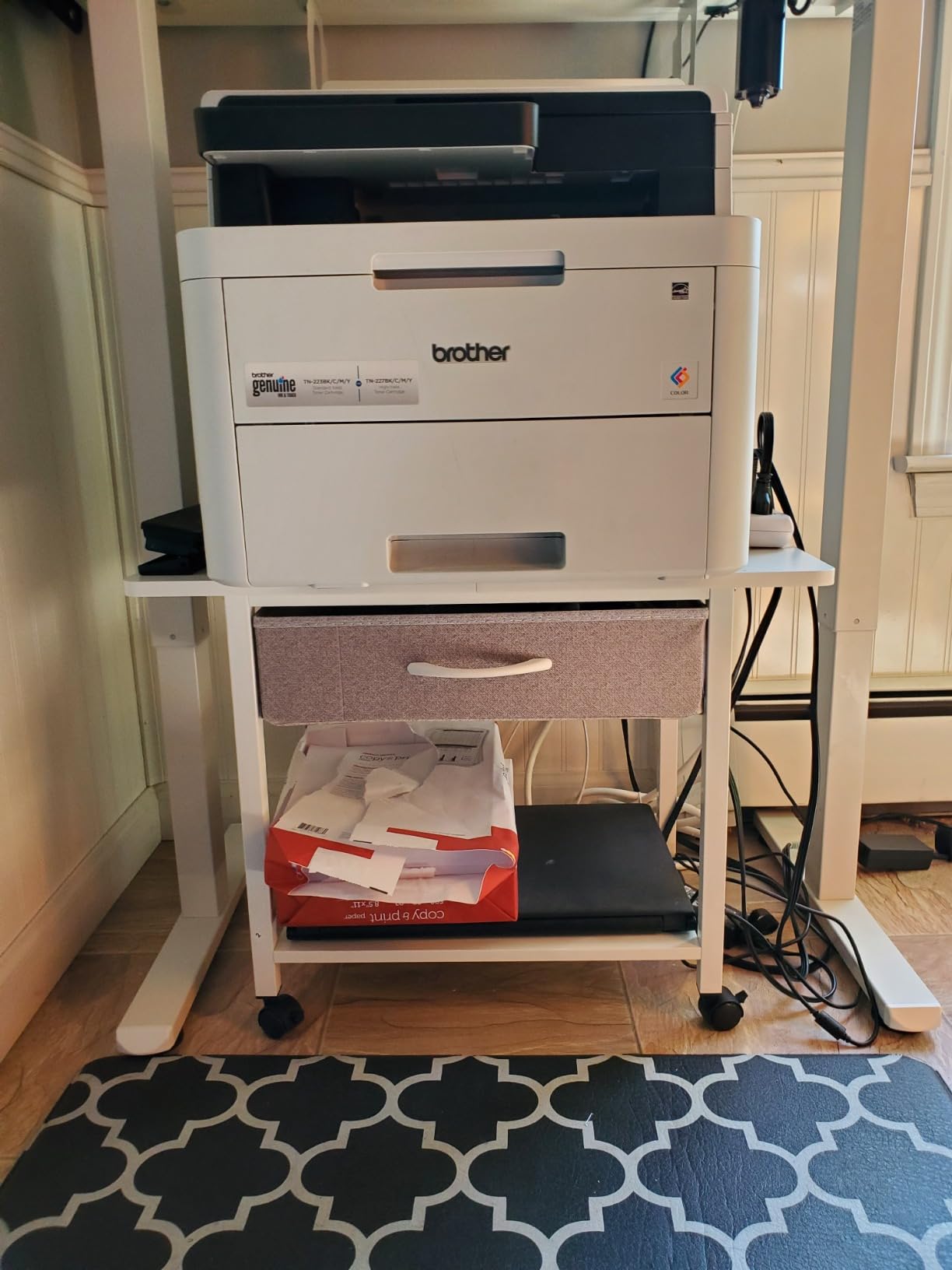
Most compact inkjets and small all-in-ones are 15 to 17 inches wide and would overhang a 15 inch top. A wide-format or business all-in-one is commonly 18 to 22 inches, and that is the band this stand is built for. If your printer is over 20 inches, this is one of the few options here that will hold it without overhang.
Overhang is not just an aesthetic problem. A printer whose edges extend past the top has nothing supporting the corner when the paper tray is pulled out, and that is exactly the movement that causes skew and jams.
Is it practical on carpet?
Loaded, it is a challenge. Several owners note that the wheels strain when the stand carries a printer, paper, and books at once over thick carpet. On hardwood and tile it rolls well. If your office is carpeted, cast this one in a different light and consider a lighter two-tier option.
There is a partial fix that costs nothing: keep the top for the printer only, and move bulk paper to the lower shelf. Less mass on the wheels makes a noticeable difference on soft flooring.
8. Lerliuo 3-Tier White Stand with Fabric Drawer
Lerliuo Printer Stand with Storage,3 Tier Home Office Organizer with Fabric Drawer,Industrial Style Printer Table for Printer, Scanner, Paper and Office Supplies
15.75 x 11.81 in top
33 lb top and middle shelf
Fixed legs with leveling feet
25.79 in tall
Pros
- Fixed legs are steadier for printing than any wheeled cart
- Slim 15.75 x 11.81 in footprint suits small rooms
- Three tiers plus a fabric drawer
- Clean white metal and wood finish doubles as an end table
- Side panels and wire guards keep contents in place
Cons
- Top shelf rated to only 33 lb
- Fabric drawer suits light items only
- No wheels
- so it must be lifted to move
This is the stand for a light-duty home office with good taste and a small room. It is white metal and wood, 15.75 inches wide, 11.81 inches deep, and it looks like a narrow shelving unit rather than office equipment, which is why it works in a bedroom office or a study corner.
The design decision that sets it apart is the absence of wheels. Four fixed legs with adjustable leveling feet give a far steadier printing surface than any caster cart, which answers the recurring question about whether rolling stands cause print problems. They can, and this is the design that removes the question.
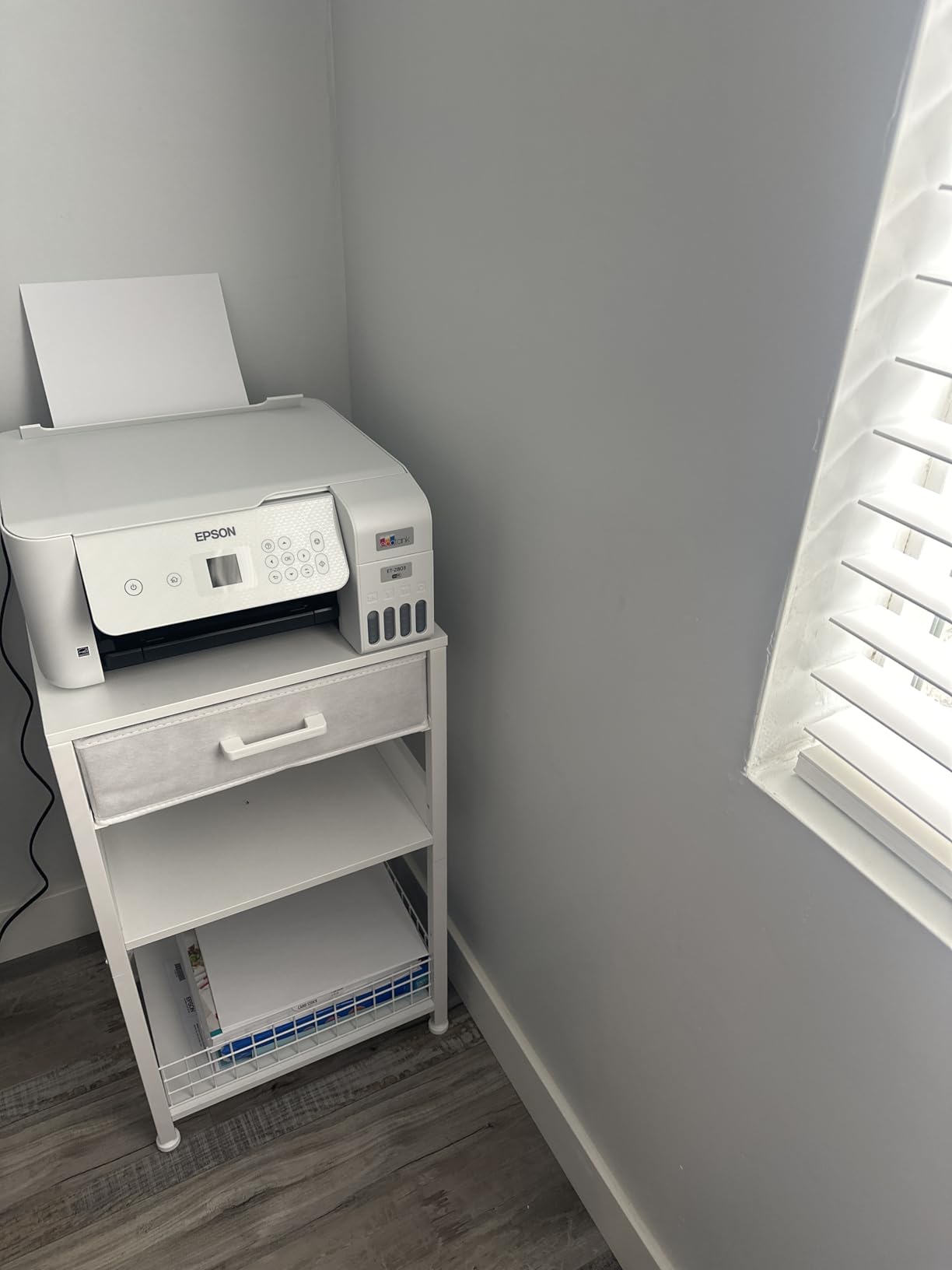
Storage runs to three tiers with a 6 lb fabric drawer, and the detailing is thoughtful. Raised side panels on the middle shelf and wire guards on the bottom keep a box of paper or a small bin from sliding off when you pull something out from underneath.
The 33 lb top shelf rating is the number to check against your printer. A compact inkjet or a small laser is well within it. A large all-in-one is not, and no amount of buyer optimism changes that number.
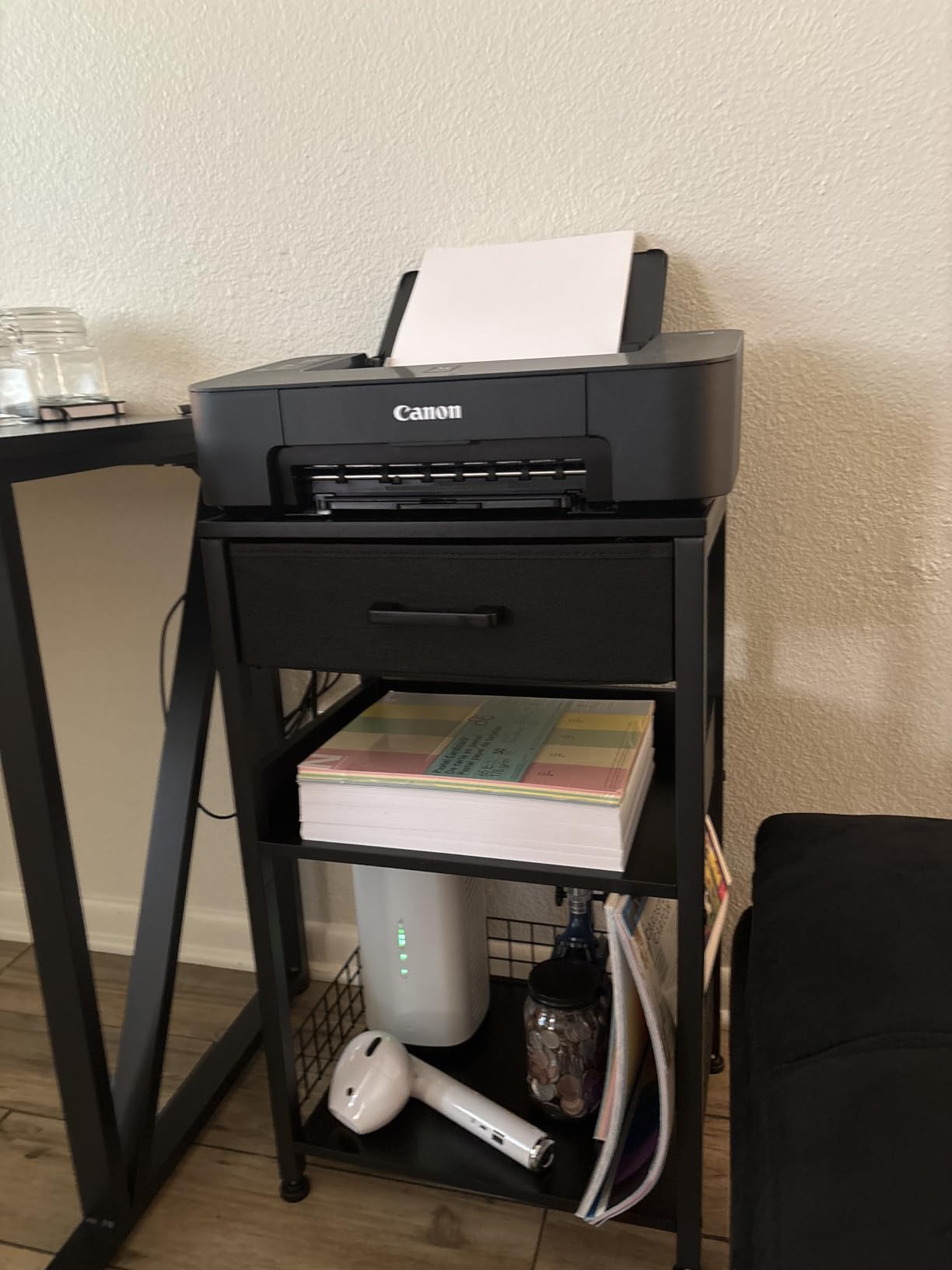
Is a wheel-free stand really steadier?
Yes, and for a specific reason rather than a general one. A caster is a pivot, and any movement in the paper tray, the scanner lid, or the vent fan transmits straight into the machine. Fixed legs on a levelling foot have no pivot, so the printer sits still through a full job.
The trade-off is that you cannot share the printer between two rooms by rolling it. For a single desk, or for a printer that only needs occasional access, that is a good trade.
Will it fit a small or awkward room?
It is the narrowest option here at 11.81 inches deep, so a gap beside a desk or a slim wall gap is realistic. At 25.79 inches tall it is a floor tower, not an under-desk unit, so give it a corner rather than a shelf gap.
Because it has no wheels, repositioning means lifting it. At 13 lb that is manageable, and the fact that it can double as an end table means you may be choosing a permanent spot for it anyway.
9. HOOBRO 2-Tier Under Desk Stand with Charging Station
HOOBRO 2-Tier Printer Stand with Charging Station, Under Desk Printer Table, Printer Cart with Storage Shelves, Shelf for Small Spaces, for Home Office, Rustic Brown and Black BF38UPS01
15 x 11 x 15 in
44 lb per tier
1 outlet and 1 USB port
7 lb unit weight
Pros
- Assembles in about 10 to 20 minutes with all hardware included
- 15 x 11 in footprint slides under a desk in tight spaces
- Two shelves rated to 44 lb each
- Side outlet and USB port are handy when the printer is tucked away
- Only 7 lb so it moves easily
Cons
- Small casters roll while a printer is operating
- Supplied hex wrench is too small for the charging plate screws
- Top is small
- so very large printers will not fit
This is the smallest, lightest, and most affordable stand in the roundup, and for a compact printer in a genuinely tight space it is hard to argue with. The footprint is 15 by 11 by 15 inches and the whole unit weighs 7 lb, so it goes under a desk in a room where nothing else will.
The two open shelves are rated to 44 lb each, which is more than enough for a small inkjet plus a ream of paper and a box of cartridges. The 12 mm particleboard panels sit on a metal frame, and the build is honest for the price point rather than pretending to be steel.
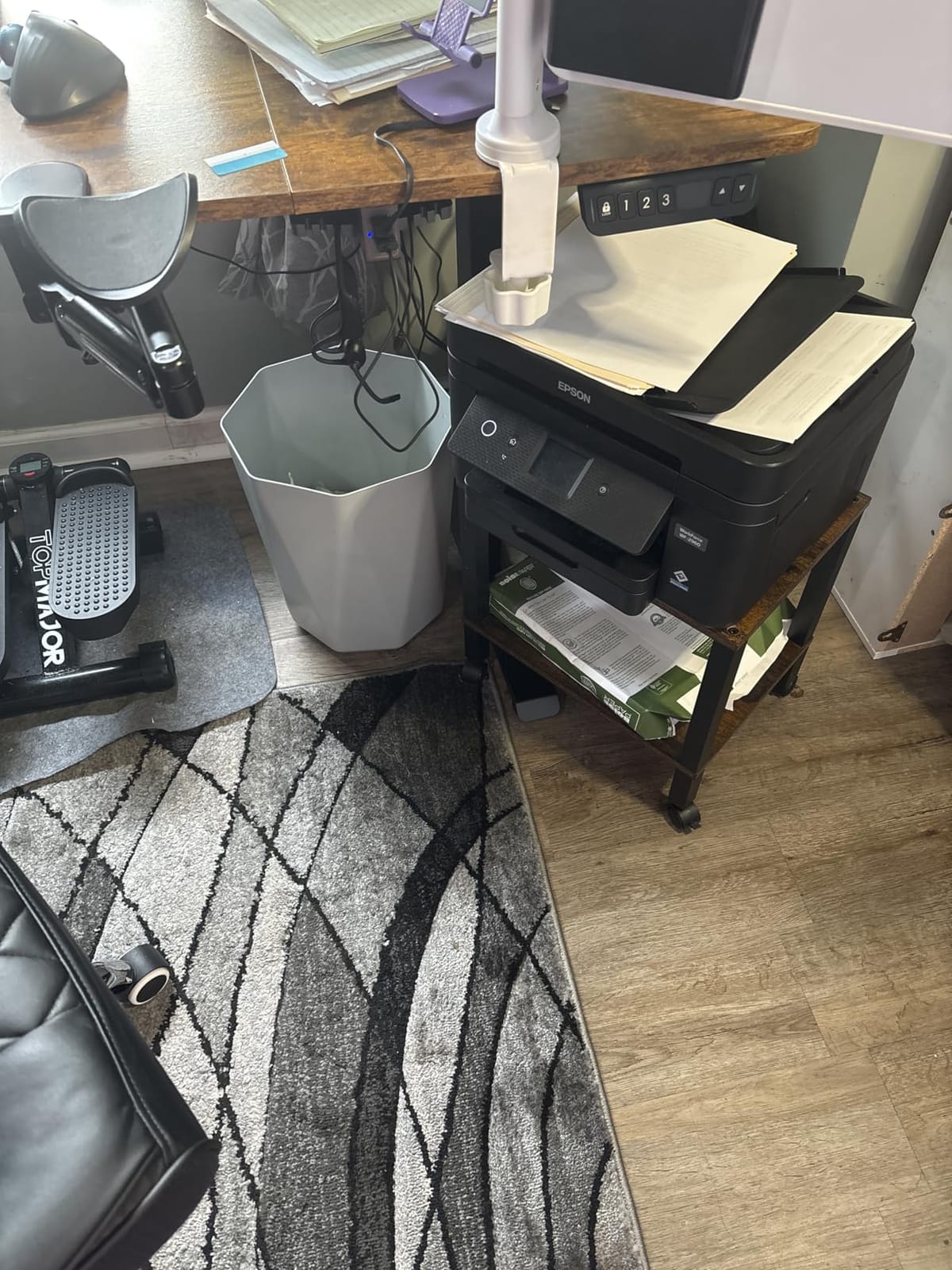
The side charging station with one outlet and one USB port is a genuinely useful detail here. When the printer is tucked under a desk, having a socket right on the frame removes the extension cord entirely, which is the single biggest improvement to a cramped printer corner.
Assembly is the weak point. The included hardware is complete, but the hex wrench supplied is too small for the charging plate screws, and reviewers report having to improvise. Budget a few extra minutes and a proper Allen key.
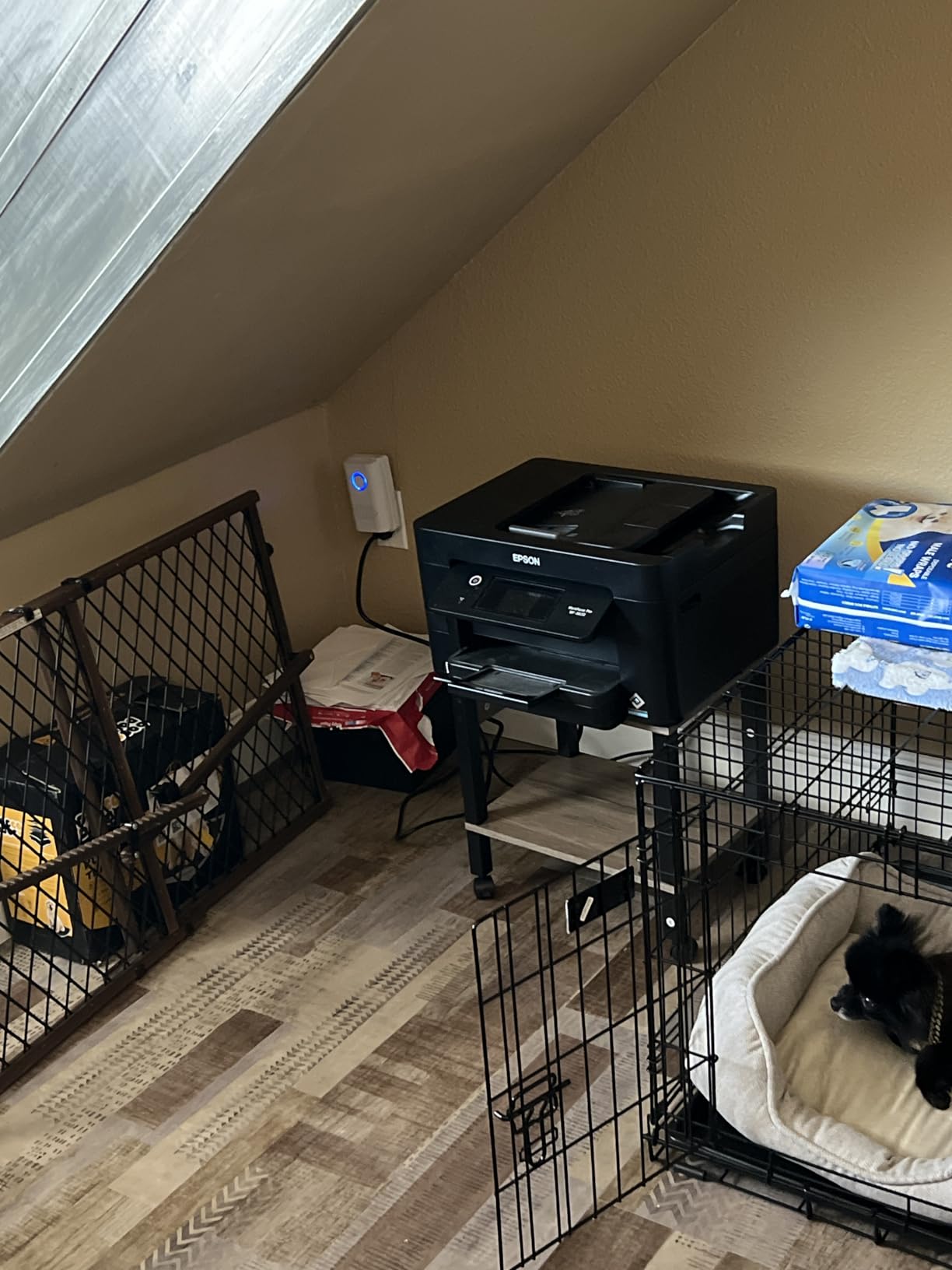
Will the small casters cause problems while printing?
They can. This is the most common complaint in the reviews: the light casters roll when a printer is operating, which nudges the machine and can show up as skewed pages. Two locking casters are not specified on this model, so the fix is manual rather than built in.
Place the stand on a hard floor, push it into a wall or against a desk leg so it cannot travel, and the issue largely disappears. If you need guaranteed stability, choose a model with locking wheels or fixed legs instead.
Is it big enough for anything more than a small inkjet?
No, and this is the limit to respect. A 15 inch top fits a compact inkjet or a small single-function laser, and it will not take a business all-in-one. If you have a wide printer and a small space, the tension between the two is real, and the GYIIYUO above is the better compromise because it is narrow in depth but wide across the top.
Where space is not the constraint, the VASAGLE at number four costs a similar amount and gives you a 99 lb top, locking wheels, and a lower height. Buy this one only if 15 by 11 inches genuinely is all you have.
10. Natwind 20-Inch 2-Tier Laser Printer Stand
Natwind 2 Tier Laser Printer Stand,20”x20” Under Desk Printer Cart, Retro
19.7 x 19.7 in square top
Load capacity above 150 lb
11.8 in low profile
Reinforcing iron pipes
Pros
- Highest rated unit in this group at 4.8 stars
- Large square 19.7 in top suits laser printers and copiers
- Low profile keeps the printer near desk height
- Double-layer board joined by extra iron pipes
- Industrial lockable wheels
- Assembles in about 10 minutes
Cons
- 11.8 in height will not fit under a low clearance desk
- One review reported a missing third support bar
- Wheel locks are stiff to engage
The Natwind earns the highest rating in this roundup at 4.8 stars, and the reason is the build method. Instead of a single panel, the top is a double-layer board design joined by extra iron pipes, which is the reinforcement that stops a large heavy printer from bowing the shelf or tipping the frame.
Capacity is listed above 150 lb, with the product highlight stating 200 lb, so a heavy colour laser or a small office copier is well within range. At 19.7 by 19.7 inches the top is square, which is unusual and useful because it gives a wide laser printer depth as well as width.
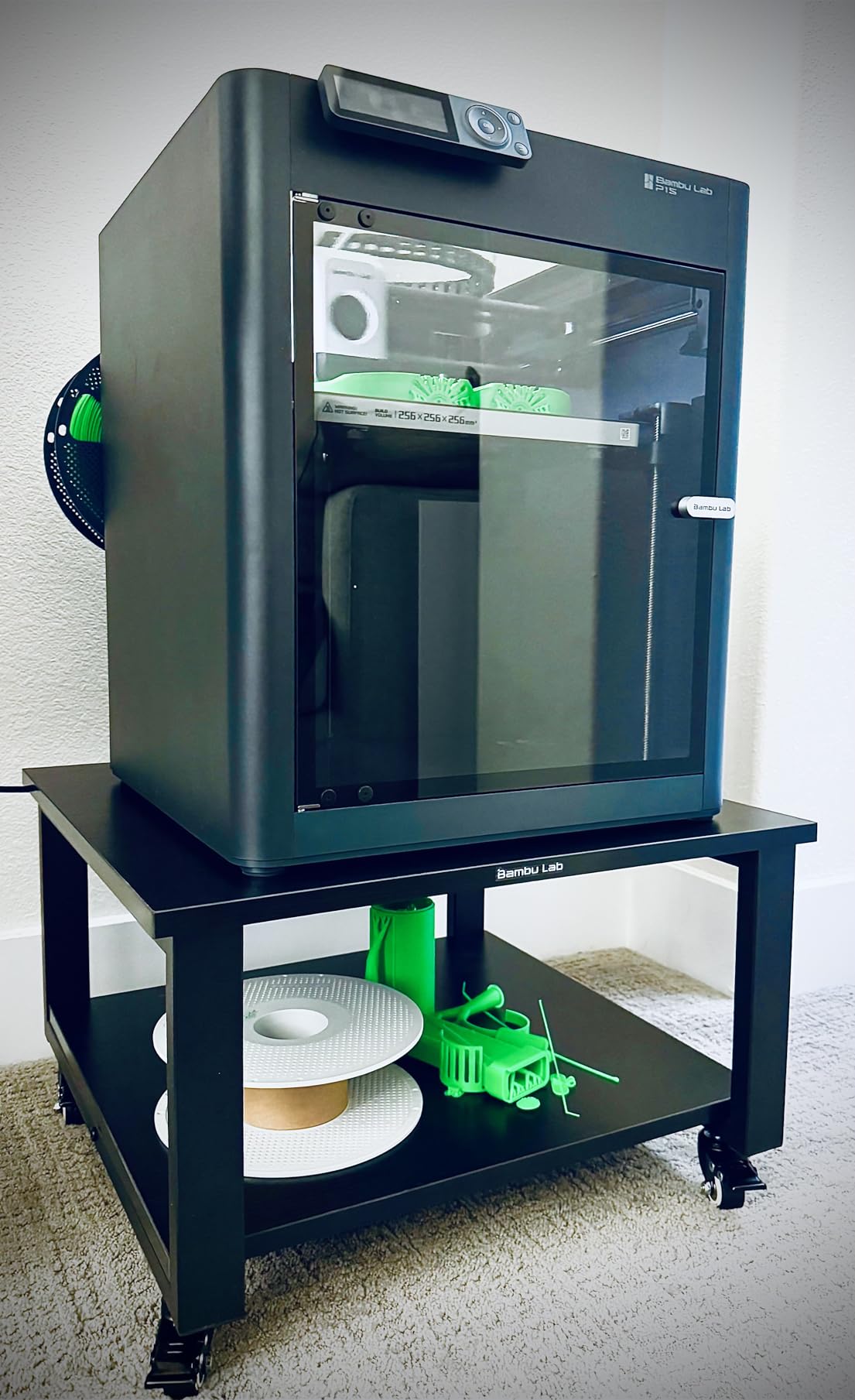
The low 11.8 inch profile is the feature that changes how the stand is used. It keeps the printer close to desktop height, so you are not bending to a floor-level paper tray, and it still rolls under many desks with limited clearance.
Buyers report that it rolls easily over both hardwood and carpet, with locks that hold a loaded stand in position. Assembly took about ten minutes for one person, and industrial lockable wheels are fitted as standard rather than as an add-on.
Will the low height cause an under-desk problem?
It cuts both ways. An 11.8 inch stand slides under desks that would not clear a 15 inch cart, but that same low profile means a wider stand occupies more visible floor space in an open room. Buy it for a tight gap or a beside-the-desk spot, not as a piece you want hidden in a corner.
One reviewer reported a missing third metal support bar in the package. That is worth checking on arrival, before the printer goes on, since the extra pipes are the whole point of the design.
What else can this stand carry?
Owners use it well beyond printers. The low, wide, heavily reinforced top is described as a stand for sewing machines, desktop PC towers, and portable air conditioners, and at this load rating the frame has real headroom.
If you build rather than print, the same capacity suits a 3D printer with a filament spool. Just confirm the deck is a single joined panel on the unit you receive, which is what the missing-bar reports are really about.
Buying Guide: What Actually Matters in a Printer Stand
Almost every wrong purchase in this category comes down to one of four numbers. Get these right and the rest is preference.
1. Measure the printer before anything else
The most reported failure in printer stand reviews is a top surface that is too small for the machine already sitting in the room. Measure the printer’s base width and depth, not its body including the paper tray, then find a stand whose top is at least an inch larger all round.
For orientation, a compact inkjet is usually 15 to 17 inches wide, a business all-in-one is commonly 18 to 20 inches, and a wide-format model can reach 22 inches or more. In this roundup the YAOHUOO at 22 by 15 inches covers the widest machines, the VASAGLE at 18.9 by 15.7 inches covers most all-in-ones, and the small HOOBRO at 15 by 11 inches covers compact models only.
2. Weight capacity should be 1.5 to 2 times the real load
Rated capacity is measured on a flat, static shelf. It does not account for a printer running a job, a paper tray being yanked open, or a stand being rolled across an uneven floor. Buyers report stands beginning to rock well before their stated limit, and the practical advice that circulates on home improvement forums is to aim for a stand rated at one and a half to two times your actual load.
Add the printer, plus paper and ink you intend to store, before comparing ratings. A 60 lb colour laser on a 38.5 lb plastic top is asking for trouble even though the printer is not technically over the limit.
3. Under-desk clearance decides your shortlist
Standard desks sit around 28 to 30 inches, but the usable clearance is whatever is below the lowest rail or drawer, and that is often far less. Measure it with a tape rather than estimating, then compare against the stand height listed in the table above.
The rule of thumb: anything at or under 14.5 inches is a safe under-desk candidate, and 11.8 inches is comfortable even with a thick carpet. Anything above 15 inches is a beside-the-desk unit rather than a tuck-under one. This is where the conflicting height claims you will find in other guides get resolved, because the answer depends on your desk rather than on the stand alone.
4. Casters or fixed feet, and why the wheel question is not as simple as it sounds
Rolling stands let you share one printer between two rooms, and locking casters are the answer to the drift that otherwise shows up mid-job. The failure mode is when a stand rolls during a print, which moves the machine and causes skew. Locking casters fix it, and so do fixed legs.
The middle ground is a model that ships with both casters and adjustable leveling feet, which lets you roll the cart into position and then lock it down as a permanent station. That is also the renter-friendly approach, since it needs no drilling and no second piece of furniture.
5. Drawers versus open shelves, and what each is really for
Open shelves handle reams of paper, boxes of ink, and bulk paper without fuss. Drawers handle small things, which is where they are genuinely better, because a 20 lb capacity drawer that sags under a bank of folders will disappoint you within a month.
Fabric drawers deserve particular caution. Several stands here include them, and reviewers repeatedly report sagging and a cheap feel. Use fabric drawers for pens, tape, clips, and cables, and keep anything heavy or rigid on a shelf.
6. Built-in power outlets and how to use them safely
A built-in charging station is one of the better reasons to choose a stand, because it removes an extension cord from the floor. Treat it exactly like a desktop power strip. Do not daisy-chain it into another strip, do not run a printer and a heater from the same socket, and unplug the cart during a storm.
Check whether the station is labelled with surge protection, since not every built-in strip includes it, and check the outlet count against what you actually need. A single outlet and a USB port covers a printer and a phone, which is most home offices.
7. Failure modes worth knowing before you buy
Caster stems loosening, bolts that were never fully tightened, split shelf panels that rock under a wide printer, fabric drawer sag, and charging-plate screws backing out all show up repeatedly across reviews in this category. None of them are serious, and all of them are avoidable in the first ten minutes with the printer still off the stand.
If you want the rest of your home office to feel as considered as the printer corner, our air purifier guide for home offices covers the other device that quietly eats desk space, and the treadmill desk roundup covers setups where the printer stand sits next to a sit-stand desk.
Frequently Asked Questions
How do I choose the right printer stand?
Match the stand’s top surface to your printer’s footprint, its rated load to at least 1.5 to 2 times the printer’s actual weight, its height to your under-desk clearance, and its storage to what you need within reach. Measure the printer base and the desk gap first, since arriving stands are most often returned for being too small.
What weight capacity do I need for a printer stand?
Add the printer weight plus the paper and ink you plan to store, then choose a stand rated at one and a half to two times that total. A compact inkjet needs 30 to 40 lb of headroom, while a colour laser or a wide all-in-one needs 90 to 120 lb. Stands tend to rock before their stated limit, so extra margin is worthwhile.
How low does a printer stand need to be to fit under a desk?
Measure the clear height under your desk from the floor to the lowest rail or drawer rather than using the desk’s advertised height. Anything at or under 14.5 inches is a safe under-desk candidate and 11.8 inches fits even tight clearances, while anything above 15 inches is a beside-the-desk unit. Carpet adds an inch, so measure on the floor you will actually use.
Are built-in power outlets on printer stands safe?
Yes, if you treat them like any desktop power strip. Plug in a printer and a phone or tablet and you are well within limits, but do not daisy-chain the cart’s outlet into another strip, avoid running a printer and a heater from the same socket, and unplug the cart during a storm. Check whether the station is labelled with surge protection, since not every built-in strip includes it.
Is it better to have a printer stand with wheels?
Wheels are better if you share one printer between two rooms or want the flexibility to move it for cleaning, and fixed legs are better if print stability matters more than mobility. A rolling stand only causes problems when it moves mid-job, so pick a model with locking casters. A stand that ships with both casters and adjustable feet gives you either option after it arrives.
What is the best printer stand for a small home office?
In a tight room, the two numbers that matter are depth and height. The Lerliuo is narrowest at 11.81 inches deep with fixed legs for steady printing, while the VASAGLE is the shortest rolling option at 13.4 inches and weighs only 10.8 lb. Whichever you choose, measure the printer base first, since a small stand with a large printer is the most common return reason.
Final Verdict on the Best Printer Stands for Home Offices
For most people, the HUANUO at number one is the right buy: a 17.2 by 13.2 inch top, a 14.1 inch height that fits under most desks, a drawer plus a shelf, and locking casters, all at 4.5 stars across more than six thousand reviews. If your printer is heavier than a compact inkjet, move up to the VASAGLE for a 99 lb top, or the HOOBRO at number three for an 88 lb rating on a wider surface.
Match the stand to the machine and the room instead. A wide all-in-one needs the YAOHUOO’s 22 inch top, a heavy colour laser needs the Natwind’s reinforced 150 lb-plus frame, a small room needs the Lerliuo’s 11.81 inch depth, and an outlet-poor corner needs one of the two HOOBRO charging stands. Prices and configurations change, so check the listing details against your measurements before you order.