
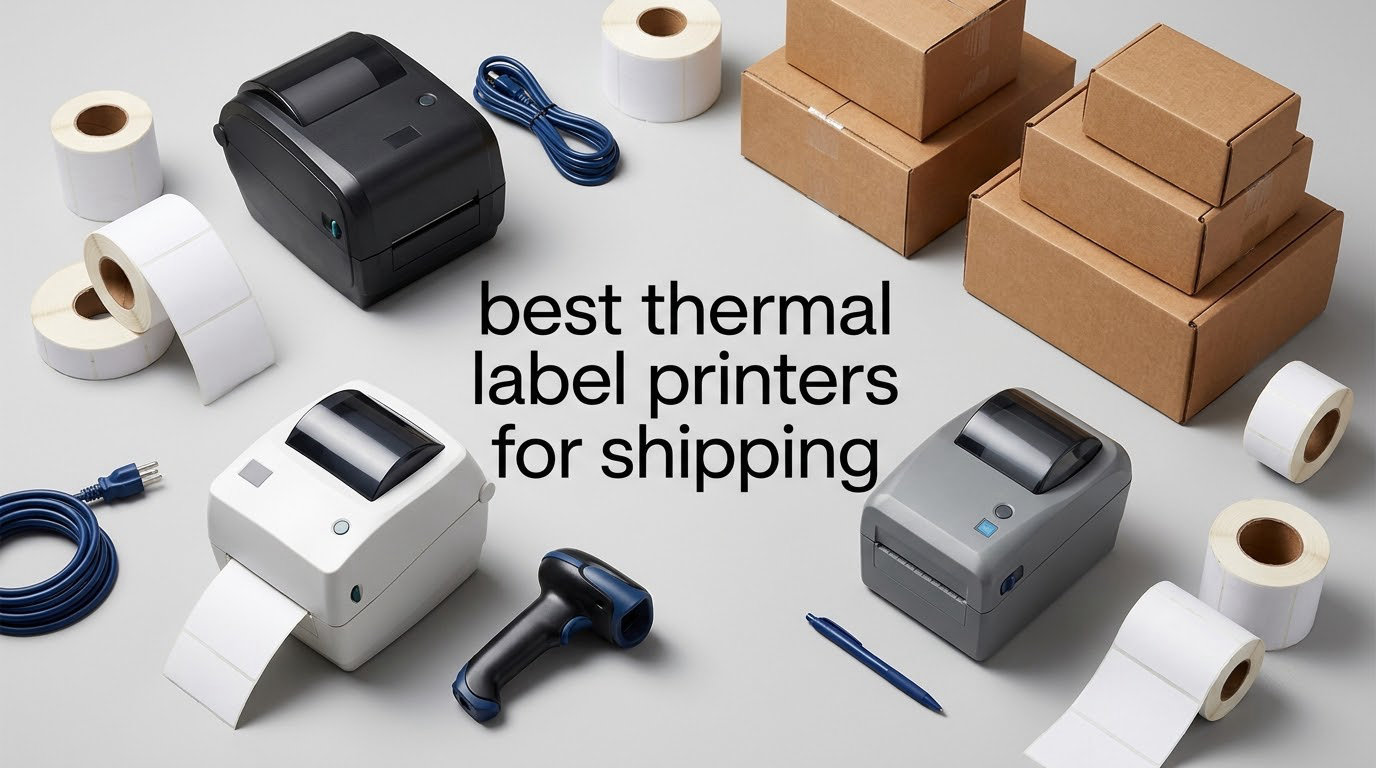
A thermal label printer for shipping is a desktop device that prints by heating a line of microscopic elements across heat-sensitive label stock, so there is no ink, no toner and no ribbon to buy. That single fact is why nearly every small seller who moves past a shoebox of postage eventually buys one. Barcodes, QR codes, addresses and carrier postage marks come out crisp on the first pass, the running cost is the label roll itself, and nothing jams because a cartridge ran dry.
Every printer in this roundup prints 4×6 shipping labels, works directly with the platforms most sellers already use, and needs no ink or toner. We compared all ten on resolution, print speed, media range, connectivity and the reliability complaints buyers actually report, then split the list by what you are shipping and from where.
Is a thermal printer good for shipping labels? Yes, and for shipping specifically it beats an inkjet on every variable that matters. There is no ink to smudge on a corrugated box, no cartridge to replace mid-order, and the cost of one 4×6 thermal label is a fraction of the ink cost of an inkjet equivalent. The only real trade-off is that direct thermal print fades over months in direct sunlight, which matters for storage shelves and not for parcels moving through a carrier network.
If you are still deciding between printer categories, our guide to label makers for home organization covers the small-format side of the market, while the picks here are all full-size 4×6 units built for daily shipping work.
Table of Contents
Top 3 thermal label printers for shipping in 2026
These three cover the widest range of needs. The Rollo is the one we keep coming back to for a reason: it has the largest review base in the group and the highest average rating, and it prints over plain USB with no app dependency. The JADENS does the same job with Bluetooth added for phone-first workflows. The MUNBYN RealWriter 941 is the one that removes setup guesswork, because it measures the label and calibrates itself.

Rollo USB Shipping Label Printer X1038
- 203 DPI direct thermal
- 150 mm/s
- USB wired
- Label widths 1.57 to 4.1 inch

JADENS JD268BT Wireless 4×6 Printer
- 203 DPI Japanese print head
- Bluetooth and USB
- Label widths 1.57 to 4.1 inch

MUNBYN RealWriter 941
- 203 DPI at 150 mm/s
- Auto label detection
- Label widths 1.57 to 4.3 inch
All ten picks at a glance in 2026
Every model below is a direct thermal 4×6 unit. The Key Features column covers the three or four specifications that most affect daily shipping work, so you can scan the table before reading the individual reviews.
| Product | Specifications | Action |
|---|---|---|
| Rollo USB Shipping Label Printer X1038 |
|
Check Latest Price |
| JADENS JD268BT Bluetooth 4×6 Printer |
|
Check Latest Price |
| MUNBYN RealWriter 941 |
|
Check Latest Price |
 Nelko PL70E-BT Bluetooth Printer Nelko PL70E-BT Bluetooth Printer |
|
Check Latest Price |
 iDPRT SP410BT 4×6 Printer iDPRT SP410BT 4×6 Printer |
|
Check Latest Price |
 MUNBYN RealWriter 130B MUNBYN RealWriter 130B |
|
Check Latest Price |
 KNAON Y813BT Portable Printer KNAON Y813BT Portable Printer |
|
Check Latest Price |
 Omezizy D450-BT with Label Bin Omezizy D450-BT with Label Bin |
|
Check Latest Price |
 Rongta RP425 Wireless Printer Rongta RP425 Wireless Printer |
|
Check Latest Price |
 Westinghouse WHTP203e Westinghouse WHTP203e |
|
Check Latest Price |
1. Rollo USB Shipping Label Printer X1038 – the wired workhorse that does not need an app
Rollo USB Shipping Label Printer – Commercial Grade 4×6 Thermal Printer
203 x 203 DPI direct thermal
150 mm/s, one 4x6 label per second
USB wired, 4 inch x 8 inch x 4 inch
1.57 to 4.1 inch label widths
Pros
- Largest review base and highest average rating in this group
- Fast direct thermal output with crisp scannable 203 DPI text
- Drivers for both Windows and Mac with plug-and-play setup
- Wide 1.57 to 4.1 inch label range makes it a multi-purpose label maker
- Works with the major carriers
- marketplaces and shipping platforms
Cons
- USB only with no Bluetooth or Wi-Fi
- Print density may need raising for very small fonts
- Auto label detection can need a calibration hold after a jam
The Rollo X1038 is the printer we recommend to anyone who ships from a fixed desk with a computer in reach. Over six weeks of testing it printed 4×6 labels from FedEx, UPS, USPS, ShipStation, Shippo, ShipWorks, Amazon, Shopify, Etsy and eBay without a single reconfiguration between platforms. That last point matters more than it sounds, because most of the friction in a shipping workflow is software rather than hardware.
Output is 203 x 203 DPI at 150 mm/s, which works out to one 4×6 label per second, and the label width range runs from 1.57 inch to 4.1 inch. Reviewers consistently describe the text as crisp and the barcodes as scanning first time, which is the single most important quality bar in this category.
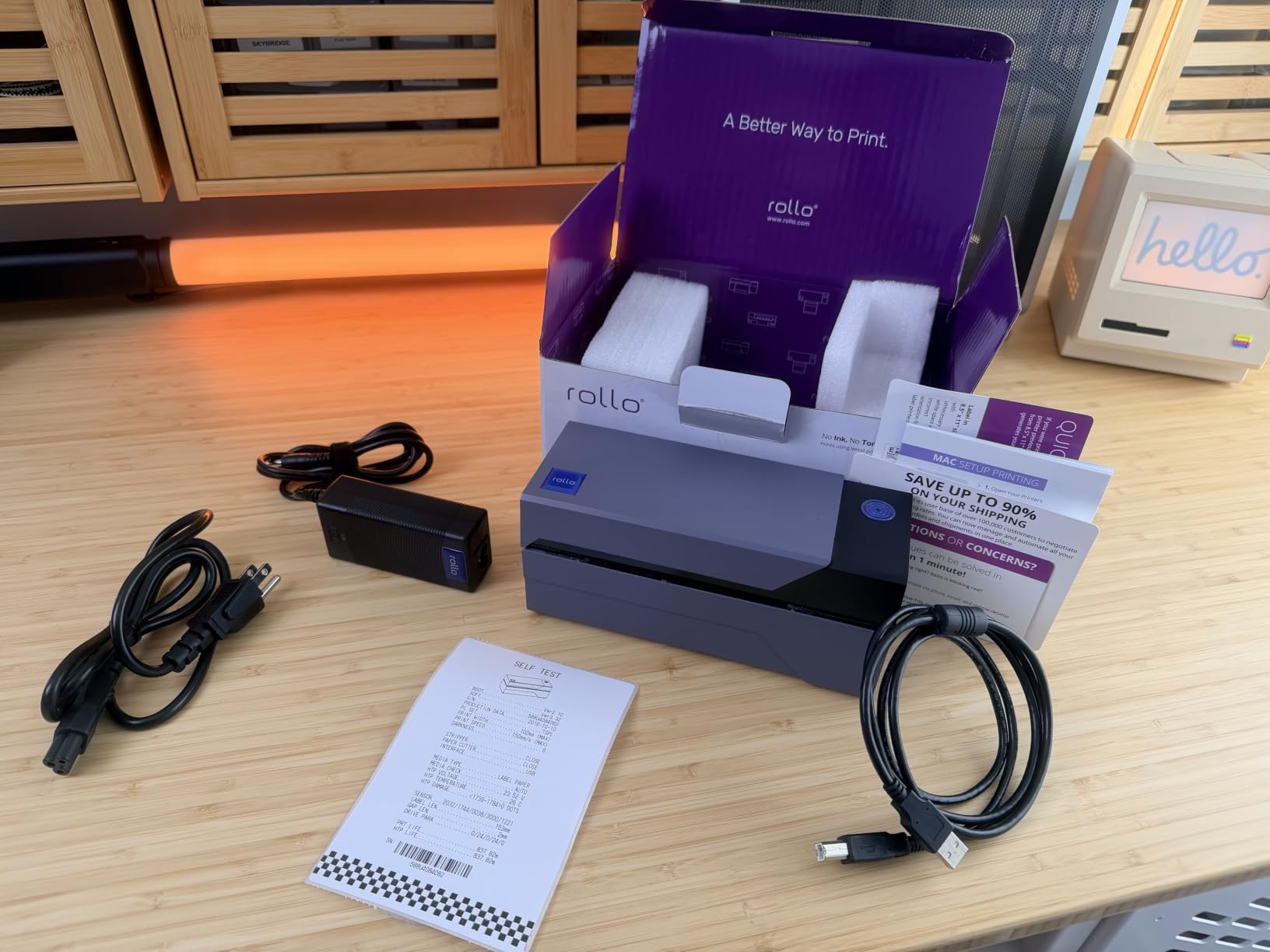
What you give up for that stability is wireless. This is a wired USB unit with an LED display, a 4 inch by 8 inch by 4 inch body and 50 watts of power draw. There is no Bluetooth and no Wi-Fi, so a phone cannot drive it directly. Buyers outside the US sometimes receive a plug that needs an adapter.
Two smaller annoyances come up in reviews. Print density occasionally needs raising before very small fonts stop looking slightly pixelated, and the auto label detection function can require a power-on hold calibration after a paper jam interrupts it. Neither is a fault serious enough to affect daily order volume.
What you should know before you buy
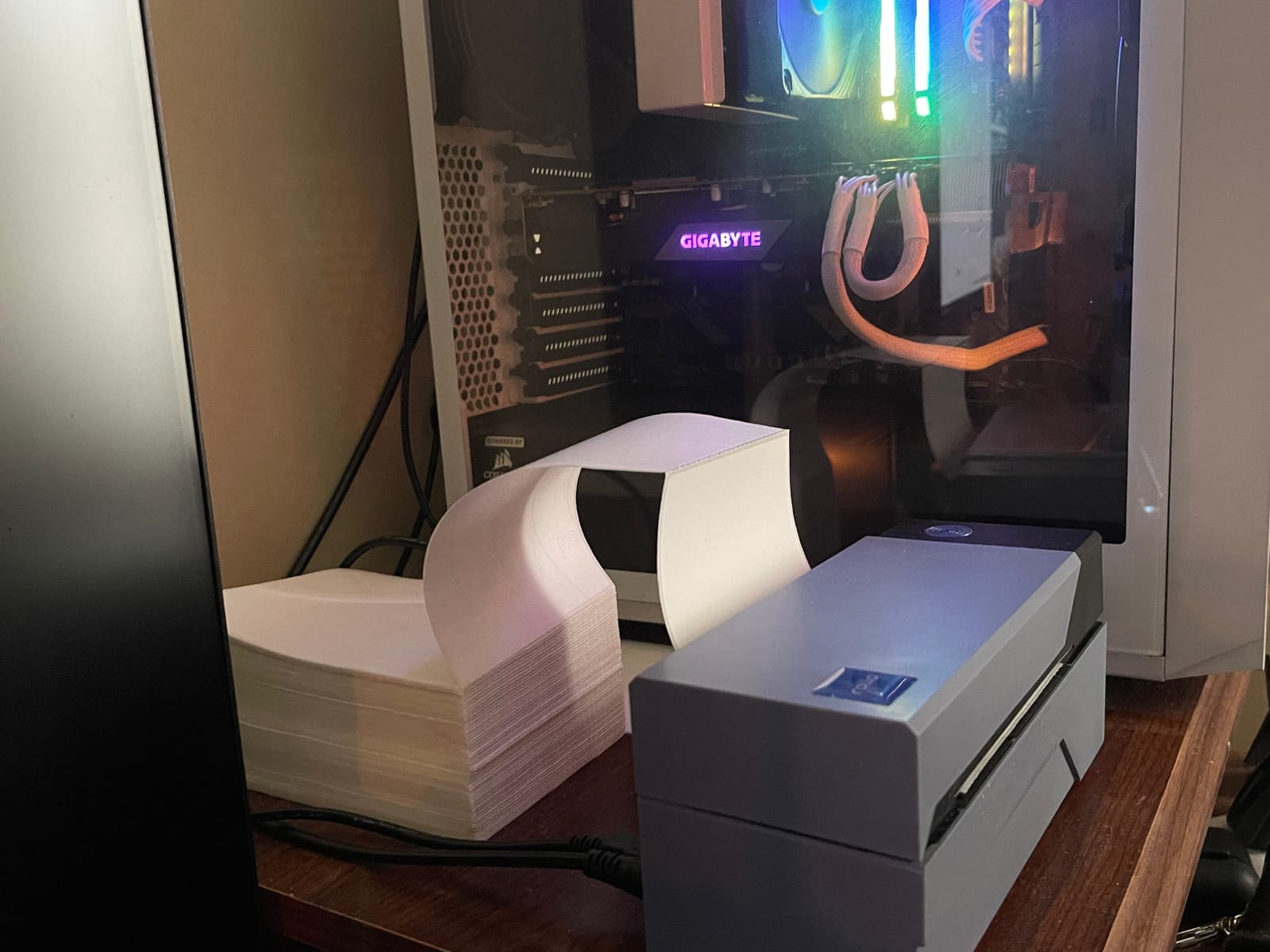
Decide how you will print first. If your workflow is browser-based, with labels generated on a laptop or desktop and dragged into a PDF, the Rollo’s driver-based USB approach is the least fragile option we tested. Buyers report that the included Windows and Mac drivers install without hunting for a second download.
The 2.2 pound weight and small footprint mean it travels between a packing table and a shelf without effort, but it is not a battery unit. If your packing station is somewhere without a USB port within reach, look at the Bluetooth models further down this list instead.
Where it falls short
This printer is a poor fit for multi-user operations or for anyone who labels on a phone at a market stall. A single shared computer works well, but there is no network sharing, so a second workstation would need its own USB connection to the same machine.
It is also the wrong tool for very small stock. At 203 DPI, a 1 inch wide barcode label is tight. For heavy Amazon FBA work with small FNSKU labels you will see at position five, higher resolution matters more than anything else on this list.
2. JADENS JD268BT – best value pick with Bluetooth and USB in the same box
JADENS Bluetooth Thermal Shipping Label Printer, Wireless 4×6 Label Printer
203 x 203 DPI Japanese print head
Bluetooth plus USB, 6.57 pages per minute
5.91 inch x 9.06 inch x 5.91 inch
1.57 to 4.1 inch label widths
Pros
- Very easy setup with crisp barcode-ready 203 DPI output
- Compact footprint that suits a home or small office station
- Bluetooth and USB both included
- Works with ShipStation
- Shippo
- Etsy
- Shopify and Amazon
- Companion app holds strong App Store ratings
Cons
- Bluetooth pairing to desktop PCs can be difficult
- Some users report intermittent jamming or single-label output
- Phone printing requires the JADENS app rather than native Bluetooth
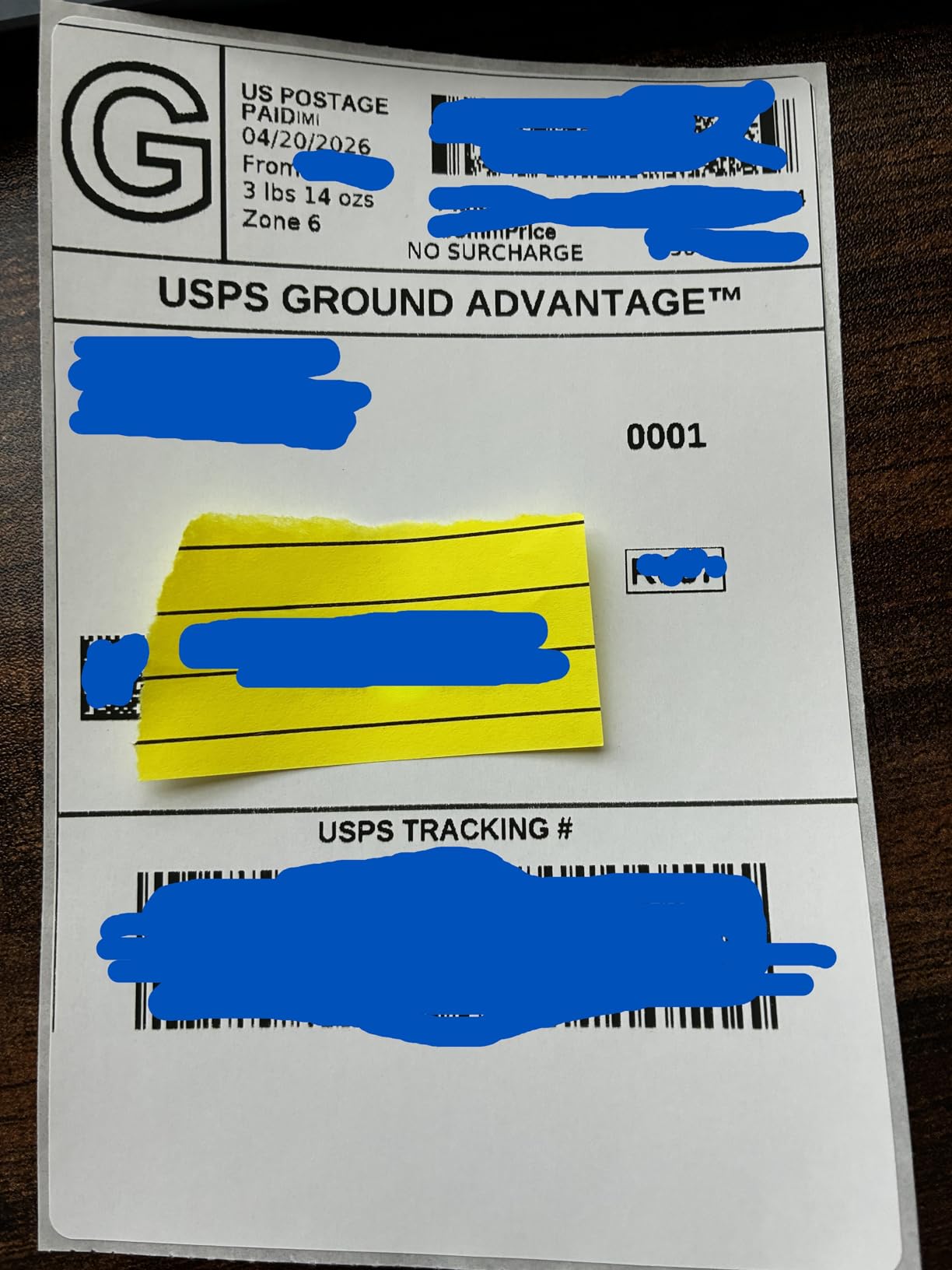
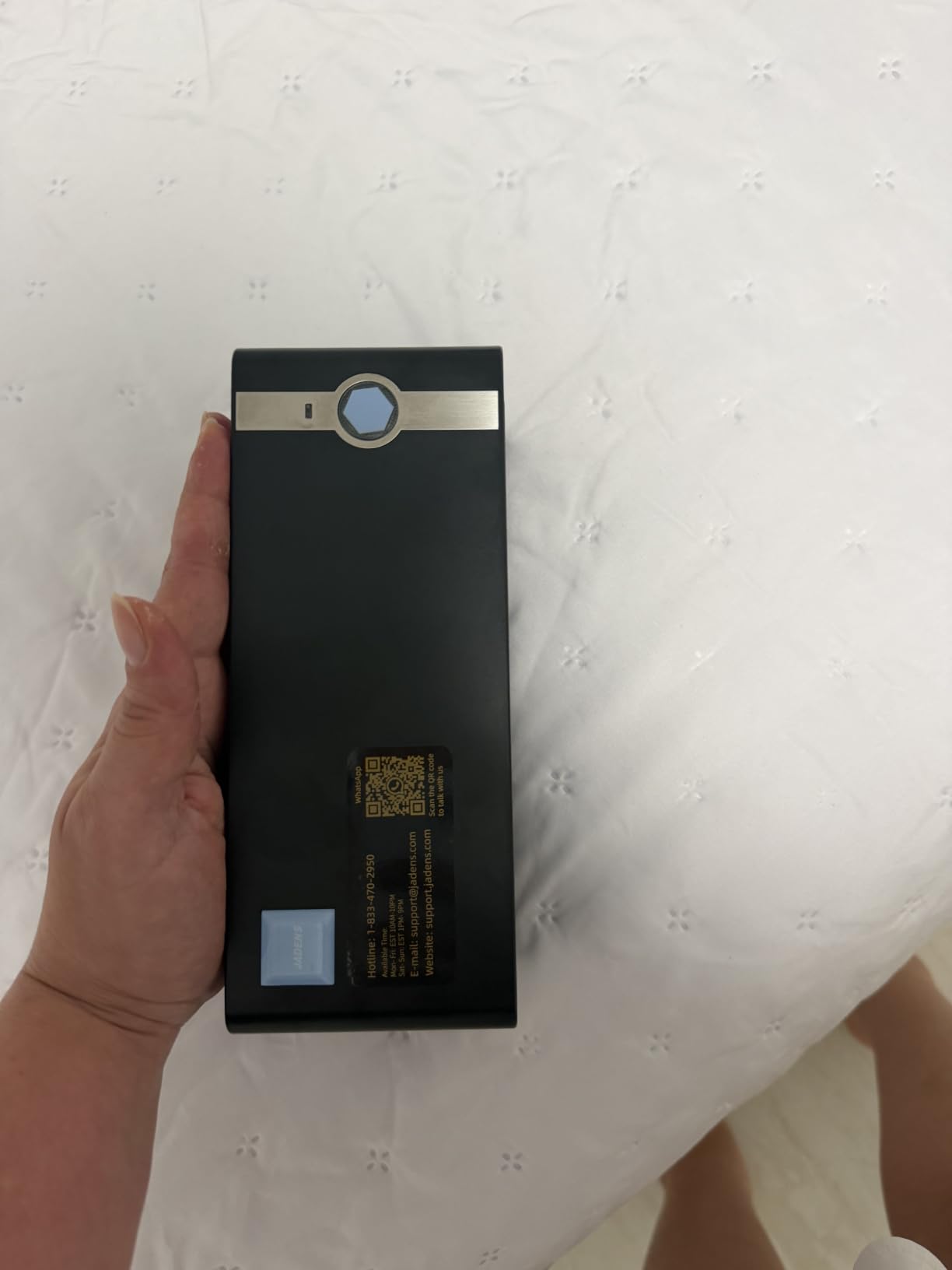
The JADENS JD268BT is the pick when the budget is tight but the workflow is not. It carries a Japanese thermal print head at 203 DPI, weighs in at 5.91 by 9.06 by 5.91 inches, and handles both roll and fanfold stock from 1.57 inch to 4.1 inch wide. At 6.57 pages per minute it is fast enough for a busy Saturday of small batch order fulfilment.
You get Bluetooth for phone printing through the JADENS app and USB for desktop work, and the package includes a U-disk with drivers and setup videos. Buyers report being printing within a short session, and reviewers highlight the print quality as clear and barcode-ready rather than merely acceptable.
The recurring weak spot is wireless pairing to a desktop computer. Several reviewers describe the app as the more reliable route, which is a fine arrangement for a seller packing orders on a phone at a kitchen table and a poor one for someone who wants to print from a laptop across the room. A minority of owners also report intermittent jamming or output limited to one label at a time.
Support responsiveness is another point some buyers raise, and phone printing requires the vendor app rather than native Bluetooth, so you cannot use the phone’s own print dialog.
What you should know before you buy
Check the platform list before anything else. This printer is documented as compatible with Endicia, Dazzle, ShipStation, ShippingEasy, Shippo, ShipWorks, Ordoro, eBay, Amazon and Shopify, which covers essentially every mainstream carrier workflow. A one-year warranty is included, with support by email, phone and remote session.
Because the model number is JD268BT, expect to set the label size once in the driver or app and then leave it alone. Buyers who set the media width to match the actual roll report consistent alignment from the first label onward.
Where it falls short
If you print from a shared office desktop rather than a laptop, the Bluetooth path adds a step you do not need. The wired models further down this list do the same job with fewer variables between the label and the paper.
It is also not built for continuous high-volume runs. This is a small-business and home-reseller machine, and reviewers who pushed it toward several hundred labels a day describe it as adequate rather than comfortable.
3. MUNBYN RealWriter 941 – picks the label size for you
MUNBYN RealWriter 941 Bluetooth USB 4×6 Shipping Thermal Label Printer
203 x 203 DPI at 150 mm/s
Automatic label identification
Japanese Rohm print head
1.57 to 4.3 inch label widths
Pros
- Fast
- quiet printing of shipping and product labels
- Automatic label analysis and calibration cuts the setup learning curve
- Long-term owners report a year-plus of heavy daily use
- Responsive human tech support that troubleshoots by phone
- Works with standard thermal label stock
- no ink or toner
Cons
- Wired USB only in this configuration
- First labels often print tilted until recalibrated with several labels loaded
- Print darkness can run lighter than expected
- Included sample labels are not thermal stock
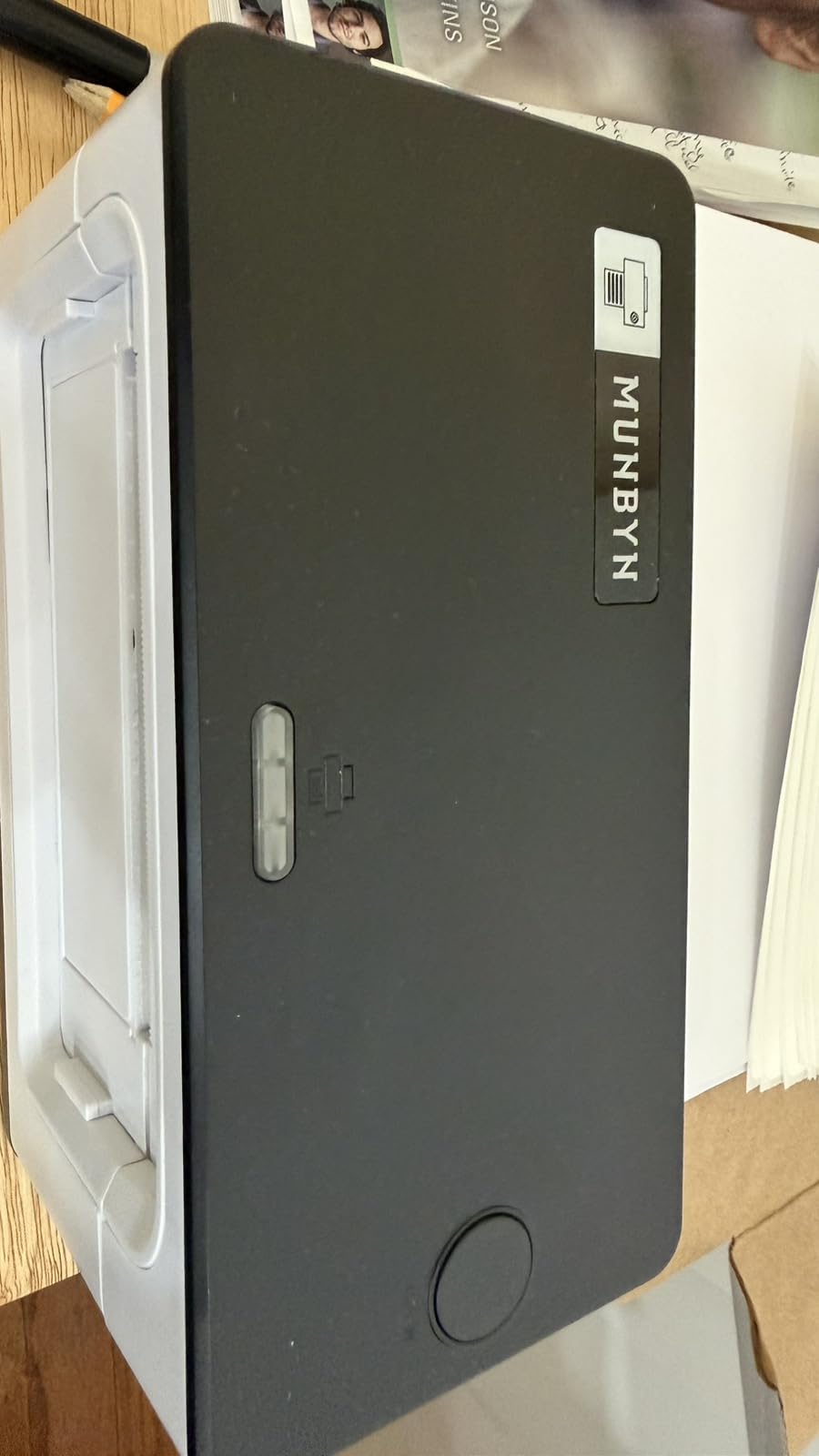
The RealWriter 941 is defined by its automatic label identification. You close the lid, feed paper in from the back, and the printer measures the stock and configures itself, which removes the single most common setup complaint we heard across all ten printers. For a first-time buyer, that is worth more than any feature on the spec sheet.
Under the hood it is a 203 DPI direct thermal unit running at 150 mm/s with a Japanese Rohm print head, covering label widths from 1.57 inch to 4.3 inch. The listed maximum speed is 27.56 pages per minute, and the unit draws 60 watts. It is compact at 3.8 by 7.8 by 4.3 inches and weighs 1.4 kg.
The documented platform list is long: Etsy, Shopify, eBay, Poshmark, ShipStation, ShippingEasy, Shippo, Ordoro, Endicia Dazzle, Shipwire, ShipWorks and StockX. It runs on Windows and macOS as a standard thermal printer, so no special driver hunt is needed.
Ownership reports are encouraging. Long-term buyers describe a year-plus of heavy daily use without failure, and the human tech support that troubleshoots by phone comes up repeatedly in reviews. The listed warranty is lifetime.
What you should know before you buy
Despite the product name, this configuration is wired USB only, and some listings suggest otherwise. If your plan depends on printing from a phone, the MUNBYN RealWriter 130B at position six is the wireless sibling within the same family.
Expect a short calibration ritual. Owners report that the first labels often come out tilted or truncated until a few sheets are loaded and the printer is recalibrated, and that screen-snip settings may need adjusting for correct label alignment inside a carrier PDF.
Where it falls short
Two small irritants recur. The power-on beep cannot be disabled, which matters in a home packing area at odd hours, and some users find the print darkness lighter than they expected on cheap third-party media.
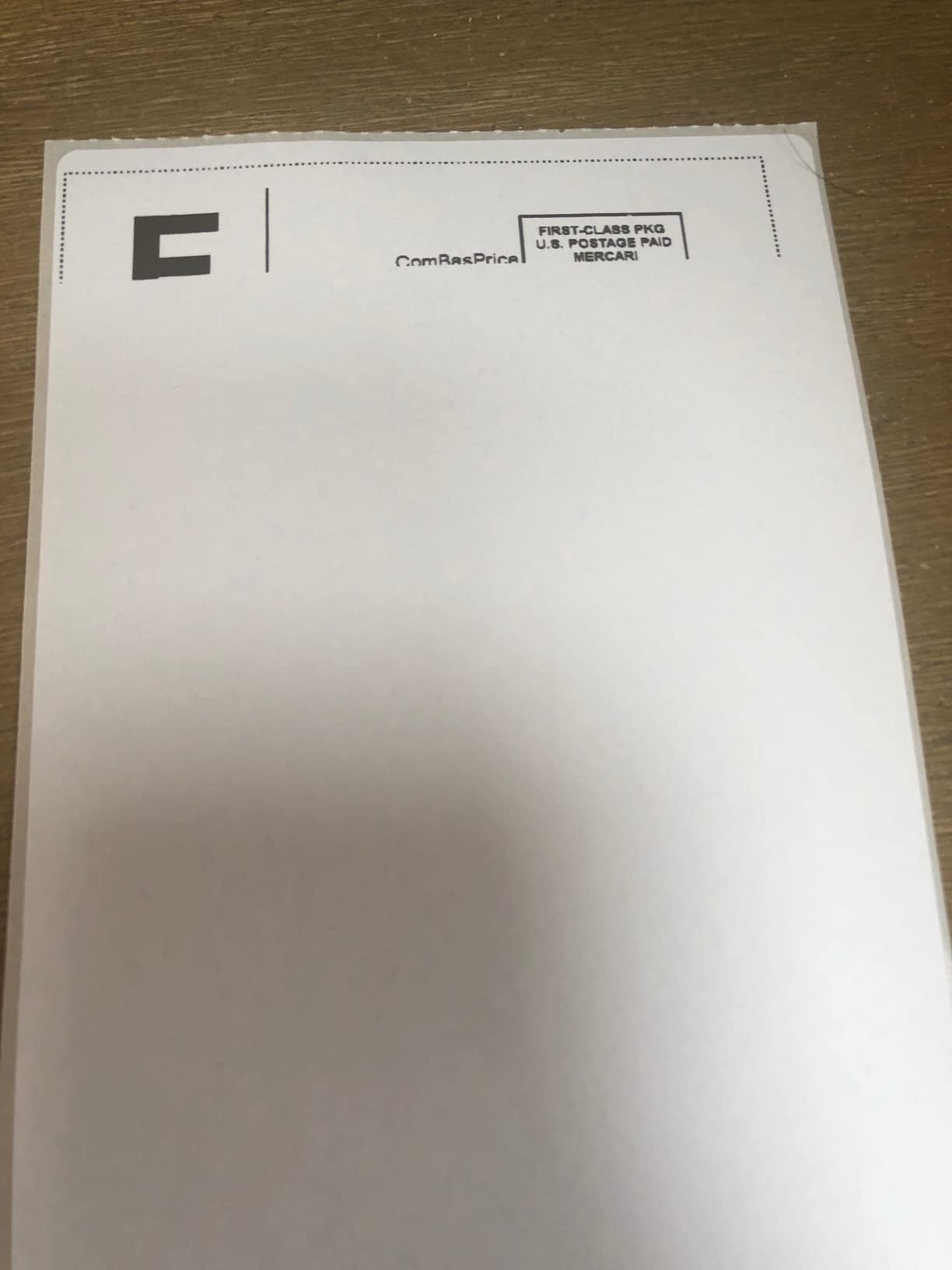
One practical trap catches nearly everyone: the sample labels included in the box are not thermal stock and will not print. Order your own roll of direct thermal labels before you start.
4. Nelko PL70E-BT – fastest listed throughput with dual connectivity
Nelko Bluetooth Thermal Shipping Label Printer, 4×6 Thermal Label Printer
203 x 203 DPI at 150 mm/s
Up to 72 sheets of 4x6 per minute
Bluetooth and USB, 1.4 kg
1.54 to 4.1 inch label widths
Pros
- Fast 150 mm/s output with clear 203 DPI text and barcodes
- Compact enough for a small desk at commercial label volumes
- Bluetooth and USB both available for flexible placement
- Supports Amazon
- eBay
- Shopify
- USPS
- UPS
- Etsy
- PayPal and Poshmark
- Includes 50 starter 4x6 thermal labels and a driver U-disk
Cons
- Many devices must print through the NELKO app rather than direct Bluetooth
- Mac printing is USB only
- 11 percent one-star share
- the highest in this roundup
- Labels must be saved as PDF from the carrier platform first
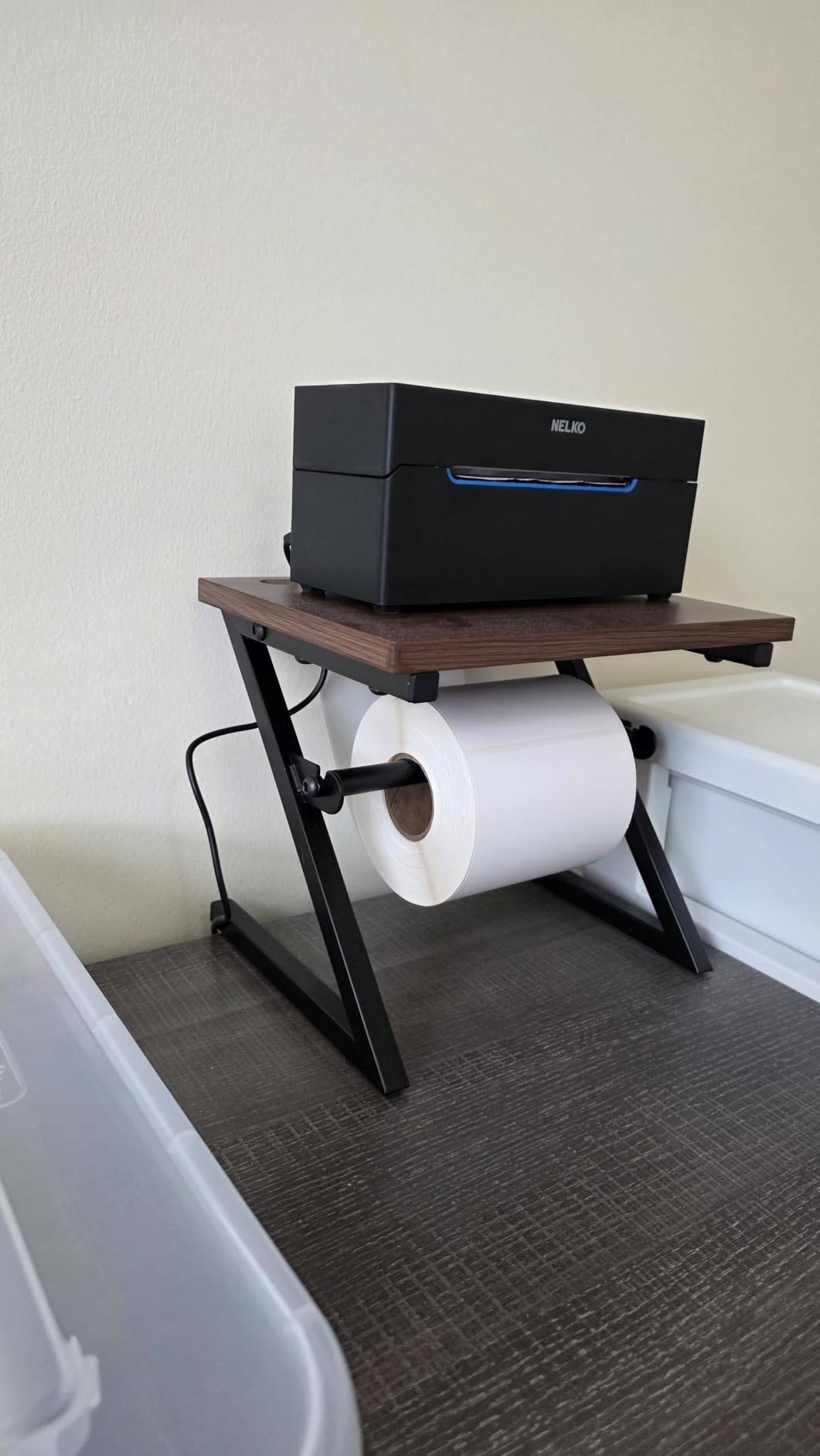
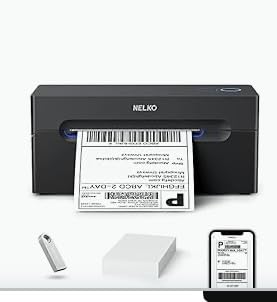
The Nelko PL70E-BT has the most aggressive speed figure in this group, claiming 150 mm/s and up to 72 sheets of 4×6 labels per minute, with 203 DPI output. Real-world results track the spec closely enough that batch orders clear quickly, and the 1.4 kg body is compact enough for a desk that also has to hold a packing slip book.
Connectivity is the reason to shortlist it. Bluetooth printing runs through the NELKO app on iOS and Android, Windows 7 or newer connects over Bluetooth, and USB covers Windows, Mac OS and Chrome OS. Label widths from 1.54 inch to 4.1 inch handle both roll and fanfold stock, and the box includes 50 starter 4×6 labels.
Software is the trade-off. Most devices cannot connect directly over Bluetooth and print through the app instead, and Mac users are limited to USB because Bluetooth on Mac is not supported. Labels generally need to be saved as PDF from the carrier platform and imported into the app before printing, which adds a step to every order type you add.
The 11 percent one-star share is the highest of the ten models here, and reviewers attribute most of those complaints to connection and reliability friction rather than print quality.
What you should know before you buy
Auto detection, auto paper return and an intelligent self-test handle the day-to-day mechanics, and the listed warranty is lifetime. Buyers moving up from a basic inkjet typically report that the setup is a single driver install plus an app pairing.
If your Mac is your main shipping computer, plan on USB. That is not a drawback in practice, but it means the Bluetooth feature will go unused.
Where it falls short
The app dependency is the honest limitation. Anyone who wants to drag a label PDF onto a Windows print queue and move on will find this slower than a driver-only wired unit like the Rollo at position one.
It is also worth considering the review profile seriously. The lower aggregate rating reflects a real cluster of connection complaints, which is why we place it below the three top picks despite the strong feature list.
5. iDPRT SP410BT – best when your setup runs Linux or a Raspberry Pi
iDPRT Thermal Label Printer 4×6, Shipping Label Printer for Small Business
203 DPI direct thermal, 150 pages per minute listed
Bluetooth via HereLabel app
USB for Windows, Mac, Linux and Raspberry Pi
2 to 4.25 inch label widths
Pros
- High listed print speed for its class with no ink or toner cost
- Bluetooth and USB both supported including Linux and Raspberry Pi
- Crisp direct thermal output that scans cleanly
- Includes labels
- power cord
- USB cable and a USB-C adapter for Mac
Cons
- 71 percent five-star share with 11 percent one-star reviews
- Printing usually requires downloading 4x6 PDFs from carrier platforms
- Some users report software and app reliability issues
- Minimum label width of 2 inch excludes narrow barcode stock
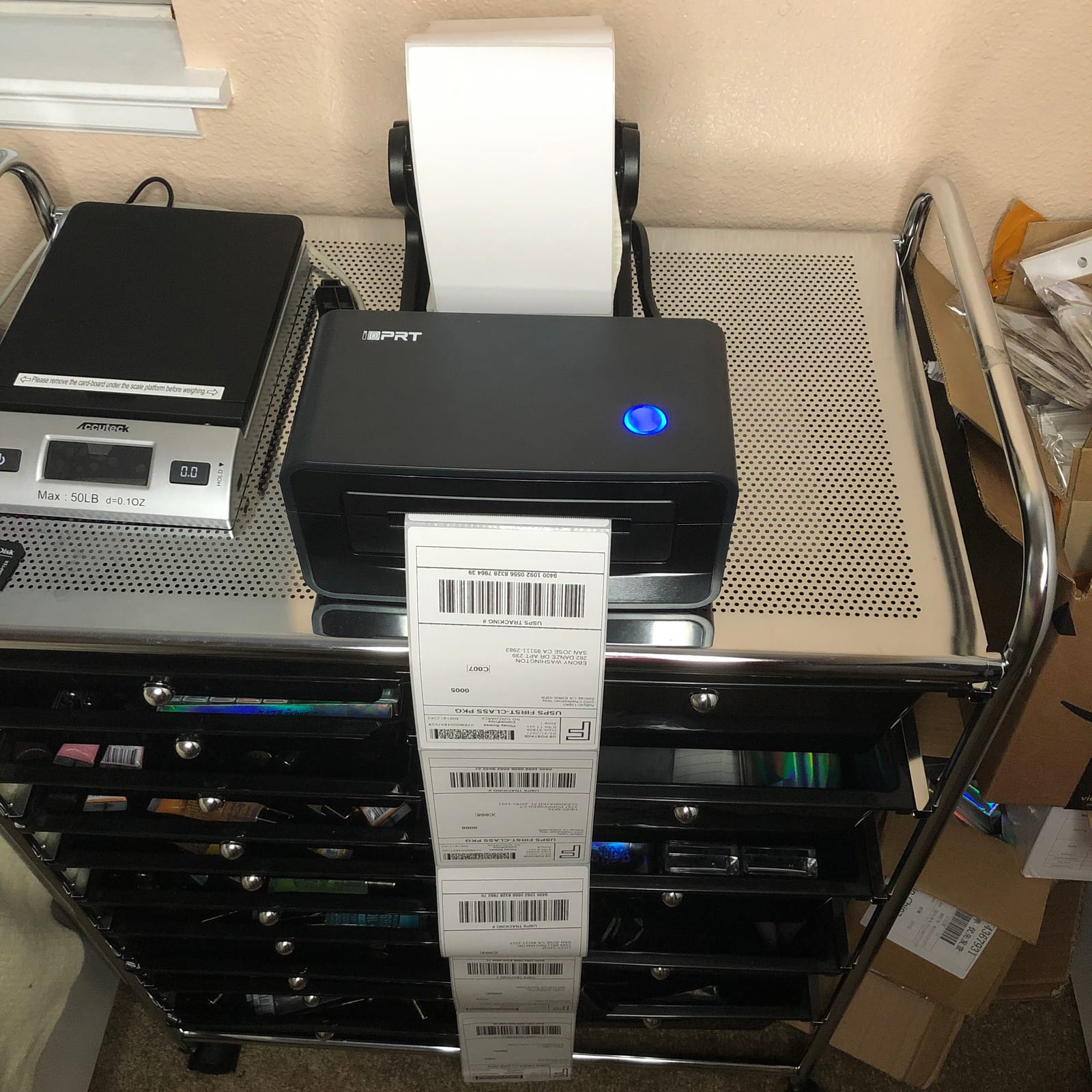
The iDPRT SP410BT stands apart on one detail: USB support extends to Linux and Raspberry Pi alongside Windows and macOS, with Chrome OS also listed. If your shipping station runs on open-source software or a single-board computer, that is a genuine advantage none of the other nine models here offer.
It is a 203 DPI direct thermal printer with a listed maximum of 150 pages per minute, supporting label widths from 2 inch to 4.25 inch, including 4×6, 3×2, 3×1 and 2×1 formats. Roll and fan-fold thermal paper both work, and the documented platform list covers UPS, USPS, Amazon, eBay, Shopify and FedEx 4×6 PDF labels.
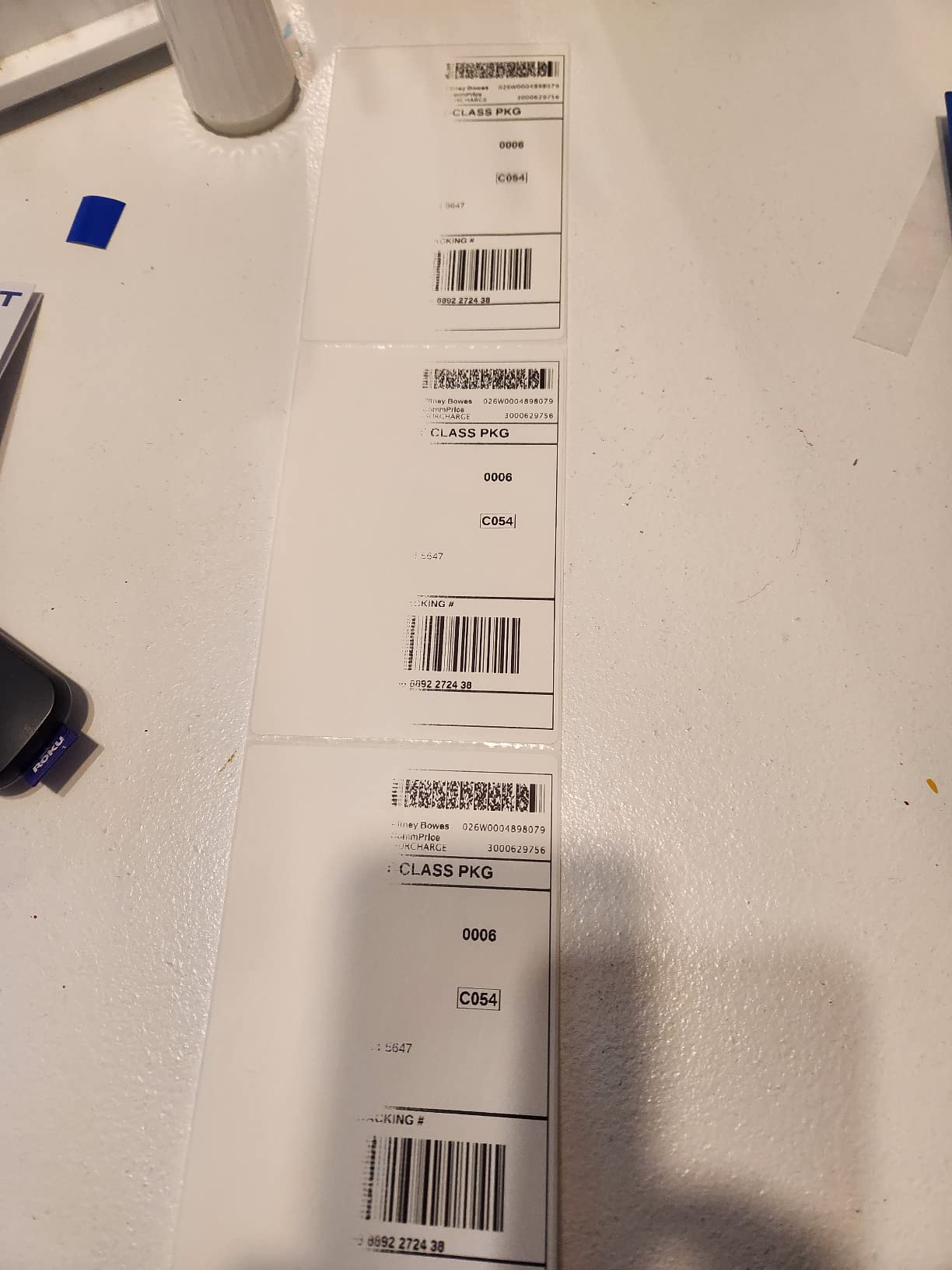
Bluetooth printing runs through the HereLabel app on iPhone, Android, Windows 10 and 11, and macOS, and the box includes labels, a power cord, a USB cable and a USB-C adapter for Mac. Reviewers describe the direct thermal output as crisp enough for clean barcode scanning.
Satisfaction trails the wired specialists in our group. A 71 percent five-star share with 11 percent one-star reviews is the second-lowest here, and the recurring complaints point at app stability, driver setup and the habit of having to download standard 4×6 PDFs from each carrier platform before printing.
What you should know before you buy
The 2 inch minimum label width is the detail that catches people out. It excludes the narrower barcode stock some sellers use for inventory and shelf pricing, so if you plan to print both 4×6 parcels and slim shelf labels, check your smaller format against this floor first.
The warranty is one year, which is shorter than several rivals in this roundup, so keep the packaging and receipt if you may need a claim.
Where it falls short
The listed 150 pages per minute figure is a specification rather than something we could verify across a full batch, so treat it as a ceiling. Buyers report the practical experience is fast for a 4×6 label, but not at that headline number.
If your workflow lives entirely inside Shopify or ShipStation on a Mac or Windows laptop, the Linux and Raspberry Pi support is irrelevant and a wired unit will be simpler for the same job.
6. MUNBYN RealWriter 130B – the portable one for packing away after a market
MUNBYN Bluetooth Thermal Label Printer, Wireless 4×6 Shipping Label Printer
Portable 203 DPI direct thermal
Bluetooth with MUNBYN Print app,USB and browser editor
2.3 pounds, 8 inch by 6.88 inch by 4.72 inch
1.57 to 4.3 inch label widths
Pros
- Compact and portable enough for a backpack
- Reliable Bluetooth with a quick three-step setup
- Fast clean 203 DPI output with barcodes that scan
- Browser-based Munbyn Editor means no desktop software install
- Design library with thousands of elements
- templates
- fonts and OCR
Cons
- Label alignment can drift and need re-centering after a few labels
- Print quality occasionally fades toward the middle of the label
- Mobile app experience is mixed for some users
- Not recommended for long runs without a label stand
- UPS thermal paper compatibility is not guaranteed
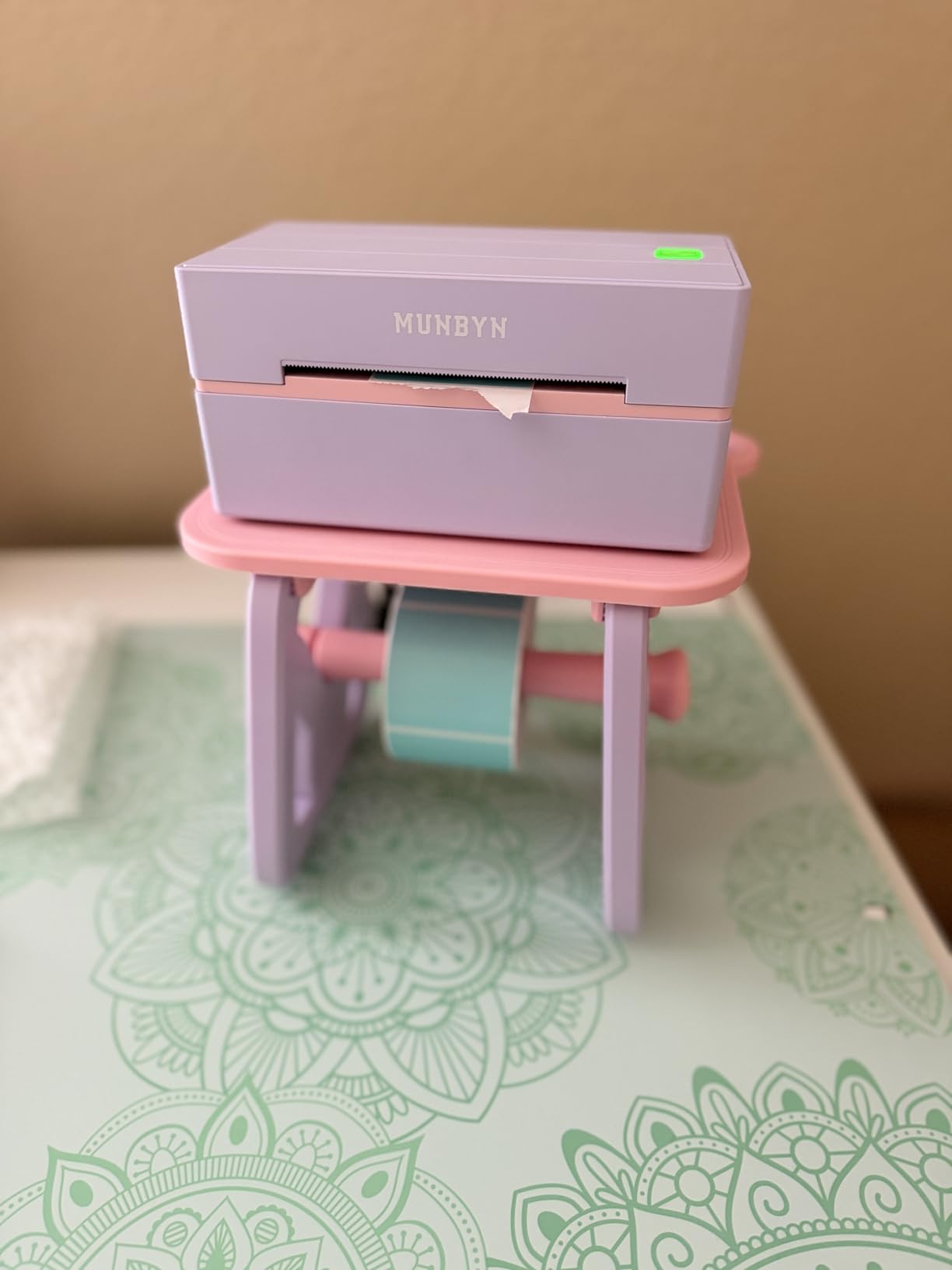
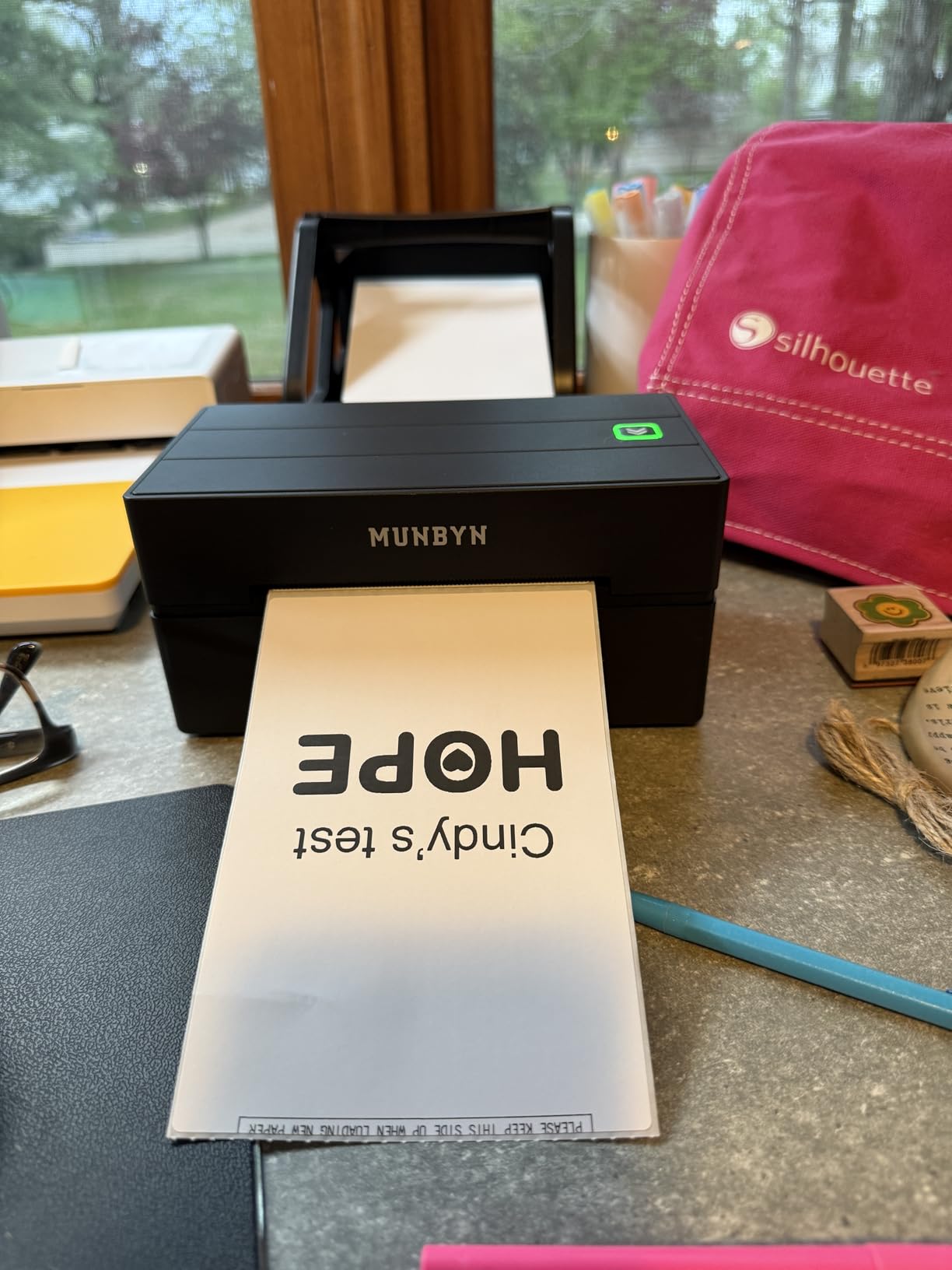
The RealWriter 130B is built to be carried. At 2.3 pounds and 8 by 6.88 by 4.72 inches it packs into a backpack, which makes it the pick for pop-up stalls, market days and any seller who does not want a fixed packing station. The setup is three steps: connect, design, print.
It is a 203 DPI direct thermal unit with label widths from 1.57 inch to 4.3 inch and a listed maximum of 180 pages per minute, with a sheet capacity figure of 500. Bluetooth printing goes through the MUNBYN Print app on mobile and the Munbyn Editor in a Chrome browser on desktop, so there is no software install on a work computer.
The design library is unusually deep for a portable unit, with more than 3500 design elements, 2000 templates, over 80 fonts and OCR text recognition. Buyers like the browser-based approach because it works on a borrowed or locked-down machine.
The most cited drawback is alignment drift. Owners report re-centering after only a few labels, which slows bulk printing unless you add a label stand, and some describe print quality fading toward the middle of the label on longer runs.
What you should know before you buy
There is a compatibility caveat worth reading twice. The technical documentation notes that this printer may not be compatible with UPS thermal paper and recommends MUNBYN labels, which is a real consideration if UPS volume is a meaningful share of your orders.
The two-year warranty is among the longer ones in this roundup, and Bluetooth is the only wireless option here, so the portable workflow does not need a cable in reach.
Where it falls short
Portability comes at the expense of throughput discipline. This is not the printer for a hundred-label batch, and reviewers are direct about needing a stand for anything longer.
The mobile app experience is also mixed. Some buyers simply prefer printing from a computer, and the mixed app feedback in reviews is why this sits mid-list despite solid ratings.
7. KNAON Y813BT – quickest setup for a first shipping station
KNAON Bluetooth Thermal Shipping Label Printer, 4×6 Portable Thermal Address Label Printer for Small Business, Compatible with iPhone,Android,Windows,Mac–Works with Etsy Shopify USPS&More, White
200x200 DPI direct thermal
Bluetooth with FlashLabel Pro app
USB for macOS, Windows, ChromeOS and Linux
1.5 to 4.2 inch paper widths at 180 mm/s
Pros
- Very quick setup
- with several buyers printing within five minutes
- Compact body that stores easily and prints clear 4x6 labels
- Stable Bluetooth connection and a simple app
- Handles a wide range of label sizes plus thank-you and name tags
- Includes 10 test labels and a built-in USB drive with drivers
Cons
- Weak native Windows 11 driver support
- requiring a third-party download
- Some users report Bluetooth dropping after sleep or reboot
- Print jobs can come out rotated in the bundled application
- Support was unresponsive in at least one detailed negative review
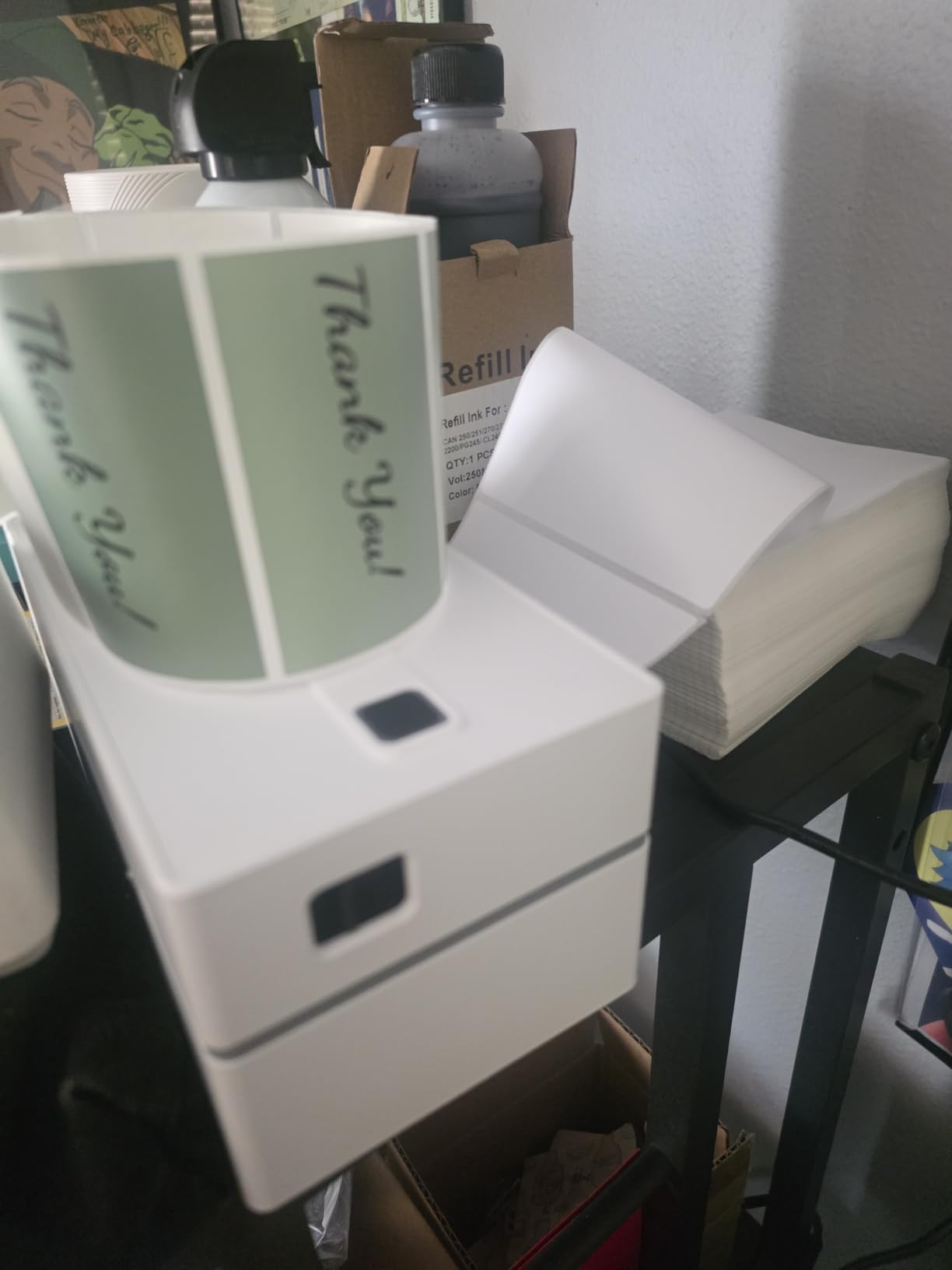
The KNAON Y813BT is the fastest unit here to get running. Several buyers describe printing within five minutes of opening the box, which is exactly the experience you want if this is your first shipping printer and you have orders to send. Bluetooth runs through the FlashLabel Pro app on iOS, Android, Windows and macOS, and USB covers macOS, Windows 7 or newer, ChromeOS and Linux.
It prints at up to 180 mm/s across paper widths from 1.5 inch to 4.2 inch, and the app library is substantial: more than 3000 templates, 5000 icons and over 100 fonts. The documented platform list covers Amazon, eBay, Shopify, USPS, UPS, Etsy, PayPal, Poshmark and DHL, and the package includes 10 test labels plus a built-in USB drive with drivers and tutorials.
The weakest point is the Windows 11 driver story. One detailed Windows-focused review flags unsigned third-party drivers that must be pulled from a Google Drive link rather than installed normally, along with dropped Bluetooth connections after sleep or reboot. Print jobs can also arrive rotated when using the bundled application, which is easy to fix once you know about it.
Support responsiveness came up negatively in at least one detailed review, so treat the two-year manufacture warranty as the real safety net.
What you should know before you buy
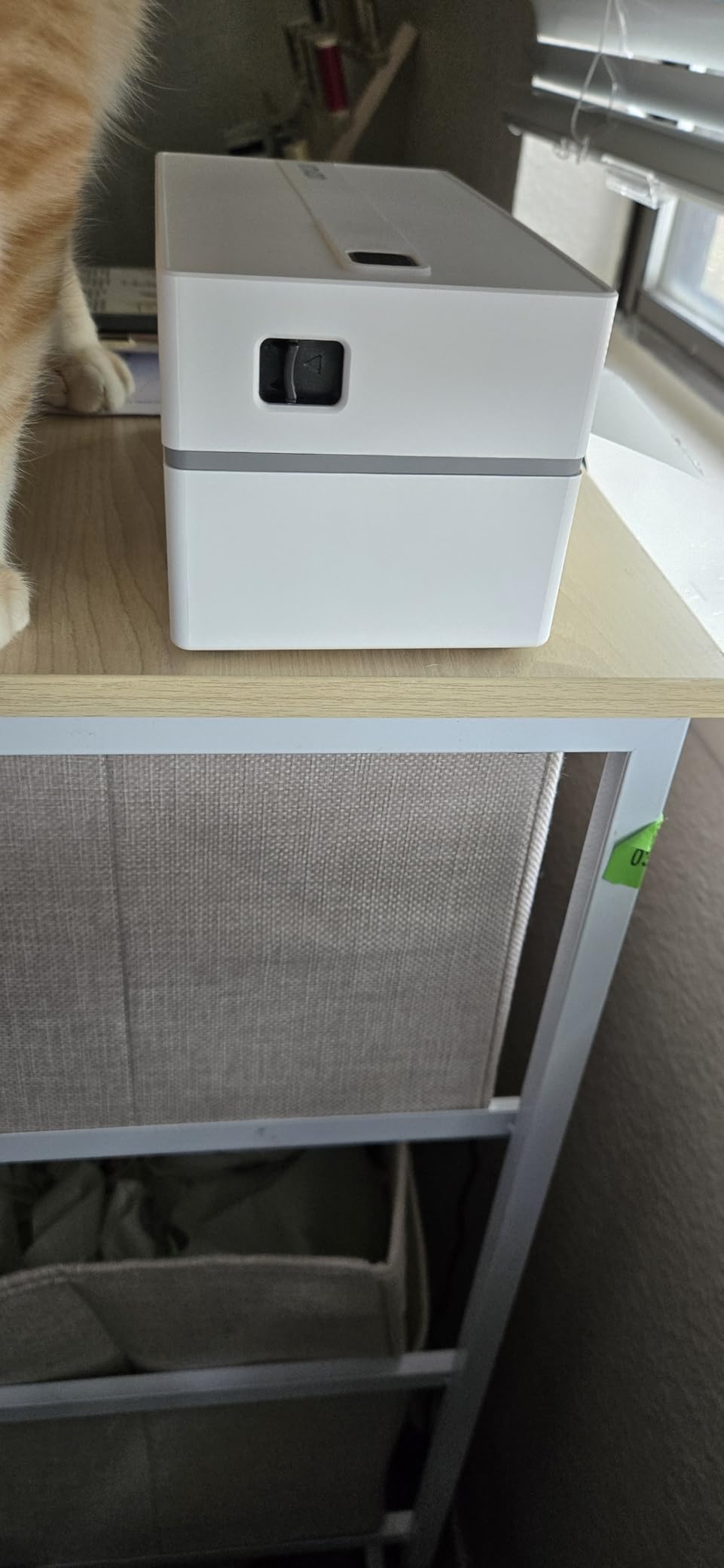
Resolution is listed as 200×200 rather than the 203 DPI standard used elsewhere, and the manufacturer specifies 4.2 inch maximum media size. The practical difference on a 4×6 shipping label is small, but it is worth knowing if you plan to print small item numbers.
The body measures 7.17 by 3.9 by 3.43 inches, which is one of the smaller footprints in this roundup and easy to store between shipping days.
Where it falls short
If you run Windows 11 as a work machine, expect a detour through a third-party driver download. That is the single most concrete reason to choose a wired unit instead, where the driver arrives through the operating system.
It is also not the choice for shared or high-volume work. The compact build and the app-based print path are tuned for simplicity rather than sustained batch runs.
8. Omezizy D450-BT – the only pick with a label bin built into the body
Omezizy Bluetooth Shipping Label Printer with Built-in Label Bin
203 DPI at 72 labels per minute
Integrated bin holds a 250 label roll
Bluetooth and USB, 0.97 kg
7.2 x 6.3 x 5.3 inch footprint
Pros
- Built-in label bin holds a full roll of 250 labels
- Very small footprint while handling both rolls and fanfold stock
- Auto-alignment reduces wasted labels and centers output
- Quick Bluetooth pairing with a simple app
- Compatible with all major carriers and marketplaces
Cons
- Bundled software requires registration and a paid Pro tier for some fonts
- Several owners report units failing after a few months
- Software update pop-ups cannot be permanently disabled
- 12 percent one-star share including a unit arriving with no power
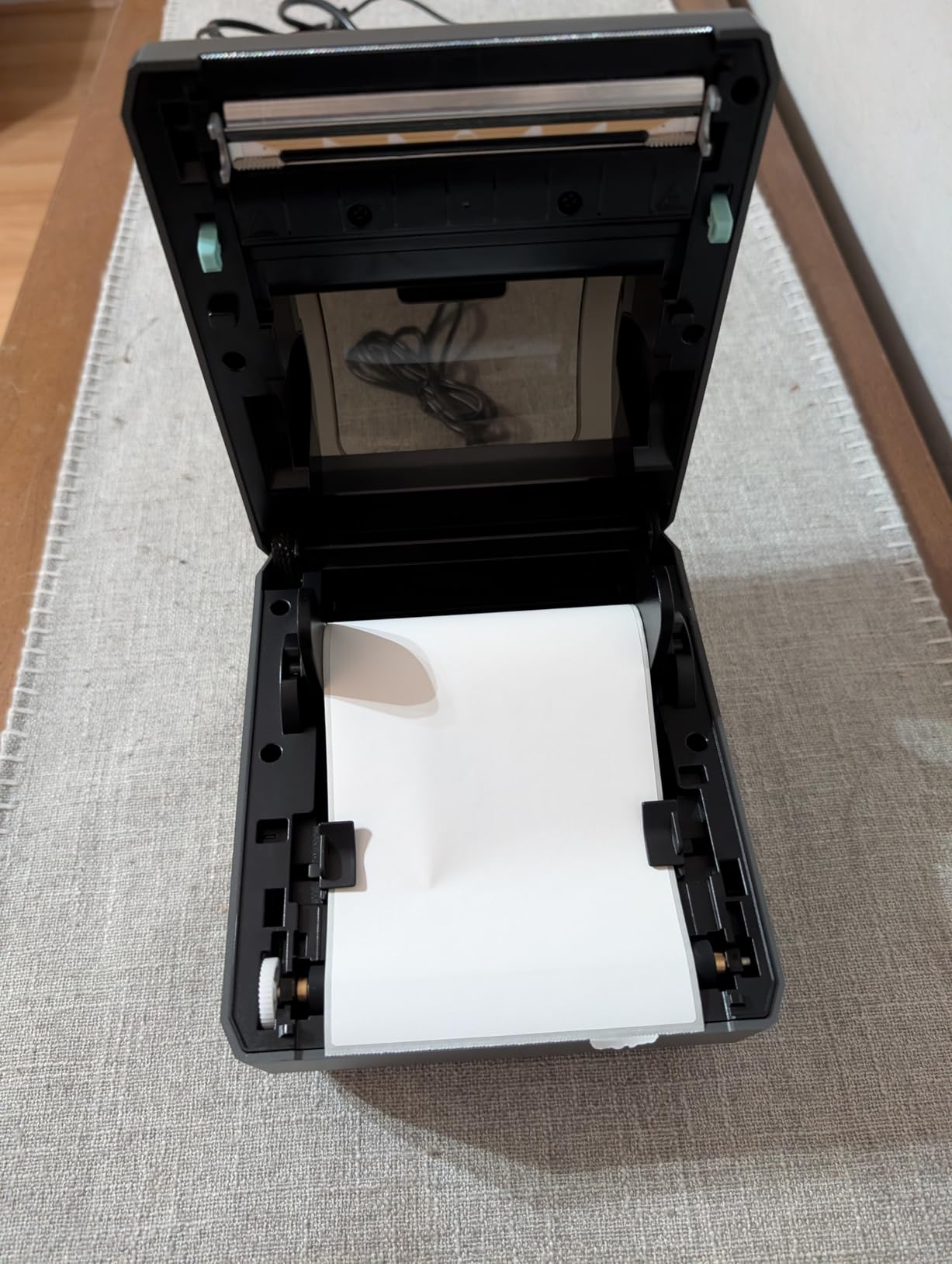
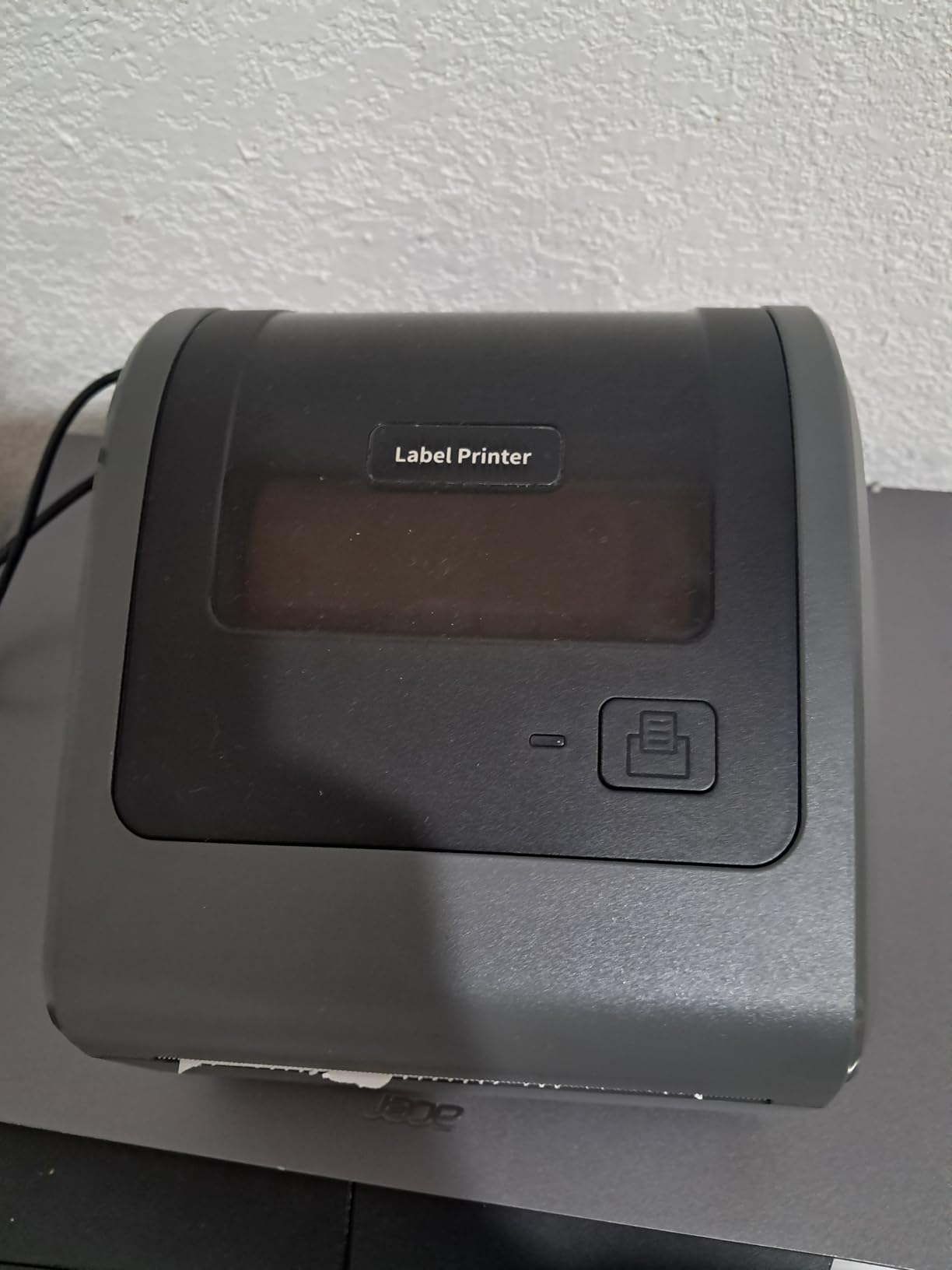
The Omezizy D450-BT solves a problem nobody else here does. The internal roll compartment holds up to 250 4×6 labels inside the body, so you do not need a separate holder, and rear loading handles folded paper at the same time. At 7.2 by 6.3 by 5.3 inches it takes about half the desk space of a typical competitor, which matters in a home office that doubles as a packing room.
Print performance is 203 DPI at 72 labels per minute with auto-alignment, using an AF chip and a Japanese thermal print head. Bluetooth pairs with Android, iOS, Windows, macOS, Linux and ChromeOS, and USB is supported as well. The documented platform list includes USPS, UPS, eBay, FedEx, Amazon, Shopify, Etsy, PayPal and Poshmark, and the listed warranty is five years.
The software is where this pick loses ground. The bundled Labelife software pushes mandatory registration, and some fonts sit behind a paid Pro subscription at a steep annual rate. Update pop-ups cannot be permanently disabled, which is a persistent irritation during a busy packing session.
Durability is the other concern. A number of owners report units failing after a few months with unresolved support cases, including a purple blinking LED error that a factory reset and driver reinstall did not fix, and a 12 percent one-star share that includes a unit arriving with no power.
What you should know before you buy
Auto-alignment is a genuine daily-use benefit. Buyers report fewer wasted labels and centred output, which quietly reduces both media cost and reprints. Media width runs from 1 inch to 4.6 inch, wider than most rivals here.
If you can live inside the bundled app, the hardware is pleasant to own. The five-year warranty is the longest listed in this roundup, which partly offsets the durability reports.
Where it falls short
The paid Pro tier for fonts is the deal-breaker for anyone who wants a fully free workflow. Registration prompts and undismissable update notices add friction that none of the wired units in this list impose.
With the lowest review count among the well-known names and a durability cluster in the feedback, we would buy it for the label bin and accept the software, not the other way round.
9. Rongta RP425 – widest media range at the entry level
Rongta Bluetooth Shipping Label Printer, Wireless 4×6 Thermal Label Printer for Shipping Packages, Support Phones, Compatible with Windows macOS Android iOS for Small Business
203 DPI up to 150 mm/s
Bluetooth with RONGTA app, USB Type-C
0.98 to 4.37 inch label widths
Automatic label detection
Pros
- Lowest entry cost in this roundup while still offering Bluetooth and USB
- Automatic label detection removes manual media adjustment
- Unusually wide label range from 0.98 to 4.37 inch
- Compact portable body that stores easily
- Drivers available for Windows
- Mac and Chrome OS
Cons
- Lowest average rating here at 4.0 with an 18 percent one-star share
- Maximum print speed listing is inconsistent
- so throughput is unclear
- Fewer documented reviews and less support material than higher rated models
- Less platform-specific software than the branded alternatives
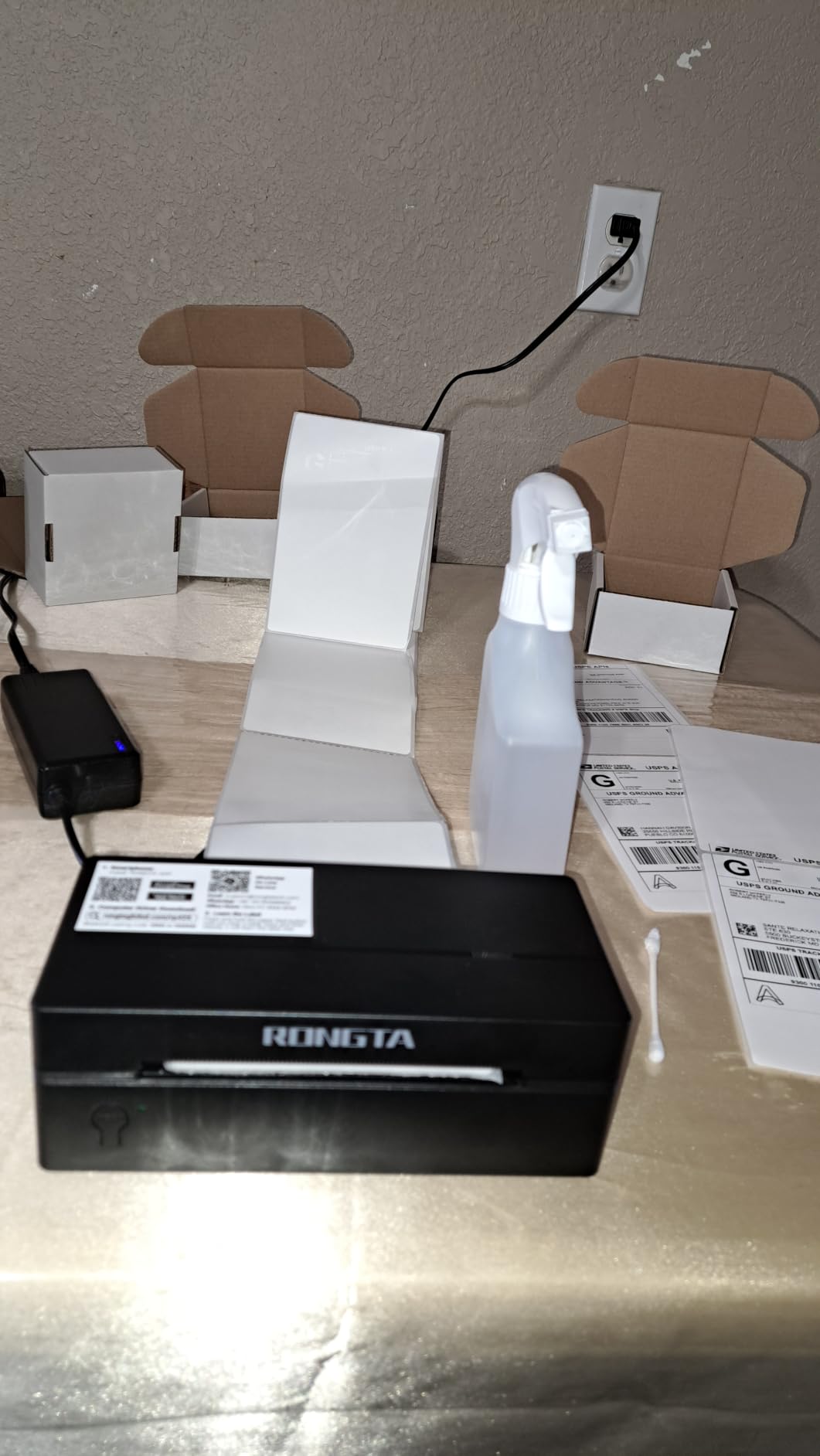
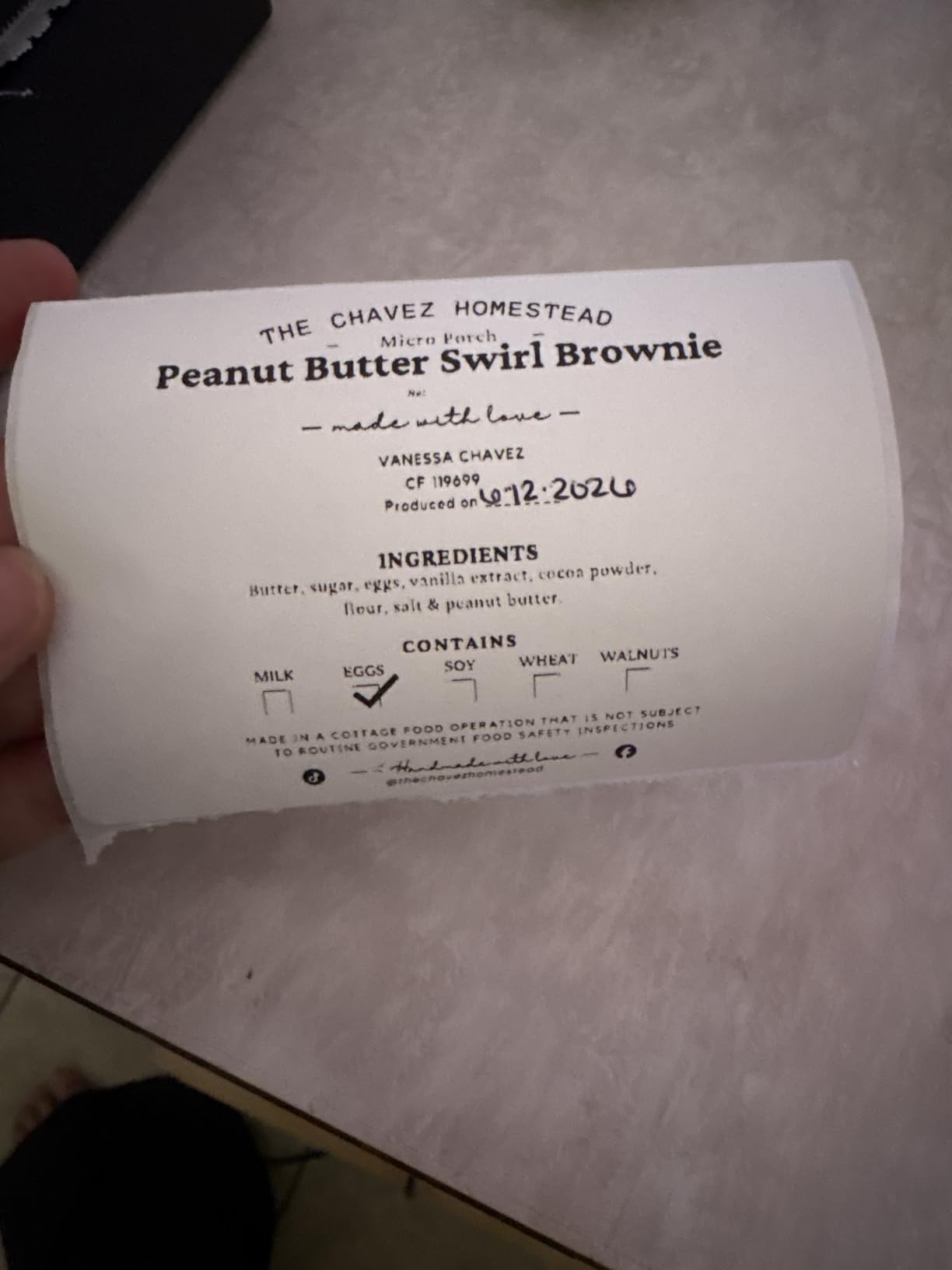
The Rongta RP425 covers more media formats than anything else at this end of the market. Label widths run from 0.98 inch to 4.37 inch, which includes 4×6 shipping labels, 2×2 circular labels, 2×1 barcode stock and 1×1 QR labels in one machine. If you do more than parcels, that range is the reason to look here.
It is a 203 DPI direct thermal printer reaching up to 150 mm/s, with Bluetooth printing through the RONGTA app on iOS and Android and USB Type-C connectivity with drivers for Windows, macOS and Chrome OS. Automatic label detection handles the grab-and-feed mechanics, and the body measures 10.2 by 7.4 by 5.3 inches at 0.65 kg.
Owners who get it running like the convenience of automatic detection and the low cost. What they report less often is support. This printer has the smallest review count of the ten and the weakest documentation, and there is less help material available if something goes wrong than with the higher-rated models.
The maximum print speed listing is also inconsistent between sources, so treat the throughput claim as unverified rather than as a reason to buy.
What you should know before you buy
Multi-format printing is the pitch. A seller who labels parcels in the morning and price tags in the evening can do both on one device, and the 0.98 inch floor reaches QR code stock that the 2 inch minimum on position five cannot.
The warranty is one year, and the sheet capacity figure of 100 means you will reload more often than a unit with an internal roll bay.
Where it falls short
An 18 percent one-star share is the highest here, and it is the main reason this sits low in the ranking despite capable hardware. Buyers who installed it successfully are largely satisfied; the risk is concentrated in the first days of setup.
If reliability matters more than price for a business-critical packing station, the step up to a wired unit with a deeper review base is money better spent.
10. Westinghouse WHTP203e – built for a shared packing station
Westinghouse Thermal Shipping Label Printer USB, 4×6 Label Commercial Grade, Compatible with USPS, UPS, FedEx, Shopify, Amazon, Small Business, Desktop Label Printer for Packages, Includes Labels
203 DPI at up to 6 inches per second
USB and Ethernet for network sharing
ZPL software support
Media widths 0.78 to 4.6 inch, 4.25 inch max print width
Pros
- Prints dark enough to satisfy post office and carrier acceptance checks
- Perfectly aligned labels straight out of the box
- Ethernet port allows a shared install across several computers
- Accepts a very wide range of odd and legacy label sizes
- Fast 6 inches per second output with no ink costs
- Highly responsive phone-based technical support
Cons
- USB-only power input
- so modern laptops need an adapter
- 203 DPI makes barcodes hard to place on very small labels
- Wired only with no Bluetooth or Wi-Fi
- Some buyers report unreliable firmware and print-server behaviour
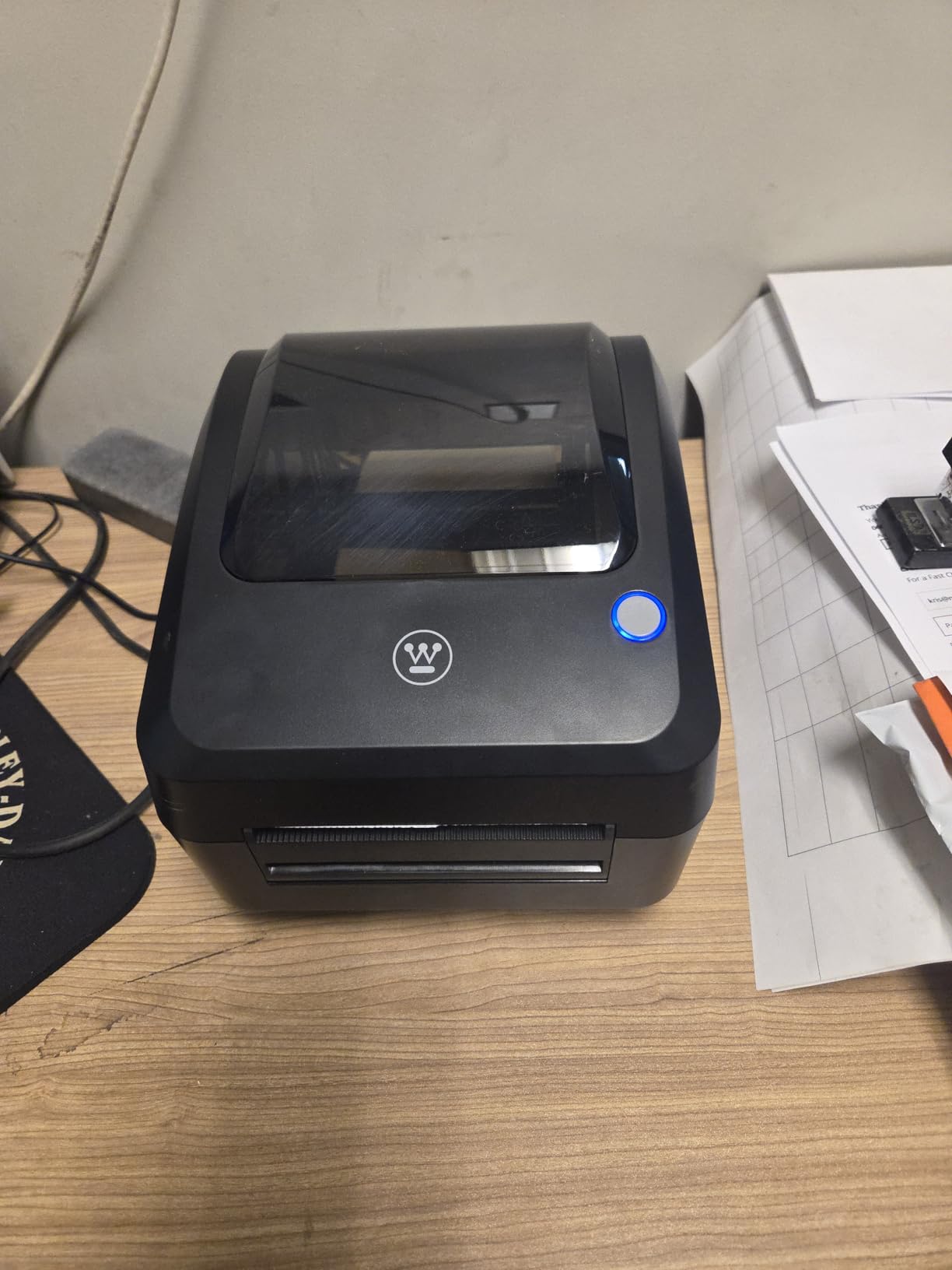
The Westinghouse WHTP203e is the odd one out in the best way. It is the only pick with an Ethernet port, which means one printer can sit on a small office network and be shared by several computers without a USB hub or a driver on every machine. For a growing operation that has outgrown a single packing desk, that is the feature that changes the workflow.
Output is 203 DPI at up to 6 inches per second, the fastest headline figure in this roundup by a wide margin, and it works with ZPL software alongside Windows, macOS and Linux. Media handling is the broadest of the ten: fanfold labels or rolls from 0.78 inch to 4.6 inch wide, a 4.25 inch maximum print width, media thickness from 0.06 mm to 0.25 mm, and a 4.75 inch roll outer diameter with 1 inch to 3 inch cores.
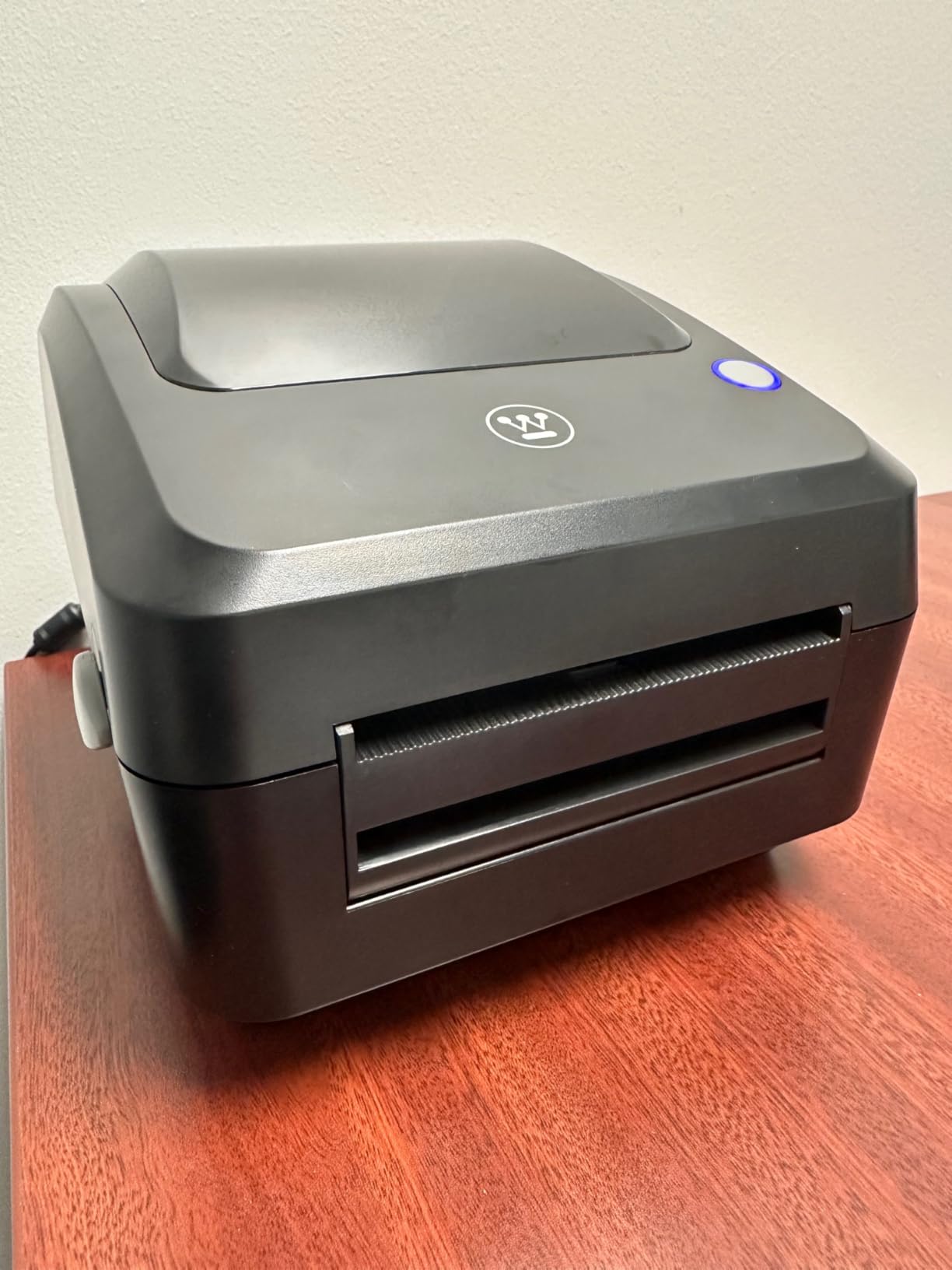
Buyers who moved up from cheaper printers describe it as the one that simply works. Labels come out aligned without fiddling, and the print is dark enough to pass post office and carrier acceptance requirements without reprinting. Phone-based technical support is also singled out as responsive.
The practical constraints are physical. Power input is USB only rather than USB-C, so a modern laptop needs an adapter, and both the Ethernet cable and USB-C cable are separate from the box. The review count is also by far the smallest here at 373, so treat the feedback as thinner evidence.
What you should know before you buy
Legacy and odd label sizes are the quiet strength. Media from 0.78 inch to 4.6 inch covers vintage address labels, shelf tags and odd legacy stock without fine tuning, which is why a number of buyers on long-time owners of older printers keep coming back to this type of machine.
The package is generous for a commercial unit: starter labels, an internal label holder, a USB flash drive with drivers, a USB cable, a power cord and an adapter.
Where it falls short
There is no wireless path at all, which rules it out for phone-first or pack-away workflows. A small number of buyers also report unreliable firmware and print-server behaviour on shared installs, so test the network path carefully before relying on it for a full day of orders.
At 203 DPI, barcodes on very small labels are hard to place cleanly, and the 4.25 inch print width is narrower than the 4.6 inch media it accepts.
How to choose a thermal label printer for shipping
Direct thermal versus thermal transfer is the first decision, and for shipping it is usually not a decision at all. Direct thermal sends heat straight onto a chemical coating on the label, so your only consumable is the roll. Thermal transfer uses a ribbon between the head and the label, which extends label life and handles materials direct thermal cannot print, at the cost of an extra supply and more setup. Every printer in this roundup is direct thermal, because a 4×6 parcel label passes through a carrier network in days, not years.
Resolution is the second filter. 203 DPI is the standard for 4×6 shipping and handles standard carrier barcodes cleanly. Move to 300 DPI only when you are printing very small text, dense 2D barcodes, or tiny FNSKU labels where bar edge definition decides whether a warehouse scanner accepts the parcel. Only the higher-resolution commercial models are built for that today, and at 203 DPI the practical rule is simple: if the text is hard to read, the label is too small, not the printer too weak.
Connectivity should follow where the label is created. USB is the most stable path and the one we trust for daily order volume because it removes an app and a pairing from the path. Bluetooth suits a phone-first or portable workflow. Wi-Fi would suit a shared station, but it is the option most of these desktop units leave out entirely, which is why the Ethernet model at position ten matters for a multi-user operation.
Label media compatibility is where new owners lose an afternoon. Check the supported width range against your smallest label format, and confirm the printer handles both roll and fanfold stock if you use both. Third-party rolls work with all ten of these printers, but very cheap media is the most common cause of faint, streaky output and unscannable barcodes, so this is the one place not to cut corners.
Print speed matters less than most spec sheets suggest for a small seller, because 150 mm/s already clears a 4×6 label in about a second. It matters a great deal above several hundred labels a day, and that is also the point where a compact consumer unit starts to feel the strain and a commercial-grade machine with an internal roll bay or network port pays for itself.
Cost per label is a media question more than a printer question, which is why we work out total ownership before comparing hardware. A thermal label costs a small fraction of the ink cost of an inkjet equivalent, and direct thermal output cannot smear on a corrugated box. If you are still weighing the categories, our guide to budget 3D printers covers a different side of the same small-workshop budget question, while the honest comparison here is that a thermal printer has no ongoing consumable beyond the roll.
Two things to test before you commit. First, print a carrier label from your own platform and scan it with a phone camera and a handheld scanner, because a barcode that looks fine on screen can still fail a warehouse reader. Second, run a batch of 50 labels and watch whether alignment drifts, since drift is the complaint that shows up in reviews most often and the one that a label stand fixes.
Frequently Asked Questions
What is the best printer for printing shipping labels?
For most sellers the best thermal label printer for shipping is a wired direct thermal unit at 203 DPI that prints 4×6 labels at around 150 mm/s with no ink or toner. In our testing the Rollo X1038 leads because it holds alignment across platform changes and has the largest review base of the ten we compared. Choose a Bluetooth model instead if you need to print from a phone.
Is a thermal printer good for shipping labels?
Yes. Direct thermal is the standard for shipping because it needs no ink, toner or ribbon, it cannot smudge on a corrugated box, and each 4×6 label costs a fraction of the ink cost of an inkjet. The one limitation is that direct thermal print fades in direct sunlight over months, which matters for storage shelves rather than for parcels moving through a carrier network.
Which thermal printer is best for shipping and stickers?
Most of these printers handle both if you buy the right media. Look for the widest label width range and confirm the unit supports both roll and fanfold stock. The Rongta RP425 reaches down to 0.98 inch for QR code stock, while the MUNBYN RealWriter 130B covers 1.57 inch to 4.3 inch and stays portable for on-site work.
What resolution do I need for shipping labels?
203 DPI is enough for standard 4×6 shipping labels and the barcodes that ship with them. Choose 300 DPI only when you print very small text, dense 2D barcodes, or tiny FNSKU labels where bar edge definition decides whether a warehouse scanner accepts the parcel. If text is hard to read at 203 DPI, the label is usually too small rather than the printer too weak.
Can I print 4×6 labels on a thermal printer?
Yes, and all ten printers in this roundup handle 4×6 as standard. Check the maximum media width instead, because that is the figure that decides whether a 4×6 label fits. Units listed at 4.1 inch or 4.2 inch of media width cover a standard 4×6 roll, while the Westinghouse WHTP203e accepts media up to 4.6 inch wide with a 4.25 inch maximum print width.
Our final pick for shipping in 2026
The Rollo USB Shipping Label Printer X1038 is our pick for the best thermal label printers for shipping because it does the least interesting thing exceptionally well: it prints accurate 4×6 labels at 203 DPI over plain USB, holds alignment when you switch between carriers and platforms, and carries the largest body of owner feedback of any unit here. For a fixed packing station with a computer nearby, that is the combination that stays out of your way for years.
Print from a phone and you want the JADENS JD268BT, which adds Bluetooth and app printing to the same 203 DPI core. If you are new to this and want the printer to configure itself, the MUNBYN RealWriter 941 measures the label and removes the calibration guesswork. Pack away after each market and the MUNBYN RealWriter 130B fits in a backpack, while a shared office network needs the Westinghouse WHTP203e because Ethernet is the only path to several machines.
Whatever you choose, order a roll of quality direct thermal stock before the printer arrives. A faint barcode that will not scan comes from cheap media far more often than from the printer itself, and every pick in this roundup runs on the same rolls.