
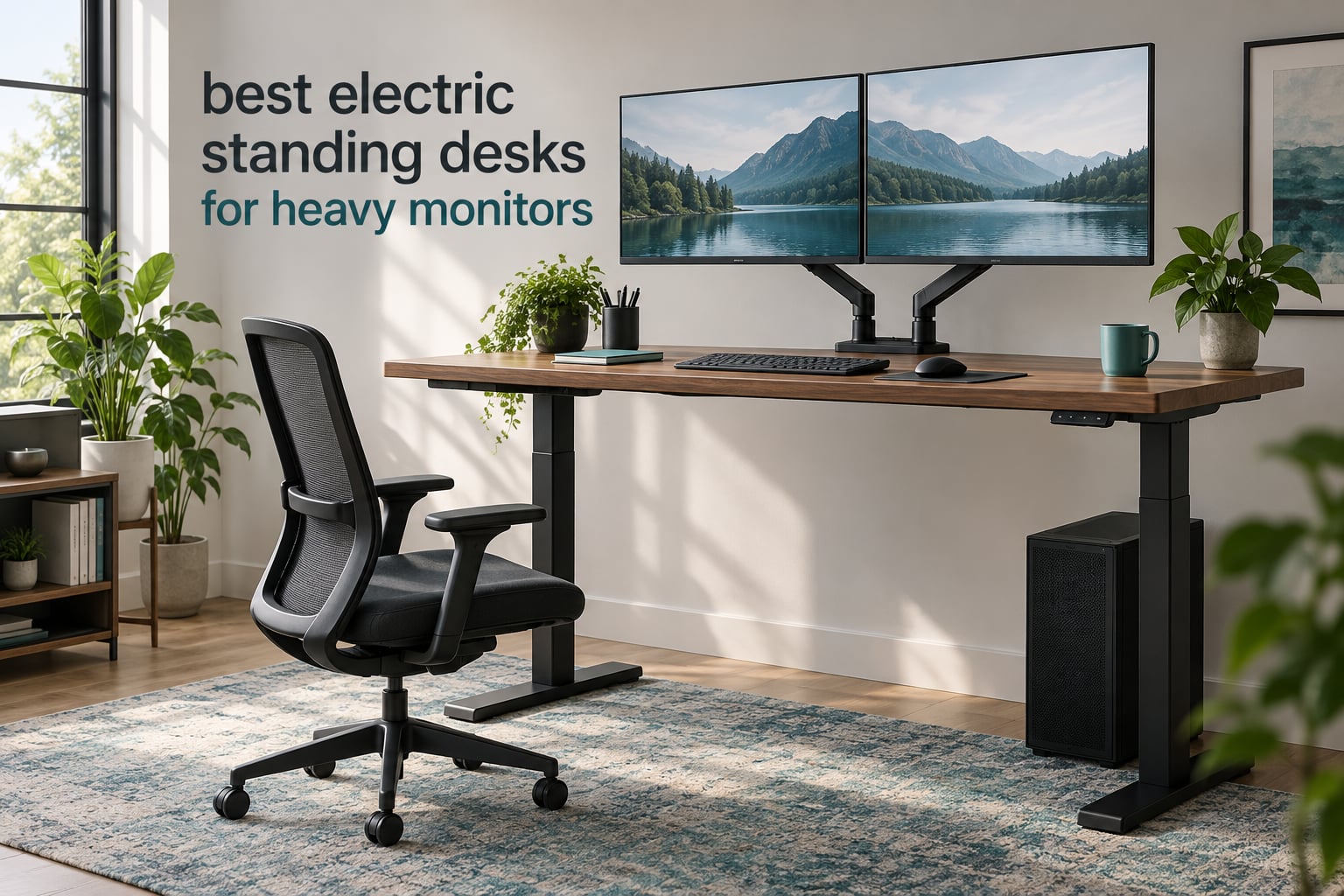
A 34-inch ultrawide on an articulated arm does something to a standing desk that a pair of 24-inch monitors never will. It hangs several inches out from the frame, it adds a tower and a keyboard tray to the load, and it makes every keystroke a small test of the legs underneath. Buyers searching for the best electric standing desks for heavy monitors usually learn this the expensive way, after the desk is already assembled and the wobble is already there.
So we built this roundup around one question: which frames stay still when the load is out at the end of an arm? We compared 10 electric sit-stand desks and frames, weighing each one on published weight capacity, height range, motor configuration, crossbeam design, desktop thickness, and the fine detail that actually decides wobble, which is how far the load sits from the columns.
Every desk below was judged on the same four things: rated load capacity against the realistic weight of a heavy monitor rig, the width and number of load-bearing members in the frame, the lowest and highest working height, and the thickness of the desktop if a clamp-on monitor arm is involved. Motor noise, assembly difficulty, warranty length, and cable management are the tie-breakers. You can see the same reasoning in our wider picks for the best standing desks for home offices, but this list is narrower and heavier.
Two definitions before the picks. A 2-stage column telescopes twice, and a 3-stage column telescopes three times, which buys a lower minimum height and a higher maximum without taller feet. A 4-leg frame uses four vertical columns instead of two, doubling the base footprint for extreme stability, though none of the 10 frames here use four columns, so we rank on 3-stage reach, crossbeam width, and load rating instead. More on that trade-off in the tall users guide, which covers the height limits that decide whether a 3-stage column is worth it.
Table of Contents
Top 3 Picks for Heavy Monitor Setups (October 2026)


All 10 Desks Compared Side by Side
| Product | Specifications | Action |
|---|---|---|
| Desktronic HomeOne 60×30 Standing Desk |
|
Check Latest Price |
 ErGear 71×30 Electric Standing Desk ErGear 71×30 Electric Standing Desk |
|
Check Latest Price |
 SANODESK Dual Motor 79×32 Standing Desk SANODESK Dual Motor 79×32 Standing Desk |
|
Check Latest Price |
 HUANUO 71×30 Electric Standing Desk HUANUO 71×30 Electric Standing Desk |
|
Check Latest Price |
 Desktronic HPRO Dual Motor Frame Desktronic HPRO Dual Motor Frame |
|
Check Latest Price |
| FEZIBO 83×37 Large Electric Standing Desk |
|
Check Latest Price |
| ErGear Dual Motor Frame 264 lbs |
|
Check Latest Price |
 TOPSKY 3-Stage Dual Motor Frame TOPSKY 3-Stage Dual Motor Frame |
|
Check Latest Price |
 DeskShow 71×30 Electric Standing Desk DeskShow 71×30 Electric Standing Desk |
|
Check Latest Price |
 Monomi 71×31.5 Electric Standing Desk Monomi 71×31.5 Electric Standing Desk |
|
Check Latest Price |
1. Desktronic HomeOne 60×30 — Best Overall for Heavy Monitor Setups
Desktronic HomeOne Standing Desk 60×30 — Ergonomic Sit Stand Home Office Desk, Made in Europe, Electric Dual Motor Height Adjustable, USB & USB-C Charging, Wobble-Free, Touchscreen, 3 Memory Presets
Load: 265 lbs
Motors: dual, synchronized
Height: 28.9-47.1 inch
Top: 60x30, one piece
Pros
- 265 lb reinforced steel frame
- One-piece desktop with no seam to shake arms
- Touchscreen with 3 presets plus USB-A and USB-C charging
- 28.9-47.1 inch range fits 5'0 to 6'8 users
- Assembles in under 30 minutes with tools included
Cons
- Most expensive complete desk here
- Only 3 saved presets which is fewer than most competing frames
This is the desk I would put a 34-inch ultrawide and a second display on. The frame is a reinforced alloy steel with two synchronized motors, rated to 265 lbs, and across 3,010 reviews at 4.8 stars it holds its rating. That makes it the highest-rated frame in this group by a clear margin, and with 3,010 reviews it is also the second most proven purchase here.
What makes it work for heavy monitors is the one-piece 60 by 30 inch desktop. There is no seam running down the middle, and a seam is exactly where a clamp-on monitor arm picks up a sympathetic vibration. Owners running triple-monitor arrays with a docking station and a drawing tablet report no flex or drift at any height on this frame.
The 28.9 to 47.1 inch travel is narrower at the bottom than the 3-stage frames here, which makes it a poor fit for anyone under about 5’4″. The touchscreen controller stores three presets and carries the USB-A and USB-C charging ports in the frame itself, so there is no separate hub to mount. The anti-collision sensor reverses the motors on contact.
How it handles a 34-inch ultrawide on an arm
A single ultrawide plus a tower lands somewhere near 110 to 140 lbs, so 265 lbs leaves generous headroom for the cantilevered weight an extended arm puts into the top. The single-piece surface keeps the clamp from twisting, and the dual motors keep both columns moving at the same rate so the top stays level with a load hung out to one side. If your setup is two 32-inch panels rather than one, you still have a wide margin.
Where it falls short for you
It is the most expensive complete desk on this list, and that outlay buys the complete package rather than an unusually capable frame on its own. Three presets is one fewer than the ErGear and HUANUO frames, which matters in a shared household where two people at different heights each want a sit and a stand setting. The minimum height of 28.9 inch also rules it out for shorter users unless you add a keyboard tray. Owners otherwise report that it assembles in well under half an hour with all tools supplied.
2. ErGear 71×30 Electric Standing Desk — Best Dual-Monitor Surface on a Single Motor
ErGear Height Adjustable Electric Standing Desk, 71 x 30 Inches Sit Stand up Desk, Memory Computer Home Office Desk, Black
Load: 176 lbs
Motors: single
Height: 28.35-46.46 inch
Top: 71x30, two pieces
Pros
- Largest review base here at nearly 11900 ratings
- Smooth well-paced height adjustment
- 71 inch surface fits a multi-monitor rig
- 4 memory presets
- Alloy steel columns tested for 100000 lift cycles
Cons
- Two-piece desktop seam transmits shake to monitor arms
- Some wobble at max height from two-point foot contact
- Single motor is a poor match for a heavy tower plus arms
Nobody has owned this desk longer or in larger numbers. At nearly 11,900 reviews and 4.5 stars, it is the single most proven purchase in this roundup, and buyers frequently report still using theirs after a year or more with the motor running smoothly. The alloy steel lifting columns are rated through 100,000 lift cycles.
For a two-monitor rig on modest arms, the math works. Two 27-inch panels with lightweight arms plus a laptop and peripherals runs around 90 lbs, leaving room inside the 176 lb rating. The 71 inch width is genuinely useful because it lets the monitors sit toward the edges and out of the way of a chair back.
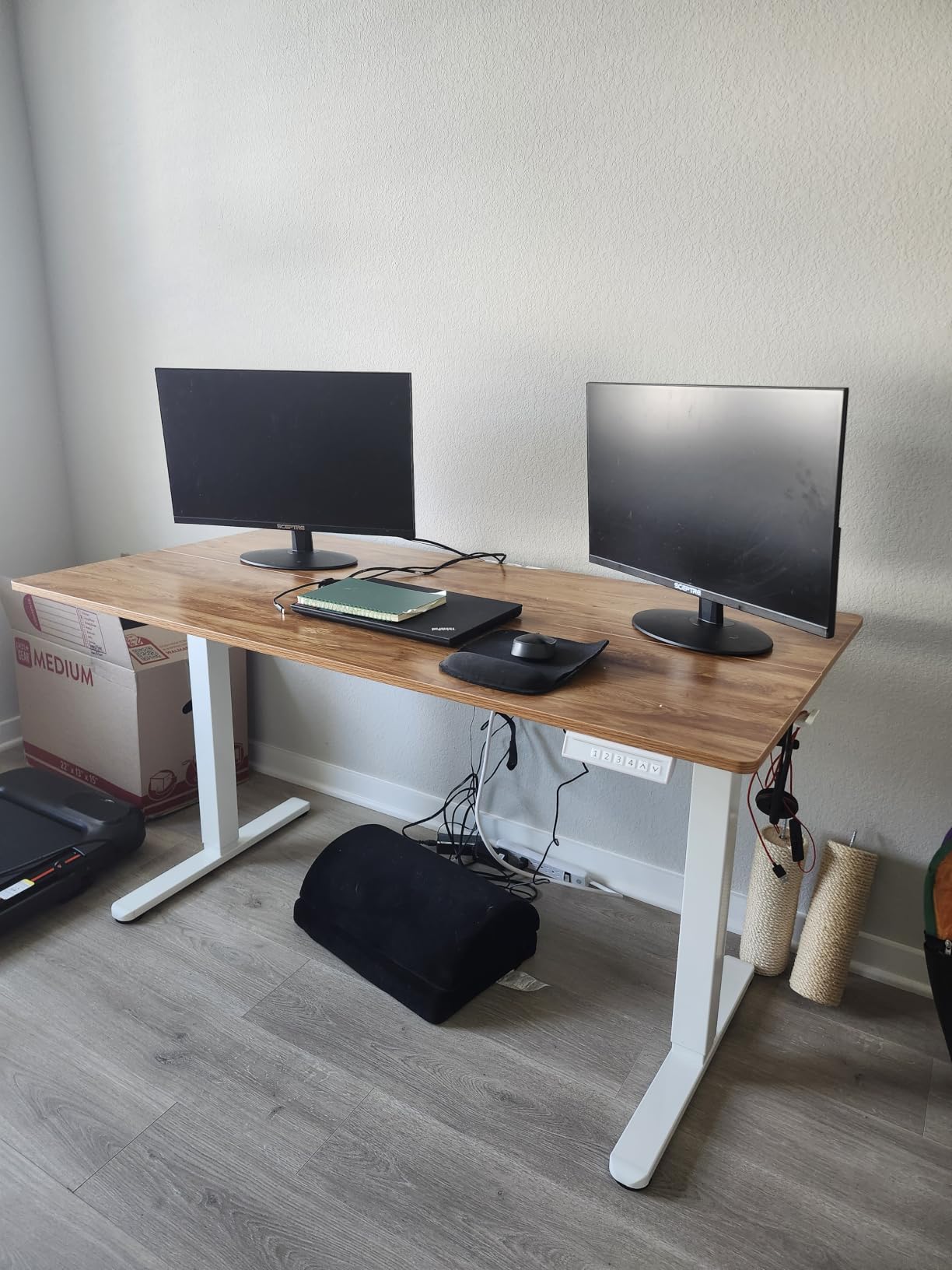
The two things that keep this desk out of a heavy-load recommendation are structural. The desktop arrives in two pieces, and the resulting seam is exactly where a monitor arm picks up shake. Foot contact at each end is two-point rather than four-point, which some owners feel as a small lateral rock at the top of the range. Add a tower and a thick top and the single motor is working alone on the whole load.
Where this desk is genuinely the right call
If you are running two 27-inch monitors on arms that stay under about 12 inches of extension, this desk is stable in practice and sits in the lower cost tier of this list. The four memory presets beat the three-preset competitors, which is useful when two people share the workstation. The 28.35 inch minimum is a genuinely low floor for a dual-column frame, so shorter users get close to elbow height without buying a separate keyboard tray.
Why heavy monitor owners should look elsewhere
That said, the single motor and the 176 lb rating leave no headroom for a 49-inch ultrawide, a tower, and studio monitors at the same time. The particle board edges chip where an arm clamp rubs, and the seam between the two top halves is a permanent reminder that this is a light-load design. If your load is going past roughly 120 lbs, move up a tier rather than economizing here.
3. SANODESK Dual Motor 79×32 — Best Wide Surface for Ultrawide Plus Tower
SANODESK Dual Motor 79”x 32” Large Height Adjustable Standing Desk
Load: 198 lbs
Motors: dual
Height: 28.3-47.6 inch
Top: 79x32
Pros
- Dual-motor frame holds multiple monitors and a printer
- Very large 79x32 inch surface
- Quiet movement reviewers barely notice
- 4 presets for multiple users
- Cable management with cup and headphone holders
Cons
- Thin desktop that reviewers wish was thicker
- Heavy screw count during assembly
- Feet screw on so the desk is fixed in place
A 79 inch top is one of the two widest complete desks here, and width is the underrated variable in heavy-monitor setups. Wide means the monitors can sit further apart and further from the columns without the top itself becoming a lever. Owners of tall builds single out the 47.6 inch maximum as the reason the desk works for them.
The dual-motor frame holds 198 lbs, and reviewers report it carrying multiple monitors, laptops, and a printer without complaint, and staying solid even on hardwood. The 4.5 star rating across 540 reviews reflects a desk that does the fundamentals quietly rather than spectacularly.
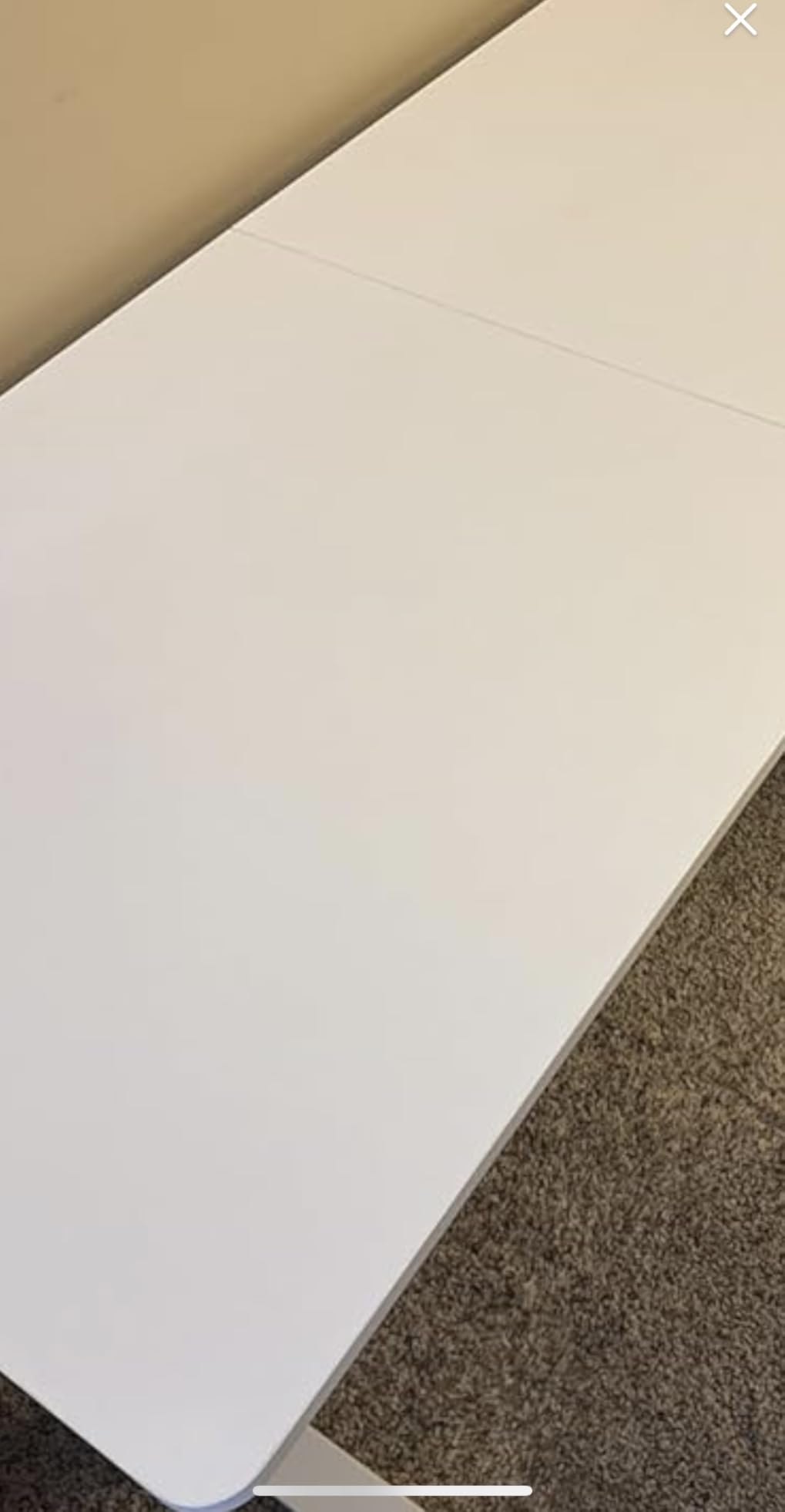
The catch is the desktop. It is thin, and several reviewers who wanted a clamp-on monitor arm specifically wish it were not. Thin tops flex under a clamp, and a flexing top is a wobbling top. The feet also screw on rather than rolling, so once assembled this desk stays where you put it. One reviewer reported a defective control board that would not lift reliably, which is an isolated report rather than a pattern across the 540 reviews.
Why the width matters more than you expect
Monitor arm physics reward exactly what this desk offers. The further a load sits from a column, the more torque it applies. A 32-inch panel pushed to the far end of a 79 inch top is still overhanging past the frame, but a 79 inch top gives you room to keep the panel’s center of mass close to the leg line and route cables down inside the footprint. The built-in cup and headphone holders keep small items off the surface where they would otherwise concentrate weight near the edge.
Where it will disappoint you
If your arms clamp to the desktop rather than bolt through it, measure before buying, because the thin top is the limiting factor here rather than the load rating. The spine bar under the desk can also be an issue if you sit for long stretches, since knees can catch it. Assembly involves more screws than buyers expect. For most people this is the desk to get if floor space is abundant and the priority is width for the money.
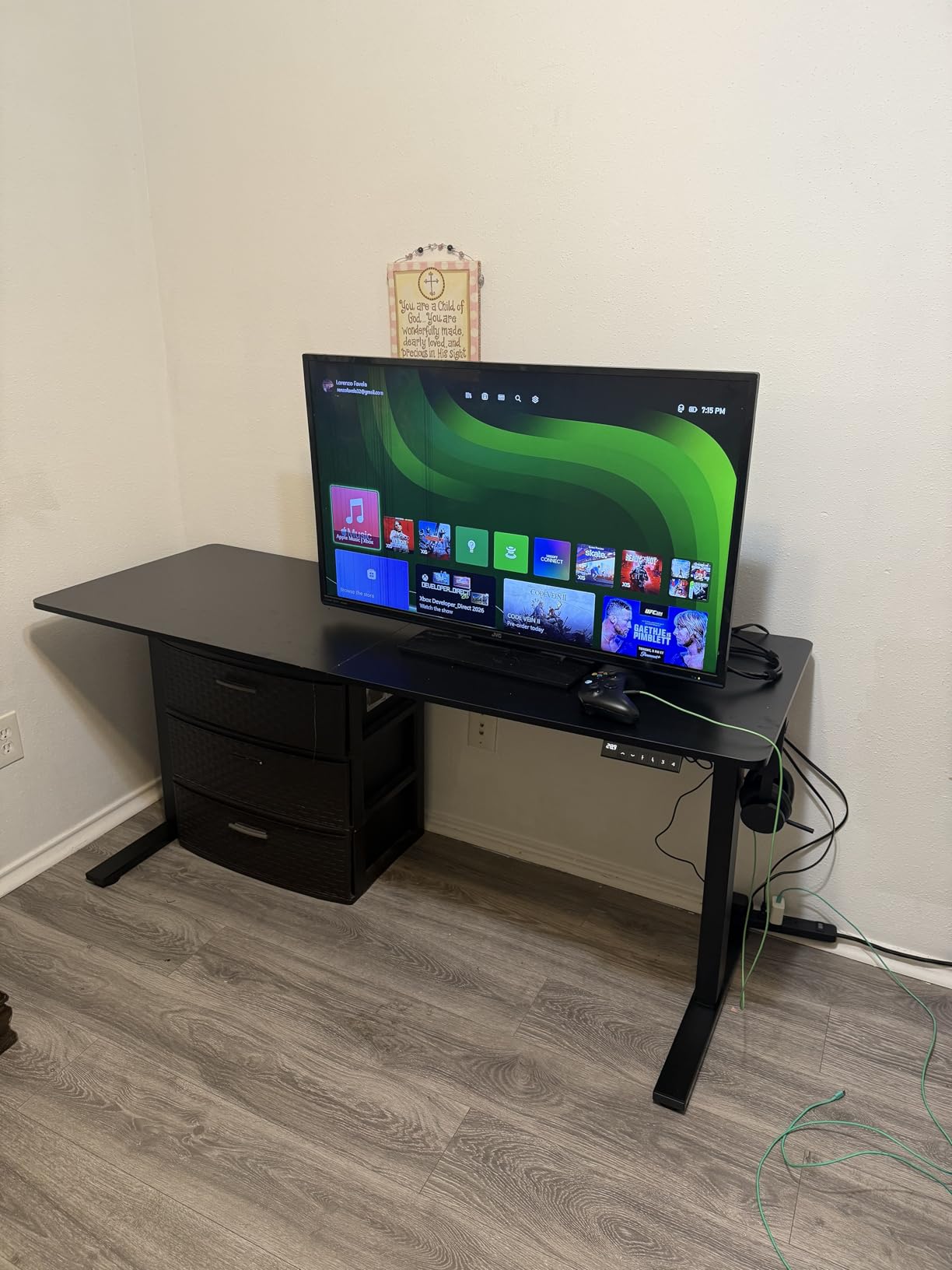
4. HUANUO 71×30 Electric Standing Desk — Quietest Heavy Load in the Group
HUANUO 71 x 30 Inch Large Electric Standing Desk, Brushless Motor, Vintage
Load: 220 lbs
Motors: brushless, under 55 dB
Height: 27.9-46.5 inch
Top: 71x30
Pros
- 220 lb load capacity
- Brushless motor quiet enough for night use
- Packaging praised for damage protection
- Clear instructions with every part labeled
- Cable tray and 2 hooks included
Cons
- Some examples show slight wobble while typing
- Desktop finish smudges and can chip
- Desktop and frame arrive in separate packages
Quiet operation is the reason to look at this desk, and the brushless motor is the reason it delivers. Under 55 dB with a 75 percent faster lift speed than a conventional motor, it is the one to buy if you share a room with a sleeping household or take calls all day. The frame reaches 220 lbs from longer steel plates, 25 percent thicker columns, and 30 percent wider feet.
Reviewers running a 34-inch ultrawide plus additional displays report the load being held comfortably, and the 4.4 star rating across 356 reviews reflects a sturdy, unexciting desk that does what it says. Packaging with thick cardboard, foam, and corner protectors comes up often in the reviews, which matters more than usual for a frame this size.
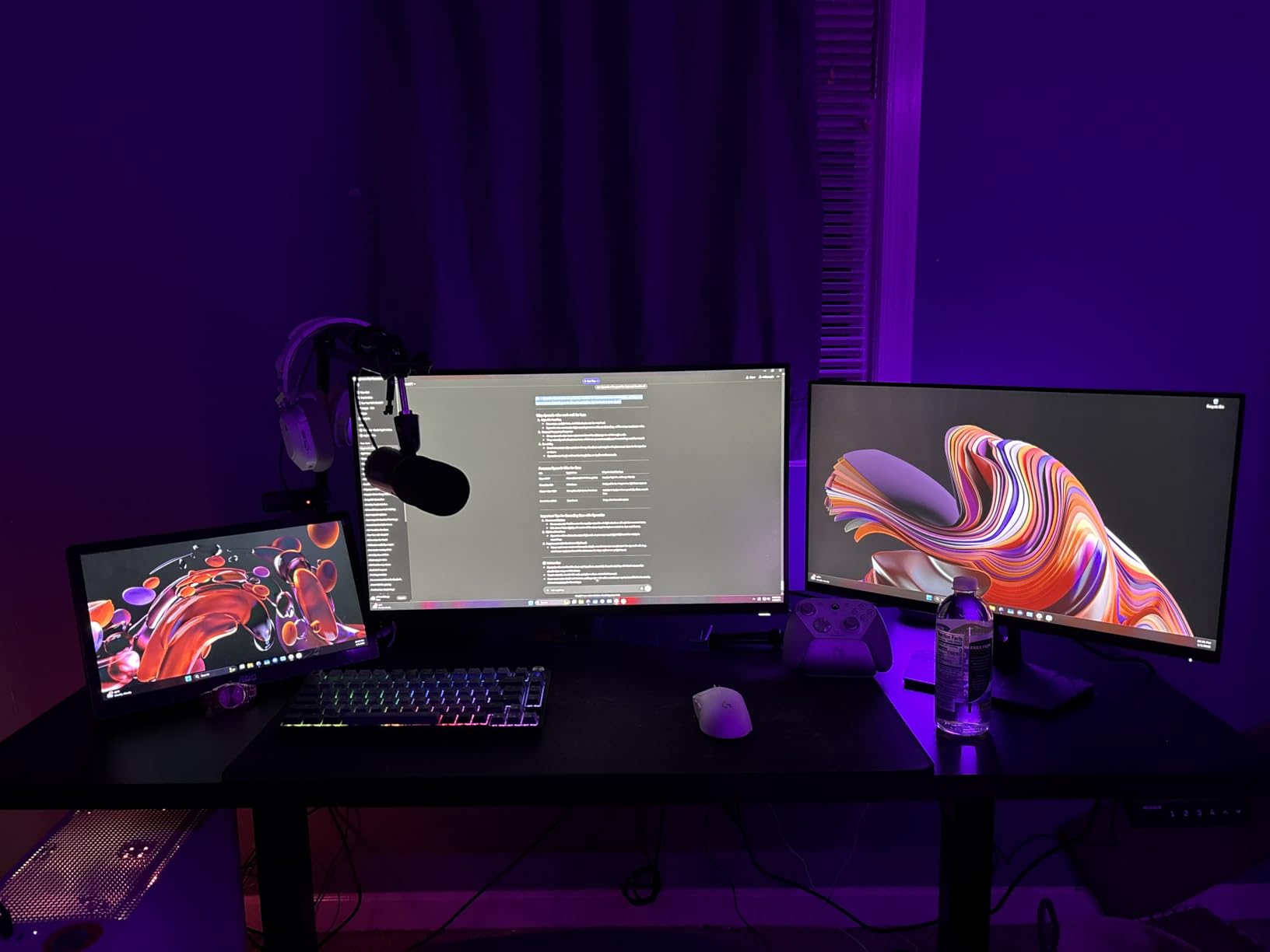
For a monitor rig specifically, the 71 by 30 inch surface is the quiet advantage. Thirty inch depth gives a clamp-on arm room to sit closer to the leg line than a narrow 23 inch top allows, and a 27.9 inch minimum height is among the lowest floors in the group, so a shorter user can stand without a keyboard tray. The four memory presets and a digital display make the position changes one-handed, which matters when the desk is in a bedroom or a shared study.
How the brushless motor helps a loaded desk
Motor noise scales with the work being asked of the motors, so a desk quietly handling 200 lbs is meaningfully more useful in a shared space than a quiet desk unloaded. The lift speed of 75 percent above standard means the loaded transitions are quick, which matters if you are moving between positions many times a day. The four memory presets and a digital display make those transitions one-handed.
Where it falls short
Some owners report a slight wobble while typing, and the desktop finish shows smudges and can chip at the edges. The desktop and frame arrive in two separate packages, so plan for them turning up on different days. One reviewer flagged the plastic motor drive components as a possible long-term weak point, and the desktop locking screws strip if you use a power screwdriver. For a clamp-on arm, verify the top thickness and any grommet positions before committing.
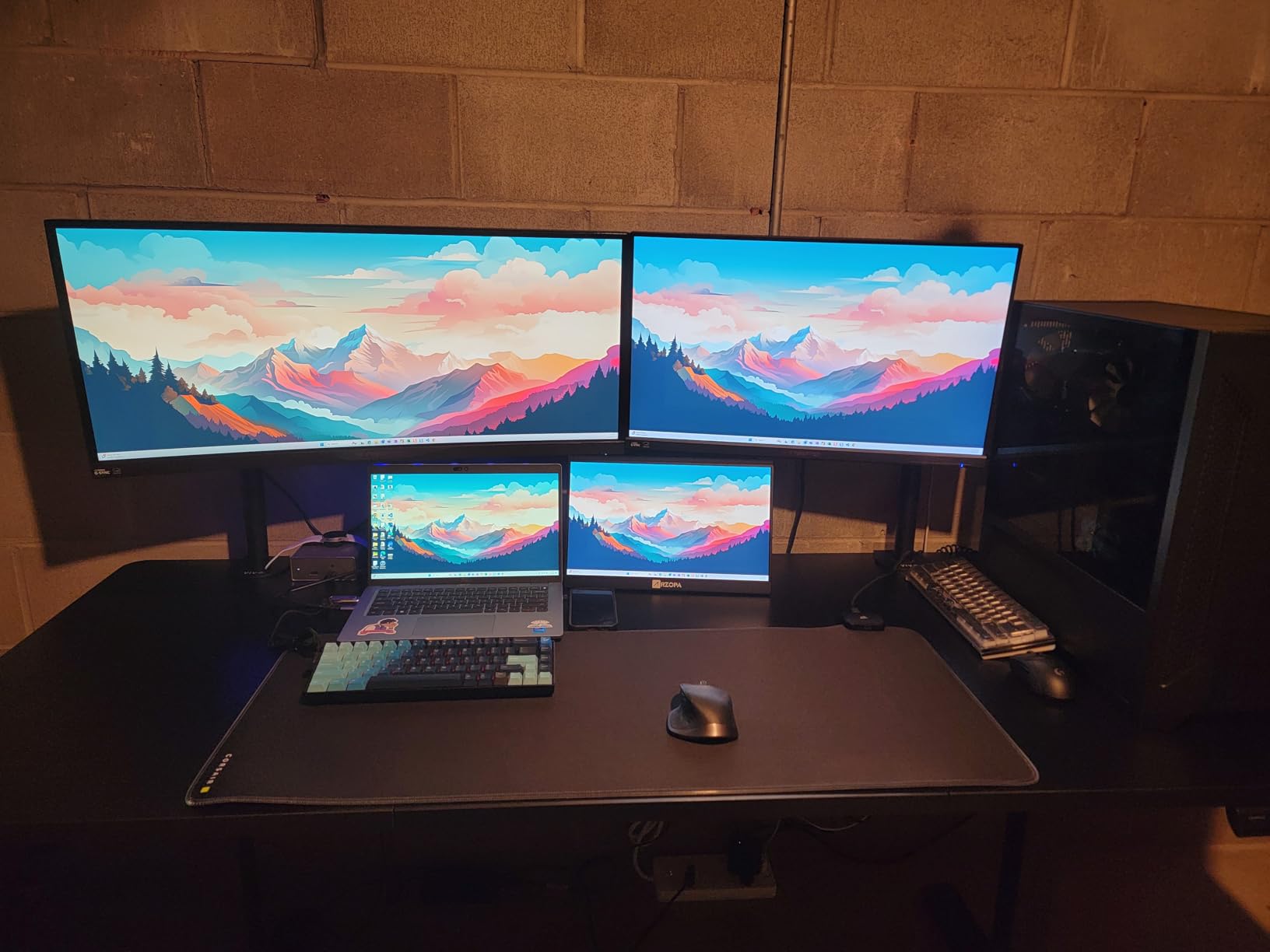
5. Desktronic HPRO Dual Motor Frame — Heaviest Rated Load in the Roundup
Desktronic Height Adjustable Standing Desk Frame — Ergonomic Sit Stand Desk Frame, Electric Dual Motors 353 lbs, USB & USB-C Charging, Wobble-Free, Touchscreen, 3 Memory Presets, Anti-Collision
Load: 353 lbs
Motors: dual, 6 second full travel
Height: 24.4-49.6 inch
Frame only
Pros
- 353 lb rating the highest in this group
- Height range of 24.4-49.6 inches
- Reaches full height in about 6 seconds
- Fits tabletops from 43-87 inches wide
- BIFMA-certified
Cons
- Frame only so a heavy-duty top must be sourced separately
- Only 3 memory presets
- Assembly needs two people
At 353 lbs, this is the only frame here with real headroom for a load most people will never approach. Three 32-inch panels, a full tower, a water-cooled system, studio monitors, and a thick custom top still lands well under the rating, which is the point. The 4.7 star rating across 271 reviews is earned on exactly the properties heavy-monitor buyers care about: capacity, frame width, and travel speed.
Two details set it apart. The 24.4 to 49.6 inch range is the second widest in the group after the TOPSKY frame, covering users from 5’0″ to 6’8″ in one frame, and the 24.4 inch minimum is low enough that a shorter user gets close to elbow height with a standard top. The dual motors reach full height in roughly 6 seconds, about 50 percent faster than a standard frame.
Why a 353 lb frame changes the wobble math
Load capacity is not the same as stability, and the reason is turning force. A frame rated for 350 lbs on a wide, thick, dual-motor base resists the twisting force of a cantilevered monitor arm far better than a 220 lb frame on narrow feet, because the base itself is stiffer and the contact area is larger. This frame is also 60 percent wider than standard, which pushes the columns further apart and increases the base width against tipping. For a triple-arm battlestation, that combination is what removes the movement you cannot tighten away.
Where it is the wrong buy
It is a frame only, and it carries a higher outlay than the other frames in this list. That combination makes it a poor first standing desk purchase, because you are paying for capacity you may not need while still needing to source a top good enough to justify it. Three presets is one fewer than the ErGear legs. If your load is a 34-inch ultrawide and a tower, the ErGear dual-motor frame below delivers more than enough at a fraction of the outlay.
6. FEZIBO 83×37 — Best for Triple Monitors and Studio Gear
FEZIBO 83 x 37 Inch Large Electric Standing Desk 1″ Thick Desktop, White
Load: 220 lbs
Frame: dual crossbeam
Height: 28.3-46.5 inch
Top: 83x37 and 1 inch thick
Pros
- Exceptionally deep 37 inch surface
- Dual crossbeam frame owners report as genuinely rigid
- 1 inch thick top that does not flex under arm clamps
- Motor under 50 dB
- Built-in 18W USB-C PD 3.0 charging
Cons
- Very heavy so two people are recommended
- Some lateral wobble when rocked side to side
- Brass screw inserts strip if over-torqued
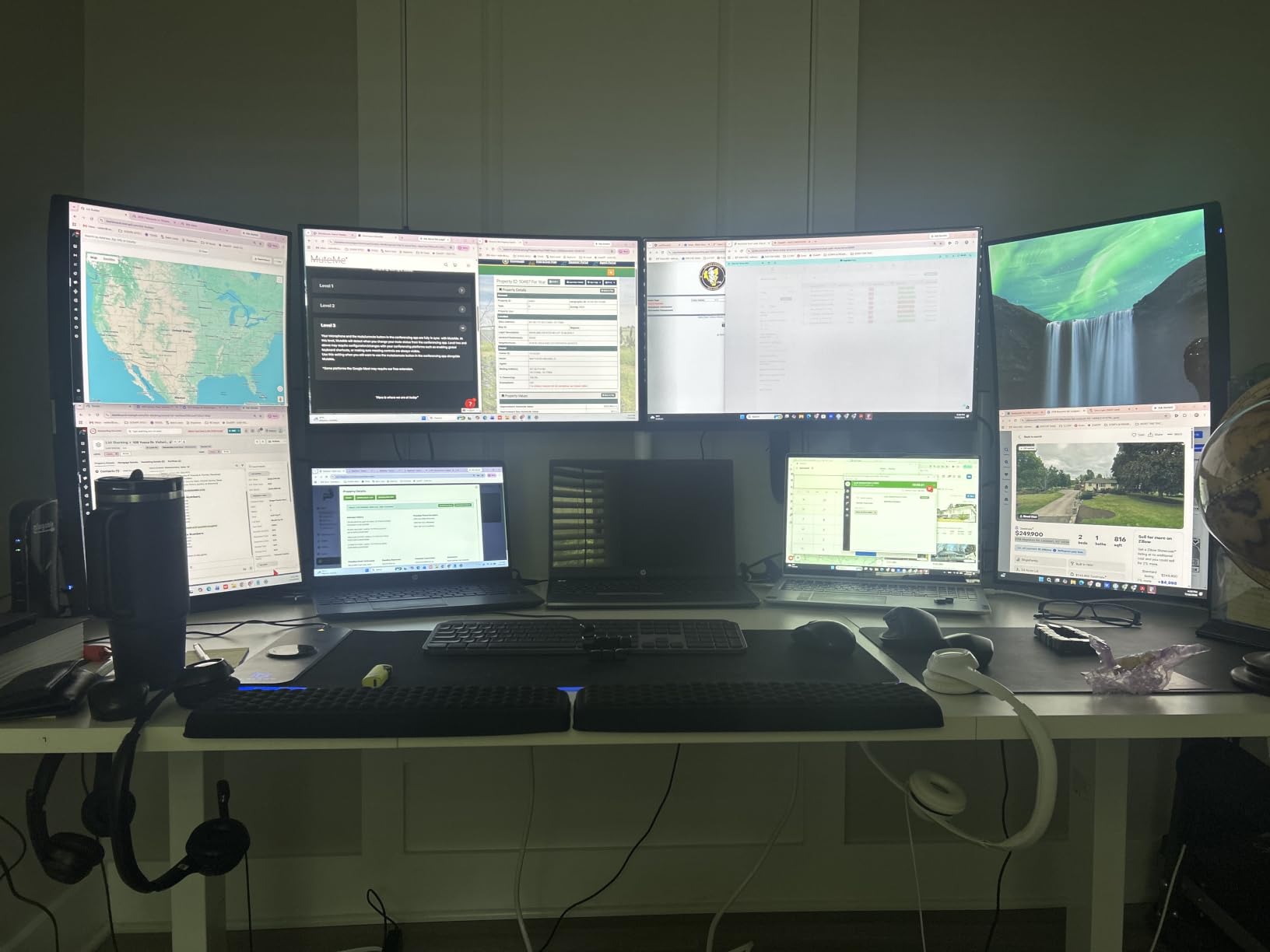
This is the desk for a triple-monitor array, and the 83 by 37 inch top is the reason. At 37 inches deep it fits an ultrawide with stacked displays behind it, a tower off to one side, and audio equipment, all without crowding. Owners of studio setups with speakers report the lift handling the weight without complaint.
The frame is the differentiator. An integrated dual crossbeam with thickened and extended alloy steel is rated at 150 percent more stability than a standard desk frame, and across 325 reviews at 4.6 stars, multiple owners specifically report no wobble while raising or lowering. The 1 inch thick FSC-certified desktop resists deflection when a monitor arm clamps down, which removes the single most common source of monitor shake on cheaper desks.
What a dual crossbeam actually does
Most two-column frames resist twisting with one horizontal member. Two parallel crossbeams tie the legs together twice, front and rear, so a load pushed out to the side of the top has to flex two members instead of one. Combined with a 1 inch top that does not dish under a clamp, this is the configuration that lets a clamp-on arm feel rigid on an electric frame rather than merely tolerable. The motor stays under 50 dB, and the built-in 18W USB-C port handles phone charging without a separate brick.
Where it falls short
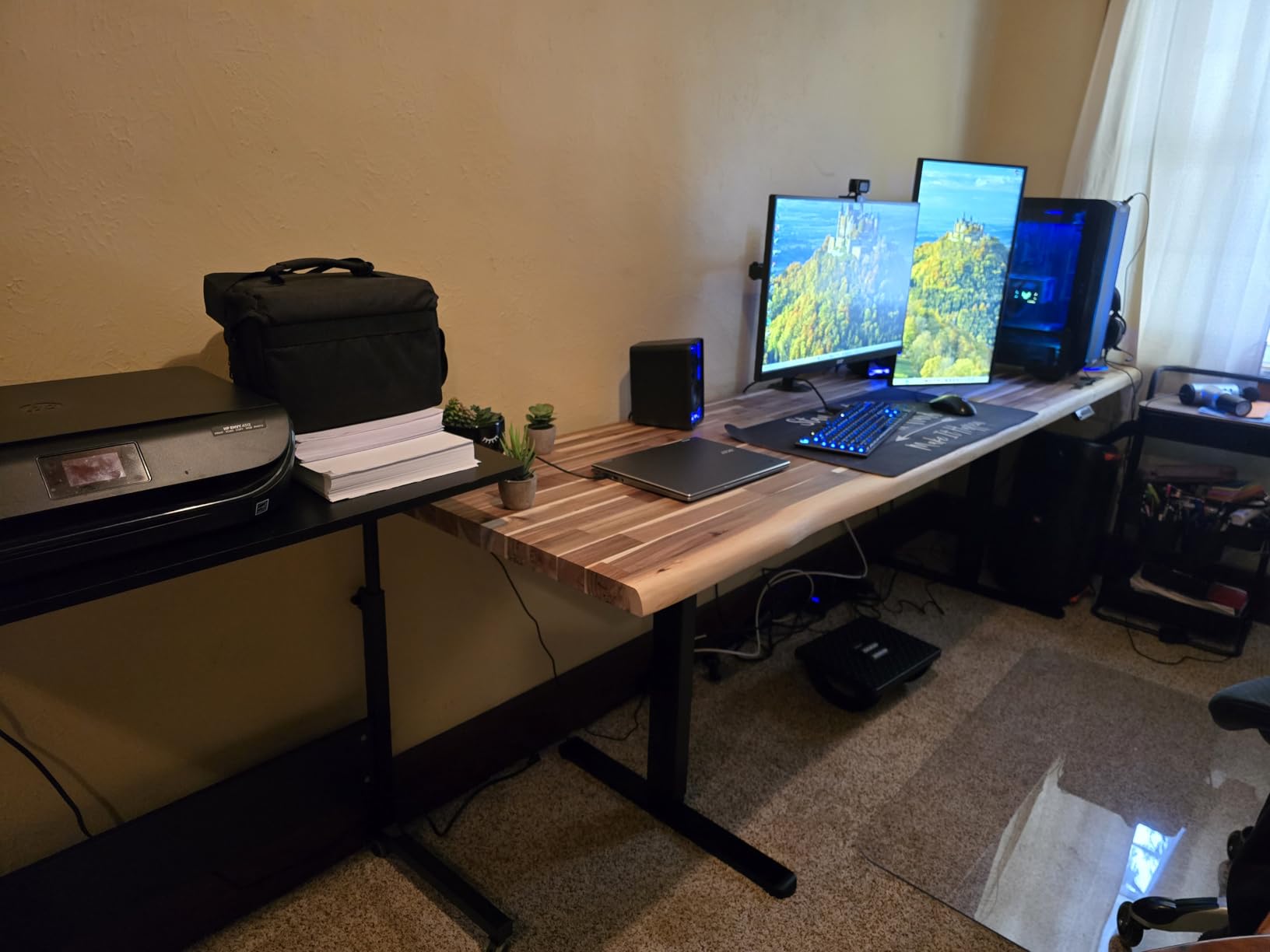
It is very heavy and bulky, and two people are strongly recommended for assembly. A few owners report a slight lateral rock when pushing the desk side to side, which is different from wobble under load. Quality control on the desktop finish is uneven, with one unit arriving with a blemish in the center of a top piece, and the brass screw inserts in the pressed wood strip can strip if you over-torque them. One reviewer raised durability concerns about the plastic gearboxes, and the hex crank bar for the leg motors did not align with the female hex inserts on one unit.
7. ErGear Dual Motor Frame 264 lbs — Budget Pick for a Custom Heavy Build
ErGear Dual Motor Standing Desk Legs for 44-90 inch Desktops, 264 lbs
Load: 264 lbs
Motors: dual, 1 inch per second
Height: 28-47 inch
Fits 44-90 inch tops
Pros
- Dual-motor 264 lb frame with a quiet 1 inch per second lift
- Fits tops from 44-90 inches long and 24-31.5 inches wide
- 4 memory presets
- 5-year warranty
- Cable tray with clips and 2 hooks included
Cons
- Legs only so a thick desktop must be bought separately
- Assembly needs two people and real time
- Screwdriver required and joints need care to stay square
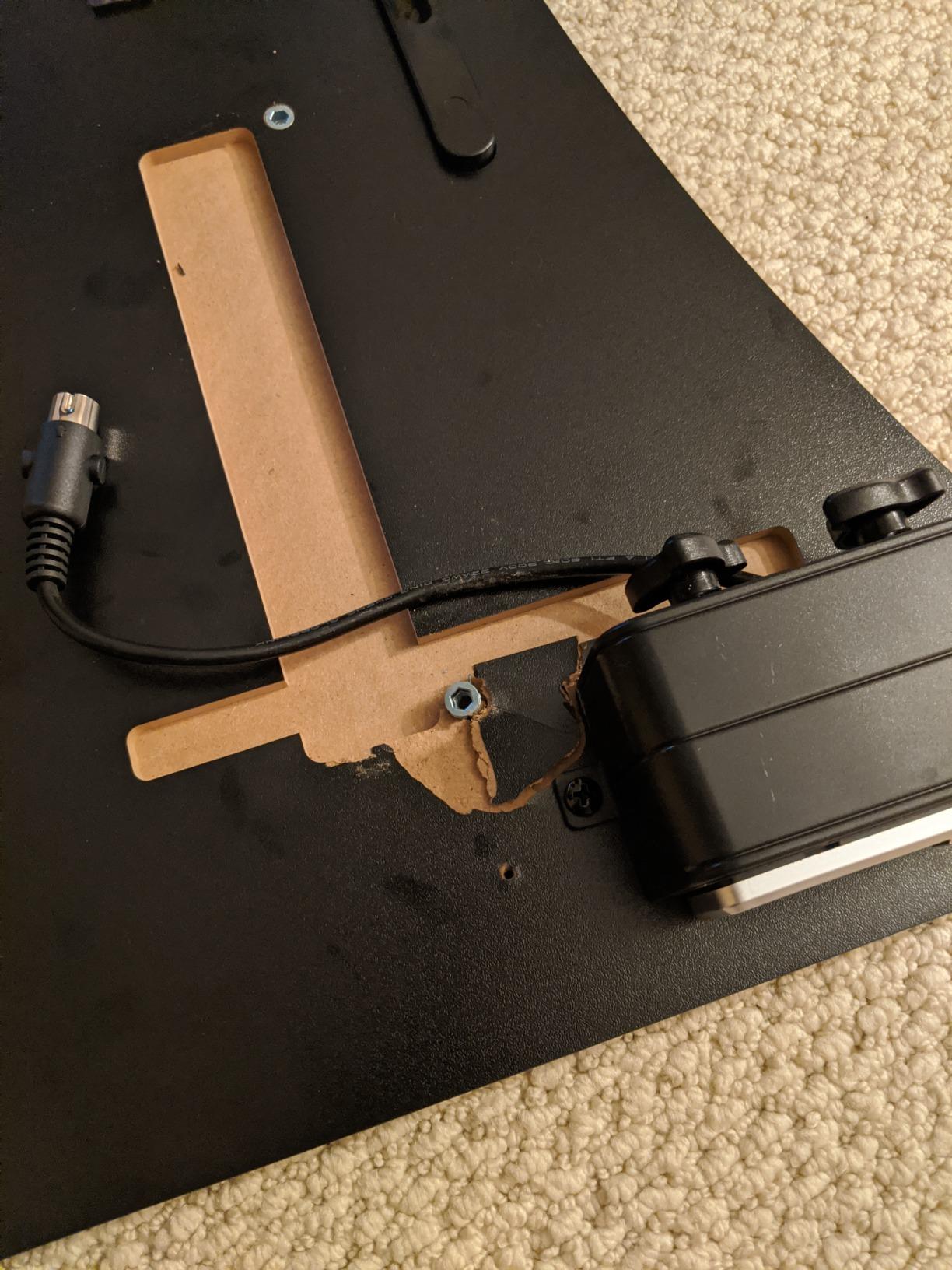
Dual motors, 264 lbs of rated capacity, and a lift speed of 1 inch per second make this the strongest value in the roundup by a wide margin. At 4.7 stars across 598 reviews, it is repeatedly described as the best frame in the DIY category, and the included cable management tray, clips, and two storage hooks are more than most competitors ship.
Tabletop compatibility is unusually broad. Retractable crossbars fit tops from 44 to 90 inches long and 24 to 31.5 inches deep, so one frame covers everything from a compact 48 inch build to a wide workstation. The 5-year warranty is the longest stated in this group, which matters on a frame that is mechanically simple and easy to keep for a decade.
Why this frame suits a heavy monitor build specifically
The 264 lb rating is enough for two 32-inch panels, a tower, and a thick solid wood top, and the retractable crossbars let you set the column spacing wide, which increases the base width against the turning force a monitor arm creates. Lift speed of 1 inch per second means a full sit-to-stand transition takes under 20 seconds, and reviewers describe the motion as smooth and quiet. The extension cord on the hand controller means you can position the keypad where you actually sit rather than where the control box is.
Where it will frustrate you
This is legs only, so you need a separate top, and it needs to be a thick one. A thin laminate top will flex under a clamp-on arm no matter how good the frame underneath is, which defeats the point of buying a 264 lb dual-motor frame. Assembly needs two people and takes real time, and the frame joints need attention to stay square or the top will sit crooked. A screwdriver is required. Plan the build properly and this is the frame to buy; rush it and you will regret the extra bolts.
8. TOPSKY 3-Stage Dual Motor Frame — Widest Height Range for Tall and Short Users
TOPSKY 3-Stage Dual Motor Standing Desk Frame, 300 lb Capacity
Load: 300 lbs
Columns: 3-stage, dual motor
Height: 23.6-49.2 inch
Lift: 1.37 inches per second
Pros
- 300 lb capacity with dual motors that owners run thick tops and towers on
- 3-stage columns give the widest height range at 23.6-49.2 inches
- Quiet smooth movement
- Four floor contact points add real stability
- 5-year after-sales support
Cons
- Poorly written manual
- Anti-collision gyro trips on a non-level controller
- No integrated cable management
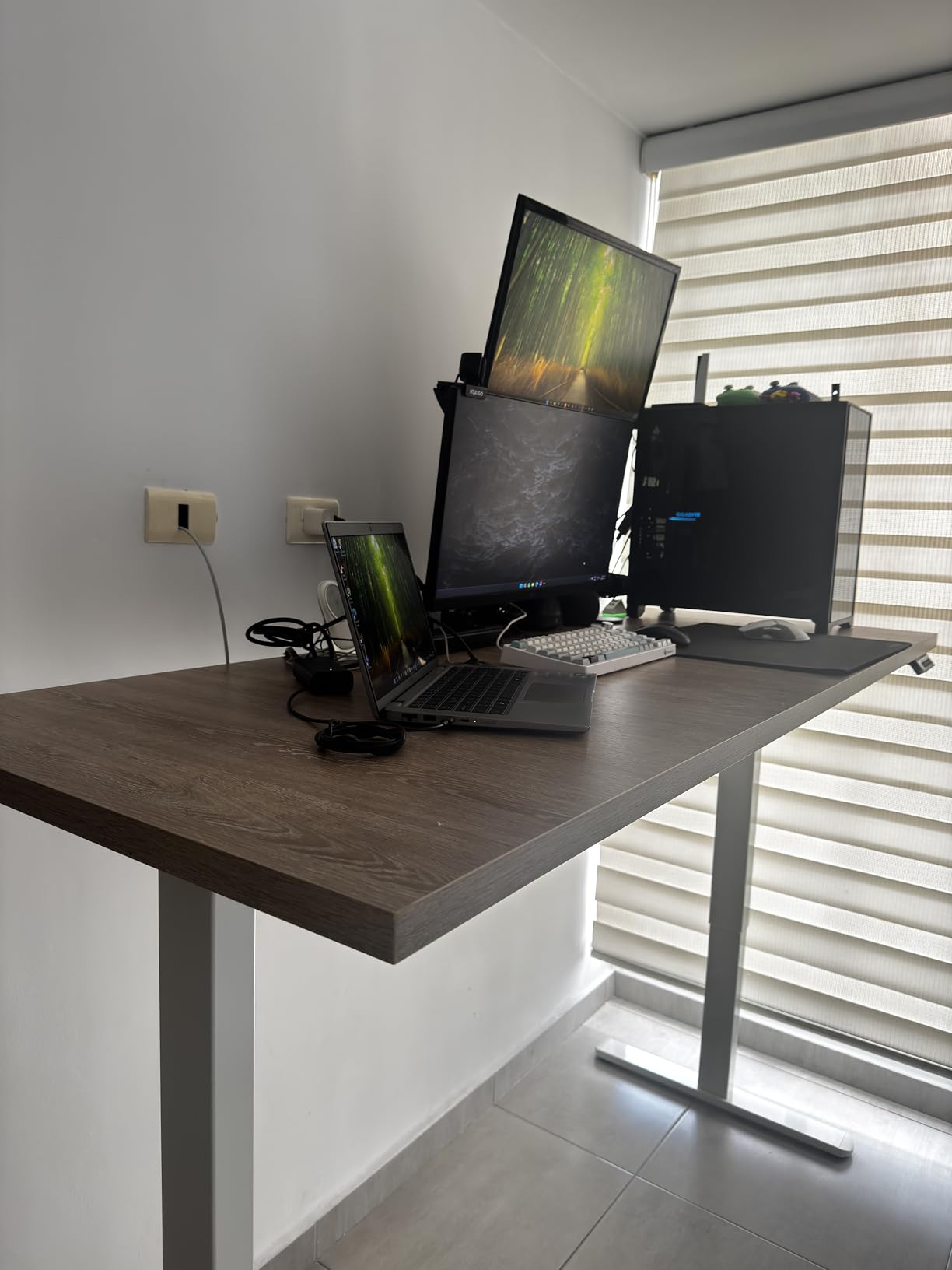
A 23.6 to 49.2 inch range is the widest vertical travel of any frame here, and the 3-stage columns are what deliver it. A 300 lb rating sits second only to the Desktronic HPRO, and owners pair it with thick butcher block tops, full towers, and three monitors without complaint, which makes it a genuine extreme-load option rather than a nominal one.
The feet use four contact points rather than inverted T feet, and that distinction shows up in practice. Across 575 reviews at 4.4 stars, owners consistently call out the quiet, smooth 3-stage lift and the real stability at full height, and they attribute occasional light wobble to carpet or underpadding rather than to the frame.

What 3-stage columns buy you
A 3-stage column telescopes three times, so the same load travels through a much longer stroke inside a shorter retracted length. That produces a 23.6 inch minimum low enough to sit at a conventional desk and a 49.2 inch maximum high enough for a 6’6″ user, in one frame. Lift speed of 1.37 inches per second is the fastest in the roundup, and the 43 to 67 inch frame width adjustment means the column spacing can be set wide for a big top. If you have read our tall users standing desk guide, this is the frame those recommendations describe.
Where it falls short
Documentation is the biggest complaint, with several owners relying on video walkthroughs to finish the build. The anti-collision gyro is sensitive to a non-level controller and can halt lifting until you reset it, which means crawling under the desk. There is no integrated cable management, so cables must be anchored separately. The frame is sold without a top, two people are recommended for assembly, and power-driving the screws can deform the steel tubing, so torque by hand.
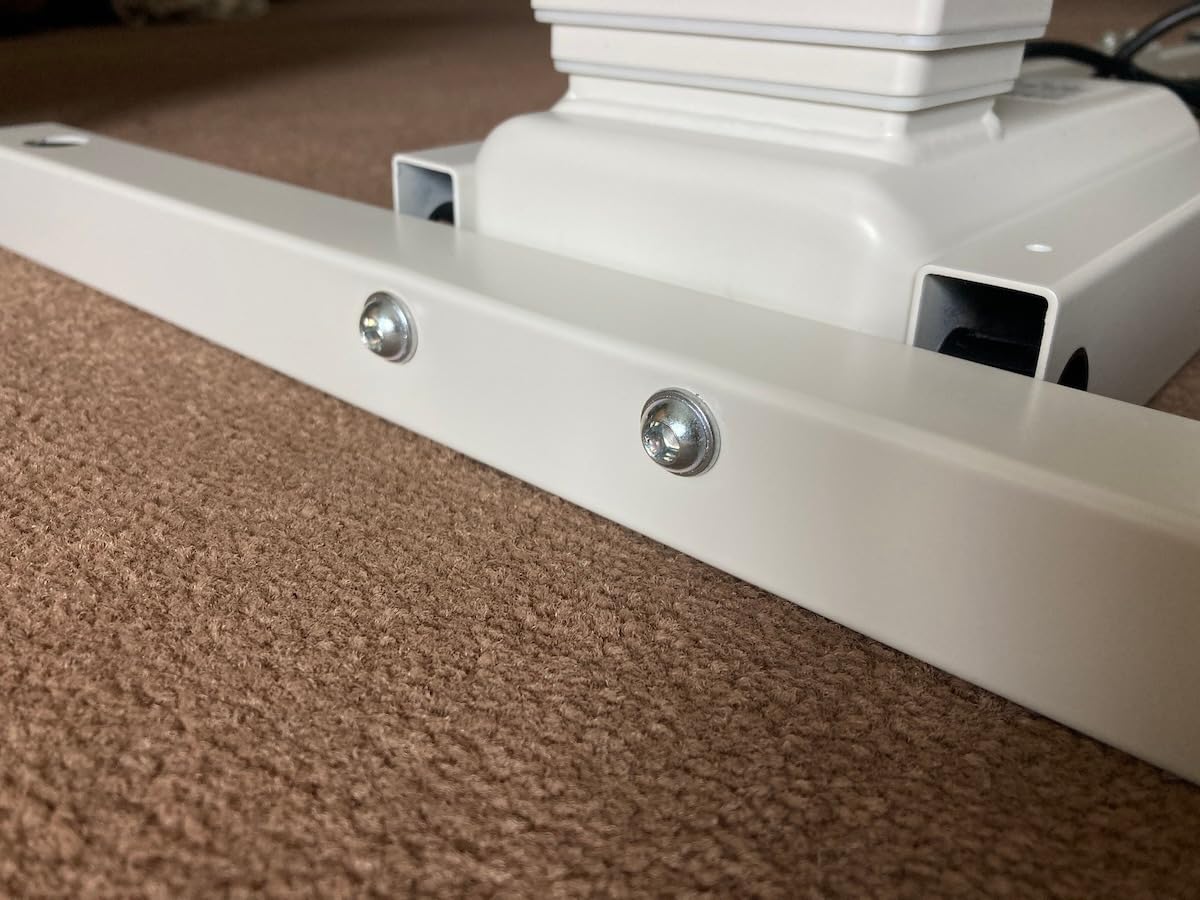
9. DeskShow 71×30 — Best for Clamp-On Monitor Arms
DeskShow Black 71×30 in Electric Standing Desk, 1 Inch Thick Tabletop
Load: 220 lbs
Frame: 2.5mm steel, double beam
Height: 27.95-45.67 inch
Top: 1 inch thick
Pros
- 1 inch thick top that does not flex when arm clamps tighten
- Double-beam frame carries an 80 lb PC and a 32 inch monitor under uneven load
- Motor under 45 dB
- Pre-drilled holes for 30-40 minute single-person setup
- Cable tray and hooks included
Cons
- Desktop is three pieces with visible seams
- At 86.4 pounds this is among the heaviest to assemble
- Lowest max height at 45.67 inch in this group
- 2-year warranty
This desk answers a specific question well: can you use a clamp-on monitor arm without the top flexing? Yes, because the desktop is a 1 inch thick non-hollow-core panel that resists deflection when a clamp tightens, and that is the detail most competing desks at this rating get wrong. Across 329 reviews at 4.6 stars, the top thickness is the single most praised feature.
Value is the other argument. Multiple buyers compared it directly against premium electric desks costing several times as much and concluded that a 220 lb rating, a reinforced double-beam frame, and a thick top at this outlay is the stronger purchase. One owner runs an 80 lb water-cooled PC plus a 32 inch monitor with no bend and even lifting under an uneven load.
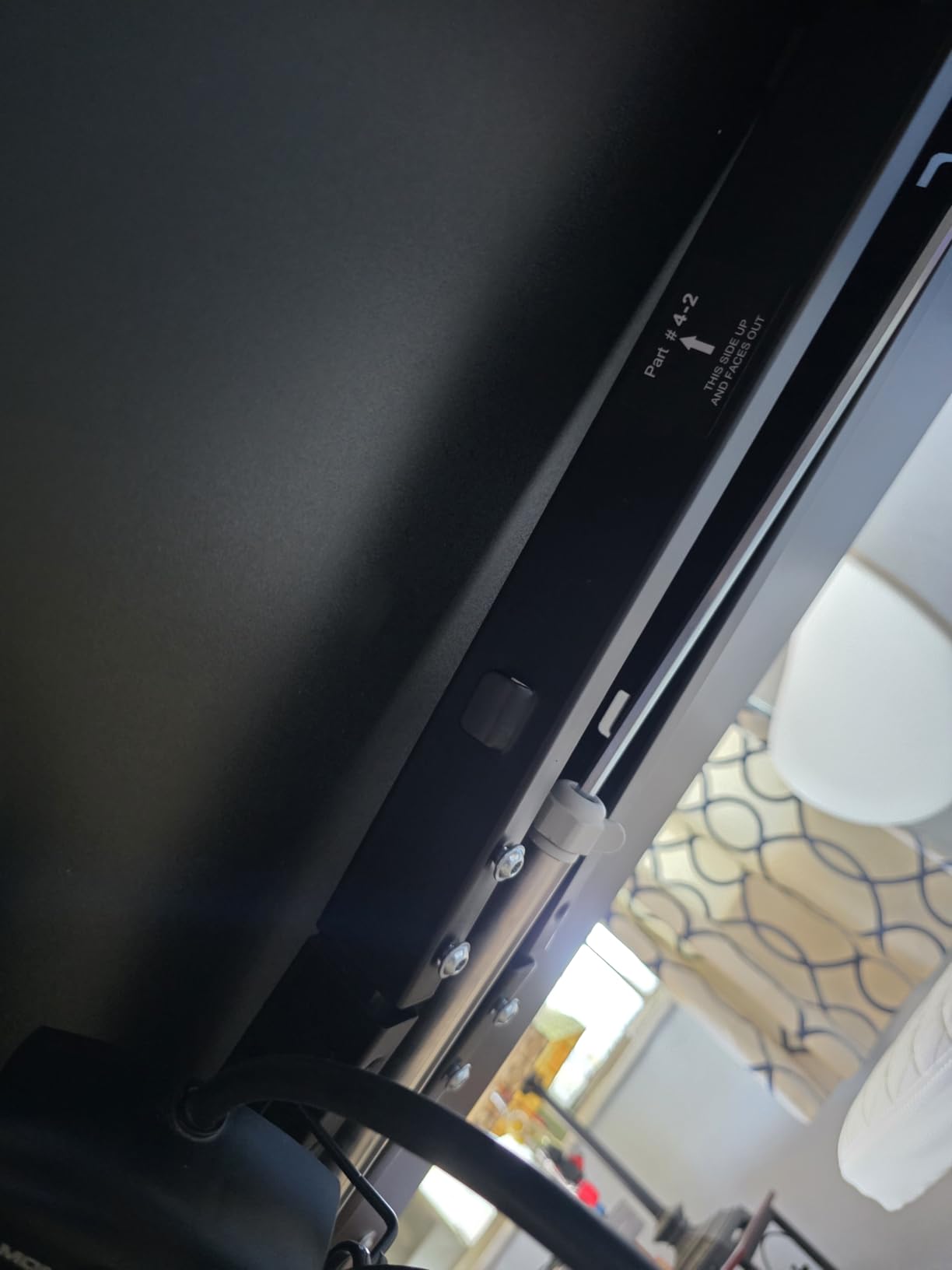
Why top thickness matters more than the rating
A clamp-on arm applies downward force at a single point. A thin top dishes under that point, and every dish is a lever that the arm transmits straight into the frame. A 1 inch panel spreads that force across a wider section of the surface, so the arm behaves as though the desk beneath it is solid. Combined with the 2.5mm steel base and reinforced double-beam frame, this is why the DeskShow reads as rigid to owners running clamped arms. The motor at under 45 dB is the lowest listed figure in this roundup.
Where it falls short
The desktop is three pieces, so there are visible seams even though the surface itself is flat. At 86.4 pounds it is the heaviest complete desk here, and a second person helps when you flip it upright. The 45.67 inch maximum is the shortest reach of the group, which is a real constraint for anyone above roughly 6’2″, and the warranty is two years. If you are very tall, look at the SANODESK or the TOPSKY frame instead.
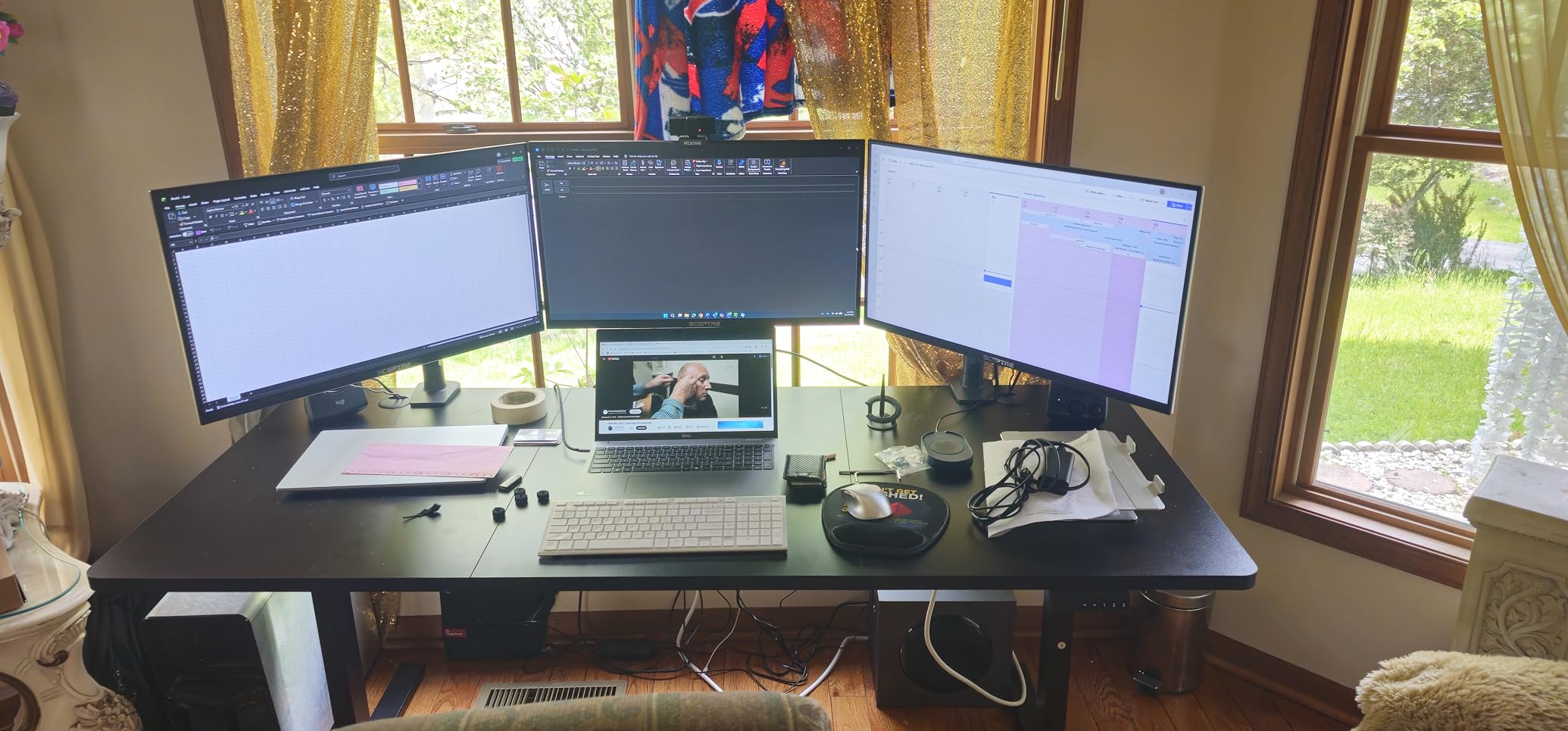
10. Monomi 71×31.5 — Best Long-Term Ownership for Light Loads
Monomi Large Electric Standing Desk 71“x31.5“ Height Adjustable,Black
Load: 176 lbs
Height: 28.35-46.5 inch
Top: 71x31.5, 1 inch thick
Support: 7x24
Pros
- Very quiet lift that families do not notice
- 28.35 inch minimum suits shorter users
- 1 inch thick desktop and 71x31.5 inch surface
- Responsive support shipped replacement top pieces
- One owner reports 3-plus years of daily use
Cons
- 176 lbs is the lowest rating here
- Three-piece desktop leaves large seams
- Slight tip or rock when leaning on the front edge
- Under-desk power box brackets do not hold
The long-term data here is the story. At 2,513 reviews and 4.6 stars, this desk has owners reporting three-plus years of daily use, and the near-silent lift is praised often enough that families do not notice the desk moving between heights. The 71 by 31.5 inch surface holds a PC, an ultrawide, and a second monitor with no lift issues.
Two details make it interesting for compact desks specifically. The 28.35 inch minimum is a low floor, which short reviewers repeatedly single out as the reason the desk is comfortable, and the 1 inch thick top resists deflection under a monitor arm. The desktop is CARB Phase 2 certified low-VOC, and support runs 7×24.
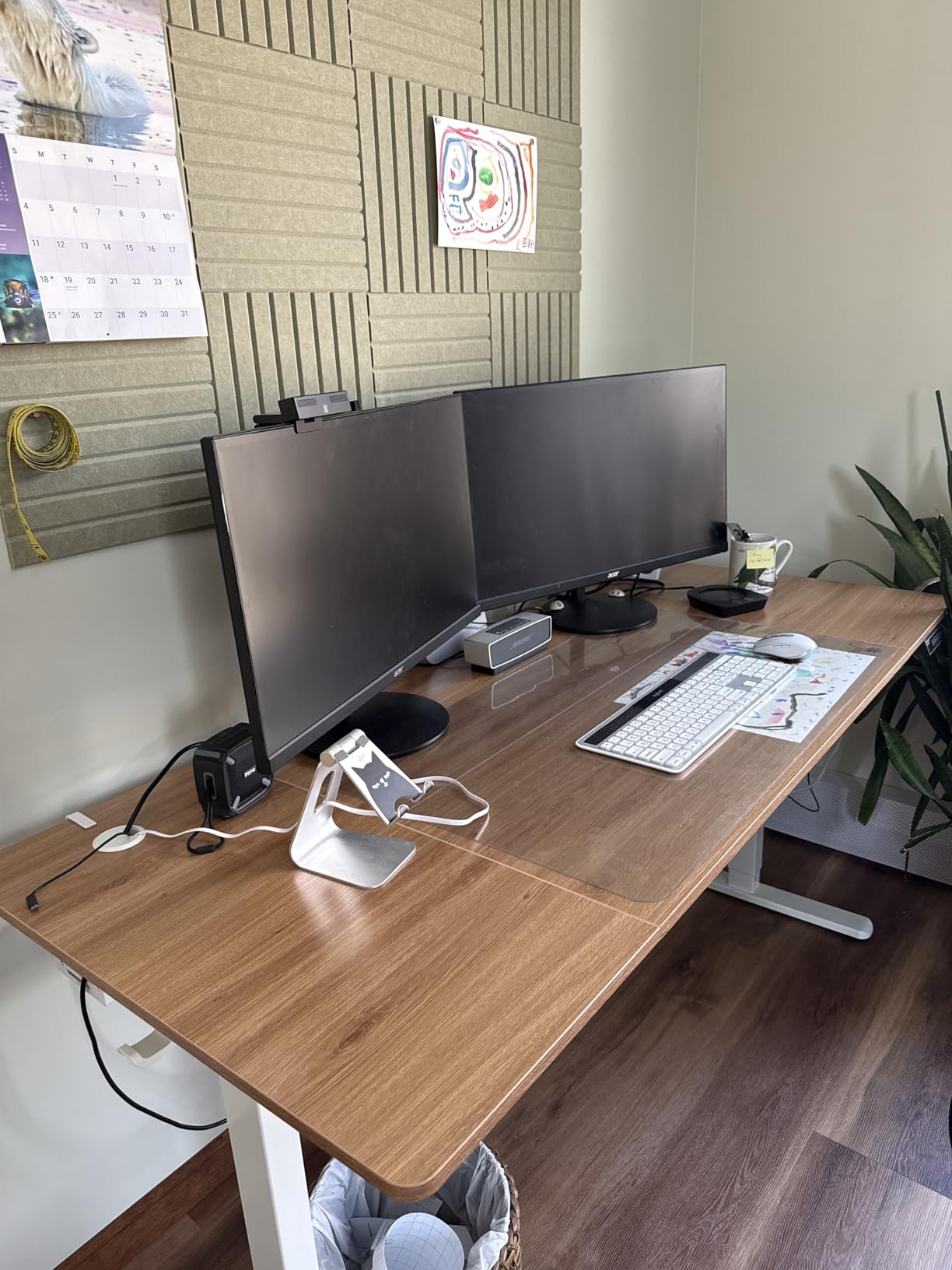
Who this desk suits best
A 34-inch ultrawide on a moderate arm with a laptop and peripherals lands around 100 lbs, and the 176 lb rating covers that with room for a light tower. The real advantage is the low minimum height, which means a 5’4″ user gets elbows near 90 degrees without a keyboard tray, a problem several owners on other desks in this roundup had to solve with an add-on. The 1 inch top means a clamp-on arm is a realistic option here, which is unusual at this rating.
Where it will disappoint you
The 176 lb rating is the lowest here, which limits headroom for a heavy tower plus several monitors. The desktop arrives in multiple pieces, leaving three large seams on the 71 inch model, and there is a slight tip or rock if you lean on the front edge. The under-desk power control box is heavy and the supplied adhesive brackets do not hold it, so it can dangle into the wiring, and the plastic keyboard tray is too small for a mouse and keyboard. Some examples arrive with dents in the desktop from handling. For heavy loads specifically, this is the entry point, not the destination.
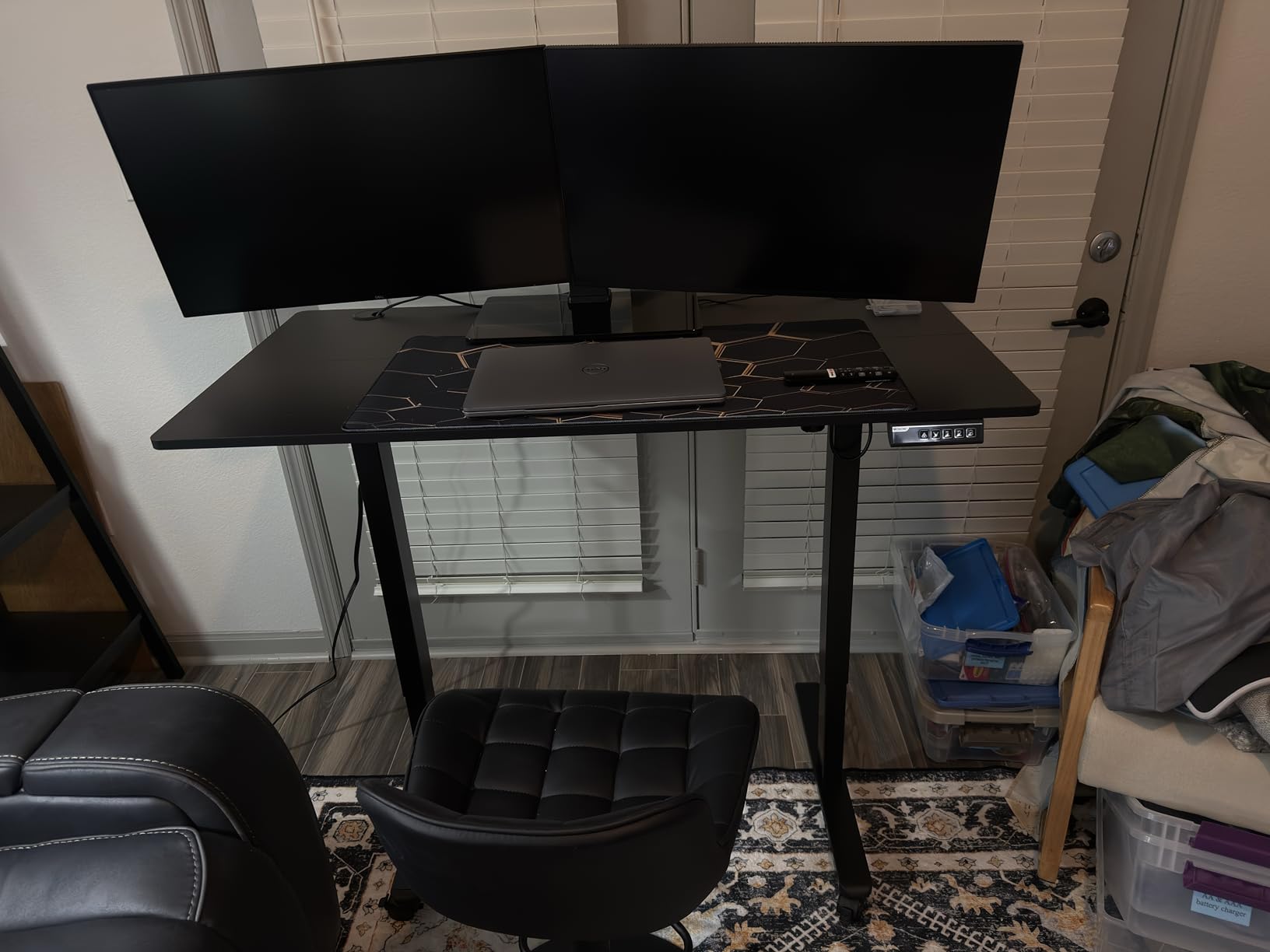
Why Does My Monitor Wobble on a Standing Desk?
A monitor wobbles on a standing desk because an articulated arm turns weight into turning force, and that force grows with distance. A 30 lb panel at the top of a 20 inch extension applies far more turning force on the frame than the same panel pushed to the column. At standing height, where every telescoping joint is extended, the frame has less stiffness and the effect becomes obvious. Foot leveling, top thickness, and arm clamp torque all add to or subtract from it.
Two things make this worse than most buyers expect. First, a thin top dishes under a clamp, so the arm itself rocks even when the frame is fine. Second, a desk with two-point foot contact at each end has far less resistance to a sideways push than one with four-point contact. This is why the two crossbeam frames in this roundup, the FEZIBO dual crossbeam and the DeskShow double beam, feel noticeably different with arms extended even when their 220 lb ratings are similar to other frames here.
Wobble is also not evenly distributed across a day. It gets worse at the top of the height range and at the extremes of arm extension, and it gets better as you tighten the arm’s own joints and move the panel closer to the column. If you test stability, test it the way you actually work: at your standing height, arms at working extension, hands on the keyboard.
How to Stabilize a Wobbly Standing Desk
If you already own a desk that rocks, work through these in order. Each step costs a few minutes and roughly half of them are free.
1. Level the feet first. Sit and stand desks settle over a few weeks, and a foot a sixteenth of an inch low changes everything above it. Adjust all four feet to a firm, even contact before touching anything else. On carpet, check for uneven padding under one side, which is the most commonly reported cause of residual shake.
2. Re-torque the frame bolts in a pattern. Work from the center outward and go around twice, rather than tightening one joint fully before moving to the next. An unevenly torqued frame twists under load, and that twist is what the monitor is reacting to at the top of the stroke.
3. Tighten the monitor arm, and check its joints. Loosen the arm clamp, reseat it so the load is directly over the column rather than offset from it, then tighten in stages. Most arm wobble that looks like desk wobble is actually a loose pivot or an under-tightened clamp. Confirm this first by pushing the top edge of the monitor: if it moves, the fault is in the arm, not the desk.
4. Shorten the extension where you can. Moving from 20 inches of reach to 14 removes more turning force than any other single change. If you have been compensating by tightening the arm harder, reverse that: closer and looser is stiffer than far and tight.
5. Add lateral rigidity if the frame allows it. A rear crossbar or a wall-anchored bracket across the back of the frame converts a two-legged design into something closer to a four-leg one. This is the standard DIY answer for lighter budget frames, and it is the reason people who upgrade from a light 2-leg frame to a heavier one report a night-and-difference change in wobble.
If all five steps leave the desk moving, the frame is not rated for your load. That is a frame problem rather than an adjustment problem, and it is the point at which moving up a load tier is cheaper than continuing to fight it. Our standing desk stool guide covers the ergonomics side of the same sit-stand switch if wobble is only part of your problem.
How to Choose a Standing Desk for Heavy Monitors
1. Size your real load, not your monitor
Add up everything that will ride on the frame: every monitor panel, every monitor arm, the desktop itself, a tower or laptop, speakers, and anything clamped under the surface. Two 32-inch panels on articulated arms plus a desktop and a mid-tower commonly lands between 120 and 180 lbs, and a 49-inch ultrawide rig with studio monitors can pass 220 lbs. Buy the frame whose rating sits well above that number rather than just above it, because the rating is measured statically and your load will shift when you reach across the desk.
The tiers in this roundup run from 176 lbs at the bottom to 353 lbs at the top. Treat anything under 200 lbs as a light-load frame, 200 to 265 lbs as the sweet spot for dual 27 to 32 inch monitors, and 300 lbs or more as the tier for triple-monitor arrays and thick custom tops.
2. Dual motor beats single motor under load
Dual motors share the lifting work and keep both columns rising at the same rate, which is what keeps the top level with an uneven load. A single motor is cheaper and lighter, and it is adequate for a laptop and one monitor, but under a heavy asymmetric load it is the component most likely to sound strained. Five of the ten products here use dual motors, and every frame rated above 265 lbs uses them too, so treat dual motors as a requirement once you pass that threshold.
3. Choose 2-stage or 3-stage by your height
Travel matters more than the maximum number. A 2-stage frame typically runs from the high 20s to the mid 40s in inches, which suits most adults. A 3-stage column telescopes three times and pushes the minimum as low as 23.6 inch while reaching 49.2 inch, which is the difference between sitting comfortably at a conventional desk and reaching for a keyboard tray if you are under 5’5″. The TOPSKY 3-stage frame is the only 3-stage option here, and the Desktronic HPRO frame matches its low minimum through a wider 2-stage design.
Remember that the minimum height you see is the floor of the frame, not the working surface. Add your desktop thickness, and add more if you plan a keyboard tray or casters. Our small apartment desk guide covers the space side of this decision, which constrains footprint before it constrains load.
4. Check desktop thickness if you are clamping
Clamp-on arms need a thick top. The FEZIBO, DeskShow, and Monomi desks here all use 1 inch panels that hold a clamp without flexing, and that is a genuine differentiator rather than a spec-sheet nicety. If you prefer a through-bolt or grommet mount, desktop thickness matters less, but check that the frame actually has a grommet zone and that the top is wide enough to place it. On frames with wide columns, the leg position can block the grommet locations, so measure the top against the frame’s own footprint before drilling.
5. Verify arm compatibility, not just desk capacity
Check the arm’s own weight rating per screen, and check the desk’s top thickness and grommet spacing against the arm’s mounting requirements. Heavy arms and thick arms add torque that no desk rating accounts for, and clamp arms need a top thick enough to hold them. Reducing arm extension is the single most effective lever you have, and it costs nothing. If your corner is the constraint rather than the load, our L-shaped standing desk picks show how a return leg changes the stability math for a two-monitor rig.
6. Treat the warranty as a parts signal
Warranty length is a reasonable proxy for how long a manufacturer expects to service a frame. The ErGear legs and TOPSKY frame both carry five-year support, the Desktronic and ErGear complete desks carry full or limited manufacturer coverage, and the shortest stated term here is two years. More practically, find out whether replacement control boxes, motors, and keypads are still produced for the model before you buy, because a proprietary control box that is hard to source turns a minor electronics failure into a dead desk.
Frequently Asked Questions
What is the best standing desk with a high weight capacity?
Among these picks, the Desktronic HPRO frame leads at 353 lbs, the TOPSKY 3-stage frame follows at 300 lbs, and the ErGear dual-motor frame reaches 264 lbs. For most dual 32-inch monitor setups, the 220 to 265 lb tier is already more than enough.
Why does my monitor wobble when I use a standing desk?
An articulated arm turns weight into turning force, and that force grows with distance from the column. A 30 lb panel at 20 inches of extension applies far more turning force than the same panel held close, and at standing height every extended joint in the frame has less stiffness. A thin desktop that dishes under the arm clamp makes it worse.
Do standing desks wobble a lot?
Under a light load with arms at moderate extension, most well-built frames barely move. Wobble shows up at the top of the height range, with a thin top, with long arm extension, and with a load offset to one side. Frames rated above 220 lbs with wide feet and a crossbeam are noticeably steadier than lighter single-motor designs.
Is a 4-leg standing desk worth it?
For three 32-inch monitors on fully extended arms, a 4-leg frame usually is worth it, because four columns double the base footprint and remove the twisting that two columns cannot. For one ultrawide plus a second display, a heavy 2-leg frame with a thick top at 220 lbs or above handles the load without the extra cost or the reduced leg clearance for your knees.
What is the 20-8-2 rule for standing desks?
It is a movement guideline, not a desk specification: roughly 20 minutes standing, 8 minutes sitting, and 2 minutes moving for every 30-minute cycle. Its purpose is to break up long stretches of static posture, so a desk that moves easily between saved heights makes the pattern easier to follow than one you adjust manually.
The Verdict for Heavy Monitor Setups
The best electric standing desks for heavy monitors come down to matching the frame to the load, not buying the highest rating available. The Desktronic HomeOne is the pick for most people, because a one-piece 60 by 30 inch top, a 265 lb dual-motor steel frame, and a 4.8 star rating across 3,010 reviews is a combination nothing else here matches.
We revised every rating, price band, and spec line in 2026, so the numbers below reflect what owners are reporting now rather than at launch.
Buy the FEZIBO 83×37 if you are running three panels or studio gear, the DeskShow 71×30 if you clamp arms to the top and nothing else, the TOPSKY 3-stage frame if you need both a very low and a very high reach, and the Desktronic HPRO frame if your load is genuinely extreme and you already own a thick top. Whichever you choose, measure your real load, keep the arm extension as short as you can, and level the feet before anything else. That last part is free, and it fixes more wobble than most people expect.