
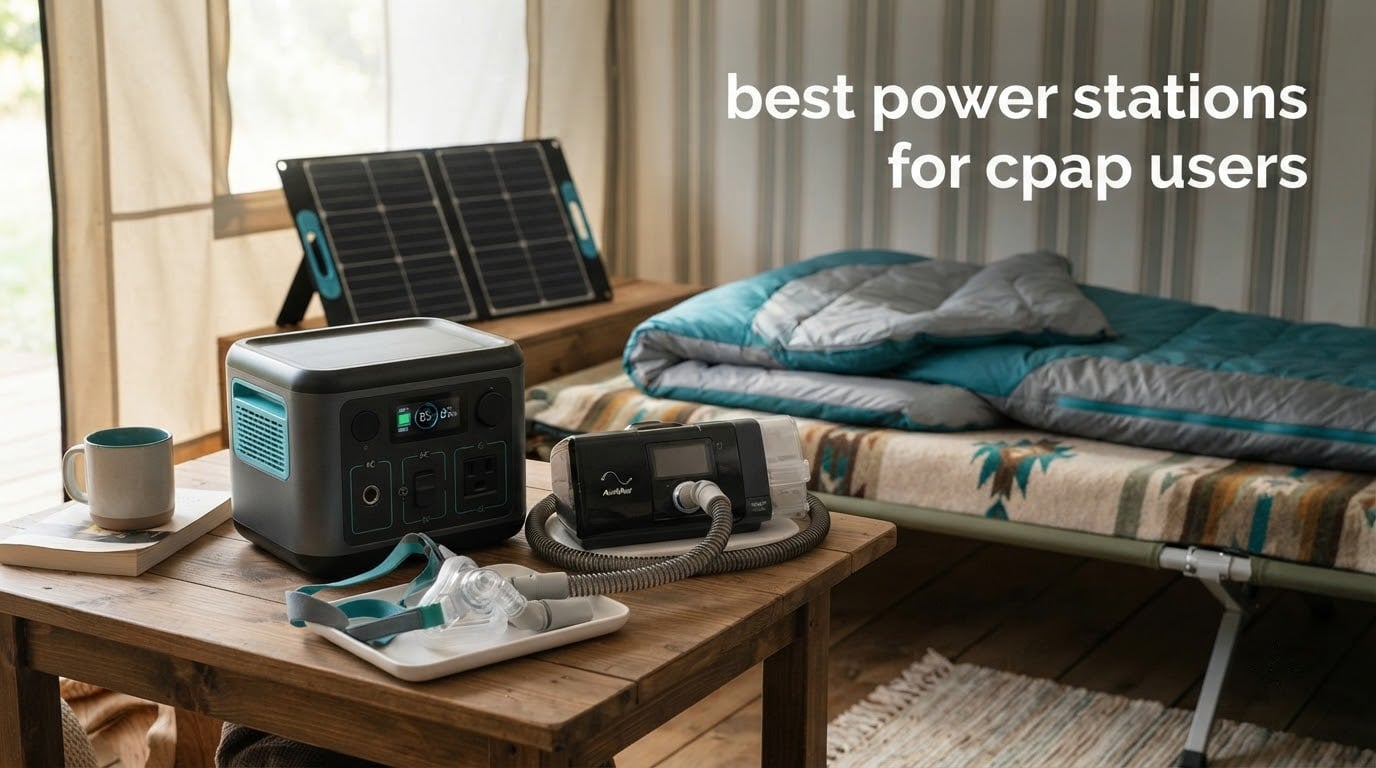
The best power station for a CPAP while camping depends on two variables: how many nights you are off-grid, and whether you run the heated humidifier. Get those two answers straight and the rest is arithmetic. A 300Wh unit carries a machine through one or two quiet nights on 12V DC. A 1,000Wh unit covers a full week, or a couple of nights with the humidifier running.
I want to be straight with you about something before we get into the list. If you depend on CPAP or BiPAP every night, an outage is a health event, not an inconvenience. That is why I treat sleep quality and low-load behaviour as pass or fail criteria in this guide rather than footnotes, and why every runtime figure I quote comes with the scenario that produced it.
One more thing up front. A power station is a legitimate backup, but it is not automatically an approved power source for your machine. Check your CPAP manual for any language about inverter output, and ask your DME provider before you depend on it. I have leaned on manufacturer documentation and published runtime testing throughout, and I run every recommendation below against the same three checks: pure sine wave AC, watt-hours rather than inverter watts, and stable behaviour at a low CPAP load.
If your machine is a ResMed AirSense 11 or you are still working out the basics, our portable power station guide for CPAP machines covers the same ground with a shorter format.
Table of Contents
Top 3 Power Stations for CPAP Users in 2026

Jackery Explorer 300
- 292Wh LiFePO4
- 7.1 lbs
- pure sine wave 110V AC
- about 2 nights on 12V DC with the humidifier off

Jackery Explorer 1000 v2
- 1070Wh LiFePO4
- 1500W AC
- 23.8 lbs
- about 7 nights on DC or a full outage weekend

All 8 Power Stations Side by Side in 2026
Every unit below publishes a capacity, an output figure and enough usable energy for a known number of CPAP nights. Read the table as a shortlist: the right-hand column tells you the scenario each one is actually sized for, so you can match it to your nights off-grid before you read the individual reviews.
| Product | Specifications | Action |
|---|---|---|
| Jackery Explorer 300 |
|
Check Latest Price |
| Jackery Explorer 1000 v2 |
|
Check Latest Price |
| BLUETTI AC180 |
|
Check Latest Price |
 Anker SOLIX C1000 Anker SOLIX C1000 |
|
Check Latest Price |
 Anker SOLIX C300 Anker SOLIX C300 |
|
Check Latest Price |
 EcoFlow RIVER 2 Pro EcoFlow RIVER 2 Pro |
|
Check Latest Price |
 EcoFlow RIVER 2 EcoFlow RIVER 2 |
|
Check Latest Price |
 ALLWEI 300W ALLWEI 300W |
|
Check Latest Price |
The Three Rules That Decide Your Runtime
These three levers account for nearly all of the difference between a station that works and one that leaves you awake at 2 a.m. They come up on every forum thread about camping with a machine, and they are the first three things I check on any unit.
Turn off the heated humidifier and heated tube. Heated water is the single biggest energy consumer in the whole setup. Reviewers consistently report a three to four times difference between a heated and unheated night.
Feed the machine from 12V DC when your machine supports it. The DC path skips the AC inverter in both directions, and published testing puts it around 30 percent more efficient than the wall brick.
Confirm pure sine wave AC output. A modified sine wave is a jagged approximation of household power, and it is the thing most likely to upset an expensive sensitive device. The Jackery Explorer 300, the Jackery Explorer 1000 v2 and the ALLWEI 300W in this roundup all publish it explicitly.
One supplementary rule deserves space on its own: know which adapter cable your machine needs. ResMed machines run on 24V and need a 12V to 24V converter from a station’s car port. Philips DreamStation units run on native 12V. Buying the wrong cable is the most common purchase blocker I see, and it is entirely avoidable.
How Far Will One Power Station Actually Take Your CPAP?
Divide usable watt-hours by your machine’s real wattage and you get hours of sleep. The formula is simple, but almost every guide gets the efficiency factor wrong, so here is the version I trust.
Run the machine from 12V DC and use usable Wh = capacity Wh x 0.85. Run it from the AC wall brick and drop to 0.75, because you now pay a conversion penalty going DC to AC and back again. Both figures appear in competing guides and they are not interchangeable. The 0.85 number assumes you skip the inverter. The 0.75 number is the conservative planning figure for anyone using the wall outlet.
Published CPAP draw figures, measured on DC with no humidifier, look roughly like this: a travel machine such as the ResMed AirMini sits around 5 to 10W, the AirSense 11 runs about 9 to 15W, the AirSense 10 about 12 to 18W, and the Philips DreamStation around 12W. Your pressure setting and mask leak push those numbers around, which is why measuring your own machine matters more than any table.
Here is the worked example that changed how I buy these. My AirSense 11 at 15W on DC draws 120Wh over an eight-hour night. A 292Wh Jackery Explorer 300 gives me 292 x 0.85 = 248Wh usable, which is two nights with a little headroom. A 1,070Wh Jackery Explorer 1000 v2 gives me 910Wh usable, or seven nights. The same two stations with the heated humidifier and heated tube on, at roughly 60W through the AC brick and 480Wh per night, deliver about half a night and 1.7 nights respectively. That is the entire story of why people who buy small and guess wrong end up buying twice.
If your machine is a ResMed, add one more line to the maths: a 12V to 24V converter. If it is a Philips, the native 12V cable is all you need. Check the barrel connector diameter too, because a cable that fits physically is not always the right one for the machine.
1. Jackery Explorer 300 – 292Wh and 7.1 lbs, the Pick That Covers One or Two Nights
Jackery Explorer 300 Portable Power Station,292Wh
292Wh LiFePO4
300W AC, 600W surge
Pure sine wave 110V
7.1 lbs, 4-hour recharge
Pros
- Easy to carry at 7.1 lbs with a built-in handle
- Pure sine wave 110V AC confirmed by the spec sheet
- LiFePO4 cells rated past 4000 cycles
- 2 AC outlets plus 100W USB-C PD and a 120W car port
- Reaches 80 percent from a 100W panel in about 2.8 hours
Cons
- 292Wh is roughly two nights with the humidifier off
- Only one car port for 12V charging
- Solar panel is not included in the box
This is the station I recommend to anyone whose CPAP use is medically necessary but whose trips are one or two nights, or whose home is on a grid that flickers. At 292Wh it gives me two eight-hour nights on 12V DC with the humidifier off, and the 7.1 lb weight means I can carry it from the car to a tent or up a flight of stairs to a bedside without planning around it. Owners report a 4.6 average across more than 11,000 reviews, with 81 percent five star, and the most common praise is portability and the pure sine wave output.
The technical case is straightforward. LiFePO4 chemistry here is rated past 4,000 cycles before it drops to 70 percent of rated capacity, which is roughly a decade of nightly use. Output is 300W rated with 600W peak surge, which is wildly oversized for a 15W machine, and that is the point: inverter wattage is the wrong number to shop on. The two AC outlets, the 100W USB-C PD port and the 120W car port mean you can run the machine and charge a phone from the same box.
The recharge side is what surprised me. It pulls a full charge in about 4 hours on wall power, and it reaches 80 percent in roughly 2.8 hours from a 100W solar panel. That solar number is fast enough to turn a two-night trip into a repeatable one, because you can refill it in a morning rather than carrying a second battery.
How long a night you can expect from it
Two nights at 15W on DC with no heat, with a margin built in. If you run the humidifier, drop the honest expectation to a single night. The 292Wh label is a real constraint and pretending otherwise is how people end up budgeting for a second purchase mid-trip.
Because the car port is a 12V output, this is one of the cleaner setups for a ResMed machine with a 12V to 24V converter cable. For a Philips, the native cable plugs straight in. Either way the AC path is available if the converter is not, and the sine wave is clean enough to be comfortable with it.
When it is the wrong choice
Skip it if your outage planning assumes more than two nights without a way to recharge, because 292Wh has no room for a humidifier and a margin at the same time. Skip it if you want to run more than the CPAP and a couple of phones off the same battery, since the DC-to-AC overhead eats the small reserve quickly. And skip it if the trip depends on a single bag you have to carry far from a vehicle.
2. Jackery Explorer 1000 v2 – 1070Wh, the All-Rounder for Three to Seven Nights
Jackery Explorer 1000 v2 Portable Power Station,1070Wh,1500W
1070Wh LiFePO4
1500W AC, 3000W surge
3 pure sine wave outlets
23.8 lbs
Pros
- 85 percent of reviews are five star
- 1070Wh covers about seven nights on DC
- Full charge in one hour with emergency charging enabled
- Over 70 percent capacity after 4000 cycles
- 30 dB quiet overnight charging mode
Cons
- One-hour charging needs the app and a deliberate setting each time
- Solar input restricted to Jackery panels
- 23.8 lbs is a two-hand carry
This is the unit I keep coming back to, because 1,070Wh is the capacity where the sizing maths stops being stressful. Seven nights at 15W on DC with no humidifier, roughly two nights with the heat on, and enough reserve to run a router, a lamp and a phone charging alongside the machine. It carries a 4.7 average from 3,623 reviews with 85 percent five star, and the review pattern is consistent: people buy it once and stop thinking about it.
Three pure sine wave AC outlets is more than most people need, and it is the right kind of more, because you can leave the machine on AC permanently and stop worrying about adapter compatibility. The 1,500W continuous output and 3,000W surge peak mean the inverter never gets anywhere near its limits with a medical device attached.
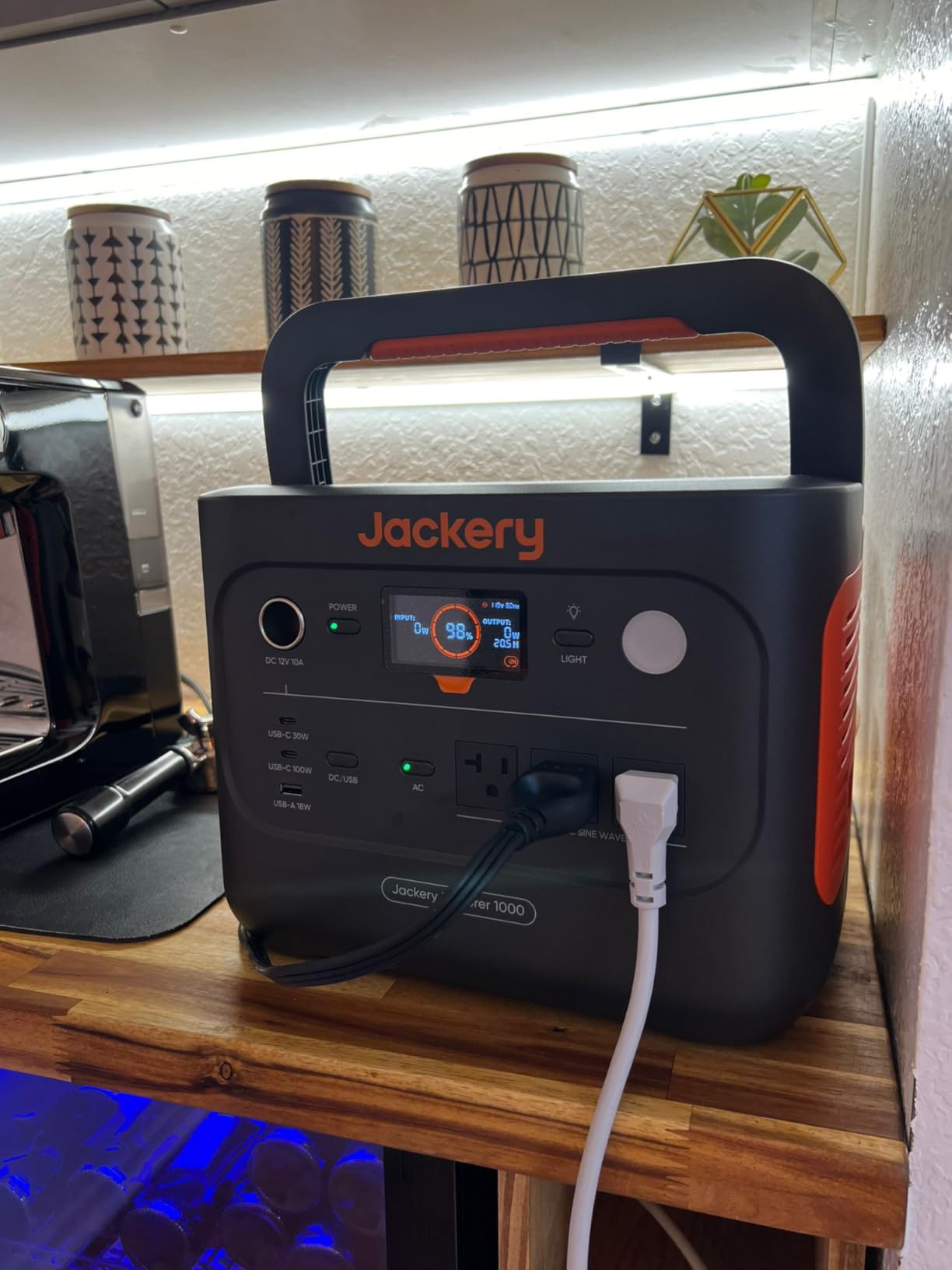
Two details are worth knowing before you commit. The headline one-hour recharge is real, but it requires turning on emergency charging in the Jackery app each time; the default is 1.7 hours, which is still quick. And the 30 dB quiet overnight mode in the same app is genuinely useful in a bedroom, because it slows the charging fans for exactly the hours when a fan ramping up would be the difference between sleeping and not.
The battery holds over 70 percent of rated capacity after 4,000 cycles, which works out to a 10-year-plus lifespan at one full discharge a night. That is the number to compare against batteries with shorter cycle ratings, and it is the reason a station rated for a decade tends to outlive two cheaper ones.
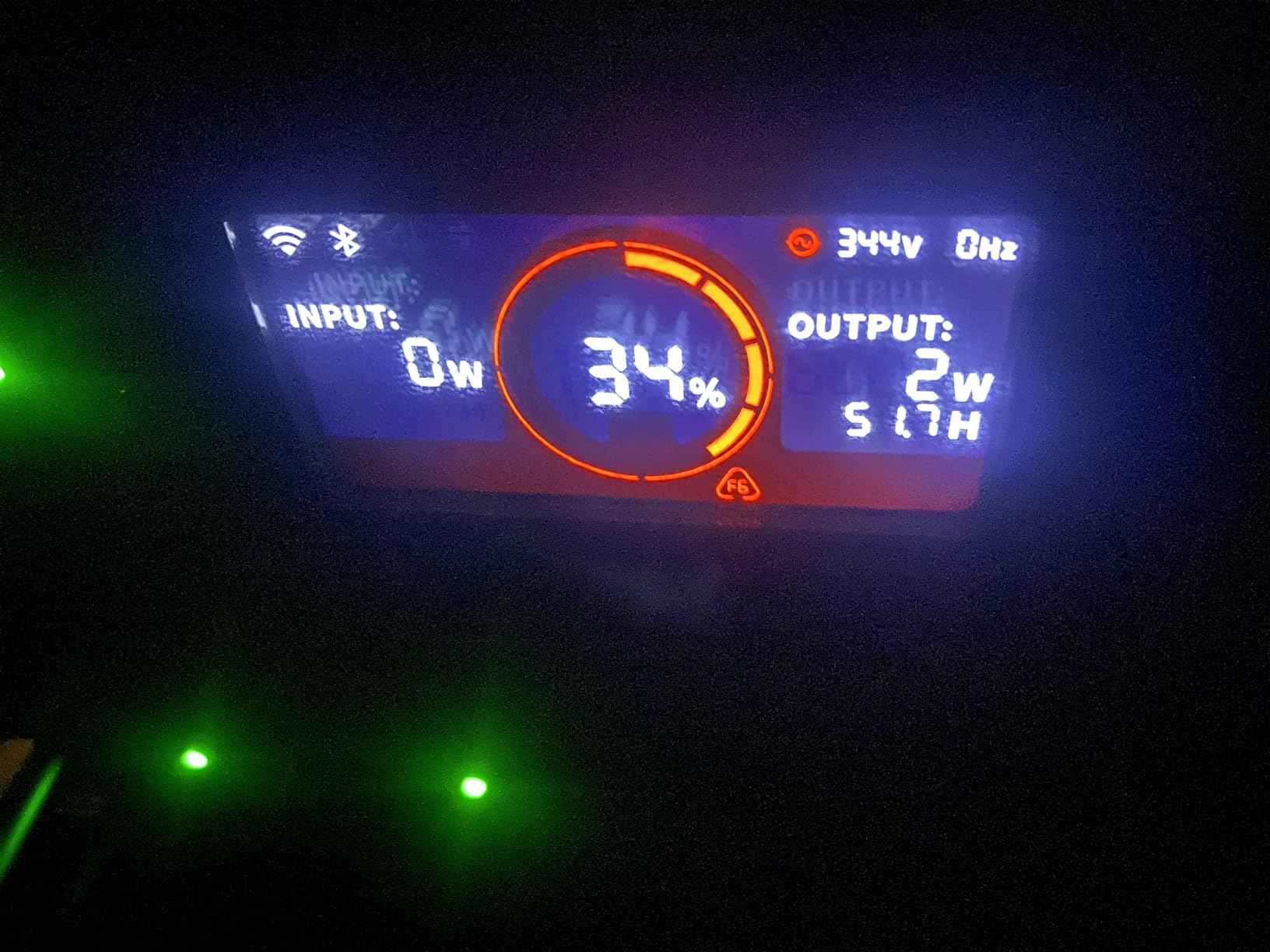
How it handles a humidifier night
At 1,070Wh you can run the heated humidifier for about two nights on AC, or five on DC. That is the tier where the heated option stops being an indulgence and starts being a decision you can make trip by trip. Owners running heated setups report the machine cycling without any sign of brownout, which is the failure mode I watch for on inverter-driven loads.
For a ResMed machine, the 12V to 24V converter still applies if you want to stay off the AC outlets. Plenty of owners do exactly that and charge from the two 100W USB-C PD ports and the DC car port during the day while the machine runs on AC at night.
Where it falls short
It is 23.8 lbs, so it is a car-and-cabin unit rather than something you walk with. The solar input only accepts Jackery panels, which rules out the third-party panels that work fine on several competing stations. And if you are the kind of user who does not want an app in the loop, the fast-charge and quiet modes are a friction point worth deciding about in advance.
3. BLUETTI AC180 – 1152Wh, the Home Backup Pick with 20ms Transfer
BLUETTI AC180 Portable Power Station 1152Wh 1800W LiFePO4 Solar Generator
1152Wh LiFePO4
1800W AC, 2700W peak
20ms UPS switchover
37.4 lbs, 11 outlets
Pros
- 20ms UPS switchover keeps the machine running through an outage
- 1800W continuous with 11 outlets
- Full charge in one hour and 0 to 80 percent in 45 minutes
- 500W solar input
- Five-year warranty with well-regarded support
Cons
- 37.4 lbs is not a carryable weight
- Draws up to 20W with the inverter on
- Wireless charging pad on top is unreliable
The distinguishing feature here is the 20ms switchover. When the wall power drops, the AC180 transfers to battery in 20 milliseconds, which is fast enough that most electronics never notice the gap. For a CPAP user, that is the difference between a machine that keeps running through an outage and one that reboots, loses its ramp and has to be restarted in the dark. BLUETTI markets it as a UPS and the measured transfer time backs that up.
Capacity is 1,152Wh, the biggest reserve in this group, with 1,800W continuous output that the app can boost to 2,700W. On DC at 15W that is roughly eight nights. Charging is fast: a full charge in one hour at 1,440W AC input, 0 to 80 percent in 45 minutes, and 2.8 to 3.3 hours on a 500W solar input.
There is a real cost to that idle draw, though. Owners report the unit pulling up to 20W with the inverter on, and BLUETTI’s own manual caps usable capacity at around 90 percent. On a 15W CPAP load that overhead is significant, so my own planning figure for this unit is closer to 0.80 than 0.85. The 20W is also the number to watch against auto-sleep behaviour, because some units with a low minimum load will shut down if the draw drops too far.
Warranty and support are genuine strengths. Owners single out the five-year warranty and BLUETTI’s responsiveness repeatedly, and 82 percent of reviews are five star. One practical warning: some owners needed a firmware update and a full discharge and recharge cycle before output behaved as expected, so do that first night rather than during an outage.
Why the transfer time matters more than the watt-hours
Because a longer outage and a brief flicker are different problems. Watt-hours decide how many nights you have. Transfer time decides whether a momentary dip at 2 a.m. restarts your machine mid-sleep. A CPAP cycling off and on is not merely annoying, it changes the pressure delivery, and it is the kind of event that wakes a light sleeper straight up.
Pass-through charging is related but not the same thing, and this is where buyers get confused. Pass-through means the station can charge while powering a device. It says nothing about transfer speed when grid power fails. If seamless transfer is what you need, look for a stated switchover time, as the AC180 does, rather than inferring it from a pass-through claim.
When it is the wrong choice
At 37.4 lbs, nobody is carrying this to a campsite or lifting it onto a high shelf, so if your use case is travel rather than a home outage, this is the wrong shape of object. The 20W idle draw also makes it a mediocre match for a small overnight load, and the unreliable wireless charging pad on top is one feature I would simply not plan around.
4. Anker SOLIX C1000 – 1056Wh, the Pick That Recovers Fastest Between Uses
Anker SOLIX C1000 Portable Power Station with Car Charging Cable, 1,056Wh
1056Wh LiFePO4
1800W with 2400W surge
11 ports, 600W solar
27.6 lbs
Pros
- 80 percent recharge in 43 minutes and a full charge in under 58
- 1056Wh gives about seven nights on 12V DC
- Eleven ports with 3000-cycle LiFePO4 cells rated for 10 years
- 15 percent smaller than comparable 1kWh units
- Includes a UPS function
Cons
- Fastest charging modes need the Anker app
- 27.6 lbs is heavy for the class
- No specific transfer time published
The reason I picked this one is not capacity, because 1,056Wh is unremarkable next to the 1,152Wh AC180. The reason is turnaround. It reaches 80 percent in 43 minutes and a full charge in under 58, so a station that has been sat in a cupboard for an outage is usable again the same evening. For anyone who wants a reserve unit rather than a daily companion, that changes how often you actually need to charge it.
Owner satisfaction is 4.7 from 2,130 reviews with 86 percent five star, the strongest five-star share of the 1kWh-class units here. The praise concentrates on charging speed, port selection and a footprint that is 15 percent smaller than comparable 1kWh units, which matters more than it sounds when the station lives on a shelf beside a bed rather than in a garage.
Output is 1,800W with 2,400W of SurgePad surge handling across 11 ports, and solar input goes to 600W for a full recharge in 1.8 hours on a suitable panel. The battery is LiFePO4 rated for 3,000 cycles across a 10-year design life, and a UPS function is included, though Anker does not lead with a specific switchover figure the way BLUETTI does.
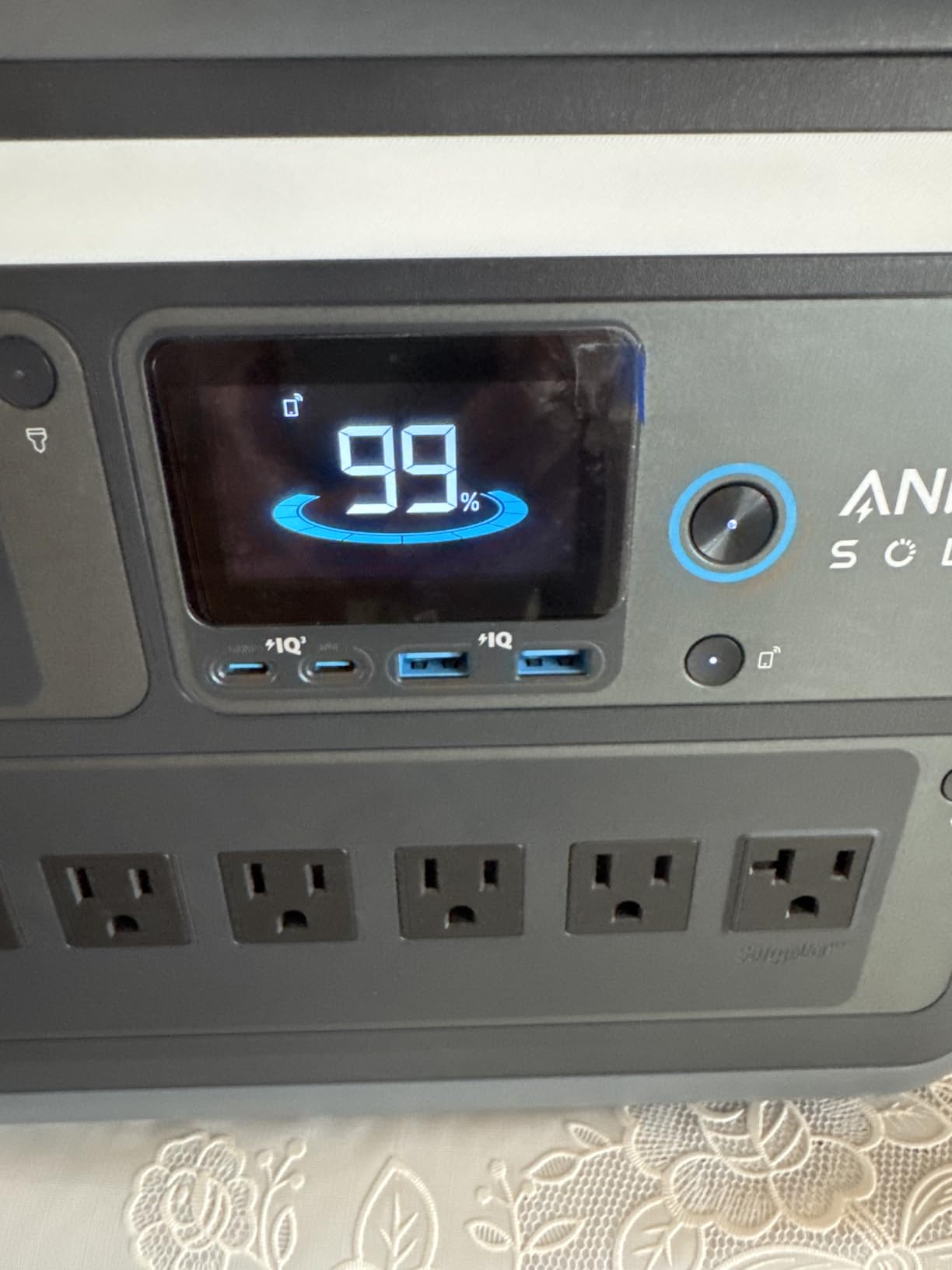
At 15W on DC, 1,056Wh gives about 898Wh usable, so roughly seven nights without heat. On AC with the humidifier running, drop your planning factor to 0.75 and you are looking at about two nights, which is enough for most short outages but not for a week.
The main constraint is the app. UltraFast recharging needs a phone and the Anker app, so if you plan to grab the station and go without connecting to anything, the headline 43-minute figure is not what you will get. Owners also note the 27.6 lb weight, which is heavier than the Jackery 1000 v2 at 23.8 lbs for slightly less capacity.

How it fits an outage plan
Imagine a two-hour outage at 3 a.m. The unit sits near the machine, comes off the wall, and there is no interaction required. Then imagine the same thing a week later, or three weeks later, and notice that the 43-minute recharge means you did not have to plan around it. That is the argument for this one over its larger rival, and for most medically dependent households it is the argument that actually counts.
One detail to verify on your own machine: Anker’s port mix includes two 140W USB-C ports and multiple AC outlets, so you have flexibility on the output side. What it does not include is a specific published minimum load, so if you run something very low-draw alongside the CPAP, check the manual before relying on it overnight.
Where it falls short
Weight is the first issue at 27.6 lbs for a unit you probably want to move occasionally. Second, its 600W solar input is generous but the recharge time on a modest panel is longer than the wall option, and third, the app dependency is a real annoyance if you are the type to keep your phone in airplane mode while camping.
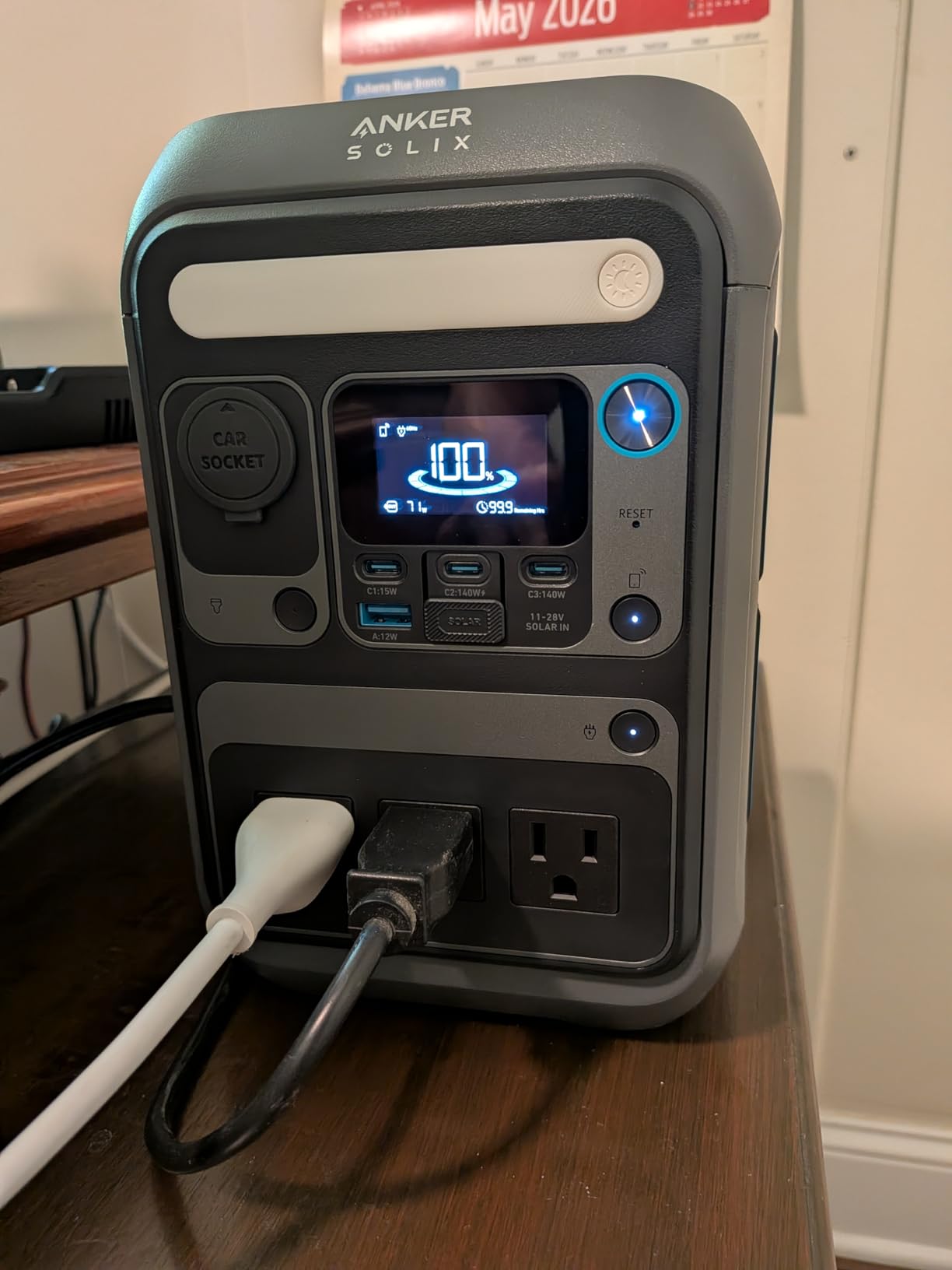
5. Anker SOLIX C300 – 288Wh and 25dB, the Quiet Pick for a Bedside
Anker SOLIX C300 Portable Power Station, 288Wh Solar Generator for Camping
288Wh LiFePO4
300W continuous, 600W surge
25dB from 3.3 ft
9.1 lbs, 8 ports
Pros
- 25dB published at 3.3 ft
- 288Wh covers about two nights on DC
- Two 140W two-way USB-C ports plus three AC outlets
- 80 percent wall recharge in 50 minutes
- LiFePO4 rated for 3000 cycles with a 5-year warranty
Cons
- 288Wh is tight for multi-night outages with a humidifier
- Shoulder strap is sold separately
- Incompatible with several Anker solar panel models
Noise is the failure mode nobody specs and everybody notices. Your CPAP runs at about 25dB, and a power station whose fan cycles on and off at a low draw will wake you up as reliably as a smoke alarm. Anker publishes a figure of 25dB from 3.3 feet for this unit, and if your station lives in the bedroom rather than a tent vestibule, that number is worth more to you than another 500Wh.
Everything else here is competent rather than remarkable. Capacity is 288Wh with 300W continuous and 600W surge output, which works out to about two nights at 15W on DC with no humidifier. The port mix is good for a small setup: three AC outlets sharing 300W total, a 120W car socket, two 140W two-way USB-C ports, one 15W USB-C and one USB-A.
Recharge is 80 percent in 50 minutes from a wall outlet, the battery is LiFePO4 rated for 3,000 cycles over a 10-year design life, and the warranty is five years. Owners report 4.6 from 1,914 reviews with 81 percent five star, and the recurring theme is size: 15 percent smaller than similar designs, which matters for an apartment or a small bedroom.
At 9.1 lbs it is light enough to move between rooms, which is exactly the behaviour I want from a bedside unit. You bring it to the bedroom during an outage, plug in the machine, and put it back. Weight only becomes a problem when a station has to travel, and 288Wh is rarely going on a camping trip that needs carrying distance.
The solar caveat is worth reading carefully. It pairs with 100W and 60W Anker panels, but it is not compatible with the PS30, PS200 or PS400 models. If you already own one of those, check before you buy. The strap is also a separate purchase, which matters if the plan involves moving it to a campsite.
Where it fits in a home setup
A closet shelf or a bedside table, pre-charged, with the machine’s cable already attached. That is the whole design brief for this unit and it executes it. For an apartment renter or someone with mobility limits, a station that stays where the machine stays removes a decision that does not need to exist.
The practical limit is the 288Wh reserve. Two nights with no heat, one night with it, and that is the honest figure. If your outage planning runs past two nights without a wall to plug into, this is too small and you should step up a tier.
What to check before you commit
Ask the manufacturer for the minimum load behaviour, because a unit that auto-sleeps below roughly 40 to 60W sits right at the edge of the CPAP range.
And if you are relying on it for more than the machine, budget carefully: the 300W total AC ceiling is shared across three outlets, so a lamp and a CPAP on AC together leaves very little margin.
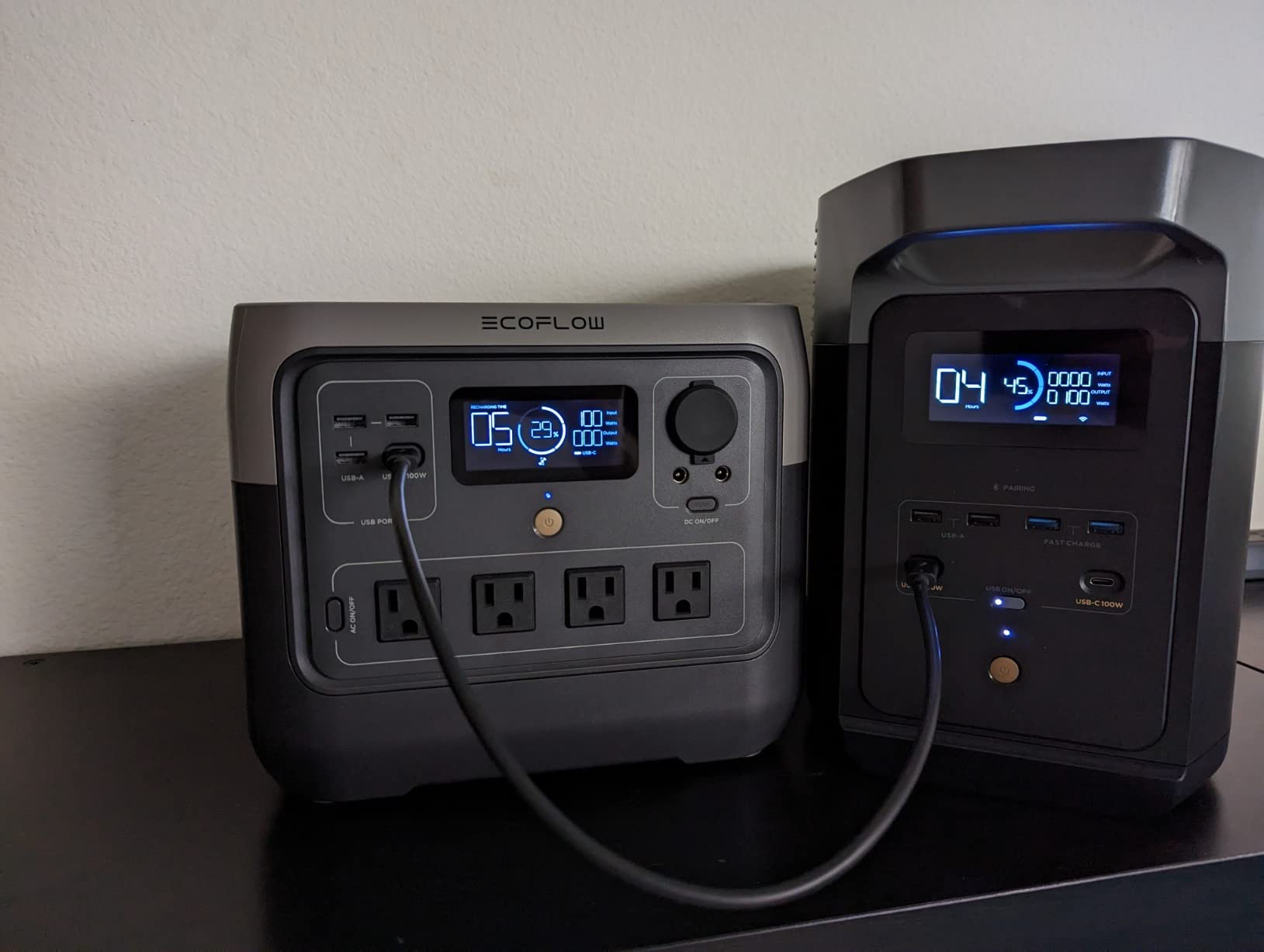
6. EcoFlow RIVER 2 Pro – 768Wh, the Mid-Size Pick for Three-Night Trips
EF ECOFLOW Portable Power Station RIVER 2 Pro, 768Wh 800W
768Wh LiFePO4
800W continuous, 1600W X-Boost
11 outlets, 4 AC
17.2 lbs
Pros
- 768Wh covers about five nights on 12V DC
- 17.2 lbs with a built-in handle
- Full AC recharge in 70 minutes
- 4 AC outlets plus 11 total
- LFP cells rated past 3000 cycles with BMS monitoring
Cons
- 4.5 average with 7 percent one-star reviews
- 768Wh is a step up rather than a leap
- Some settings only change through the EcoFlow app
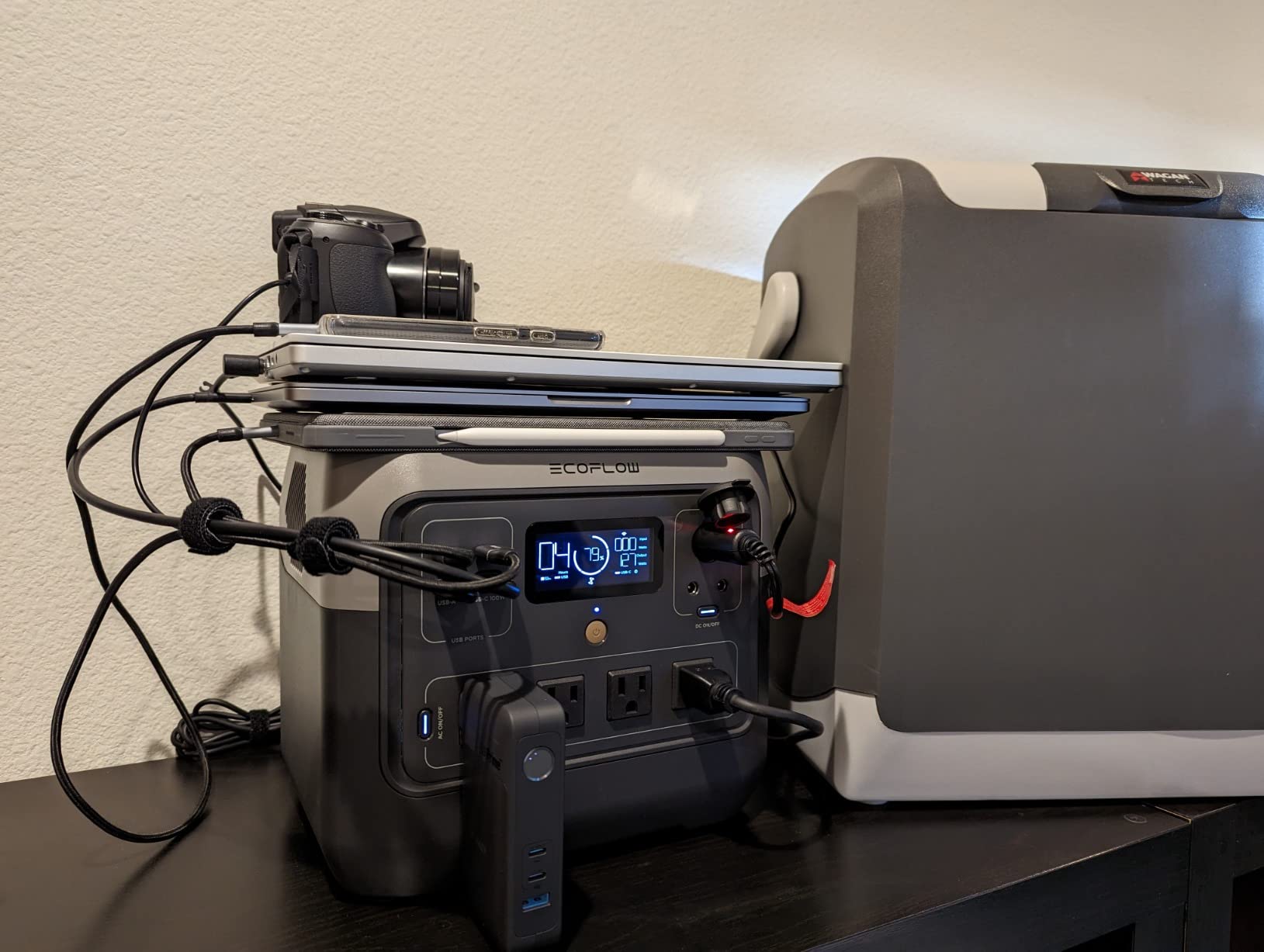
At 17.2 lbs for 768Wh, the RIVER 2 Pro carries far more capacity per pound than anything else here, and that is the number that decides camping trips. It gives about five nights at 15W on DC with the humidifier off, or two with the heat running on AC, and you can still lift it with one hand into a vehicle or onto a picnic table.
Charging is the second strength. A full AC recharge takes 70 minutes using X-Stream technology, and 220W of solar input refills it in as fast as 3.5 hours. The battery is LFP rated for more than 3,000 cycles before it reaches 80 percent, close to a decade of nightly use, with an advanced battery management system monitoring voltage, current and temperature.
Output is 300W continuous with X-Boost lifting it to 1,600W for high-draw appliances, and there are 11 outlets including four AC outlets and USB-C. Four AC sockets is a lot of flexibility, which matters if the plan involves powering a router and a lamp alongside the machine.
Owner satisfaction is 4.5 from 1,802 reviews, with 78 percent five star and 7 percent one star. The critical reviews cluster around value and around app-dependent settings, and I would rather tell you that plainly than round it up. The one-star share here is double what the leading units carry.
For a CPAP user, the 4.5 average does not disqualify it. What matters for a 15W medical load is clean output and stable low-load behaviour, and the four AC outlets mean you can run the machine on AC permanently and skip the adapter question entirely if your machine accepts a wall brick.
Why it sits in the middle tier
Because three to five nights at no heat is where most camping trips actually land, and this is the lightest unit that covers it without becoming awkward. Below this, the two 256Wh options are one-night objects. Above it, you are carrying 24 to 37 lbs for capacity you may not use.
The one thing I would check with your own machine is DC behaviour. There is no published pure sine wave confirmation in the specification detail for this unit the way there is for the Jackery 300 and the ALLWEI, so if you intend to run on the car port, verify the waveform first or plan to use an AC outlet.
When it is the wrong choice
Skip it if you plan to run the heated humidifier for more than a couple of nights, because 768Wh on AC at that draw is around two nights. And skip it if you dislike app-gated configuration, since some parameters only change inside the EcoFlow app.
7. EcoFlow RIVER 2 – 256Wh and 7.7 lbs, the Value Shelf Unit
EF ECOFLOW Portable Power Station RIVER 2, 256Wh 300W
256Wh LiFePO4
300W AC, 600W X-Boost
EPS switchover under 30ms
7.7 lbs, 6 outlets
Pros
- Full AC recharge in one hour
- 7.7 lb weight with a built-in handle
- EPS function switches to battery in under 30ms
- LiFePO4 rated past 3000 cycles
- Solar recharge in as fast as 2.3 hours with 110W
Cons
- 256Wh is among the smallest capacities here
- Lowest average rating in the group at 4.3
- Inverter overhead cuts effective 120V capacity
This is the pick for a small apartment, a rental flat, or a go-bag, where the priority is a unit that exists quietly in the corner and handles the overnight flickers that are far more common than a multi-day outage. At 7.7 lbs with a built-in handle and a 256Wh battery, it is the least committal way to add backup power without rearranging your life around it.
The EPS function is the underrated part. It switches to battery in under 30 milliseconds when grid power drops, which is the same class of behaviour that makes the AC180 attractive, and it is enough to keep a CPAP running through a short interruption. Output is 300W with X-Boost to 600W across six outlets, and the display shows real-time input, output, battery percentage and estimated runtime.
Charging is genuinely fast for the size: a full AC recharge in one hour, and 2.3 hours on 110W of solar. The LFP battery is rated past 3,000 cycles, and the warranty is five years. It also carries 4,530 owner reviews, so the long-term patterns are visible.
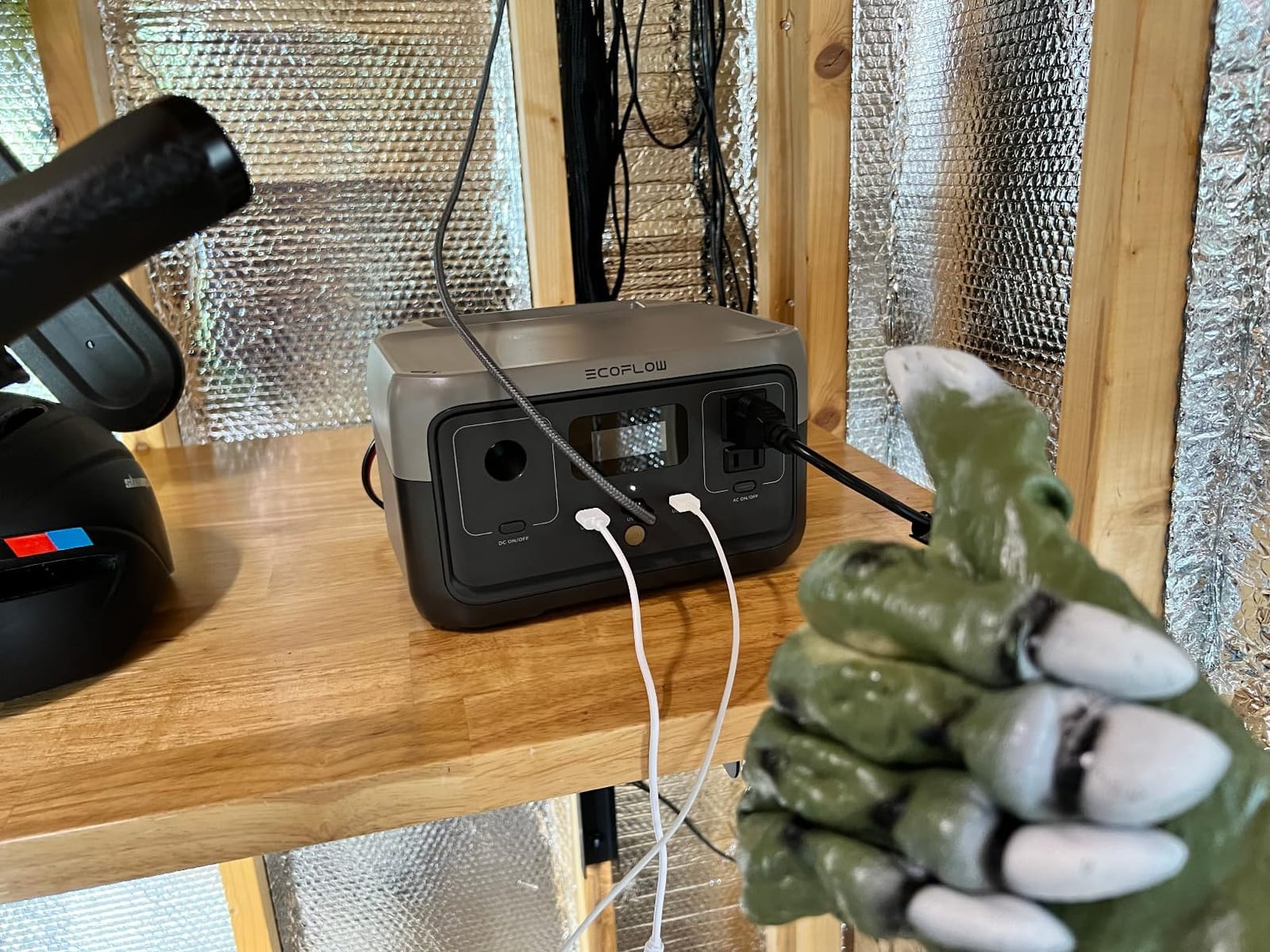
Those long-term patterns are the reason I place it seventh rather than higher. It carries the lowest average rating at 4.3, with 9 percent one star. Owners report battery percentage reporting problems and self-discharge issues in a subset of examples after a year or two, and I would rather you hear that from me than discover it on night three of an outage.
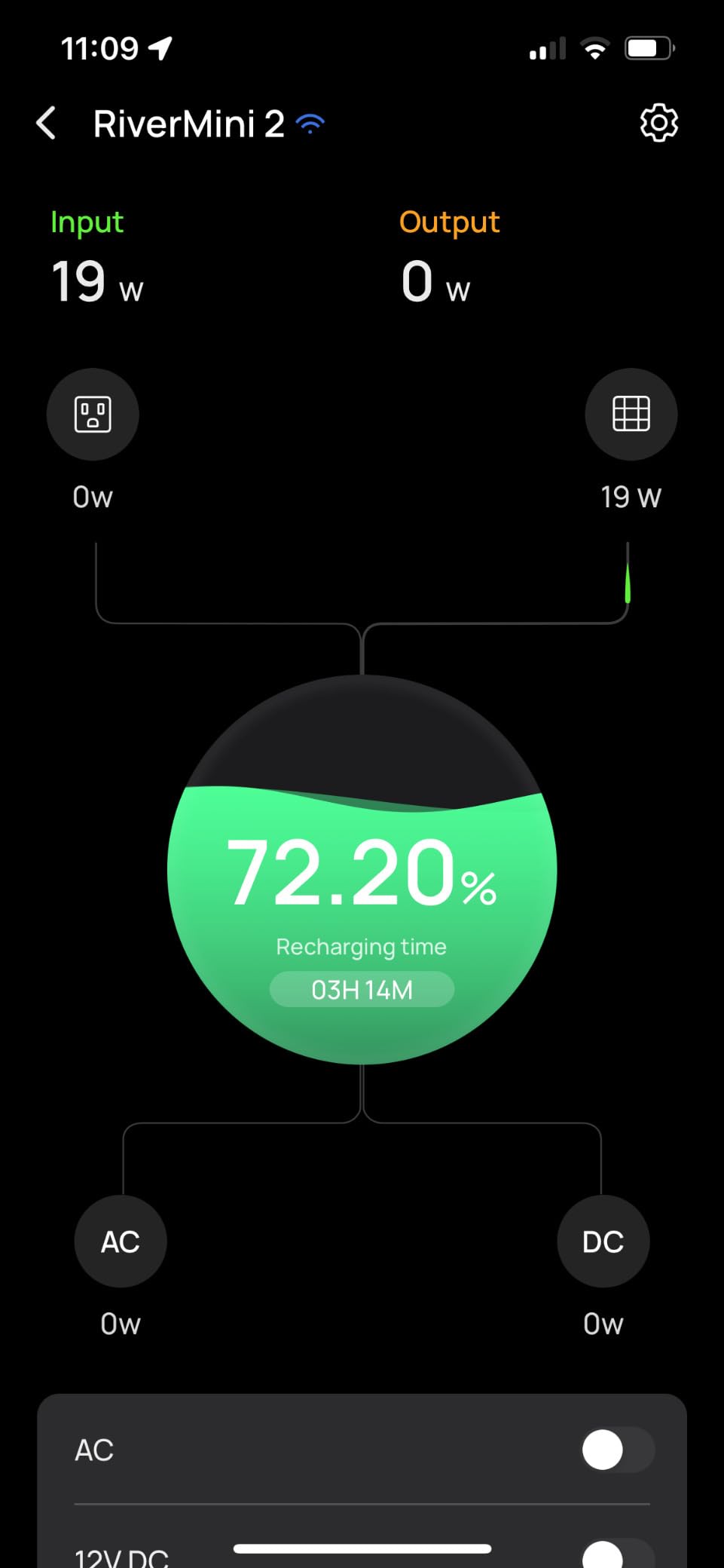
The inverter overhead point is real and specific: running a small 120V load, some owners measured under an hour from a 5W bulb. The standby draw plus inverter losses eat a meaningful slice of a 256Wh reserve, so plan on roughly 218Wh usable at the 0.85 factor, which is close to one eight-hour night at 15W and no more. The fan is also audible during maximum-speed charging.
What one night of cover really costs you
At 15W for eight hours you need 120Wh, and 256Wh x 0.85 gives you 218Wh, so you finish a night with a thin margin. That is fine for a flicker and wrong for a planned three-day outage. If your risk is outages, this is one night of insurance, not a system, and I would pair it with the 12V to 24V cable so it feeds the machine on DC where the losses are lowest.
Only one USB-C port is also worth flagging if you intend to charge more than one device at the bedside, which is a normal expectation now. The workaround is simple: charge your phone overnight on the AC outlet while the CPAP uses the car port.
Who should skip it
Anyone planning multi-night use away from a wall, because one night is one night. Anyone who is uneasy about a fan during charging in a quiet room. And anyone who has had a power problem recently and wants the highest confidence of long service, given the reported self-discharge pattern in a minority of units.
8. ALLWEI 300W – 256Wh and 6.4 lbs, the One With Verified CPAP Numbers
ALLWEI Portable Power Station 300W, 256Wh Solar Generator LiFePO4 Battery
256Wh LiFePO4
300W continuous, 600W surge
Pure sine wave AC
6.4 lbs, 6 ports
Pros
- Verified buyers ran a BMC Luna 2 and a DreamStation 2 overnight
- 6.4 lbs with pure sine wave AC output
- Pass-through charging and an MPPT solar controller
- 6-layer BMS protection
- 3-level LED light with SOS mode
Cons
- 256Wh is about 20 hours total across 3 nights
- Some examples stopped holding charge after a year
- Only 1 AC outlet and a 2-year warranty
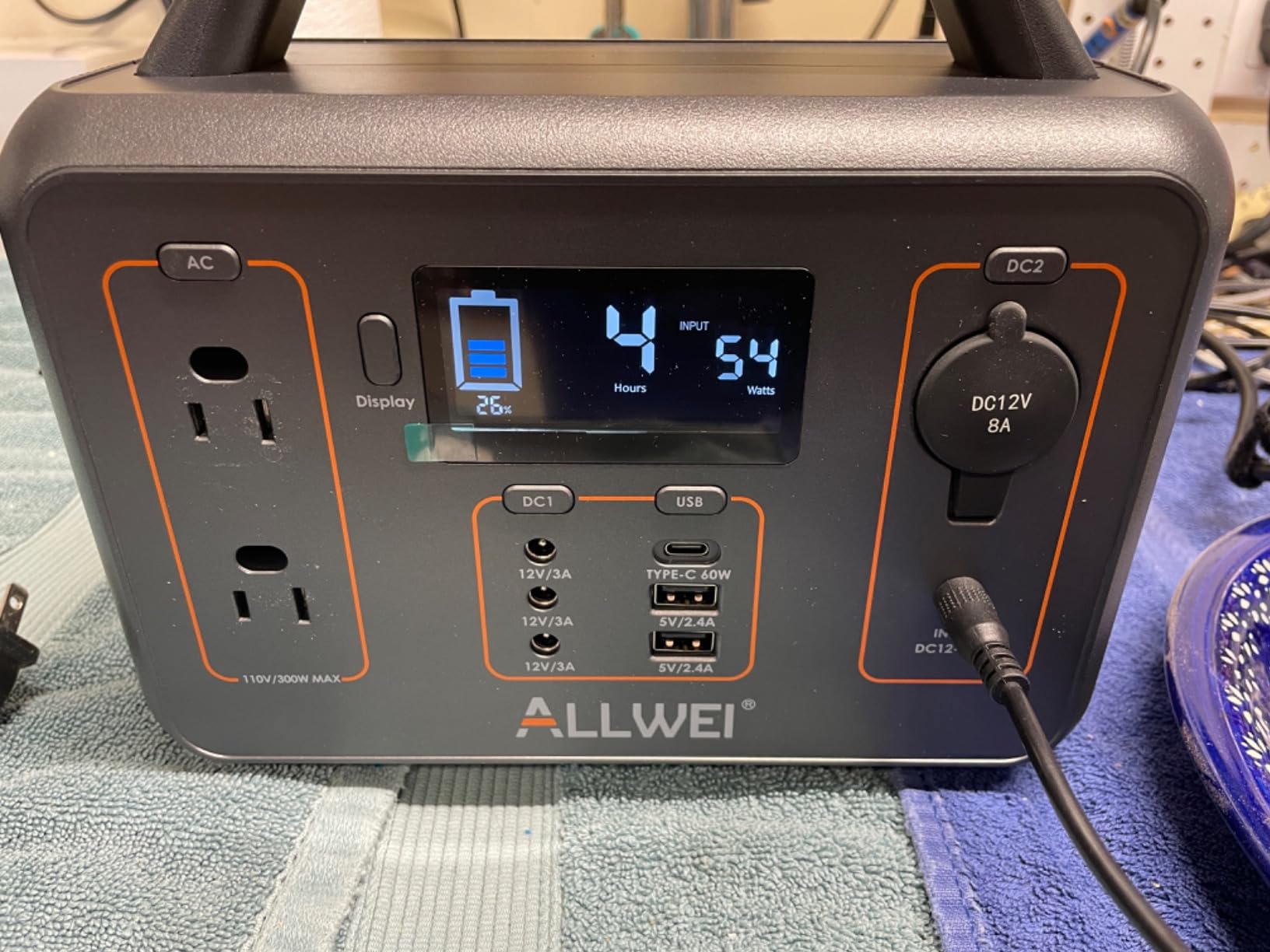
What sets this one apart is that its owners published actual CPAP test results rather than appliance benchmarks. Verified buyers report running a BMC Luna 2 for 20 hours over three nights and a Respironics DreamStation 2 on medium-high heat for 12 hours over two nights with no detectable noise. That is a more useful data point than any capacity figure, because it tells you what a real machine did on real battery.
On paper it is competitive for its size: 256Wh, 300W continuous, 600W peak surge, pure sine wave output, 6.4 lbs, and a footprint of 9.25 by 5 by 6.8 inches. It has a 60W USB-C PD port, an 18W USB-A, a car port, two DC barrel outputs and a single AC outlet, plus pass-through charging and a built-in MPPT solar controller with 6-layer battery protection.
Wall charging is 3.5 to 4 hours here, so it is 3.5 to 4 hours on a car socket, 4 to 5 hours on a 100W panel, and 2 to 2.5 hours combining AC and solar. Compare that to a one-hour wall recharge on most units here and you understand the trade. Owner rating is 4.4 from 2,450 reviews with 73 percent five star.
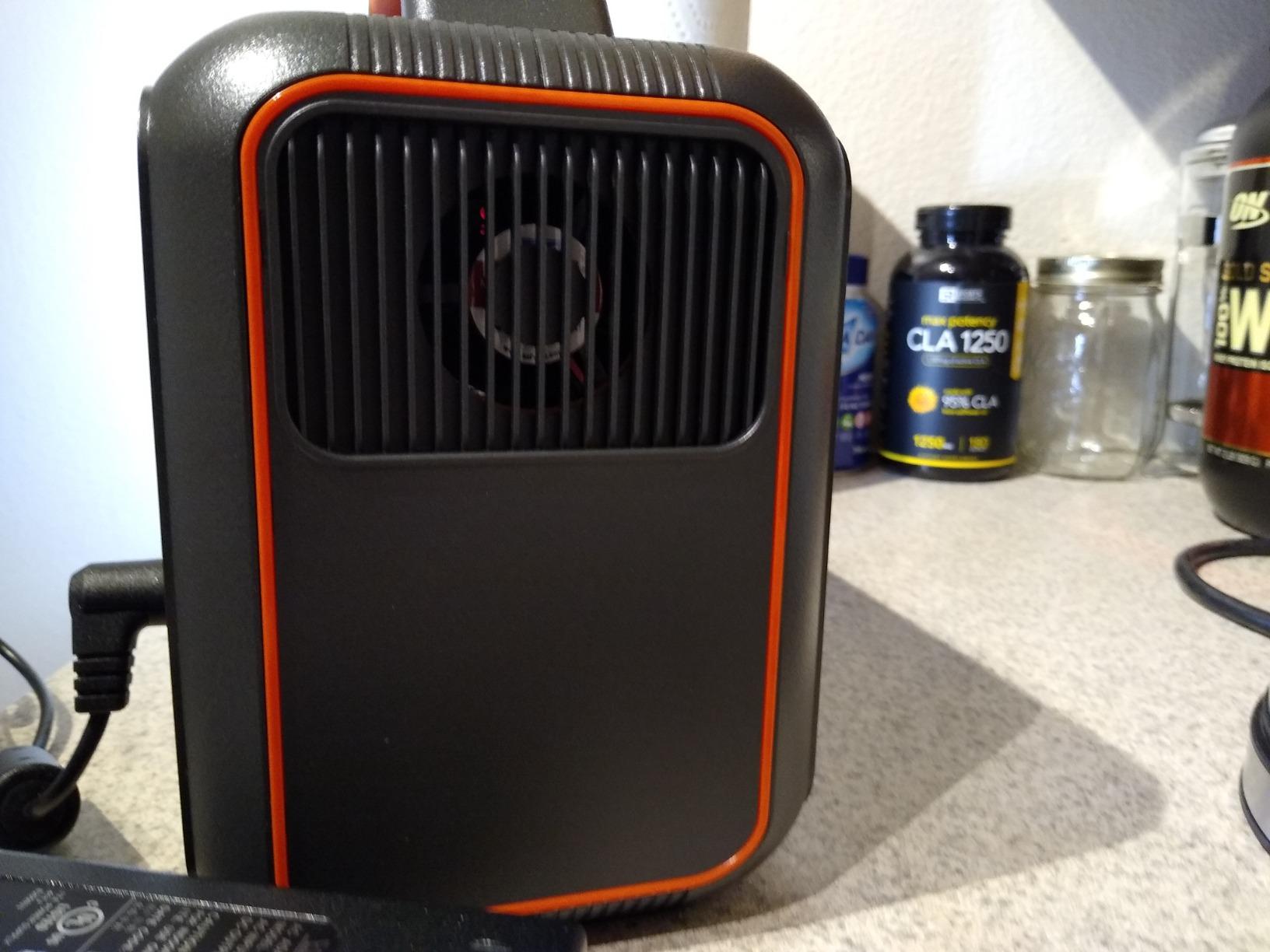
The honest limitation is long-term reliability. A minority of owners report examples that stopped holding charge after about a year, and others report the cooling fan becoming loud enough to be impractical for bedside use. For a device you depend on medically, that is a reliability pattern I would want you to know about before buying rather than after.
Storage behaviour is a genuine strength, with owners reporting near-full charge after months unused. That matters more than it sounds for a backup unit, because the classic failure of a rarely-used battery is arriving flat when you need it.
Why the published CPAP test matters more than the wattage
Because most runtime claims on portable power stations are measured against a 30W or 60W dummy load, not a 12 to 18W machine. A 20-hour result across three nights on a real DreamStation 2 is the closest thing to a field test I found in this group, and it is the reason this unit earns a place on a page about CPAPs specifically rather than a general power station roundup.
At 256Wh with 6.4 lbs, the maths gives about 218Wh usable at the 0.85 DC factor, or roughly one 8-hour night at 15W. Owners who spread the same 20 hours across three nights were running shorter sessions, which tells you how the trade works in practice.
When to pick something else
Choose something else if you need more than about a night of reserve, if recharge speed between uses matters, or if you want a long warranty. The 2-year warranty is the shortest here, and on a device where failure timing is unpredictable, that gap is worth weighing.
How to Work Out the Size You Need
Measure one full night of your own machine, then add 30 to 50 percent margin. That single process beats any table, including the ones above, because your pressure setting, mask type and leak rate change your draw and no two people use the same machine the same way.
The method is simple. Put a plug-in power meter between the wall and your machine’s power supply, sleep a normal night with your normal settings, and write down the watt-hours. Do it with the humidifier off first, because that is the configuration you will actually be running. If you plan to use heat, do a second night with the humidifier and heated tube on and treat that as your real figure.
Then size from the number. For nights off-grid, multiply nights by 8 hours by your measured watts, then divide by 0.85 for DC or 0.75 for AC, then add your margin. As rough anchors, one to two nights at 12 to 18W with no heat lands you in the 300 to 500Wh range, three to five nights needs roughly 1,000Wh, and turning the humidifier and heated tube back on roughly doubles whatever you just calculated.
There is one more variable worth pricing in: whether you will recharge during the day. Any trip longer than three nights should assume solar, and the solar input ceilings here range from 110W on the smaller models to 600W on the Anker SOLIX C1000. A 200W panel roughly doubles what a 100W panel recovers on a given day of good sun, which is the difference between keeping up and slowly falling behind.
Specs That Matter, and the Ones That Do Not
Inverter wattage is the wrong number. A CPAP draws 12 to 18W, so any station with 300W or more of continuous output and a pure sine wave inverter is already oversized. Shop on watt-hours, pure sine wave confirmation, and behaviour at a low load, and treat the inverter figure as noise.
Pure sine wave is the spec that matters most for a medical device. It is a jagged step approximation versus a smooth wave, and some sensitive electronics behave unpredictably on the stepped version. The Jackery Explorer 300, the ALLWEI 300W and the Jackery Explorer 1000 v2 all publish pure sine wave output explicitly. Where a manufacturer does not say, that is worth asking about before you rely on the AC outlets.
Minimum load and auto-sleep is the one almost nobody mentions and almost everybody should. Some stations shut down when the draw falls below a threshold, and a low-draw CPAP sits right in that zone. Before relying on a unit overnight, run it for an hour at your actual load and confirm the display does not drift to sleep. This is a five-minute test that prevents a 2 a.m. failure.
UPS behaviour versus pass-through is a distinction buyers routinely collapse into one another. Pass-through means the station can charge while it powers a device. A true UPS means it transfers to battery fast enough that nothing notices, and only some stations publish a switchover time. The BLUETTI AC180 states 20ms, the EcoFlow RIVER 2 states under 30ms. If your risk is outages rather than camping, a stated transfer time is worth more to you than extra capacity.
Battery chemistry matters for lifespan. LiFePO4 units here are rated between 3,000 and 4,000 cycles, which at one night of use is a decade or more. Cold and high altitude both reduce usable LiFePO4 capacity, so if you camp in winter or above about 8,000 feet, size with more margin than the label suggests.
Two things to ignore: the “up to 24 hours” headline, which is measured against a fixed dummy load and rarely your setup, and surge wattage, which only matters for motors and heaters. A CPAP never touches either number.
Air travel has a hard limit. FAA rules generally cap spare lithium batteries at 100Wh in carry-on without approval and 160Wh with approval, and prohibit most larger stations in checked baggage. If you are flying, a dedicated CPAP travel battery in the 100 to 166Wh range is the realistic answer, and every power station above 288Wh is outside what you can take through an airport. For travel guidance beyond power, our CPAP pillow picks for side sleepers covers comfort on the same trips.
Cheap private-label units are worth a specific warning. Listings in the 166 to 296Wh range marketed explicitly for CPAP often publish no waveform specification, no cycle rating and no support pathway. Ask for the waveform in writing. If the answer is not pure sine wave, walk away, because the device you are protecting costs considerably more than the battery.
Safety, Noise and Redundancy for Medically Dependent Users
Two smaller stations beat one large one, and this is the advice most often missing from power station guides. One large unit is a single point of failure: a dead cell, a dropped unit or a firmware problem takes out your backup entirely. Two smaller stations in different rooms give you two chances, and for a medically dependent household that redundancy is worth more than the extra capacity.
Start the conversation with your DME provider before you depend on any of this. A power station is not automatically an approved power source for your machine, and your provider may have a view on adapter cables, on particular capacity, or on how long you should run a backup before recharging. That conversation costs nothing and it removes the guesswork.
Then think about noise, because it is a sleep-quality issue rather than a safety one and it is genuinely disruptive. Most modern stations are effectively silent at a CPAP load, but a few ramp their cooling fan intermittently at low draw, and a fan cycling on at 3 a.m. next to a working CPAP is a night ruined. The published 25dB figure on the Anker SOLIX C300 and the 30 dB overnight charging mode on the Jackery Explorer 1000 v2 are both worth something here.
Finally, protect the medical load from the rest of the setup. Turn off every USB port and screen you are not using before you go to sleep, because idle draw across several ports is a meaningful slice of a small battery. If you are running a router or a lamp off the same station, check the total AC ceiling, since three outlets sharing 300W is not three times 300W.
For a broader look at keeping a whole home running rather than one machine, read our home battery backup power station guide.
Frequently Asked Questions
What size power station do I need for a CPAP machine?
For one or two nights with the heated humidifier off, 300 to 500Wh is enough. Three to five nights calls for roughly 1,000Wh. The exact figure is nights x 8 hours x your machine’s wattage, divided by 0.85 for 12V DC or 0.75 for AC, plus 30 to 50 percent margin. Turning the humidifier and heated tube back on roughly doubles the result.
Is it safe to run a CPAP off a portable power station?
A station with pure sine wave AC output, enough watt-hours and stable low-load behaviour is appropriate for CPAP use. Check your machine’s manual for any language about inverter or modified sine wave output, and confirm with your clinician or DME provider for your situation. A power station is not automatically an approved power source, so make that check before you depend on it.
How much power does it take to run a CPAP all night?
On 12V DC with no humidifier, most modern machines draw roughly 9 to 18W, and travel machines such as the ResMed AirMini draw about 5 to 10W. Over an eight-hour night that is somewhere between 40 and 144 watt-hours. Adding a heated humidifier and heated tube moves the draw to roughly 40 to 180W, which is 320 to 1,440 watt-hours for the same night.
Do I need a pure sine wave inverter for my CPAP?
Yes, it is the safest choice. Pure sine wave output matches household power closely, and some sensitive electronics behave unpredictably on the stepped modified sine wave that cheaper units sometimes use. Check whether the manufacturer states the waveform, and if the listing does not say, ask before you buy. Pure sine wave is confirmed on the Jackery Explorer 300, Jackery Explorer 1000 v2 and ALLWEI 300W in this roundup.
How quiet are power stations when running a CPAP at night?
Most modern stations are effectively silent at a CPAP load, because 12 to 18W is a small fraction of what the inverter is built for. A few ramp their cooling fan intermittently at low draw, which is the case worth checking. Published figures to look for are decibels at a stated distance, such as 25dB from 3.3 feet on the Anker SOLIX C300. This is a sleep-quality issue rather than a safety one.
Can I take a portable power station on a plane with my CPAP?
FAA rules generally cap spare lithium batteries at 100Wh in carry-on without approval and 160Wh with approval, and prohibit most larger power stations in checked baggage. Every unit in this roundup is larger than that limit. For flying, a dedicated CPAP travel battery in the 100 to 166Wh range is the realistic option, while the station stays home as your outage backup.
Conclusion: One Rule for Your Backup Power
Measure one full night of your own machine with a plug-in power meter, then add 30 to 50 percent margin. Every number in this guide follows from that, and it takes ten minutes with equipment you probably already own. After that, the choice is about shape: the Jackery Explorer 300 at 292Wh and 7.1 lbs for one or two nights, the Jackery Explorer 1000 v2 at 1,070Wh for the all-round case, or the BLUETTI AC180 at 1,152Wh if your real risk is outages rather than trips.
Whichever one you choose, confirm the waveform, run the low-load test for an hour before you trust it overnight, and talk to your DME provider before you depend on it. Those three steps take less time than a single night of lost therapy, which is the whole point. This roundup of the best power stations for CPAP users was updated for 2026 and checked against manufacturer specifications and owner review patterns throughout.