
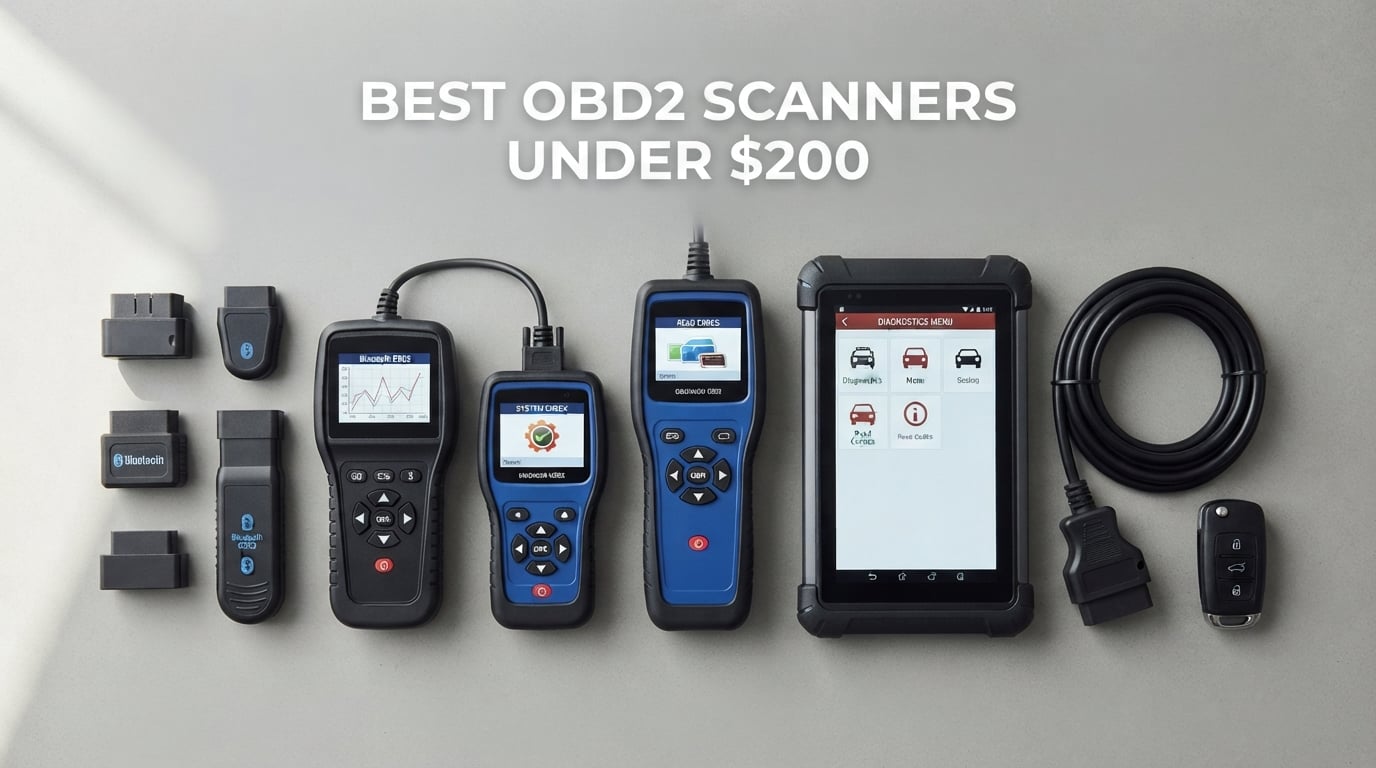
The best OBD2 scanners under 200 dollars are the ones that stop treating your car like a single black box. For years the cheap end of the market could only ask the engine computer what was wrong. The tools in this bracket go further: they read the ABS, airbag and transmission modules too, and a few of them will actually command a component to move while you watch. That is the real dividing line inside this price range, and it is what separates a curiosity from a tool you will still use five years from now.
Two form factors dominate, and choosing between them is the first decision to make. A phone adapter is a small Bluetooth dongle that pairs with an app on your phone, which keeps the hardware cheap and puts the interface on a screen you already own. A standalone handheld has its own display, its own buttons and no app dependency, which matters if you work in a driveway with no signal or lend it to a neighbour. The rest of this guide covers ten of the strongest options across both shapes, with the trade-offs stated plainly.
One warning before we start. If you read a check engine light twice a year and clear it yourself, most of this bracket is overkill, and a starter code reader will serve you better. The spend only makes sense once you are chasing warning lights beyond the engine, resetting a module after a repair, or buying a used car and wanting to know what it is hiding. We say so again in the buying guide.
We earn a commission when you buy through the links on this page, at no additional cost to you. That does not change the order below.
Table of Contents
Top 3 Picks for the Best OBD2 Scanners Under 200 Dollars in 2026

BlueDriver Bluetooth OBD2 Scanner
- ABS
- SRS
- TPMS and transmission codes
- Verified repair reports matched to VIN
- One-time purchase with no subscription

OBDLink MX+ Bluetooth Scanner
- Pairs with FORScan
- Torque and BimmerCode
- Enhanced OEM coverage for eight brands
- ABS
- SRS and TPMS live data

FOXWELL NT301 Code Reader
- 2.8-inch color screen with live data graphing
- One-click I/M readiness with pass fail LED
- Lifetime free software updates
The BlueDriver takes the top slot because it does the most for the least decision-making. You install one app, connect, and it reads engine, ABS, SRS, airbag, TPMS and transmission codes, then tells you which verified repair fixed that same code on a car like yours. There is no subscription and no account to create. The OBDLink MX+ is the pick if you want to choose your own software instead of living inside one vendor’s app, and the FOXWELL NT301 is the honest budget answer for anyone who only needs emissions coverage and a screen they can read in daylight.
Quick Overview of All 10 Scanners in 2026
| Product | Specifications | Action |
|---|---|---|
| BlueDriver Bluetooth OBD2 Scanner |
|
Check Latest Price |
 ANCEL AD310 Classic Code Reader ANCEL AD310 Classic Code Reader |
|
Check Latest Price |
| FOXWELL NT301 Code Reader |
|
Check Latest Price |
| OBDLink MX+ Bluetooth Scanner |
|
Check Latest Price |
 OBDLink EX FORScan Adapter OBDLink EX FORScan Adapter |
|
Check Latest Price |
 FOXWELL NT604 Elite Scanner FOXWELL NT604 Elite Scanner |
|
Check Latest Price |
 OBDLink CX Bimmercode Adapter OBDLink CX Bimmercode Adapter |
|
Check Latest Price |
 Innova 5210 Code Reader Innova 5210 Code Reader |
|
Check Latest Price |
 LAUNCH CRP123I V3.0 Elite LAUNCH CRP123I V3.0 Elite |
|
Check Latest Price |
 TOPDON AD600S Scanner TOPDON AD600S Scanner |
|
Check Latest Price |
Two things stand out in that grid. First, the phone adapters at the top of the list are all under the ceiling because the software carries the cost, not the plastic. Second, the two tablets at the bottom are the only products here that command components rather than just reading them, and they are also the only two with a setup step before they will work.
1. BlueDriver Bluetooth OBD2 Scanner for Verified Repairs Without a Subscription
BlueDriver OBD2 Scanner Bluetooth, No Subscription, ABS SRS TPMS
Bluetooth phone adapter
Engine, ABS, SRS, TPMS, transmission reads
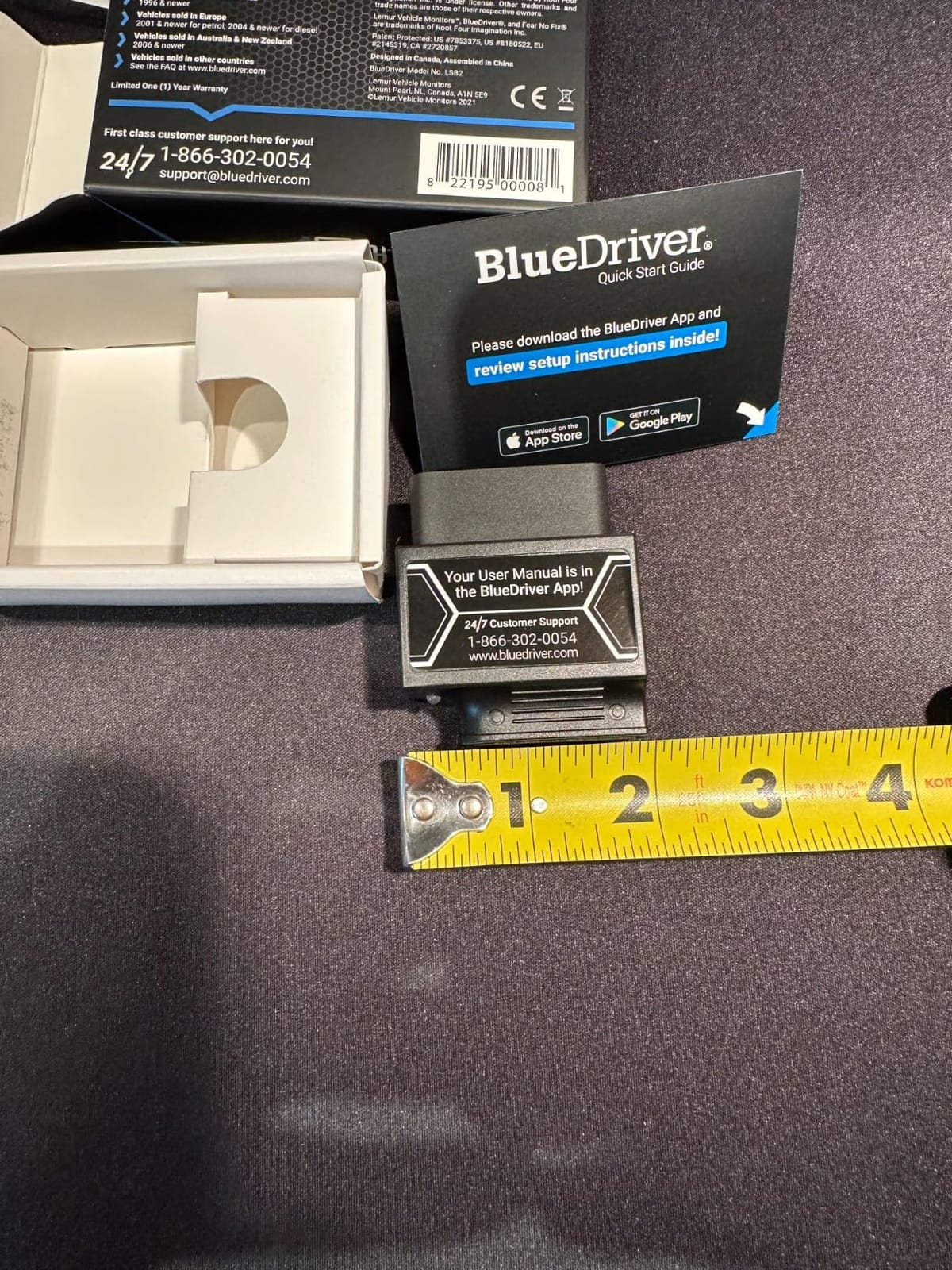
2.08 oz, 2.2 x 1.9 x 1 inch
Pros
- Reads six code families
- not just engine
- Unlimited technician-verified repair reports matched to VIN
- No subscription
- account or data selling
- 180-day money-back guarantee
Cons
- Needs a phone or tablet running the app
- 1996 and newer North American gas vehicles only
This is the scanner I hand to friends who ask where to start. It is a 2.08 ounce dongle about the size of a matchbox that plugs into the OBD2 port and pairs over Bluetooth to the BlueDriver app on iOS or Android. Turn the ignition on, tap scan, and the codes come back in plain English with the module that raised them, which is the piece a basic code reader never gives you.
Where it earns its place against cheaper adapters is the repair report. Every code returns a technician-verified fix matched to your VIN, with the definition, the cause and a confirmed repair that worked on that vehicle. Reviewers consistently describe this as the feature that replaces a shop visit, since you are reading the outcome of a repair somebody already performed rather than a generic code definition.
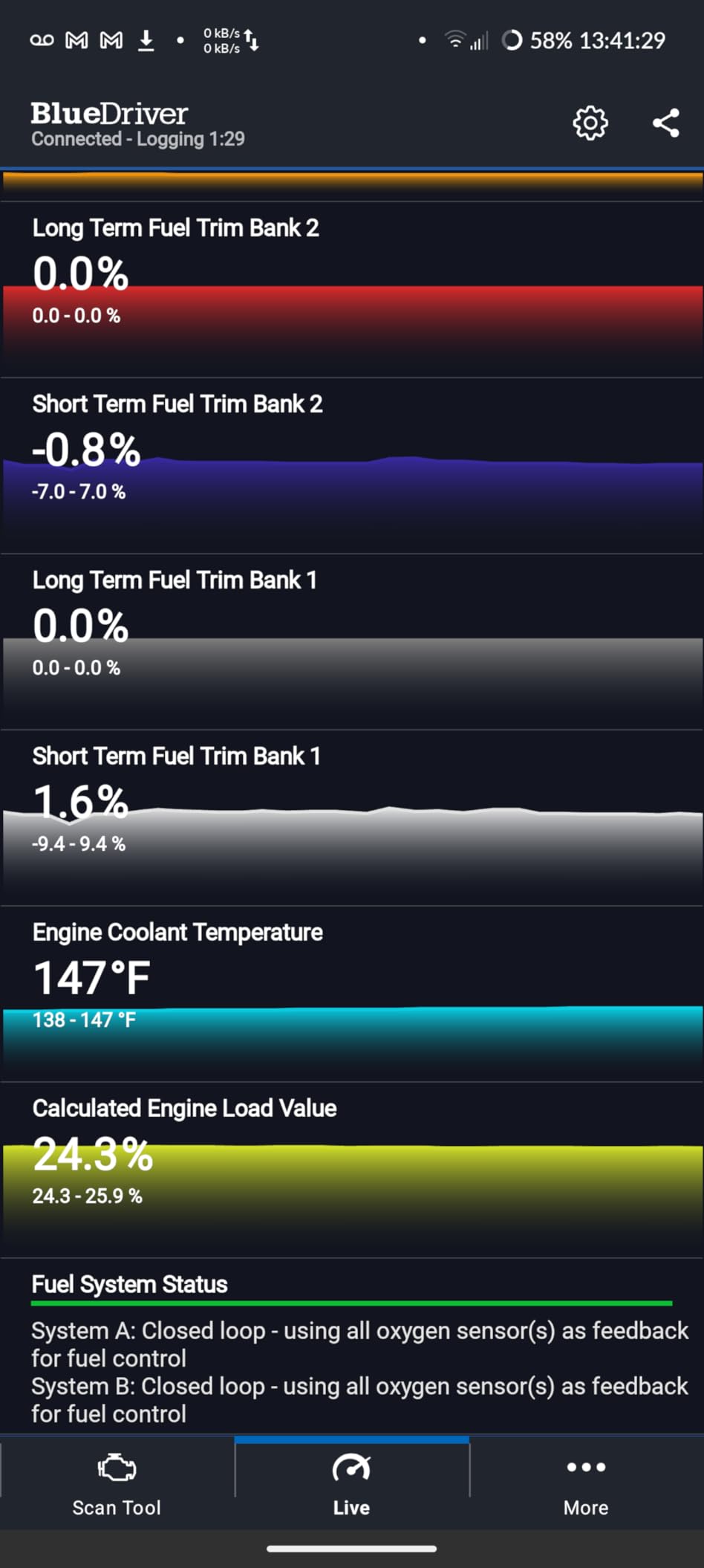
It also reports live data, freeze frame, smog readiness and Mode 6 test results where the modules supply them. Coverage is the weak point to understand before buying: it targets 1996 and newer gas vehicles sold in North America, and the brand names support strong for GM, Ford, Stellantis, Toyota, Honda, Nissan, Mazda, Subaru, Hyundai, Mercedes-Benz, BMW and VW. Advanced data availability still depends on what each module actually reports, so a 2004 car will give you less than a 2018 one.
At 4.5 stars across more than 62,000 reviews it is one of the two most widely used scanners here. The single most common complaint is the one you would expect from any phone-based tool: you need your phone charged, paired and in the passenger seat.
Check your car before you commit
Confirm your year, make and model against the brand list before ordering. If you drive a European diesel, a pickup from before 1998, or anything sold outside the US, Canada and Mexico, this is the wrong tool and the money is better spent elsewhere in this list.
Also decide honestly whether you are comfortable diagnosing from a phone screen in a driveway. Plenty of people are. Some want a device with a screen and buttons they can hand to a neighbour.
Where it falls short
There is no bidirectional control and no service resets here, so a throttle relearn or a battery registration is out of reach. If your work involves clearing codes after a specific repair rather than reading them, look at the LAUNCH and TOPDON tablets further down.
Freeze frame depth varies by module, so do not expect the same snapshot on a 1998 sedan as on a recent truck.
2. ANCEL AD310 Classic for the Cheapest Reliable Code Read
ANCEL AD310 Classic Enhanced Universal OBD II Scanner Car Engine Fault Code Reader CAN Diagnostic Scan Tool, Read and Clear Error Codes for 1996 or Newer OBD2 Protocol Vehicle (Black)
Standalone handheld
2.4-inch 128x64 LCD screen
12 oz, 8.9 x 6.9 x 1.4 inch
Pros
- Highest review count of any tool we cover
- No phone or app required
- Powers from the OBD2 port with no battery to charge
- Supports all five major OBD2 protocols
Cons
- Engine and emissions only
- No ABS
- SRS or transmission reads
- Small monochrome screen
The AD310 is the answer to the most common question in car forums, which is whether a cheap code reader is worth anything. Plug it into the port, press the button, read the code, press again to clear. There is no pairing step, no account and no update process, which is why it has collected more than 66,000 reviews and sits at the number one best sellers rank in the category.
It runs all five OBD2 protocols, which is more than several readers in this bracket bother with, covering 1996 US-based, 2000 EU-based and Asian cars. You also get live data, hard memory data, freeze frame and I/M readiness on that small screen, which is more than enough to pass an emissions test and read an intermittent misfire.
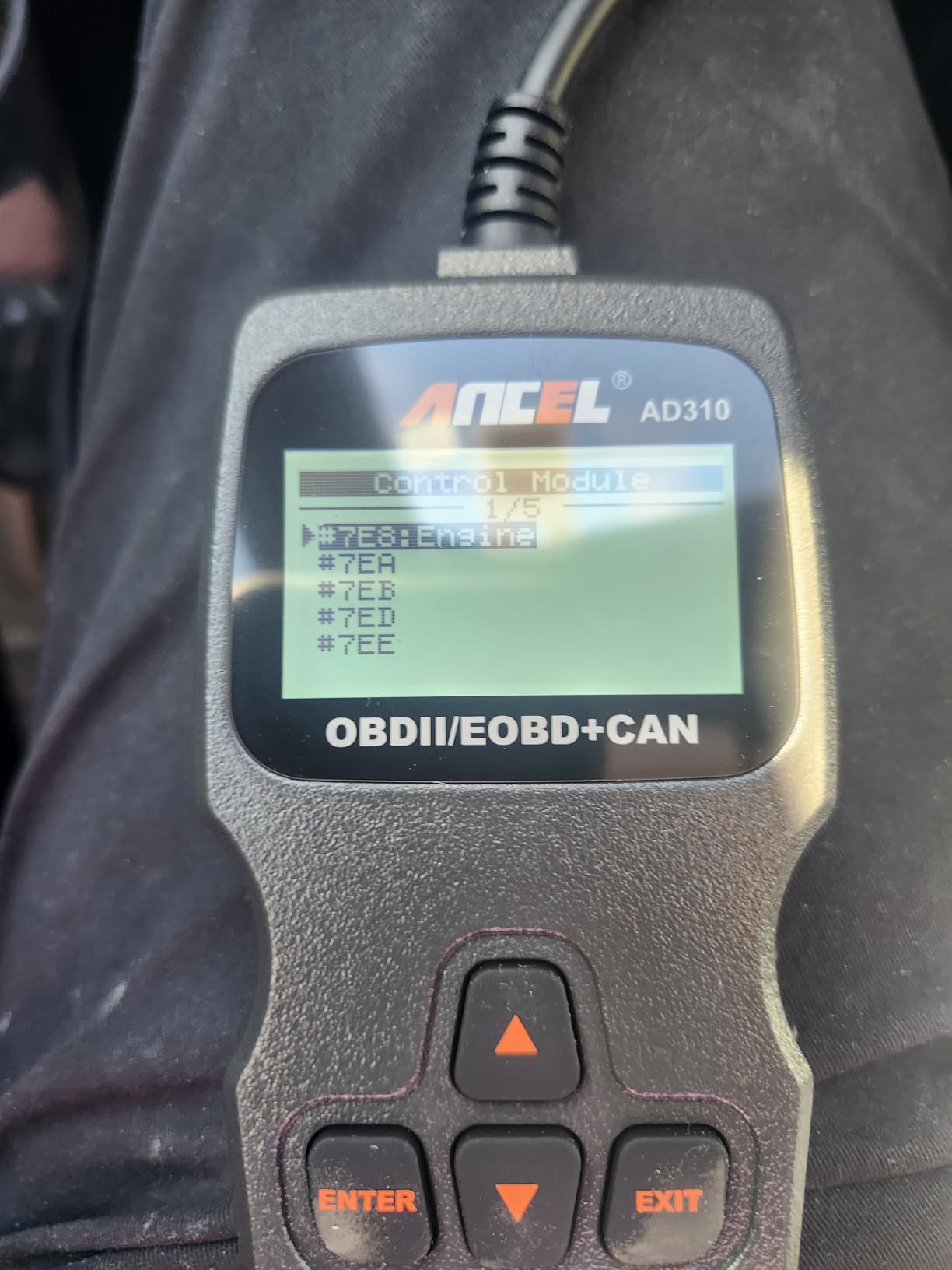
The 2.5 foot cable is thickly insulated and the body weighs 12 ounces, so it lives in a glovebox without becoming a problem. It draws power from the port itself, which removes charging from the list of things to forget.
What it does not do is reach past the emissions system. No ABS, no SRS, no transmission, and nothing for OBD1 vehicles even with an adapter. If your warning light is an ABS light rather than a check engine light, this tool simply will not see it.
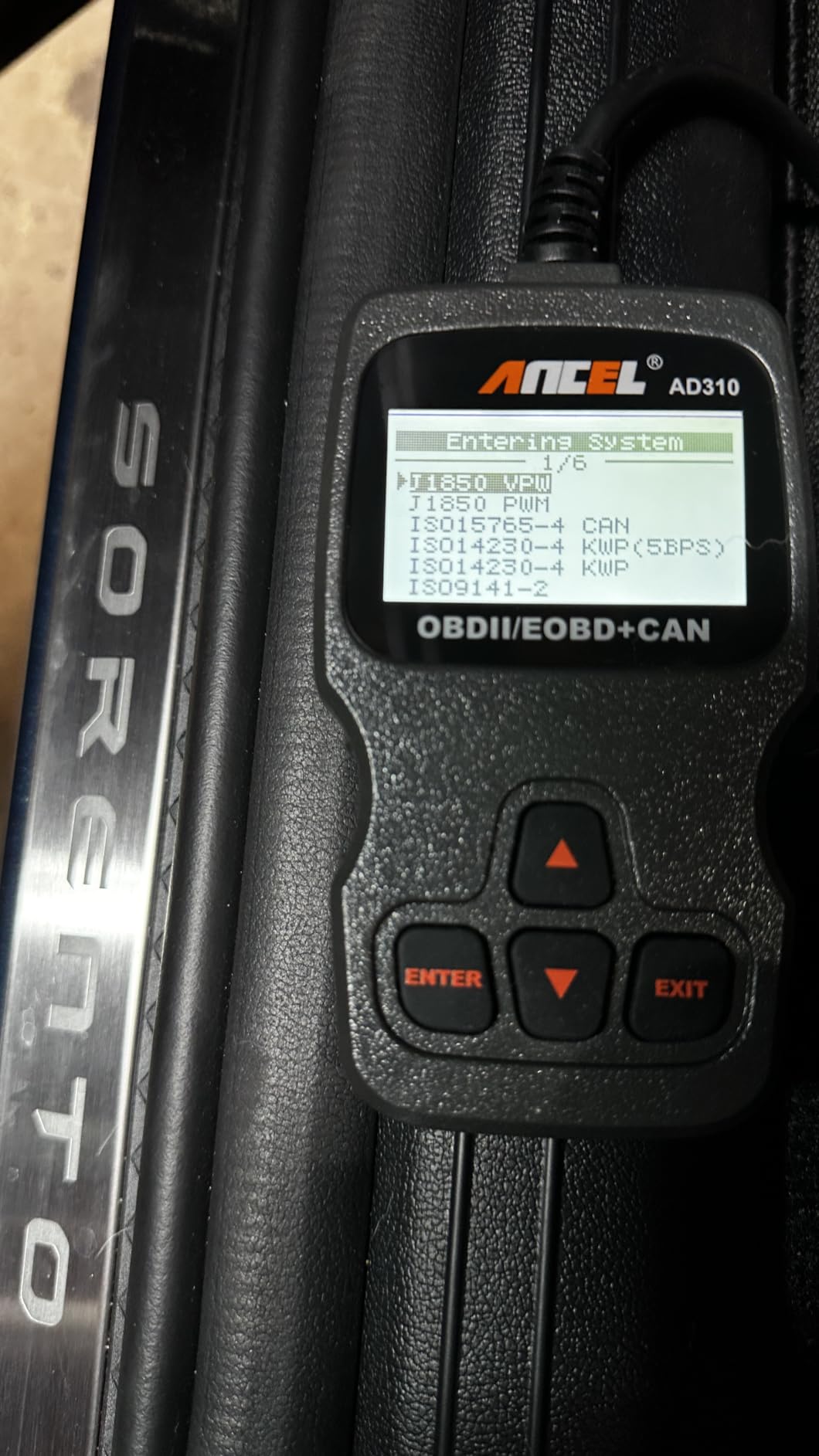
Who should buy this one
Buy it if you want a code reader that always works, needs no phone, and costs less than dinner. Read codes, clear them after a repair, check readiness before a smog test, and stop there. That covers the large majority of what an owner ever does with a scanner.
It is also the right loaner to keep in the car. Its size and lack of dependencies make it the easiest thing in this list to hand to somebody else.
Where it falls short
The small monochrome screen gives you no graphing and no colour-coded pass or fail indicators. If you enjoy watching fuel trims move while you diagnose, this is the wrong tool for that.
Its scope limit is firm rather than soft. Non-emission engine faults are outside what it was built to do, so owning more coverage means owning a different scanner, not a different button on this one.
3. FOXWELL NT301 for Live Data and Smog Readiness on a Budget
FOXWELL NT301 OBD2 Scanner Live Data Professional Mechanic OBDII Diagnostic Code Reader Tool for Check Engine Light
2.8-inch 320x240 color handheld
EVAP check and O2 sensor test
Lifetime free software updates
Pros
- Color screen readable in daylight
- I/M readiness hotkeys with a pass fail LED
- Live data graphing and logging
- Lifetime free updates
Cons
- Firmware updates need a Windows PC
- Engine and emissions only
- Functionality varies by year make and model
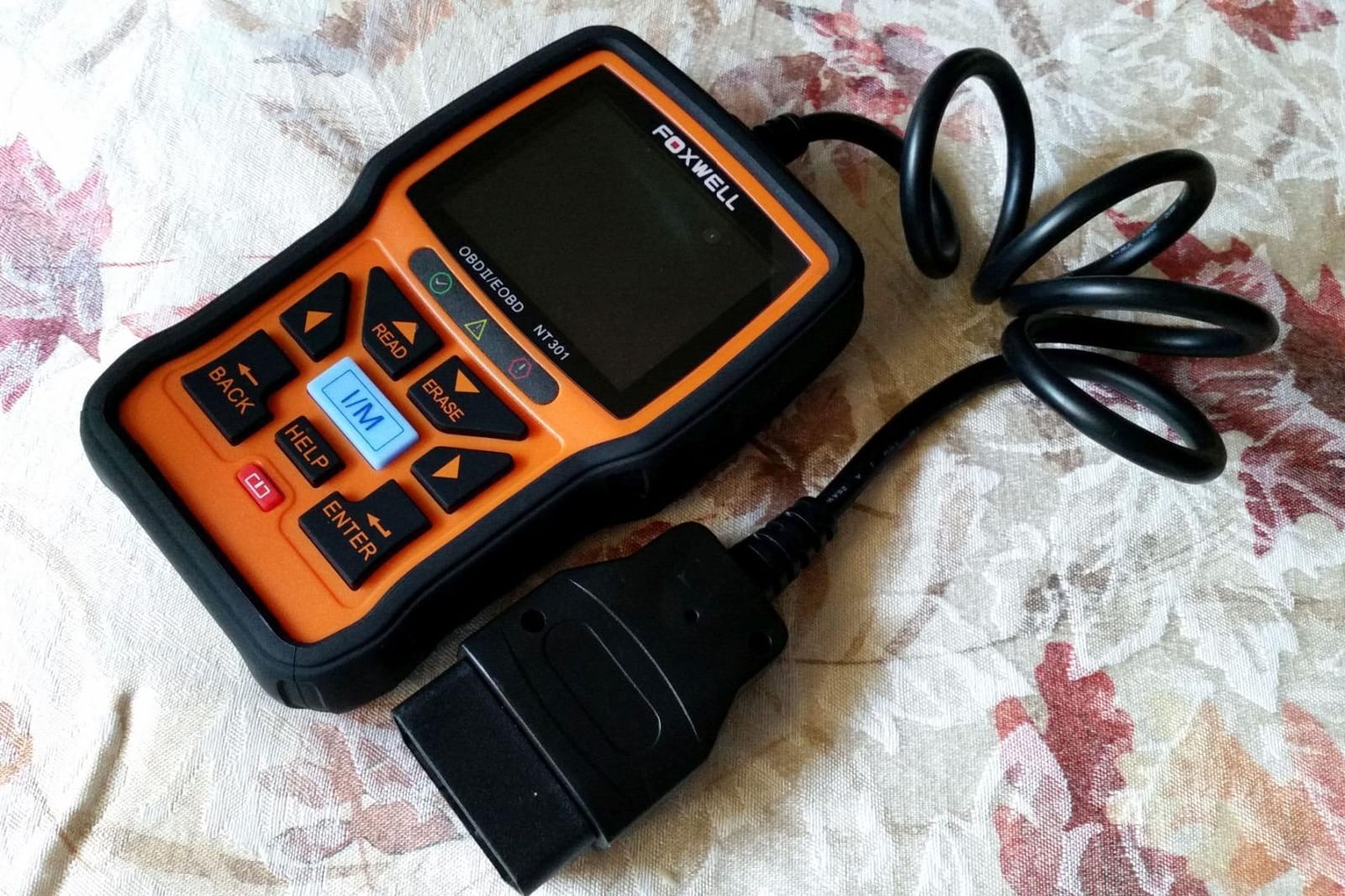
The NT301 is the step up from a bare code reader, and the jump is mostly visual. A 2.8-inch 320×240 colour screen replaces the monochrome panel, which means live data can be graphed rather than merely listed. Oxygen sensor readings, fuel trims, coolant temperature and RPM are all viewable and loggable, and that is the difference between seeing a number and seeing a number move.
Its standout feature is built around a specific annual chore. One-click I/M readiness hotkeys feed a red, yellow and green LED indicator, so you can walk into a smog test knowing whether your monitors have completed their drive cycles. There is also a built-in speaker and an EVAP system check plus O2 sensor test mode for chasing fuel economy problems.
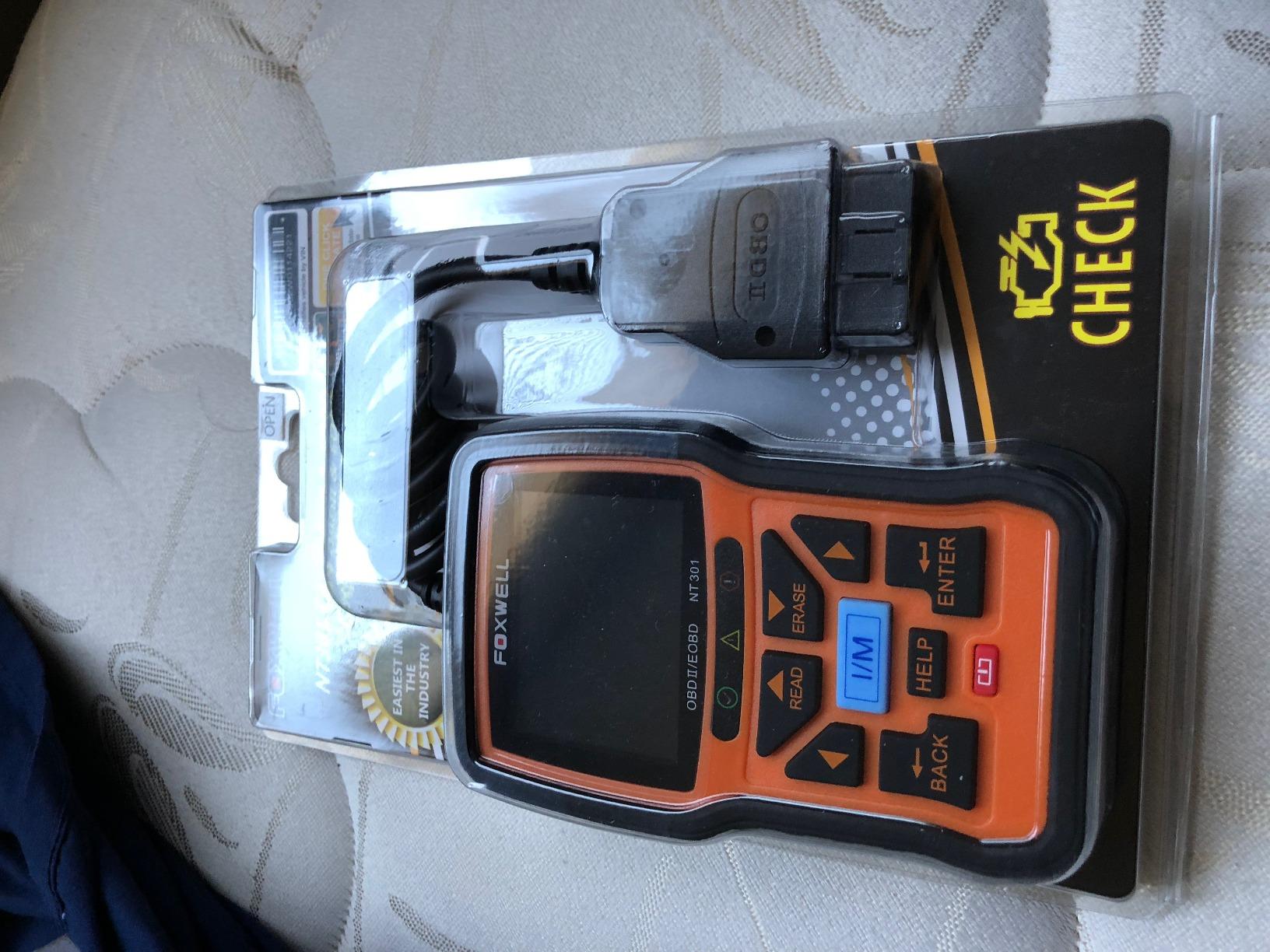
It supports the same five protocols as the AD310 and works across most 1996 and newer vehicles plus many 2000 and later European and Asian models, with lifetime free software updates and a one-year seller assurance behind it. The weight is 0.16 kg and the body measures 8.66 by 3.15 by 6.69 inches.
The recurring complaint in reviews is not a performance problem but a housekeeping one. Updating the firmware needs a Windows PC, because Mac and iOS are not supported for the update step, and the cable plus quick reference guide in the box are about the only accessories you get.
Read this before you buy
If you own a Mac or you do all your computer work on a laptop you travel with, the update requirement is a real friction point. It does not stop the scanner working, but you are relying on a manufacturer that will not meet you on iOS to keep it current.
Feature availability also varies by year, make, model and VIN, so treat any claim of universal coverage with a grain of salt before you rely on a specific mode.
Where it falls short
Coverage stops at the engine and emissions system. No ABS, SRS or transmission reading, which means it will not help with a brake or airbag light.
There are no service functions either. Oil resets, battery registration and throttle relearns are all outside its scope, so it reads the car but does not command it.
4. OBDLink MX+ for Full Control Over Which App You Use
OBDLink MX+ OBD2 Bluetooth Scanner for iPhone, Android, and Windows
Bluetooth adapter for iOS, Android and Windows
28 g, 2.01 x 0.91 x 1.81 inch
Enhanced OEM coverage for eight brands
Pros
- Recommended adapter for FORScan
- Torque
- BimmerCode and Carista
- Enhanced OEM support across Ford
- GM
- Mazda
- Nissan
- Toyota
- Honda
- Hyundai and Kia
- Over-voltage and battery drain protection
Cons
- Diagnostic apps sold separately
- No built-in screen
- Coverage varies by vehicle
The MX+ is the general-purpose adapter for people who already know which software they want to run. It is the recommended hardware for FORScan, Torque, BimmerCode, DashCommand, AlfaOBD and Carista, which means the interface, the price and the feature set of your scanner are decided by the app rather than by the dongle. That flexibility is the entire point, and it is also the trap.
Underneath, it offers enhanced OEM-level support for Ford, GM, Mazda, Nissan and Infiniti, Toyota, Lexus and Scion, Honda, Hyundai and Kia. It clears the check engine light and delivers more live parameters than competing adapters, including ABS, SRS and TPMS data, with over-voltage and battery drain protection so it is safe to leave connected while you work.
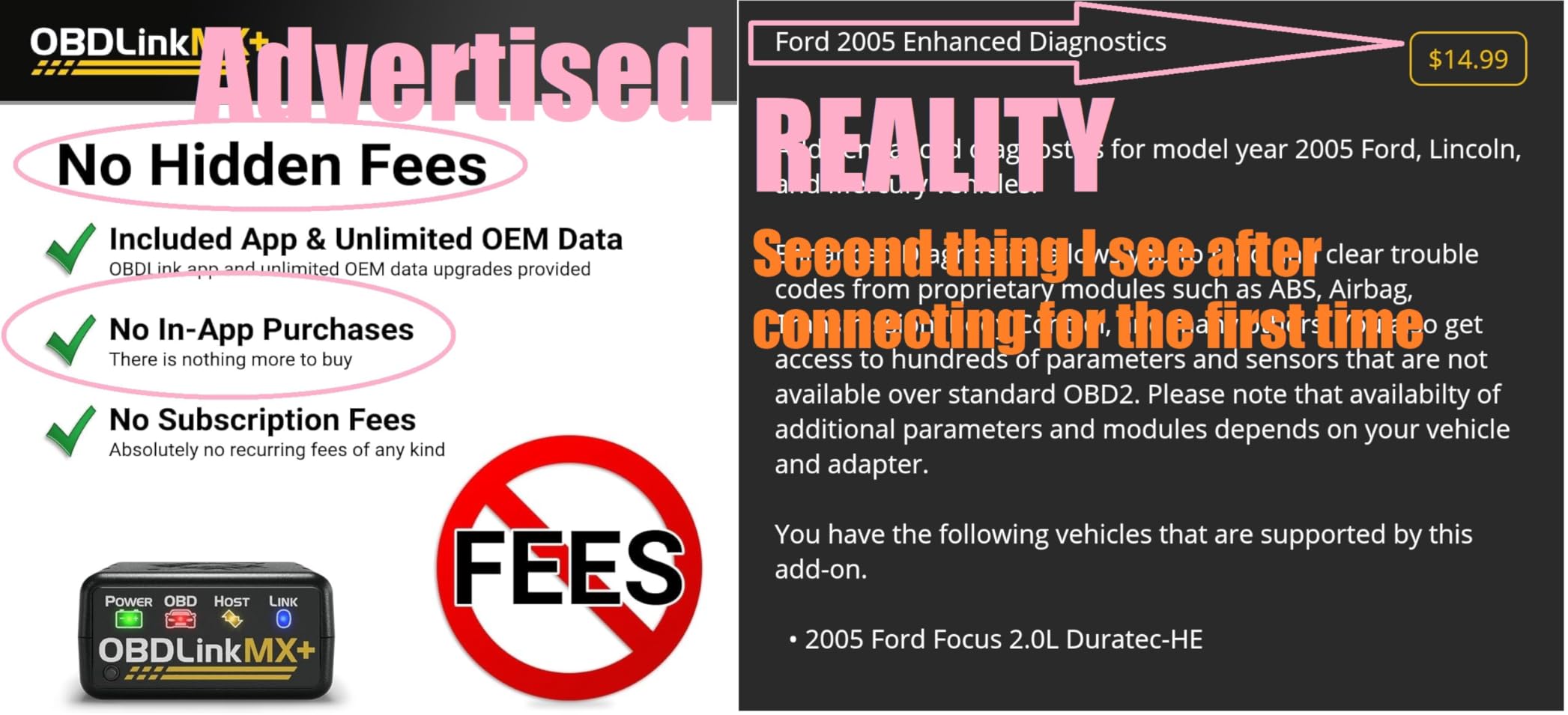
Reviewers are consistent about the app situation. Buying the hardware is half the purchase, and apps such as FORScan and BimmerCode are sold separately, so your real total depends on which ecosystem you commit to. Before you buy, the manufacturer asks you to check the troubleshooting guide and confirm compatibility and features for your specific vehicle.
At 28 grams and roughly 2 by 1 by 1.8 inches it disappears into a glovebox, and the included zip case is a nice touch at this size. The box also carries a compliance insert, quick start guide and warranty card.
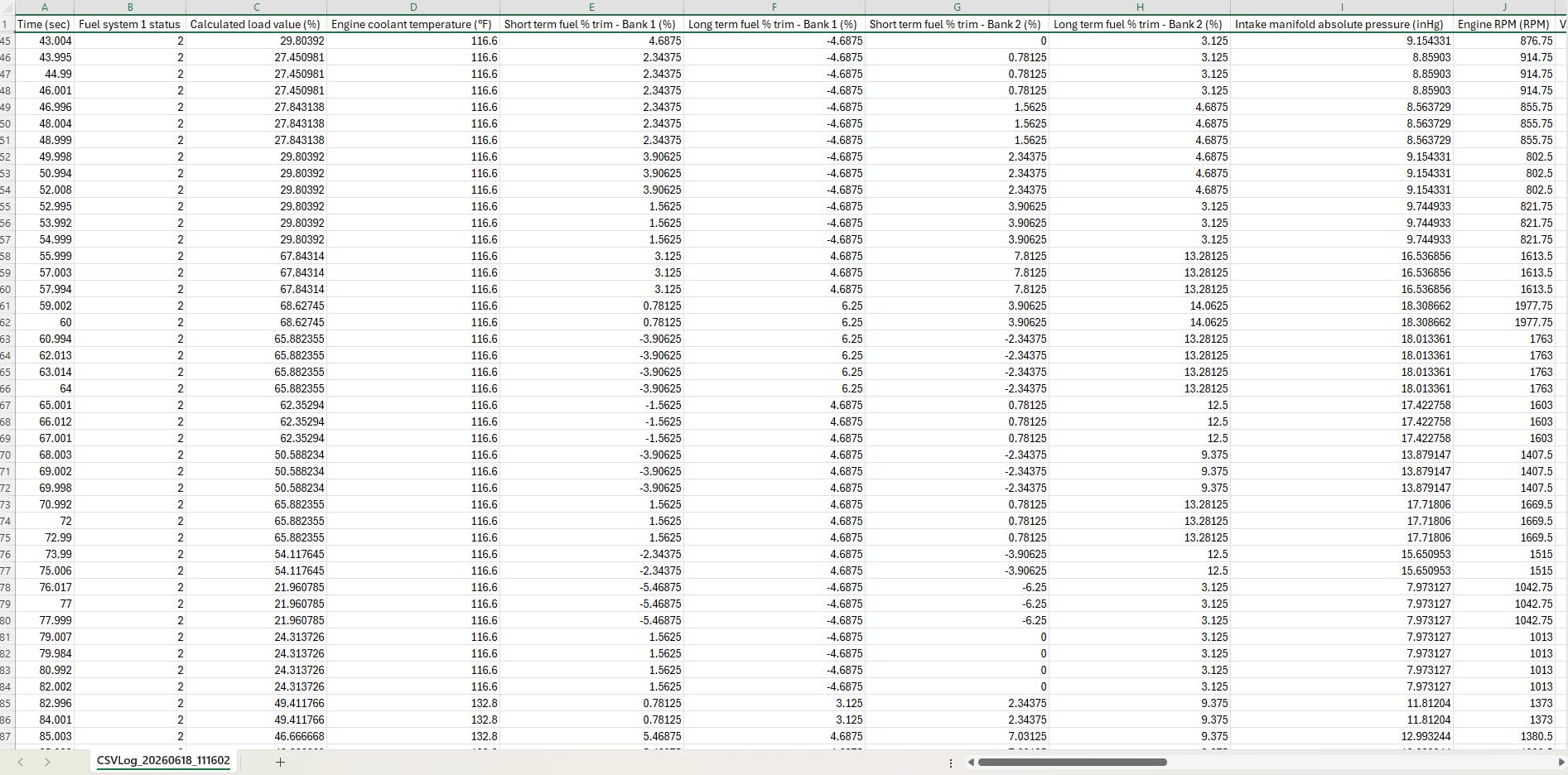
Is the app ecosystem worth the extra cost
If you plan to use one app for years, the ecosystem cost amortises to nearly nothing. FORScan and BimmerCode both offer free tiers, so you can pair the adapter, confirm it talks to your car, and only pay if you need write functions.
If you want a tool that works the moment it is plugged in with no decisions to make, this is the wrong shape of purchase. The BlueDriver in position one bundles its software for that reason.
Where it falls short
There is no built-in screen. Every result is rendered on a phone or computer, which means a dead battery ends your diagnostic session entirely.
Because capability depends on the paired app, a feature list for this adapter is genuinely incomplete. Two owners with the same hardware can have very different results, and coverage varies enough by vehicle that the compatibility check is not optional.
5. OBDLink EX for Ford, Lincoln and Mazda Work on Windows
OBDLink EX FORScan OBD Adapter
Wired USB adapter for Windows
3.5 x 1 x 1.8 inch
Electronic switch for simultaneous CAN bus access
Pros
- Highest rating in this roundup at 4.7
- Electronic switch reaches all CAN buses at once
- Up to 20 times faster than toggle switch adapters
- Automatic driver install
Cons
- Windows PC required
- Needs separate FORScan software
- Effectively limited to Ford
- Lincoln and Mazda
This is the most specialised tool here and the highest rated at 4.7 stars across more than 10,000 reviews, with 87 percent of those reviews at five stars. It is a wired USB adapter built for FORScan and recommended by the FORScan team, and its decisive feature is an electronic switch that lets the software access all CAN buses simultaneously. Toggle-switch adapters physically rewire one bus at a time, and the electronic switch removes that limitation.
The result is throughput up to 20 times faster than those toggle adapters, which shortens module scans and makes data logging practical. The connection is wired, so it is also more stable than Bluetooth, with fewer dropped packets and no risk of a mid-session dropout. Drivers install automatically and the vehicle is recognised straight away, which removes most of the troubleshooting that normally eats an evening.
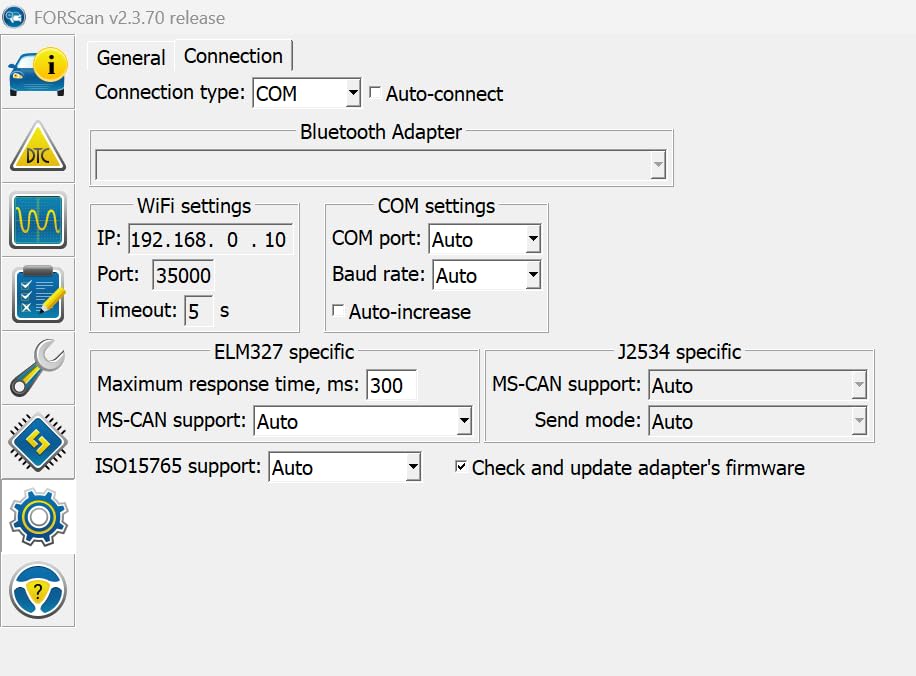
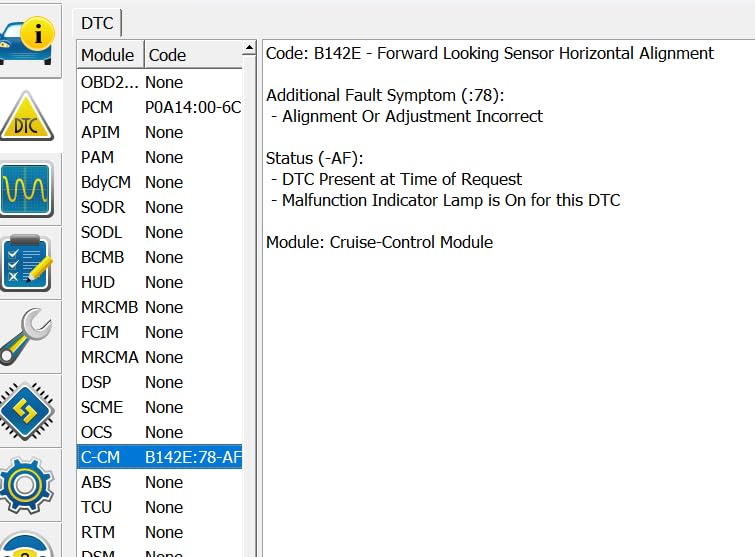
What that buys you, with FORScan installed, is dealership-level diagnostics across all Ford protocols and modules, including module programming and hidden feature coding on Ford, Lincoln and Mazda. Owners describe it as the closest thing to factory equipment available without a dealer account.
The box is deliberately thin: a quick start guide and the scanner itself, measuring 3.5 by 1 by 1.8 inches. Everything that makes it capable comes from the software you install on your computer.
Is this tool for you
If you own a Ford, Lincoln or Mazda and you have a Windows laptop, this is the best value in the list. The electronic switch advantage is not something a Bluetooth dongle can be talked out of, and the automatic driver install means the setup time is close to zero.
Bring the laptop with you. A wired adapter that needs a computer is useless on a roadside with a dead car and no signal.
Where it falls short
It is Windows only. No phones, no tablets, and no Mac, which rules it out for a large share of buyers before any other consideration.
It also requires the separate FORScan software to deliver the advanced capabilities, and it is effectively limited to three marques. A single long-term owner reported a unit failing shortly after the three-year warranty period ended, which is a reminder to check the warranty terms against the age of the vehicle you are diagnosing.
6. FOXWELL NT604 Elite for Multi-System Coverage With No App
FOXWELL Car Scanner NT604 Elite OBD2 Scanner ABS SRS Transmission
4.3-inch 480x272 handheld running Linux
Engine, ABS, SRS and transmission
7.68 x 3.54 x 1.18 inch
Pros
- Multi-system coverage out of the box
- Latest software preloaded so there is no download step
- AUTOVIN reads the VIN automatically
- Protective case and lifetime software updates
Cons
- No service functions such as oil reset or ABS bleed
- SRS crash data cannot be cleared
- AUTOVIN fails on some older vehicles
The NT604 Elite is the handheld answer for people who refuse to use a phone. It is a 4.3-inch 480×272 screen running Linux, and its headline is five-in-one coverage across the engine, ABS, SRS, transmission and check engine systems. That is the coverage tier where a diagnostic tool starts earning its money, because an ABS or airbag light is otherwise invisible to a code reader.
There are ten OBD2 modes plus an I/M readiness menu, a live data stream, a built-in DTC library, data playback and print. AUTOVIN retrieves the VIN and vehicle information automatically across more than 60 brands from America, Asia and Europe, and the unit comes with a rigid protective case rather than the thin plastic bags common at this tier.
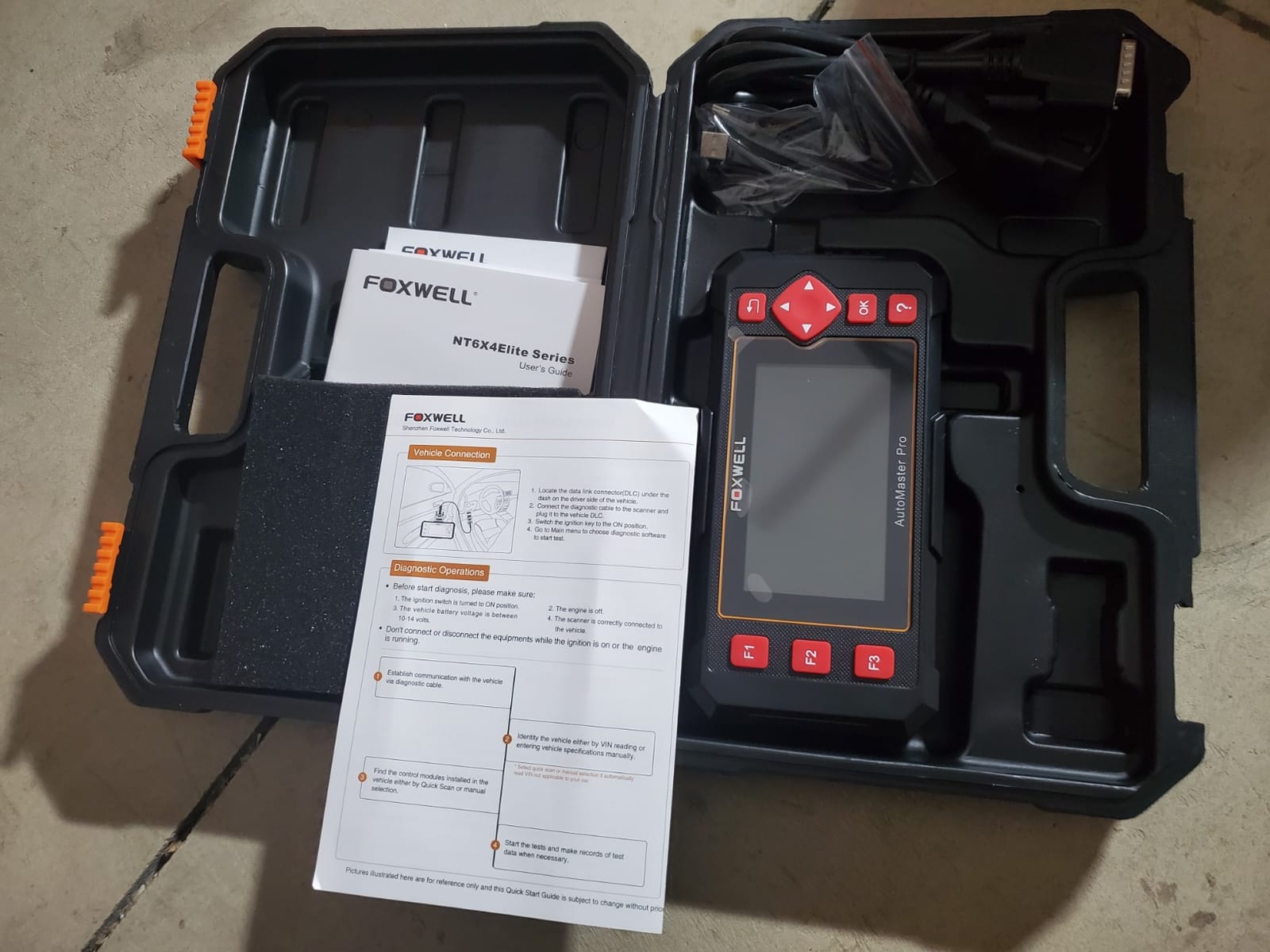
Two details make it pleasant to use. The 2026 version comes with the latest software already preloaded, so there is no download step before your first scan, and lifetime software updates are included with no extra software fee. A 12-month warranty is standard, and the operating system is Linux with corded electric power from the OBD2 port.
Buyers consistently frame this as the value pick for multi-system coverage without giving up a standalone screen. The trade-off versus the LAUNCH and TOPDON tablets is entirely about what you can do after the repair, not what you can read before it.
Deciding between this and a tablet
Choose the NT604 Elite if reading is your job. It reaches four systems, needs no setup, needs no network, and never asks you to complete a trial period to unlock what you paid for.
Choose a tablet if completing a repair is your job. Battery registration, throttle relearn and ABS bleeding are the functions you will wish this had the moment you finish a brake job.
Where it falls short
No maintenance or service functions at all: no oil reset, battery registration, ABS bleeding, throttle body relearn or ABS relearn. This is the single most common complaint in reviews and it is a deliberate design line, not a defect.
SRS crash and collision data cannot be cleared, and AUTOVIN fails on some older vehicles and certain brands, which means falling back to typing the VIN in by hand. Test it on the car you actually care about rather than the newest one in the driveway.
7. OBDLink CX for BMW and Mini Coding Sessions
OBDLink CX Bimmercode Bluetooth 5.1 OBD2 Adapter for BMW/Mini, Works with iPhone/iOS & Android, Car Coding, OBD II Diagnostic Scanner
Bluetooth 5.1 adapter for BimmerCode
1.8 x 1.3 x 0.9 inch
Sleep mode and overvoltage protection
Pros
- Made for BimmerCode and recommended by that team
- Fast stable Bluetooth 5.1 with no mid-session dropouts
- Backup of coding changes on pairing
- Three-year warranty
Cons
- BimmerCode app sold separately and paid for coding
- Free app version only reads codes
- Not compatible with older E-series BMWs such as the E46
Where the MX+ is general-purpose, the CX is a specialist. It is a Bluetooth 5.1 adapter made for BimmerCode and recommended by the BimmerCode team, covering the vehicles, protocols and advanced features that software supports, with easy in-app pairing to both iOS and Android. For a BMW or Mini owner doing battery registration or hidden feature work, pairing is effectively instant.
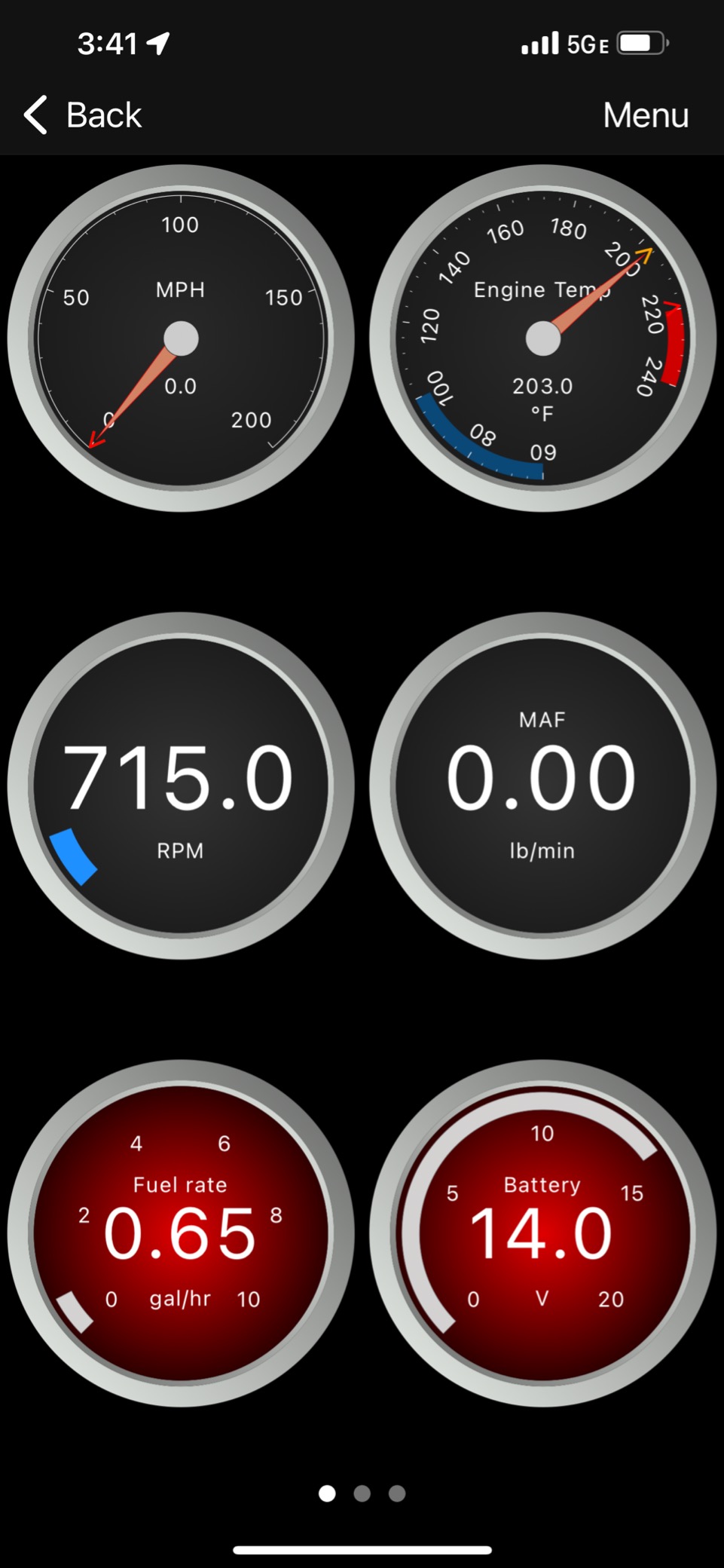
BMW owners report the details that matter during a coding session. The connection stays up through long sessions without dropouts, the app backs up your coding changes automatically, and advanced sleep mode plus overvoltage protection mean the adapter can be left plugged into the OBD2 port without draining the battery. The company also states the connection will not brick an ECU.
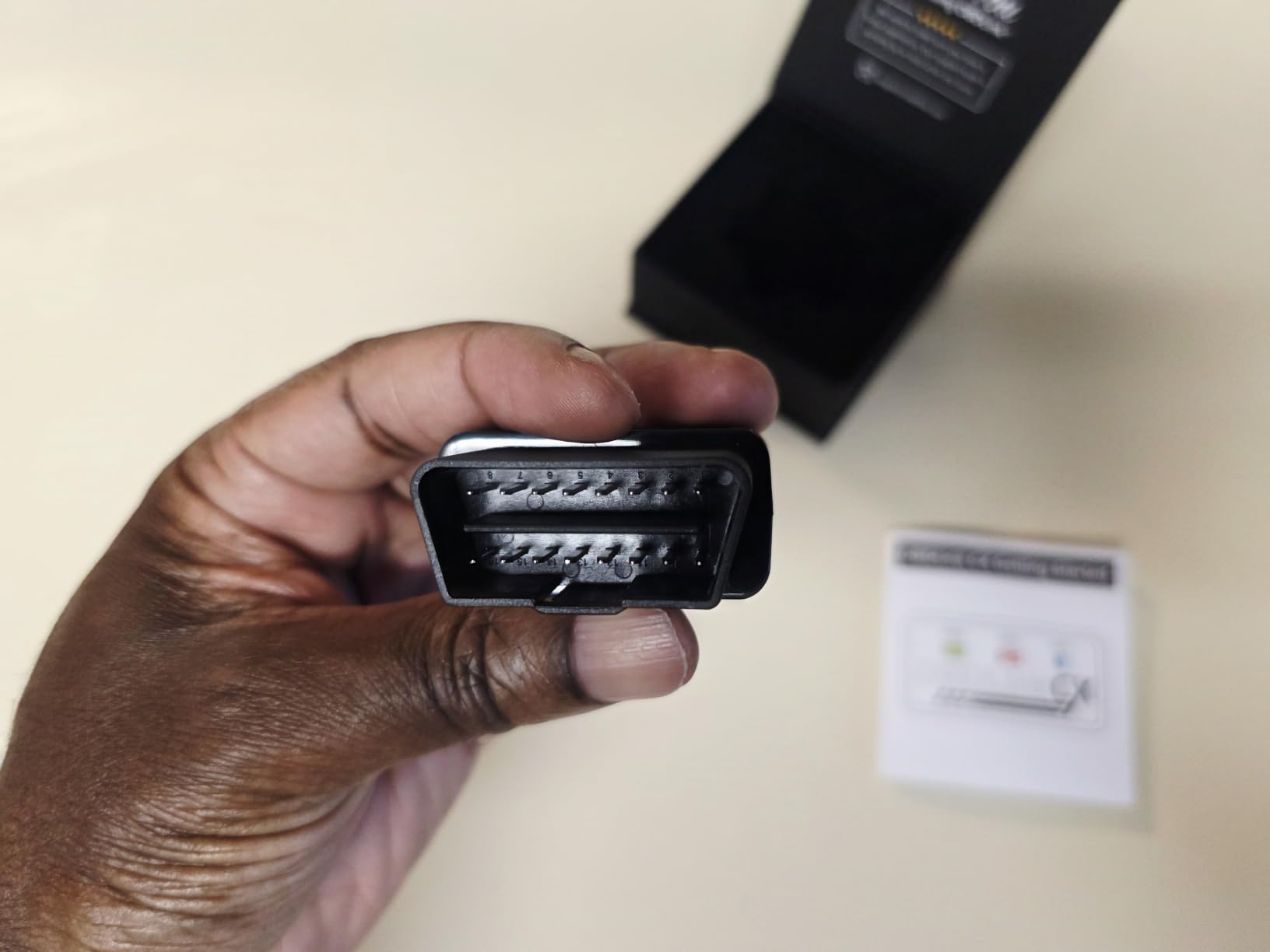
It is a small device, 1.8 by 1.3 by 0.9 inches, and the OBDLink app is included for live parameter monitoring, diagnostics and clearing the check engine light. The box carries a compliance insert, quick start guide, scanner and warranty card, and coverage is backed by a three-year warranty.
It is not exclusively a BMW tool. One owner used it to pull diagnostic data from a Ford F-150, which is exactly what an adapter with full protocol support should do. But the design, the recommendation and the warranty all point at German cars.
What the BimmerCode cost means for you
The free version of BimmerCode reads codes without writing them, so you can pair the CX, confirm your car is supported and clear the check engine light at no software cost. You only pay when you want coding or battery registration.
Check the supported model list for your specific chassis generation before buying. The documented gap is the E46 era, and older cars fall outside what this pairing is designed for.
Where it falls short
The app is a separate cost, and full BimmerCode licensing is required for the coding features that justify this adapter over a generic one. Buyers describe it as half a purchase until they add software.
A small number of owners report occasional Bluetooth connection dropouts despite the Bluetooth 5.1 radio, and the E46 incompatibility is a hard stop for anyone with that generation of BMW.
8. Innova 5210 for Battery Testing and Post-Oil-Change Resets
Innova 5210 OBD2 Scanner & Engine Code Reader, Battery Tester, Live Data, Oil Reset, Car Diagnostic Tool for Most Vehicles, Bluetooth Compatible with America’s Top Car Repair App
2.8-inch handheld with attached OBD2 cable
Battery and alternator tester built in
5.99 x 2.99 x 0.99 inch
Pros
- Doubles as a battery and alternator tester
- Built-in oil light reset
- RepairSolutions2 verified fixes with no subscription
- Live data and drive cycle readiness
Cons
- ABS coverage varies by vehicle and must be checked
- Features vary by year make and model
- Readiness monitors reset after a battery disconnect
The Innova 5210 stands out from the other handhelds because it answers a question the rest ignore. It functions as a car battery tester and checks alternator health, so when a car will not start you can distinguish a dead battery from a charging fault before buying parts. Among the scanners we covered, it is the only one that does this.
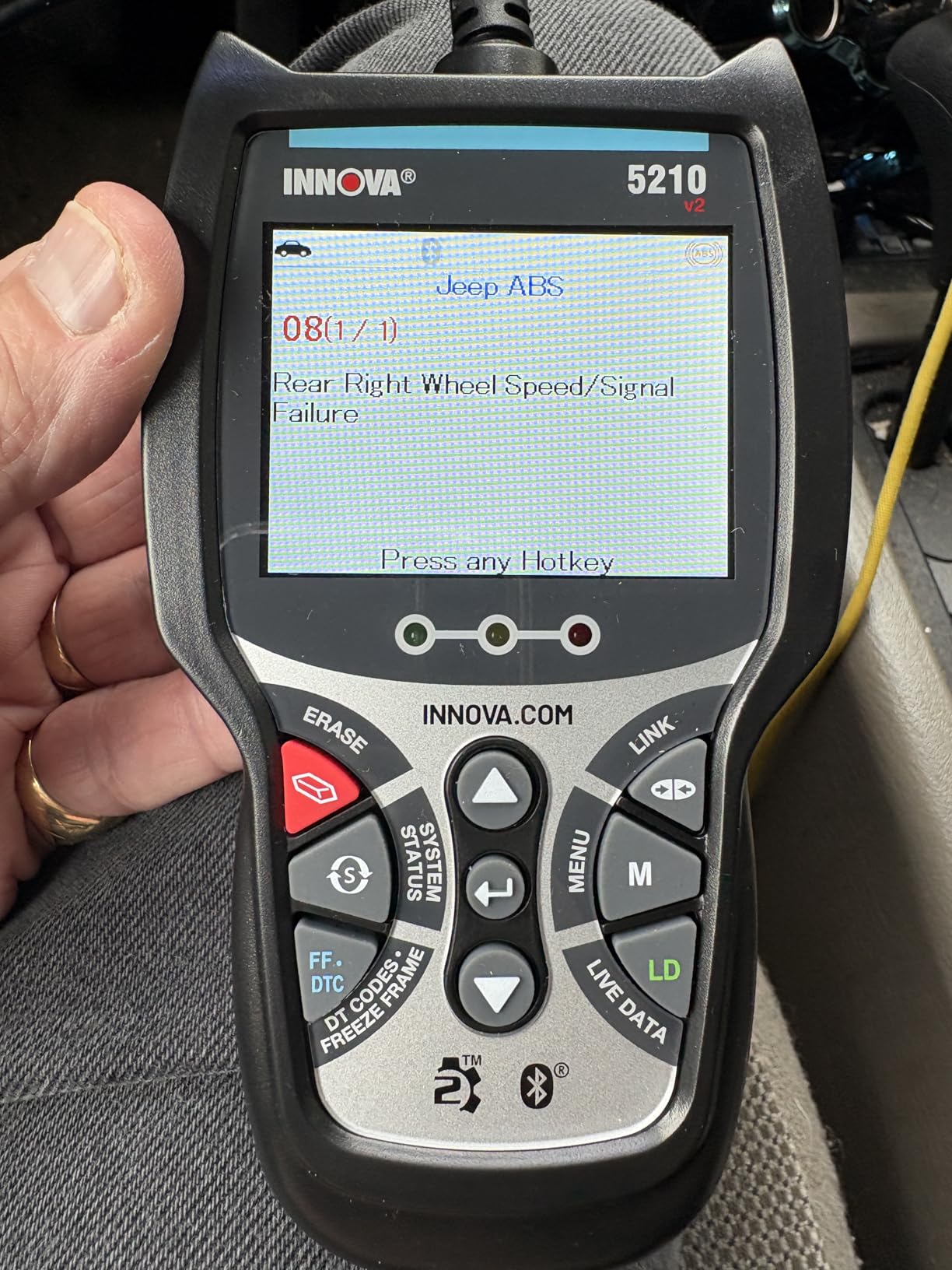
The second feature that earns its place is the oil light reset, which handles the most common post-service annoyance. It also covers check engine and ABS codes where coverage varies, gives you live data for RPM, engine temperature, fuel trims and oxygen sensor readings, and includes a drive cycle readiness feature for emissions testing.
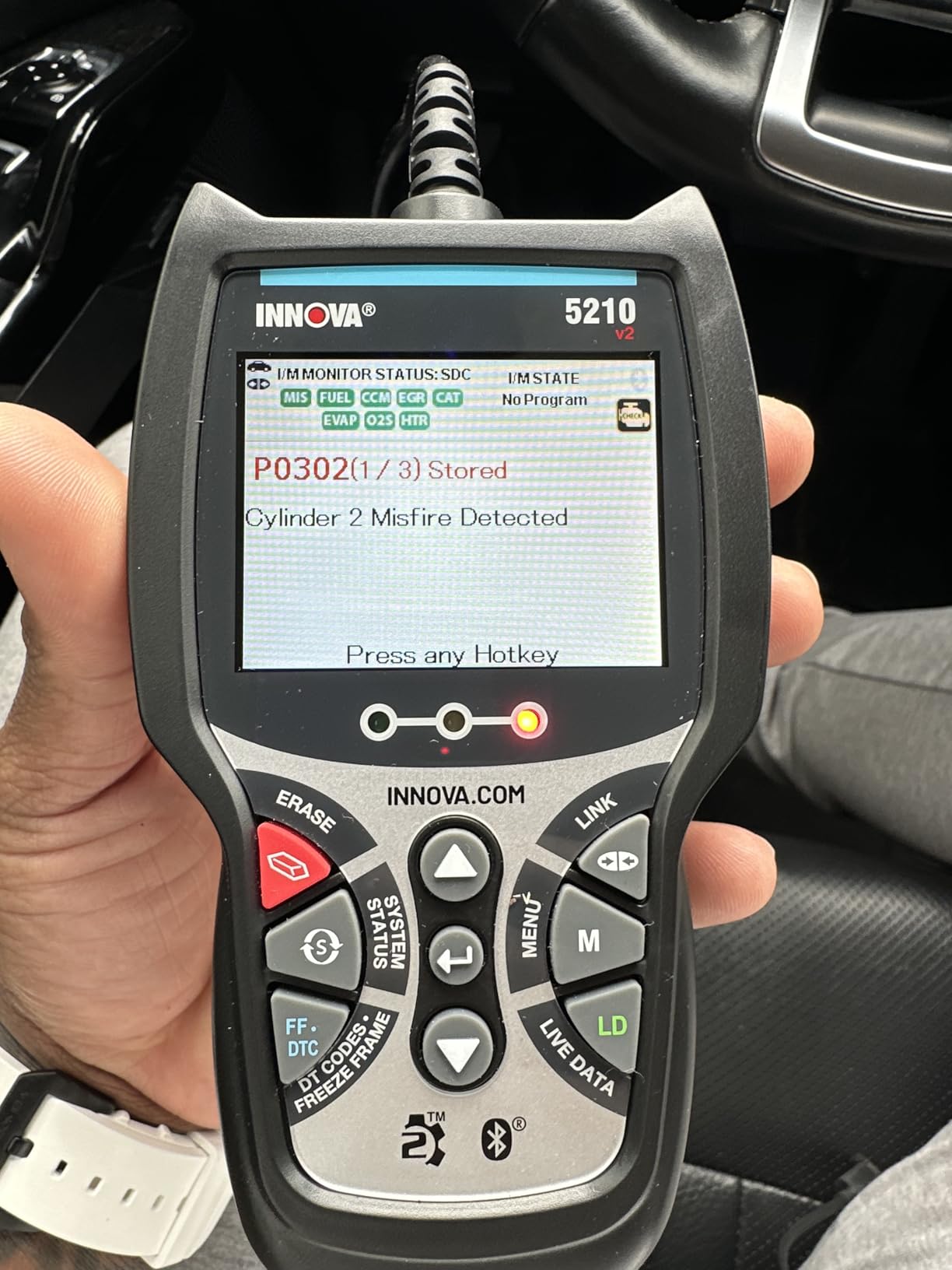
It pairs over Bluetooth with the RepairSolutions2 app on iPhone and Android, which provides verified fixes from ASE-certified mechanics with no subscription and no hidden fees, along with step-by-step guidance, suggested parts and cost estimates. The 2.8-inch screen comes with an attached OBD2 cable, and the box includes a code reader, cable and quick start guide.
Coverage extends across most US, Asian and European vehicles from 1996 onward, including Toyota, Ford, Honda, Chevrolet, Nissan and Dodge. The important step is to run Innova’s coverage checker for your specific vehicle before ordering, because feature availability is genuinely make, model and year dependent.
Why battery testing changes the buying decision
For an owner of an older car, a failing battery or alternator is one of the most common reasons a vehicle will not start. A tool that tests the battery and the charging system turns a guessing game into a five-minute answer, and no other handheld in this bracket does both the scan and the electrical test in one box.
Combine it with the oil reset and this becomes the most complete maintenance companion for someone who services their own car on a schedule rather than in response to a warning light.
Where it falls short
ABS coverage varies by vehicle and must be confirmed with the coverage checker, which is the step most people skip and most regret. Treat any feature list for this model as conditional on your car.
One behaviour catches people out: emission readiness monitors reset after any battery disconnect or code clear and need a complete drive cycle to repopulate. If you have just done battery work, this tool will tell you the car is not ready, which is correct but alarming the first time.
9. LAUNCH CRP123I V3.0 Elite for Seven Reset Functions on a Tablet
LAUNCH OBD2 Scanner CRP123I V3.0 Elite,7 Resets Car Scanner,Lifetime Update
5-inch 1280x720 touchscreen running Android
ABS, SRS, transmission and engine
6100mAh battery, 8.6 x 1.3 x 4.7 inch
Pros
- Seven reset functions covering throttle oil SAS ABS BMS EPB and DPF
- Over 10 hours of battery per charge
- WiFi lifetime updates with no PC step
- FCA AutoAuth with CAN FD and DoIP
Cons
- Will not function until brand data is downloaded
- Code descriptions depend on internet access
- Not a bidirectional programmer
The CRP123I V3.0 Elite is the first tool in this roundup that can complete a repair rather than just diagnose it. Its seven reset functions are throttle adaptation, oil reset, SAS reset, ABS bleeding, BMS reset, EPB reset and DPF regeneration, which together cover the majority of work that leaves a module unhappy after a repair. Battery registration and electronic parking brake resets are exactly the jobs that otherwise mean a shop visit.
It is a 5-inch 1280×720 backlit touchscreen running Android 8.1 with 2GB of memory and 64GB of storage, built into a rugged protective case. The 6100mAh rechargeable battery runs over ten hours per charge, so unlike most OBD2 tools it is not tethered to the port while you work.
Protocol coverage is where this separates itself. FCA SGW AutoAuth support reaches 2017 and later Fiat-Chrysler vehicles behind the Secure Gateway Module, and CAN FD and DoIP bring the newer architectures into range, with up to four times faster data transfer when the appropriate adapters are used. One-touch dual-band WiFi updates cover 100-plus brands from 1996 to 2026, and a five-year warranty backs the whole thing.
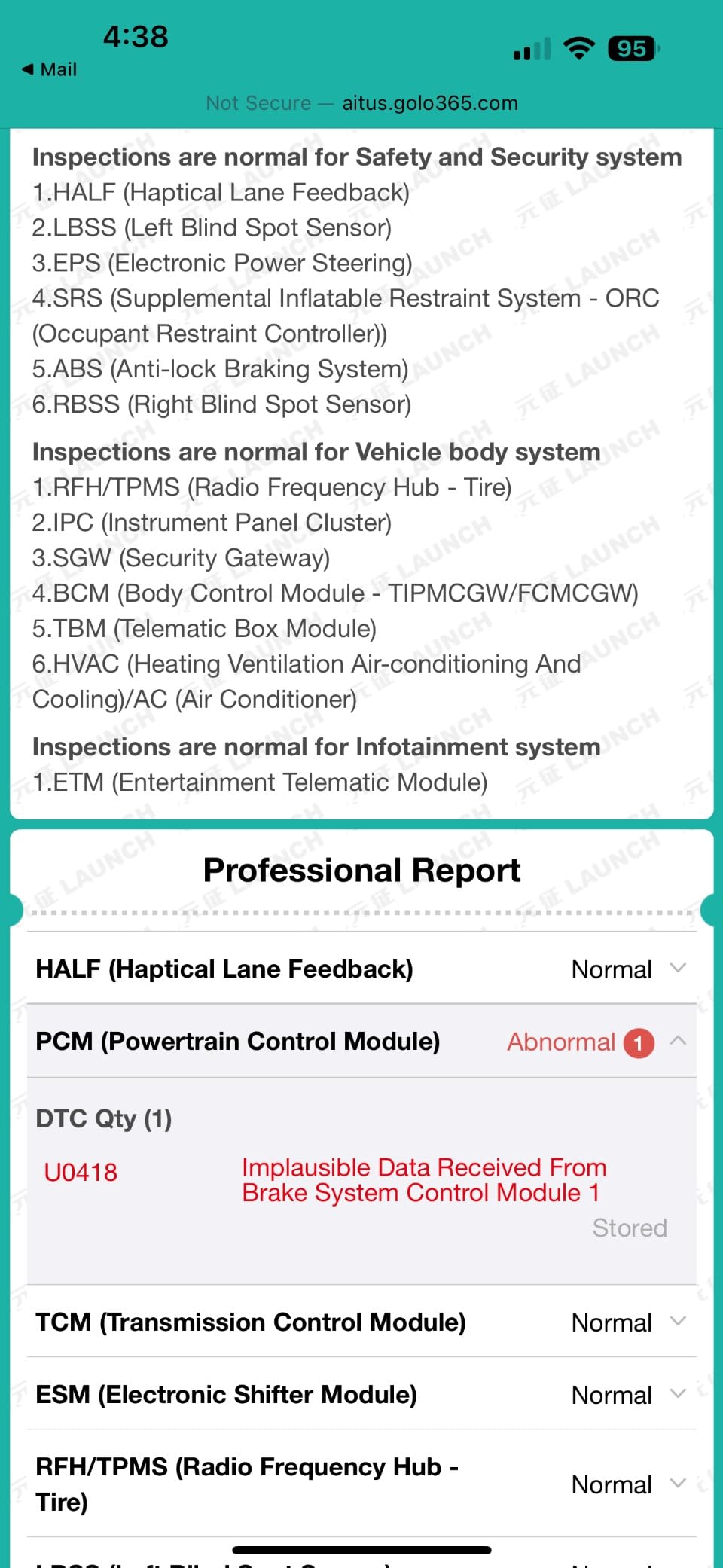
The 4-in-1 live data graph merges engine RPM, vehicle speed, coolant temperature and absolute throttle position onto a single screen and records the session for later playback, which makes before-and-after comparison after a repair genuinely practical. It also generates shareable vehicle health reports.
Plan for the setup before the diagnosis
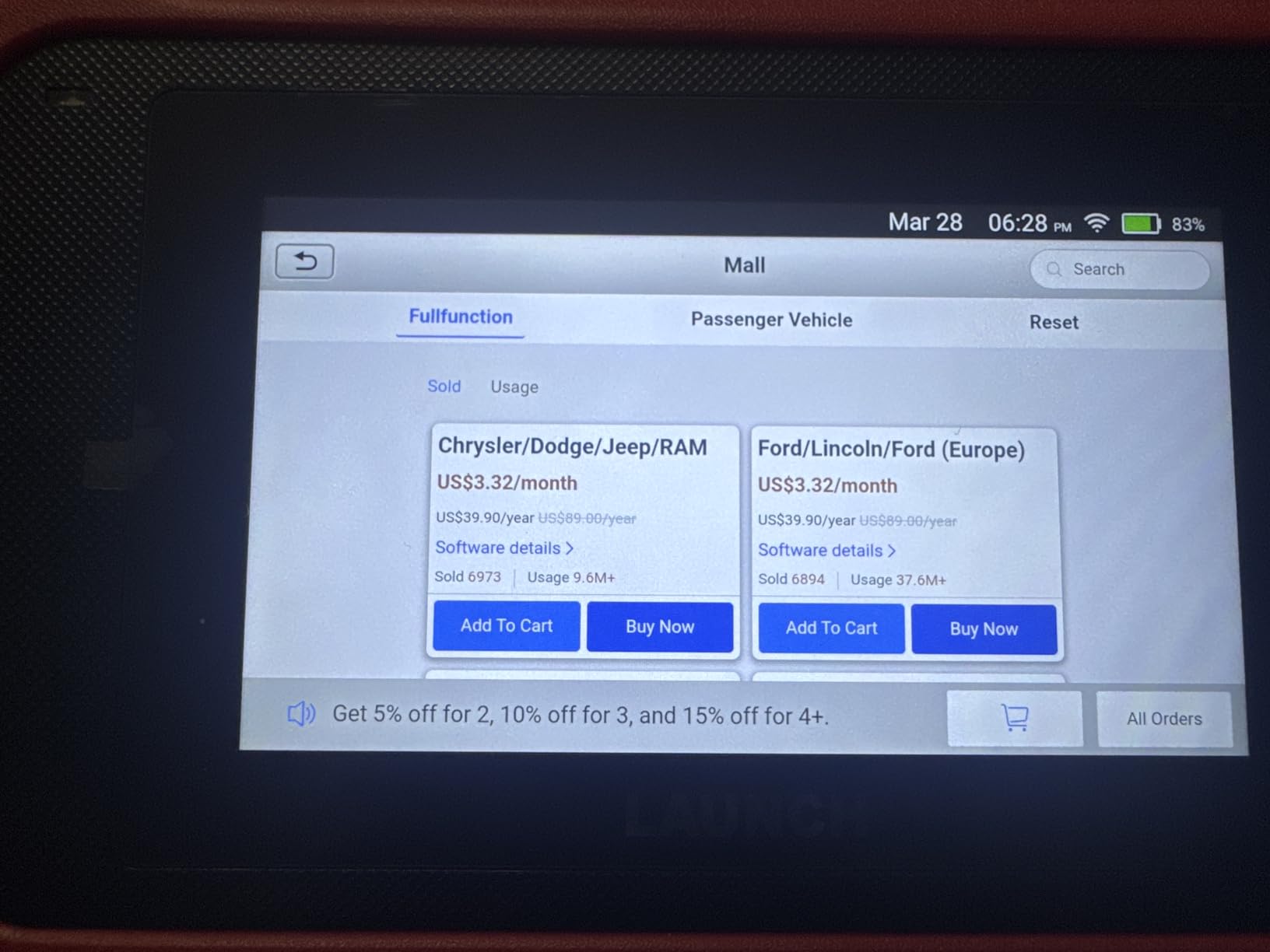
This tool will not work properly until you complete WiFi registration and download the data for the brands you need. Budget an evening with a reliable network before you rely on it, because the dominant complaint in reviews is owners opening the box and finding it unresponsive.
That same dependency cuts the other way. Code descriptions come from the internet, so on a secured or restricted network, or far from any signal, this scanner is far less useful than a handheld with a local code library. Check that you will always diagnose somewhere with WiFi.
Where it falls short
It is not a bidirectional programmer, so it cannot switch off unwanted factory features or run custom coding the way a professional tool can. Reset functions are not the same thing as coding.
Some newer functions need extra adapters for CAN FD and DoIP, which are additional purchases. Confirm whether the specific vehicle and the specific reset you need require one before you commit.
10. TOPDON AD600S for the Widest Set of Service Functions
TOPDON AD600S OBD2 Scanner, Engine ABS SRS Transmission Diagnostic Tool
5-inch 1280x720 touchscreen running Android 11
Engine, ABS, transmission and SRS
630 g, 8.7 x 1.46 x 5.23 inch
Pros
- Nine service functions including ABS bleeding and injector coding
- Four-system diagnostics across all 10 OBD2 modes
- CAN FD and FCA AutoAuth for newer vehicles
- Lifetime free WiFi updates
Cons
- After a 30-day trial it reverts to nine free service functions
- WiFi required for initial setup
- Heaviest tool here at 630 g
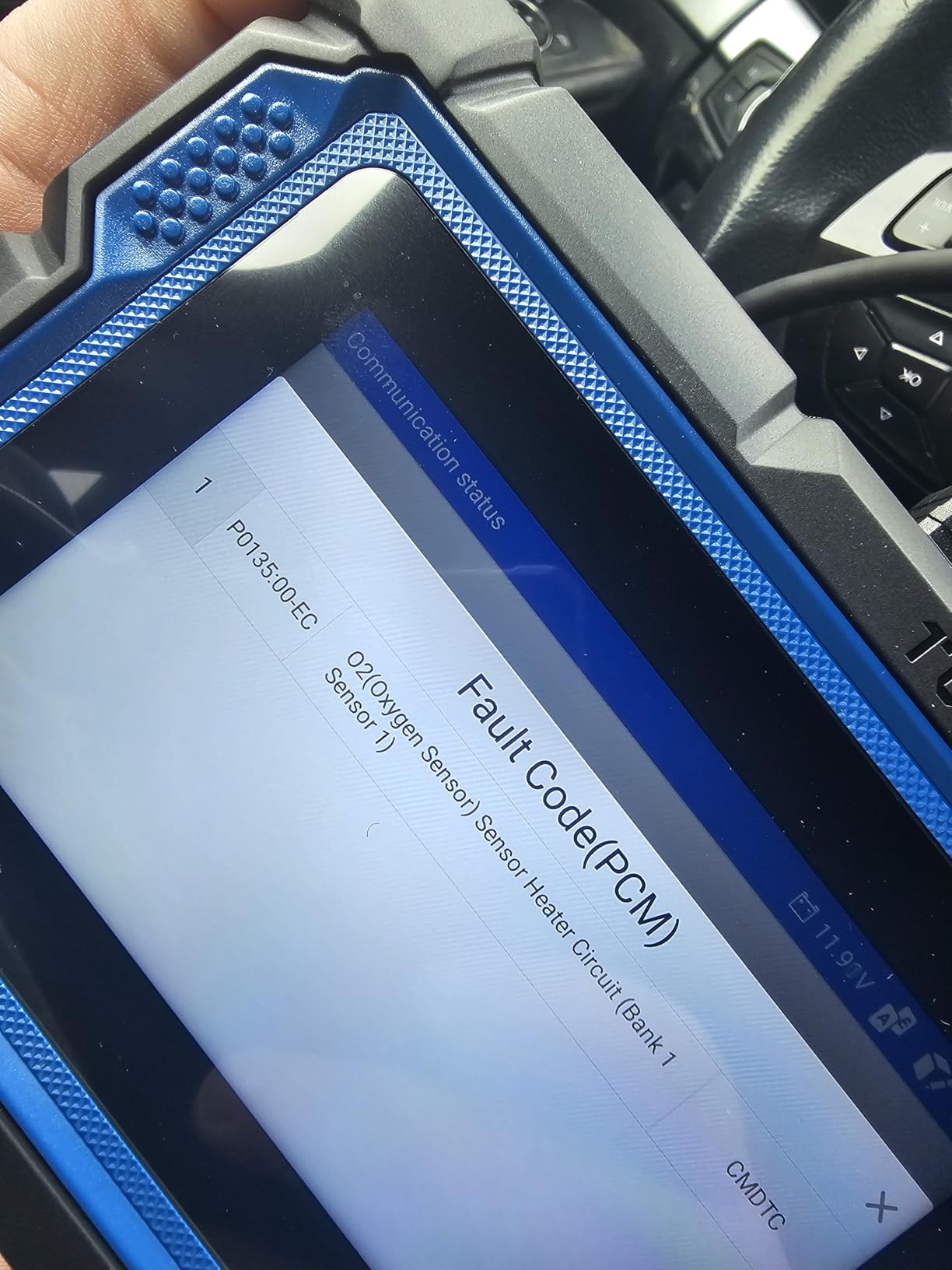
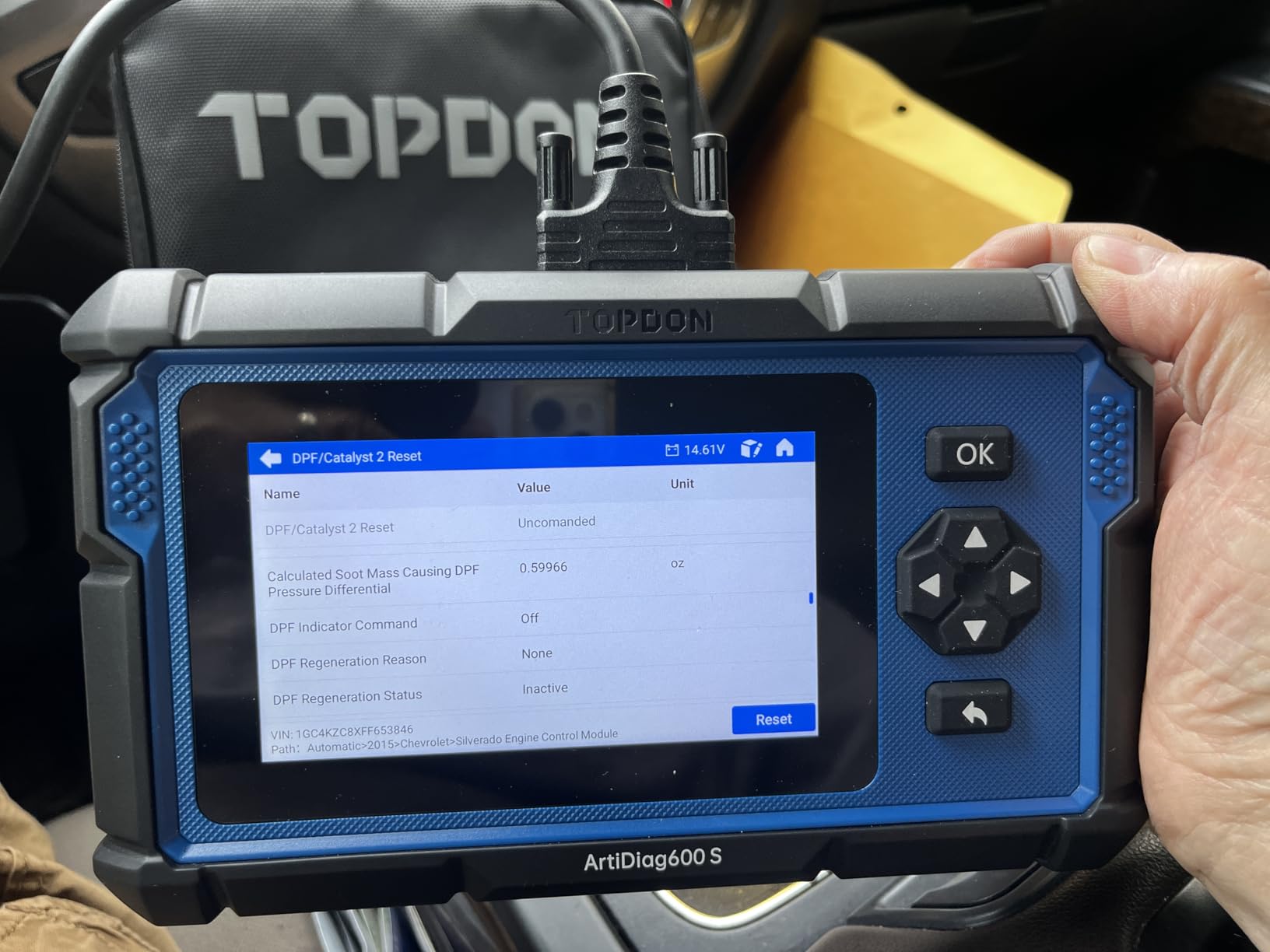
The AD600S carries the widest service function set in this roundup, with nine of them: oil reset, brake and EPB reset, BMS reset, SAS reset, DPF regeneration, TPMS reset, throttle and ETS relearn, ABS bleeding and injector coding. Injector coding and ABS bleeding are the two that distinguish it from the LAUNCH, and both are jobs that normally mean a workshop.
Underneath, it does four-system diagnostics across engine, ABS, transmission and SRS using all ten OBD2 test modes. The 5-inch 1280×720 touchscreen runs Android 11 with 32GB of storage, includes AutoVIN vehicle identification and a built-in DTC lookup, and draws a 4-in-1 merged waveform live data graph with reports that can be saved, shared, printed or emailed.
Coverage spans more than 90 vehicle brands for 12V light-duty vehicles from 1996 onward, with CAN FD support and FCA AutoAuth gateway access reaching into newer platforms. Software updates are free for life over WiFi with no subscription, backed by a one-year warranty.
Read the trial terms carefully before buying. A free 30-day trial of all 30 special services unlocks after activation, and when it ends the device returns to the original nine services, which do remain free with lifetime updates. Nine functions is genuinely the most in this group, but the trial is a sales device rather than a feature you keep.
Is the trial model a problem
Not if you know it going in. The nine permanent services cover oil, brake, BMS, SAS, DPF, TPMS, throttle, ABS and injector work, and those are the functions most owners actually need after a repair.
It is a problem if you are buying for access to the wider thirty-service set. Test it, decide, and treat the remaining services as a bonus rather than a plan. Also complete the WiFi setup before you buy, since most basic diagnostics work offline afterwards but the first run does not.
Where it falls short
At 630 grams it is the heaviest tool in this roundup by a wide margin, and a 5.23 inch wide body is a lot of device to hold in one hand in a confined wheel well.
Function availability still varies by year, make, model and system, so a VIN check before purchase is worth the few minutes it takes. It also has the smallest review base here at 1,995 reviews, which means a shorter track record when you weigh feature breadth against long-term reliability.
How to Choose an OBD2 Scanner Under 200 Dollars in 2026
Start with a question, not a spec list. What are you actually trying to do? If the answer is read a check engine light, clear it and check readiness before a smog test, you need an engine-and-emissions tool and nothing more. If the answer is find out why an ABS or airbag light is on, you need multi-system coverage. If the answer is finish a repair without a second trip to the shop, you need service functions. Each step up the bracket buys one of those three things, and paying for all three is the only way this spend is really justified.
Engine-only, 4-system or full-system explained
An engine-only scanner talks to the powertrain control module and reports emission-related trouble codes. That covers your check engine light, misfires, oxygen sensor faults and fuel trim problems, and it is what the AD310 and NT301 deliver. It is also the reason a basic reader cannot help with a brake or airbag light.
A 4-system scanner adds transmission, ABS and SRS modules. Most warning lights other than the check engine light live in those modules, so this is the coverage tier that matches how real problems present themselves. The Foxwell NT604 Elite and the Innova 5210 sit here, and the BlueDriver reads the same families through an app.
Full-system coverage means querying every module on the car, including body control, TPMS and infotainment. Nothing in this bracket claims true all-module coverage, and the closest approaches, the LAUNCH and TOPDON tablets, cover four systems plus manufacturer routines. That is still a large step up from engine-only.
What bidirectional actually means
A read-only scanner asks a module what it remembers. A bidirectional tool sends a command back, telling a component to act so you can watch what happens. In plain terms, it is the difference between a light being on and being able to cycle the ABS pump, run a fuel injector test, command the throttle actuator, or cycle the electronic parking brake motor and confirm it responds.
This matters most when a code points at a part that may be fine and a wire that may not be. Active tests let you prove the component works before you buy it. It is the single capability that separates a genuine diagnostic tool from a code reader, and it is also the one that counterfeits fail at most often.
How to spot a cloned or counterfeit adapter
Some very cheap dongles use a copy of the ELM327 chipset rather than the real chip. They read generic engine codes perfectly well, then fail the moment you ask for anything harder, which creates the false impression that the tool or the software is at fault.
Four warning signs. The first is a protocol list that is suspiciously short, usually missing CAN or listing only a subset of the five standard protocols. The second is a live data stream that shows a handful of frozen or identical values. The third is any attempt at an active or bidirectional test that ends in a failure message or a timeout.
The fourth is Bluetooth pairing that never quite completes or drops repeatedly. The practical defence is simpler than any of that: check that the listing names a real manufacturer with a real company behind it, and check that the review count is large enough to reveal problems. Every adapter in this roundup comes from an established brand with thousands of reviews or more, which is itself a form of counterfeit filter.
Reading the update and subscription language
Three models exist and they are not equivalent. Lifetime free updates mean the manufacturer keeps extending your vehicle coverage at no cost, which is the strongest signal in this category. A one-year free update period means you pay later to keep the tool current. A subscription or trial model means a recurring or expiring fee sits behind some of the features.
Read exactly what the trial unlocks and what survives. The TOPDON AD600S grants all thirty special services for thirty days and then returns to nine permanent ones, which is generous but worth understanding before purchase. A one-time purchase with no subscription and no account, as with the BlueDriver, removes the question entirely.
Also check how updates reach the device. WiFi updates work anywhere. USB updates tied to a Windows PC, as on the Foxwell NT301, need a computer and a cable. SD card updates that require finding the file yourself are a step backwards rather than a neutral choice.
Should you spend at all
Probably not, if you read two codes a year. Torque on Android with a basic Bluetooth adapter will read and clear codes and show live data, and free tiers of OBDeleven-style apps cover some manufacturer routines. The zero-cost baseline is genuinely capable, and lots of people never move past it.
Spend when the free route stops answering your question. That moment usually arrives when you need a module the generic protocol cannot reach, when you need to complete a reset before the car will start, or when you want a repair report that tells you what actually fixed this code before.
Check your year, make and model first
This is the most repeated question in the car forums and the easiest step to skip. Confirm four things before you pay: that your vehicle is 1996 or newer for the OBD2 port, that the tool covers your specific make and model rather than the marque generally, that the modules you need are included, and that any service function you want is supported for that vehicle rather than merely offered by the software.
Then think about form factor. Choose a phone adapter if you already use your phone for everything else and want the cheapest path to multi-system reads. Choose a handheld if you want independence from a device that can run flat, or if you plan to hand the tool to somebody else. Choose a tablet if you need service functions and accept a setup step and a dependence on WiFi.
Where electric and hybrid owners hit a wall
Every tool in this bracket is a 12V tool, and the coverage claims are written in those terms. Battery electric vehicles put high-voltage systems, battery management modules and their own fault codes in places that a conventional OBD2 scanner will not reach, and many tools simply fail to establish a useful connection. Hybrids are more tractable because the combustion engine half still reports normally, but the hybrid control modules usually do not.
If you own a battery electric vehicle, check the specific tool’s compatibility list before buying anything here, and expect a separate high-voltage diagnostic path. The LAUNCH BMS reset and the TOPDON BMS reset relate to 12V battery registration on conventional vehicles, not to traction battery diagnostics.
We keep a running list of hardware and software setups for other scanning and imaging tasks, including our guides to document scanners for home offices and photo scanners for digitizing memories, if you want the same kind of tiered comparison for a different device.
Frequently Asked Questions
What is the best OBD2 scanner under 200 dollars?
For most owners, a Bluetooth phone adapter that reads engine, ABS, SRS and TPMS codes with no subscription is the best OBD2 scanner under 200 dollars. A standalone handheld is the better choice if you want a screen you can use without a phone. A tablet with service functions is worth the money only if you need battery registration, ABS bleeding or throttle relearn after a repair.
What is the best OBD2 scanner on a budget?
On a tight budget, a standalone handheld code reader covering all five OBD2 protocols is the strongest value because it needs no phone, no app and no subscription. It will read and clear engine and emission codes, show freeze frame data and confirm I/M readiness before a smog test. It will not reach ABS, SRS or transmission modules.
What is the best budget bidirectional scan tool?
Bidirectional control means the tool commands a component to act, such as cycling the ABS pump or running a throttle actuator, rather than only reading stored values. Below 200 dollars the closest options are service-function tablets that include ABS bleeding and throttle adaptation. Everything cheaper in this bracket is read-only, and cloned ELM327 adapters typically fail active tests entirely.
What is the best OBD2 scan tool under 200 dollars?
The best scan tool under 200 dollars depends on which job you are doing. For multi-system code reading with verified repair reports and no subscription, a Bluetooth phone adapter is the strongest all-round choice. For post-repair work such as oil, battery, EPB and DPF resets, a 5-inch Android tablet with seven or more reset functions is the better tool.
Are cheap OBD2 scanners any good?
Yes, for their actual scope. A cheap standalone reader reads and clears engine and emission codes accurately and is often the most reliable purchase you can make because it has no phone dependency and no update process. What cheap tools cannot do is reach beyond the engine, command components, or survive counterfeit chipsets on active tests. Judge them on system coverage and update policy, not on build quality.
What’s the difference between a cheap and an expensive OBD2 scanner?
The gap is system coverage, software and bidirectional capability. A cheap tool reads engine and emission codes only and has a local code library. A mid-range tool adds transmission, ABS and SRS modules, live data graphing and VIN-matched repair reports. A tool in the upper part of this bracket adds service functions such as battery registration, ABS bleeding and DPF regeneration, plus tablet screens and app ecosystems.
Can an OBD2 scanner under 200 dollars replace a professional scan tool?
No. Professional scan tools add bidirectional active testing, module programming, custom coding and high-voltage diagnostics for electric and hybrid vehicles, and their coverage of manufacturer-specific routines is far deeper. A scanner in this bracket handles code reading, clearing, live data, readiness checks and common service resets, which covers the majority of owner-level work without the complexity or the cost of dealer equipment.
Final Verdict on the Best OBD2 Scanners Under 200 Dollars in 2026
The BlueDriver is our default recommendation among the best OBD2 scanners under 200 dollars because it removes every decision from the purchase. It reaches six code families, pairs with the phone already in your pocket, and returns a technician-verified repair matched to your VIN with no subscription and no account. For most owners that combination is the whole job, done properly.
Buy the ANCEL AD310 instead if you want zero dependencies and only handle engine codes. Buy the Innova 5210 if battery and alternator testing and oil resets matter to you. Buy the Foxwell NT604 Elite if you want multi-system coverage on a screen of your own. Buy the LAUNCH CRP123I or the TOPDON AD600S only when you are completing repairs that require service functions, and read the trial and WiFi terms first.
And if you are not sure you need any of them, read two codes on a free app with a basic adapter before you spend. If you tell us your year, make and model, and whether you want a phone adapter or a handheld, we can point you at the one tool in this list that fits, rather than the five that almost fit. You can also see how we approach tiered buying guides in our picks for portable sheet-fed scanners for receipts.